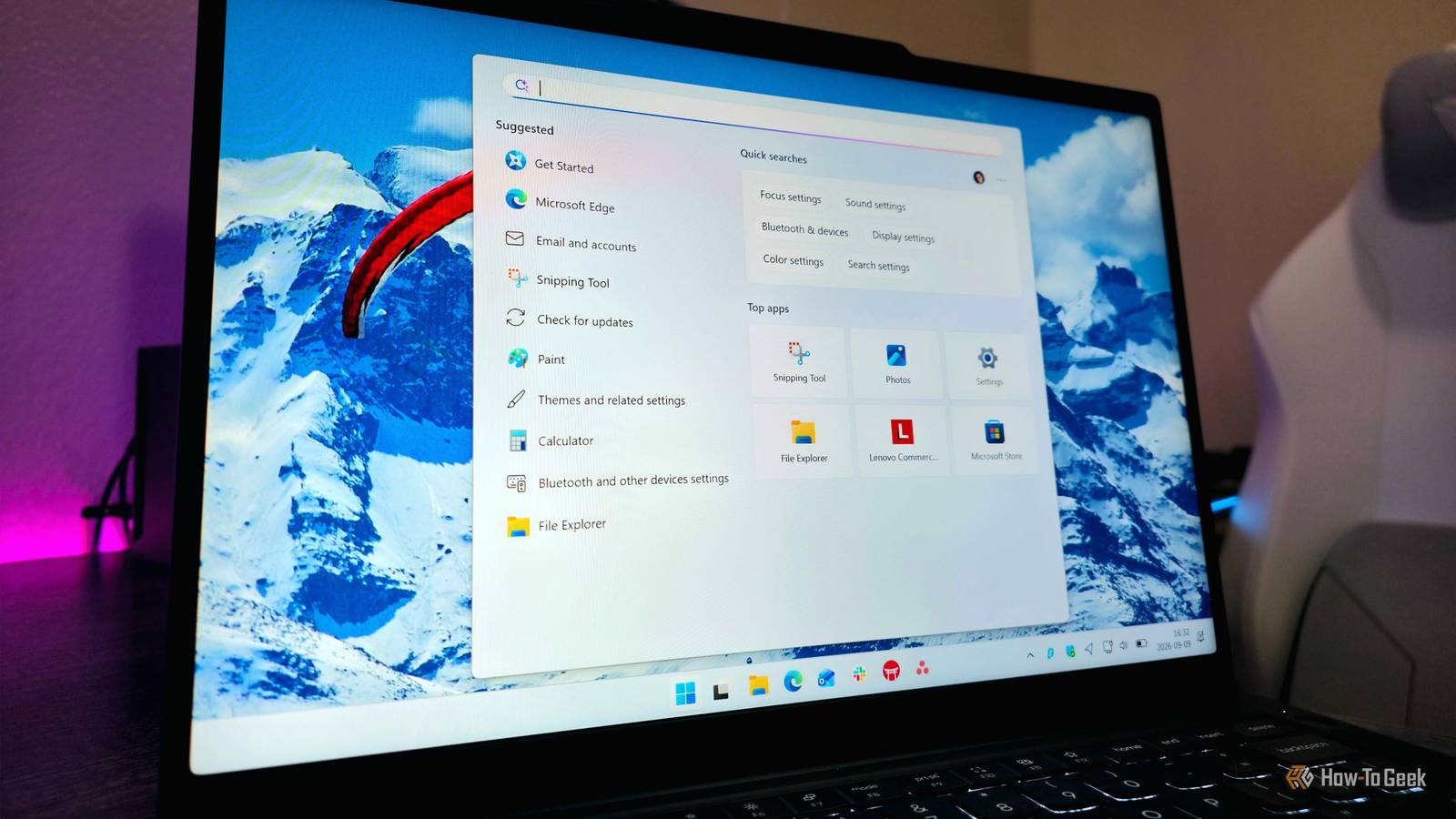
Windows 11 has long baked Bing into local search, and escaping it meant editing the registry.Version 26H2 finally adds a proper toggle.Here is what search looked like before, how much faster it feels now, and whether switching Bing off is worth it.
How was it before? Bing crowded local files and needed a registry hack For years, typing into the Windows 11 Start menu meant searching two places at once.Any query for an app, file, or folder also went out to Bing, so web results landed right next to your own documents.The Settings app never offered a way to switch that off, which pushed people toward the registry.
The usual fix was a single value called BingSearchEnabled set to zero, or a Group Policy change.Both worked, but both were workarounds for behavior Microsoft treated as a feature, and users reported that web suggestions kept creeping back even after they had disabled every related setting they could find.Might be one of the most Microsoft things I've ever seen.
The clutter went beyond web links.For one, searching the word "pdf" on the current stable build could put a Bing result in the top slot, with Store PDF editors sitting above the local files.Searching for a term that only appeared inside a local text file flooded the panel with web results before it reached the file itself.
The Search home screen added to the noise with MSN content, trending searches, a Microsoft Rewards icon, and Copilot promotions.That design also had a technical cost.Because Search queried the web alongside the local index, it had to wait on network round-trips, which is why Microsoft said removing Bing would improve Search performance.
The company also made clear that Bing would stay on by default, so most people still see the old behavior out of the box until they flip the switch.The mismatch between what people expected from a local search box and what Windows delivered had been one of the platform's longest-running complaints, and it took a Windows Insider meetup in June 2026 for Microsoft to show it was willing to change course.How much better is it now? Faster, cleaner search (and less bloated, too) Close The switch now lives in Settings under Privacy & security, then Search, in a section called "Show suggested search results." It holds two separate toggles, one for Web Searches and one for Microsoft Store, and they work independently.
The feature debuted in Insider build 26300.8697, the first build of 26H2, and the September 2026 Patch Tuesday update carries it to regular users, though it rolls out in stages, so the option can take days or even weeks to appear after installing.Because 26H2 shares its platform with 25H2, features reach both through monthly updates rather than waiting for the annual enablement package.With web results off, the panel behaves the way a search box arguably should.
As per tests, actually searching for a file type should now pull up files within your computer.Content indexing can surface a text file that matched only because of a word inside it, with no web results in sight.Microsoft is also testing typo tolerance for local apps, so a misspelling like "pwerp" still finds PowerPoint, and file results already begin after two characters instead of three.
As for speed gains, there's definitely a difference, but the picture is less scientific there.Many reviewers have said that the speed gains are noticeable, but also, Microsoft has introduced other performance improvements, such as low latency mode.The logic behind the gain is sound, since Search no longer waits on web round-trips.
Still, we'd need to wait until it's more widely available to paint a fuller picture.Should I do it? Yes, for most users, with a few trade-offs For most people, yes.The toggle sits in Settings; Microsoft says it takes fewer than three clicks, and flipping it back on is just as easy, so there is little risk in trying it.
If you mostly use the Start menu to launch apps and find files, you give up almost nothing, since a browser's address bar handles web queries better anyway.The real appeal is a cleaner panel that puts your own files first and stops treating a local search box as a funnel for Microsoft services.There are a few trade-offs worth knowing.
Turning off web search also removes the Copilot entry from the Search panel, so anyone who reaches for Copilot from there loses that shortcut.The Search history setting is also independent, so past web searches can still appear in the home view until that toggle is turned off too.And since Bing stays enabled by default, nothing changes until you make the change yourself.
Availability is the last hurdle.The option arrives gradually through Microsoft's controlled rollout, so a fully updated PC may not show it right away.Impatient users have forced it on with the third-party ViVeTool utility, but your mileage may vary.
Registry and Group Policy remain the dependable route on stable releases and older Windows 11 versions.Anyone unwilling to touch those can install the September update and check Settings periodically.Given how long this complaint went unanswered, a supported toggle is worth the wait.
Windows finally lets you cut Bing from search Microsoft's new toggle ends a years-long workaround culture, giving Windows 11 a faster, cleaner search focused on your own files.Speed gains lack hard benchmarks, and rollout is gradual, but the trade-offs are minor.For most users, switching Bing off is an easy call.
Read More