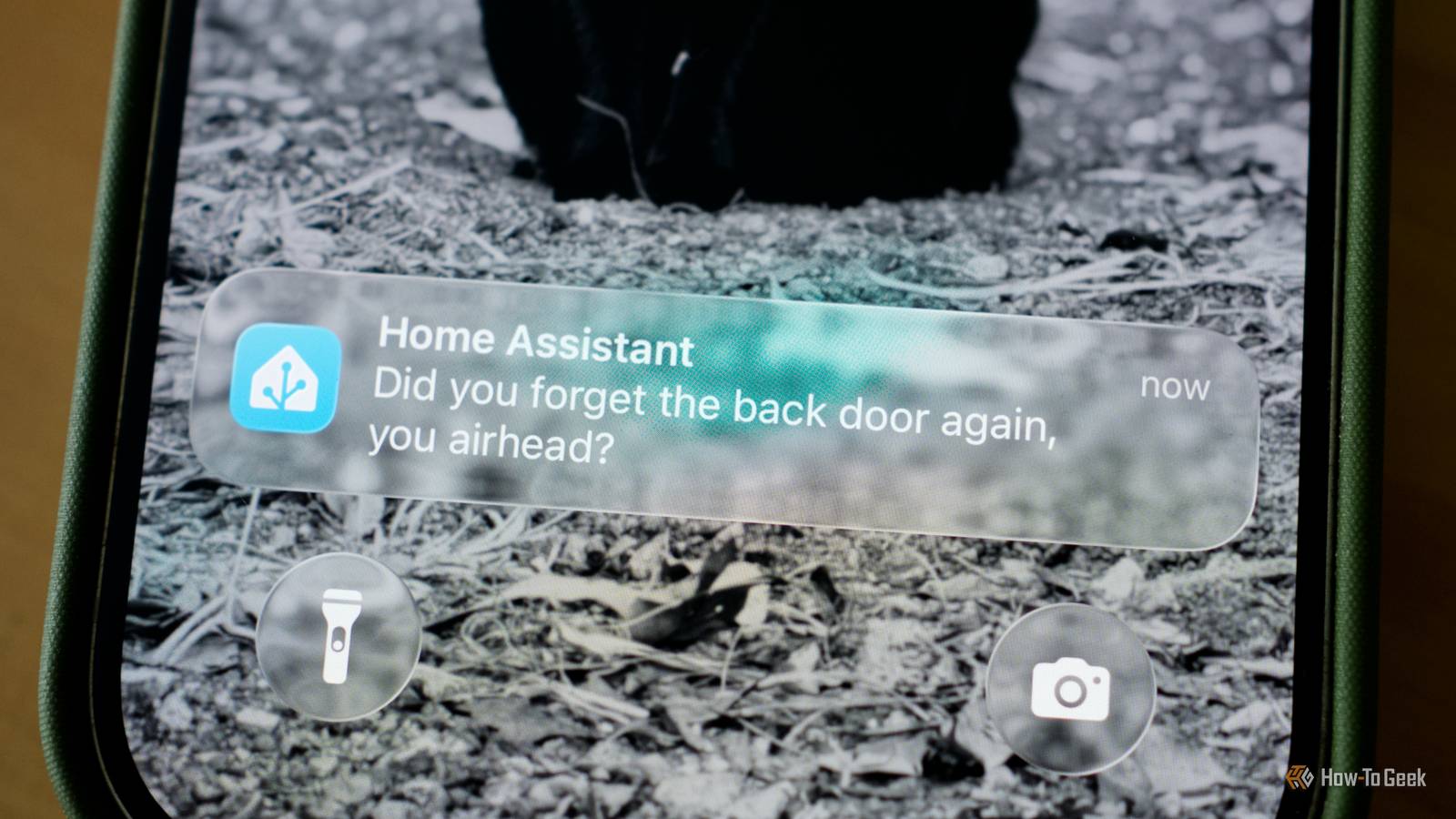
Are you still looking at walls of Home Assistant notifications instead of a nice summary? What about your Home Assistant voice commands—do they work how you want? It's easier (and cheaper) to integrate AI with your smart home than you might think.Both OpenAI and Google offer free API tokens You just have to be comfortable sharing your activity It sounds crazy, but both OpenAI (ChatGPT) and Google (Gemini) offer free API access to the company's cloud-based models.This means you can utilize GPT-5.5 or Gemini 3.5 Flash without paying a dime.
This is all done through both companies' free tiers.The only catch to using the cloud models for free is that you're sharing your inputs and outputs with them.However, if you're already using either ChatGPT or Gemini via the desktop or mobile apps, or the website, then you're already sharing that information with them.
So, if you're okay sharing the input/output tokens with Google or OpenAI, you can utilize either model completely for free in your smart home.Adding AI to Home Assistant is a simple task You don't have to be a programmer to get this set up So, how does AI integrate with your smart home? Well, it starts in Home Assistant.Simply navigate to Settings > Devices & Services and then search for either OpenAI for ChatGPT, or Google Gemini.
From there, you will need to add your API key from either service.Obtaining an API key is a simple process.You basically just need to register for an account with either OpenAI or Google's developer platform, and you're good to go.
With OpenAI, there's one more step where you need to enable sharing at the API level, but after that, you're good to go.Once you have an API key, just input it into Home Assistant and you'll be pretty close to having your smart home AI-automated.After adding the API key to Home Assistant, there are a number of ways to utilize AI within Home Assistant—but it all starts with adding that API key.
AI is the perfect way to make your smart home feel futuristic Just make sure to monitor your token usage The first thing you could set up is voice assistants, by heading to Settings > Voice Assistants and then either create a new voice assistant or edit an existing one.You'll want to set the conversation agent to whichever AI platform you set up.Then, head on over to the Expose tab and make sure that you only expose the devices or entities that you want AI to be able to control.
I'd be a bit picky with what you expose—you might not want to give OpenAI or Google access to unlock or lock your house, or see your cameras, as an example.However, the more that you give AI access to, the more it'll be able to do in your smart home.Another option would be to use ChatGPT or Gemini to summarize (or customize) your notifications.
Instead of getting 37 notifications throughout the day, like "Front door opened," "Garage door opened," "Garage door closed," "Washer finished," "UPS package delivered," and so on, you can receive a summarized notification that would look like, “While you were away, a UPS package was delivered at 2:14 PM, the garage door was opened twice, and the washing machine completed its cycle.No security-related issues were detected.” Related Stop coming up with your own Home Assistant automations—this free tool does it for you Inspiration for your automation.Posts By Adam Davidson You can also utilize AI within camera plugins, like Frigate or Scrypted.
This means that you can utilize AI to not just say "Person detected" at your front door, but it could say "A man wearing a red shirt is walking up the driveway carrying a cardboard package." These are just a few examples of ways that you could utilize AI within Home Assistant, but really, the opportunities are endless here.The one thing you'll want to watch out for is token usage.A few events here or there probably won't run you out of free tokens every day, but a busy household could turn expensive, quick.
I'd recommend setting up some guidelines with either Google or OpenAI on how much you'd be comfortable spending in tokens per day.It's very likely that you can utilize the service completely free, but, just in case there's a lot of packages and door-open requests that happen on a random day, you don't want to wake up to a $100 API bill.Home Assistant Green Dimensions (exterior) 4.41"L x 4.41"W x 1.26"H Weight 12 Ounces Home Assistant Green is a pre-built hub directly from the Home Assistant team.
It's a plug-and-play solution that comes with everything you need to set up Home Assistant in your home without needing to install the software yourself. $219 at Amazon Expand Collapse Don't underestimate the power of AI in your smart home You might think that your smart home is perfectly fine without AI—and you'd be partially right.It function without AI, but your smart home could be so much smarter with AI in the mix.If you're worried about the security implications of utilizing ChatGPT or Gemini to run your smart home, then it's actually really simple to run it off of a locally run AI on one of your computers.
Really, you should just be running your smart home with AI, whether it's a cloud-hosted model or a locally-hosted model.Home Assistant paired with AI just makes for a smarter smart home.
Read More