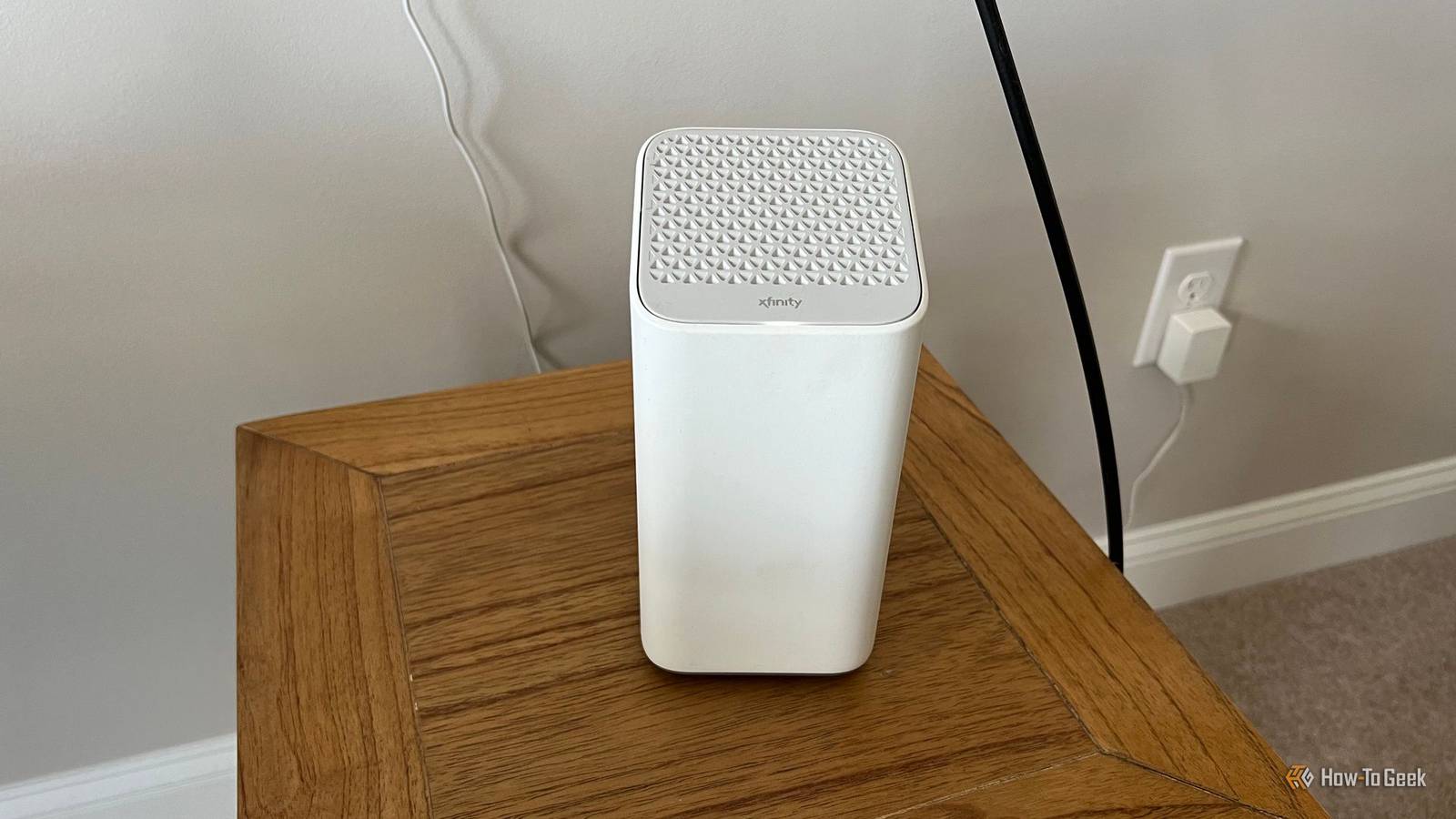
As a general rule, don't use the router that comes from your ISP.It's typically overpriced, but that's not all — it may even be causing issues with your smart home, at least with the default settings.Providing you with a single router to manage all the things One router may not have the range to cover your entire home Close Consumer routers come in several forms.
Traditional routers are singular units that connect to your modem and convert the connection to a wireless signal.All of your Wi-Fi devices connect to this single router.Often, the far corners of your house don't get a reliable signal.
The router may slow down, overheat, or drop connections if you add more devices than it can handle.Then there are mesh Wi-Fi routers.These systems consist of several smaller Wi-Fi routers spread throughout the home.
They connect to one another and transmit a network over a wider range.They also share the burden of managing all of your many devices.They also add a degree of resiliency, since one router can go down without taking the entire network with it.
Many ISPs provide a traditional Wi-Fi router.This means the smart bulbs you install in the farthest reaches of your home may only receive an intermittent connection.You're also increasing the strain on your Wi-Fi router as you add dozens of new devices for it to manage.
This increases the likelihood that when you open your smart home app, the device you want to control shows up as offline.Your automations may fail, not because of an issue between you and the cloud, but because the target device is unavailable.You can solve this problem by purchasing your own mesh Wi-Fi router.
If you're renting your current router from your ISP, then you can even buy a high-end model and come out saving money in the long run.Your smart home will thank you.Your router may be putting 2.4GHz and 5GHz Wi-Fi under a single name Smart home devices can typically connect to one but not the other Most routers released in the past decade come with support for two bands: 2.4GHz and 5GHz.
Newer models may even offer 6GHz.6GHz offers faster speeds than 5GHz, and 5GHz can outperform 2.4GHz.Nonetheless, a brand-new smart home product is still likely only able to connect to one of these bands, and that's 2.4GHz.
I like for each of these bands to have its own separate SSID, which is the technical term for the name of your Wi-Fi network.Instead of one network called "HomeWiFi", there would be "HomeWiFi-2.4" and "HomeWiFi-5".This way, phones, tablets, PCs, and game consoles can have the faster network — and I can add as many smart switches, temperature sensors, and other smart home devices as I want without impacting my family's personal devices.
I'm hardly alone in this preference.My colleagues agree that you should never use a single name for your Wi-Fi network.Unfortunately, some routers do, in fact, come with the 2.4GHz and 5GHz bands sharing a single name.
This creates confusion around which band a device is currently connected to, and some devices may not connect at all.If your ISP has some of this to do with it, get your admin name and password, log in to your router, and separate the networks.Tuning in to the wrong channel Is your router communicating at the right frequencies? While there are three major frequencies that consumer routers communicate on, that doesn't tell the whole story.
Each of these three frequencies can be subdivided into its own range of frequencies, which are organized into channels.2.4GHz Wi-Fi is divided into 14 channels.5GHz has over 100, and 6GHz has over 200.
Some of these channels overlap, which can contribute to congestion.A congested network leads to slower speeds and dropped connections.Your ISP's default settings may be assigning channels in an unoptimized way, causing your devices to appear as offline when you attempt to access them in Home Assistant or Apple Home.
With the right software, you can identify which channels are contested in your home and identify the best WiFi channels for your smart home.Your internet provider may not be giving your smart home the best internet Your ISP is happy to advertise its fastest speeds, but it doesn't always set you up to achieve them.This is especially true as you start adding smart home devices to the mix.
You may be better off avoiding smart home products that rely on Wi-Fi in the first place.While I have built my smart home around Matter and Wi-Fi, my colleague Tim Brookes prefers to connect his devices via Zigbee whenever possible.While my smart home has largely served me well, every time my Wi-Fi goes down, I can't say that I blame him.
Read More