If I had a penny for every person who simply set up their router and never thought about opening the settings again, I'd have a whole bunch of pennies.And that's just the people I know.Ignoring your router doesn't feel like a big deal.
Most of us aren't the prime targets for cybercriminals, so we're lulled into a false sense of security.Wrong: ignored routers are exactly the thing attackers like to go for, and I can bet yours could use tighter security settings.The real mistake is never logging back into your router And it's the perfect invitation for cybercriminals If you've largely ignored your router since it came into your home, trust me, you're far from alone here.
The problem with routers is that they get treated more like appliances than computers.No one tweaks their fridge settings every quarter, so why would you do the same with your router? The thing is that your router has a lot more access to a lot more critical information than your fridge ever will (even if it's smart), so it deserves to be given more respect than that.Your router is running software, managing permissions, and deciding which devices get access.
But it does so with a lot less fanfare than other devices.Your phone will nag you endlessly until you finally install that update, as will your Windows-based PC, but your router is very forgettable.It shouldn't be.
Your router is the front door to everything else on your network.Once it's badly configured, outdated, or protected by a weak admin password that's never been changed, your entire network may be at risk.Codeword Can you crack today's CODEWORD? Daily Puzzle Play Daily Puzzle Need a hint? This costs 1 try — proceed? Yes, –1 try Cancel Keep Playing Share Result Play Again Q W E R T Y U I O P A S D F G H J K L Enter Z X C V B N M ⌫ Firmware updates are the first thing to check Security fixes don't install themselves (unfortunately) Firmware updates aren't the most exciting thing in the world, but they're also where I recommend starting if you've not been giving your router much attention lately.
Your router's firmware is the software that keeps the whole thing running, and just like any other software, it can have bugs or vulnerabilities that you don't want anywhere near your home network.Router updates are easy to miss, though, especially if they're not installed automatically.This is also where owning your own router becomes a bit easier than renting it from your ISP.
Many modern models give you a proper app, a clear update page, and more control over what happens.One way or another, log into your router's settings and look for something labeled Firmware Update, Software Update, System, or Administration.If automatic updates are available, go ahead and turn them on.
Related Don't trash your old router: Turn it into a wired workhorse instead Wi-Fi standards moved on, but your old router can still do something useful Posts By Monica J.White Your router password and Wi-Fi password both matter Each for its own reasons One of the easiest router mistakes is thinking that the router password is the only password you should be changing.There are actually two, oh, joy: your router's Wi-Fi password and your router's admin password, which protects the settings page.
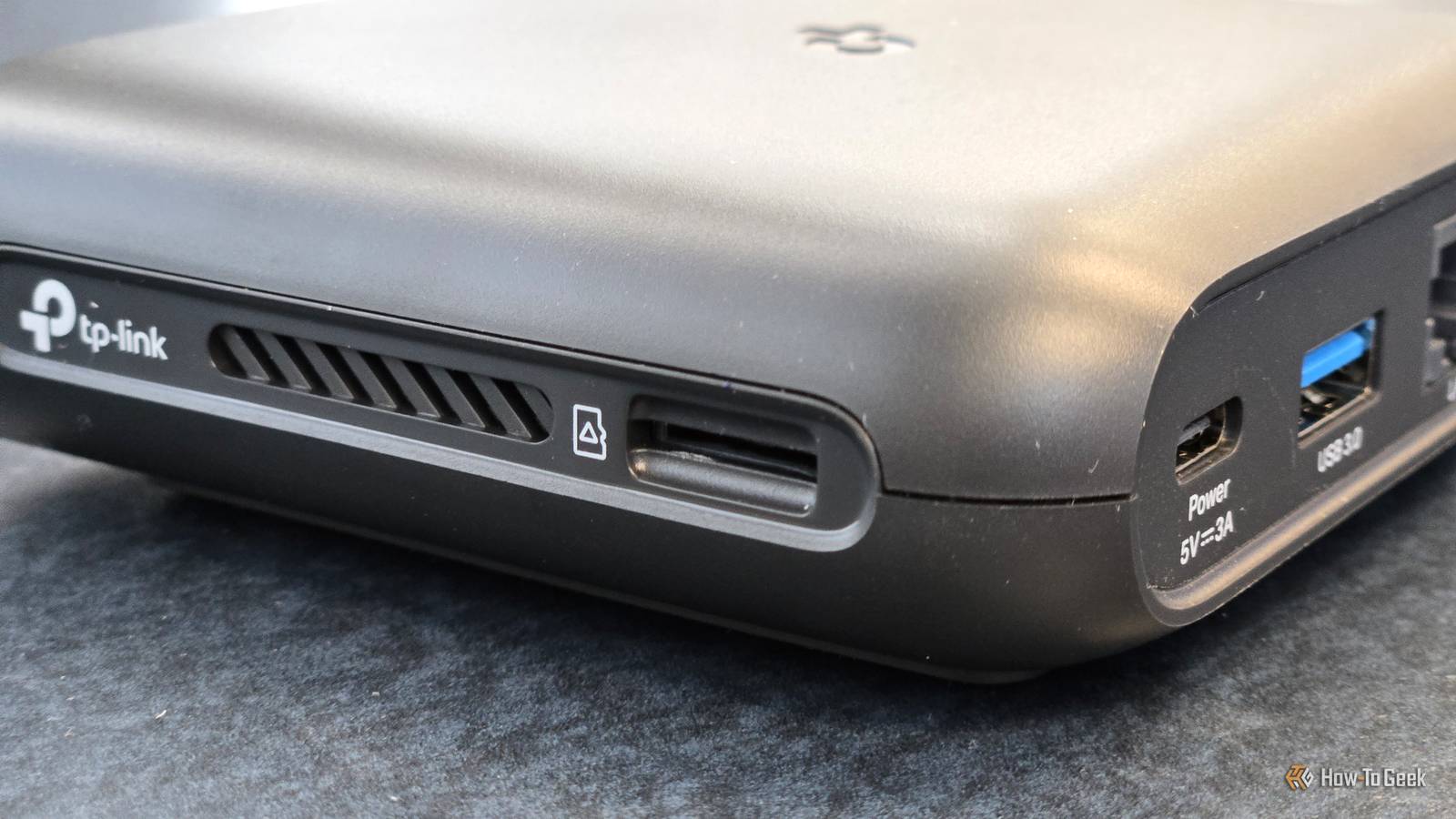
Both are important, but in different ways; if the admin password is still the default one, someone with access to your network may also be able to access the settings that control it.Meanwhile, your Wi-Fi password is the one that gets shared around and forgotten, so you shouldn't just leave it unchanged forever.TP-Link Dual-Band BE6500 Gaming Router Supported standards 802.11.be, 802.11ac, 802.11ax, 802.11g, 802.11n Speeds 6500 Megabits Per Second For your router to give you access to all those settings and updates, you'll probably need to buy your own instead of relying on your ISP.
This TP-Link model is a solid choice.$220 at Amazon Expand Collapse Check your connected device list Your network has more freeloaders than you remember While you're already fiddling with your router's admin page, this is the perfect time to check what's actually connected to it.Most routers have a page called something like Connected Devices, Client List, Attached Devices, or DHCP Clients.
This is where you can see every device connected to your network.When you look through this list, a lot of the names may be confusing.Don't be surprised to find your phone is called something that seems like the brand name followed by some gibberish.
Trace these devices back to the source, and remove the ones that no longer need access.Give your router some TLC If your ISP installed your connection for you, you may have just left your router as-is and ignored it since then.But it's never too late to correct that mistake.
Don't take your router/Wi-Fi settings for granted; optimize them.Your network will thank you.UniFi Dream Router 7 9 Supported standards 802.11a/b/g/n/ac/ax/be Speeds 5.7 Gbps This Unifi router is one of the most solid Wi-Fi 7 routers you'll find.
It'll set you up for many years of networking.$295 at B&H Photo Video $279 at Unifi Expand Collapse
Read More