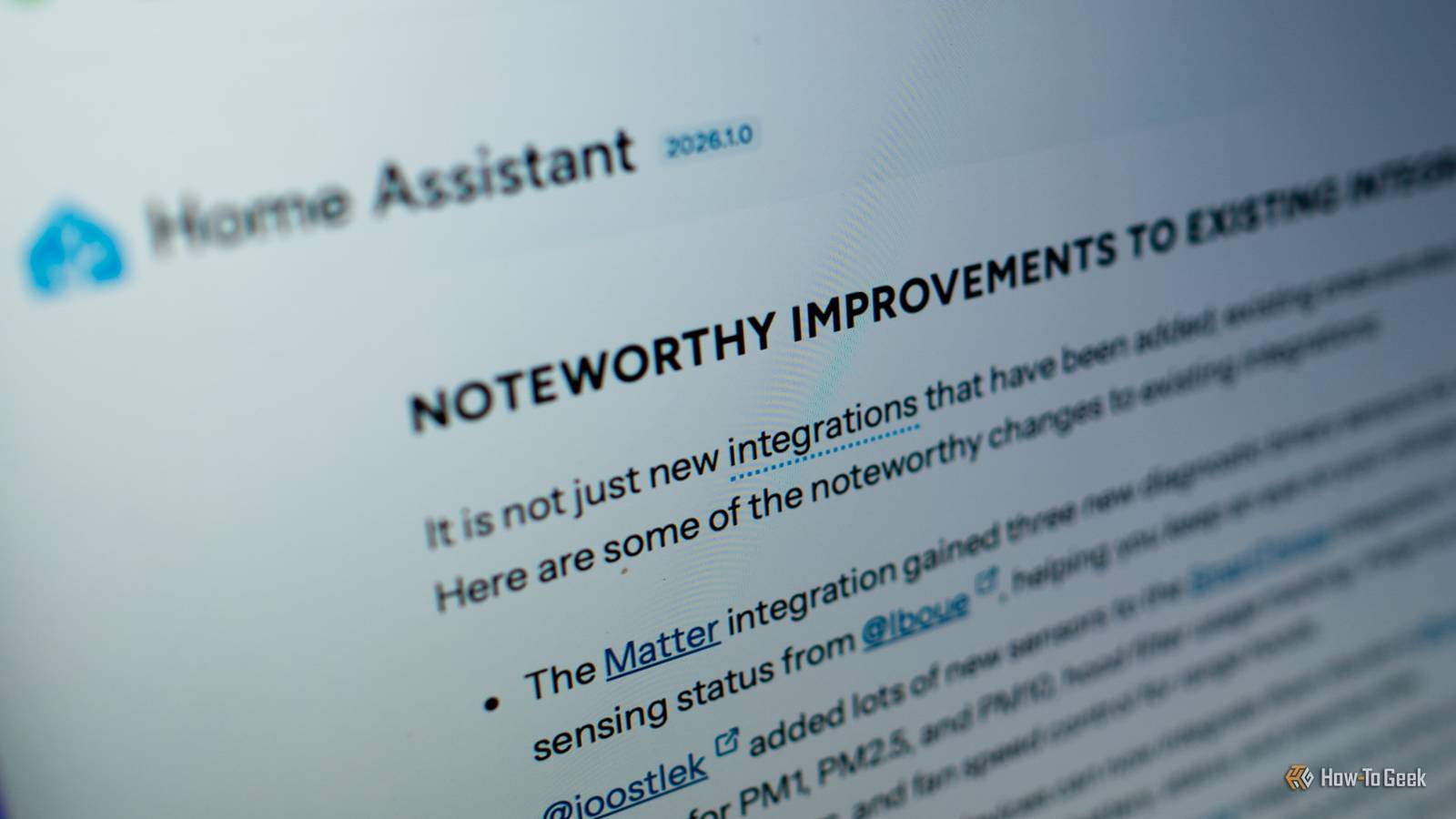
Home Assistant releases regular updates, with a major release of Home Assistant Core once a month, and Home Assistant Operating System (HAOS) every few months.While keeping Home Assistant updated is a good idea, giving you access to new features and security fixes, these days, I never update on the day of release.Related 4 Home Assistant blueprints that saved me hours of effort You don't need to reinvent the wheel.
Posts By Adam Davidson Why .0 releases feel the riskiest The first release isn't always perfect The .0 release is the first public version of each Home Assistant release.While beta testers have access to beta versions, this is the first time most people will have the opportunity to update Home Assistant.The problem is that the first release of any software or software update is rarely perfect.
If it were, there would be little need for .1, .2, or .3 releases of the same update.These later releases often fix problems with the original release and make the software more stable and secure.The .0 release is more likely to have problems than later releases, which have been actively changed to fix problems found in the .0 release.
If things are going to go wrong, there's a much higher chance that it will happen with the .0 release.Another issue is that updates can often include breaking changes that stop some Home Assistant integrations or other features from working properly.While it's always good practice to read through the release notes and check for breaking changes before you update, you may still find that when you install a .0 release, something breaks that you weren't expecting.
Backing up before any update is always the wisest course of action, just in case.I wait for .1 then check what people are saying Patience is a virtue On more than one occasion, I've updated as soon as the .0 release was available and suffered the consequences.Despite doing my best to check for breaking changes, the update caused problems that stopped some of my automations from working correctly.
One of the most frustrating issues was that an update changed how Home Assistant responds to physical power buttons on devices such as the Home Assistant Green and Raspberry Pi 5.Unfortunately, it meant that the power button on my Wi-Fi remote was also seen as a power button event, causing Home Assistant to shut itself down.I was completely unaware that this would happen, and after the update, it took a while to figure out that the unexpected Home Assistant shutdowns were due to me trying to power off my TV using my custom universal remote automation.
This behavior hasn't changed, and I've still not found a solution.If I'd known about the problem in advance, it would have saved me a lot of headaches.While this was ultimately down to an HAOS update rather than a monthly core update, by jumping in and installing it before checking if there were potential issues, I left myself with a major headache.
After that, I decided to always wait a while before updating.This means I wait until at least the .1 release for Home Assistant Core.That way, I have a chance to check forum posts to see if there are any unexpected issues identified before I take the plunge and update.
Home Assistant Green Dimensions (exterior) 4.41"L x 4.41"W x 1.26"H Weight 12 Ounces Home Assistant Green is a pre-built hub directly from the Home Assistant team.It's a plug-and-play solution that comes with everything you need to set up Home Assistant in your home without needing to install the software yourself. $159 at Amazon Expand Collapse When .1 still isn't enough Sometimes the smart move is to wait until .2 or .3 Even waiting for the .1 release isn't always enough.Usually, when the .1 release drops, there are far fewer issues reported on the Home Assistant forums.
Sometimes, however, even the .1 release can cause issues with particular setups or integrations, which aren't fixed until a later release.In these circumstances, it's better to wait until the .2 or even .3 releases if you think that the .1 release is going to break things.Subscribe to the newsletter for safer Home Assistant updates Avoid update headaches: subscribe to the newsletter for community-driven coverage of Home Assistant releases.
Find curated accounts of .0 pitfalls, user-reported breakages, and practical wait strategies so you can make safer update decisions.Get Updates By subscribing, you agree to receive newsletter and marketing emails, and accept our Terms of Use and Privacy Policy.You can unsubscribe anytime.
The forums are one of the best ways to make this decision.If there's not too much noise after a .1 release, it's probably safe to update.If a lot of issues are being flagged, then the wiser choice is to hold off a little longer.
Following this rule has made updates less stressful Better late than never For a long time, I had automatic updates enabled in Home Assistant, so that I knew that I was always running the most up-to-date version.Most of the time, this was fine, but occasionally, things would break.It ended up feeling like something of a lottery, waking up and hoping that Home Assistant was still working as it should be.
By turning off automatic updates and holding off until I was sure that releases were fairly stable, I made updates far less stressful.Now I can take my time and check that a release is running properly for others before I update.It means I've had far fewer issues with things going wrong after an update.
Don't fear Home Assistant updates Updates are a key part of the development of Home Assistant.New features are added to the core software, along with new integrations and bug fixes that make Home Assistant even more powerful.Updates can cause things to break, but you don't need to fear them; just hold off until you're sure that they're stable.
Read More