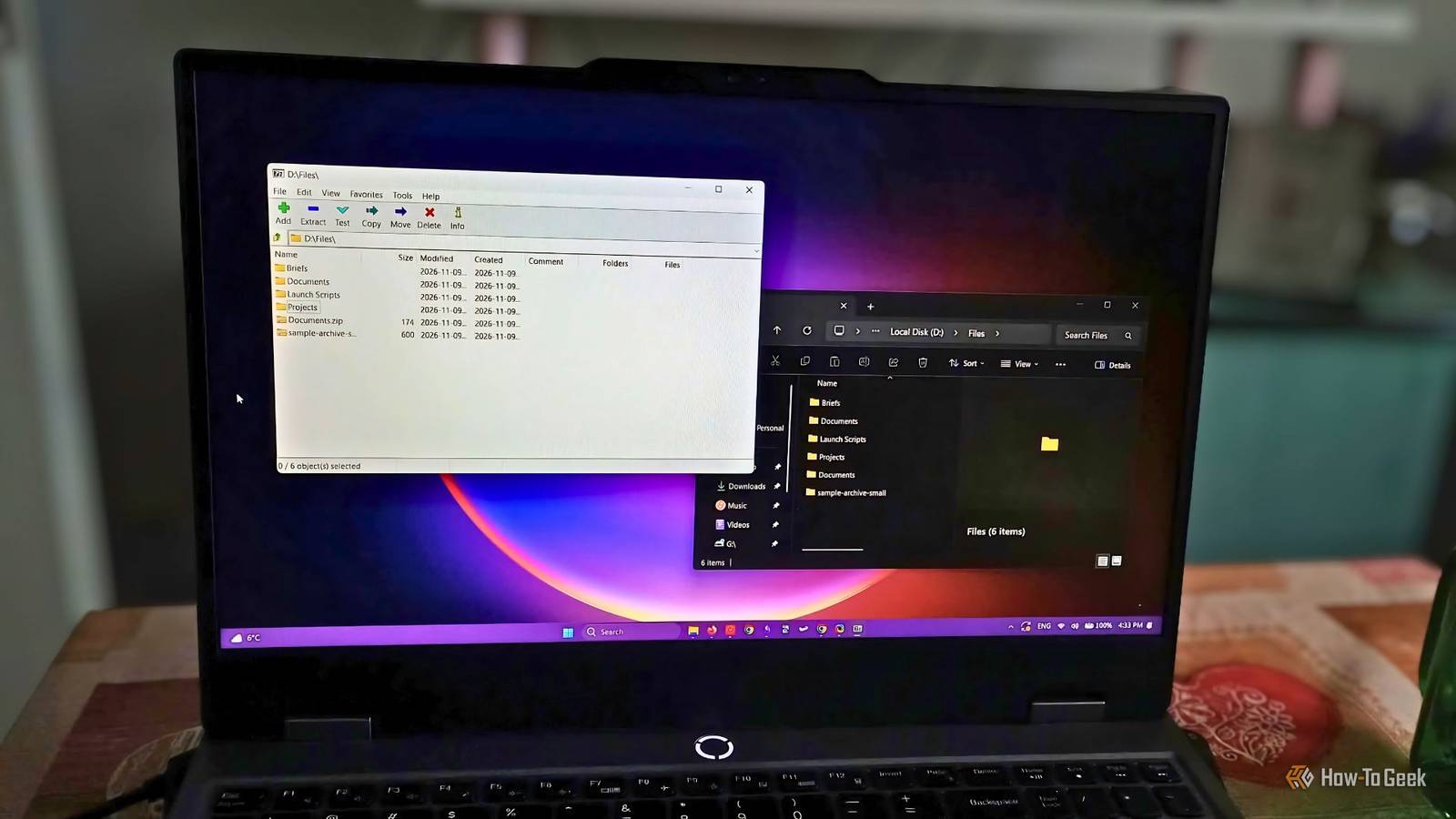
Before Windows introduced native support for more archive formats, having an archive tool was pretty much mandatory.And while you can create 7z archives on Windows 11 without 7-Zip, I still find myself installing and using the tool pretty regularly.Add How-To Geek on Google Add as Preferred Source Follow on Google Discover Microsoft has made big improvements to File Explorer over the past few years.
If all you need to do is compress or extract a few files, you don’t necessarily need a dedicated archive tool.But as good as it has gotten, it still doesn’t cover all the essentials.Close 7-Zip has a few extra features that are very useful for everyday situations, and some of them are things I wish Windows offered out of the box.
Create and open encrypted archives Password protection is still a third-party affair Sometimes, you have to prevent files from falling into the wrong hands.Let’s say you collaborate on a project and share unreleased product details with people on your team.Encrypting them makes it less likely that unauthorized people can access them.
But without a tool like 7-Zip, you can’t create or even open these types of files.In fact, Microsoft explicitly acknowledges this in its file compression documentation and recommends using a third-party tool.7-Zip does actually go pretty hard when it comes to encryption, offering varied layers of protection.
You can password-protect an entire archive.7-Zip supports AES-256 encryption, which scrambles the archive's contents into unreadable data until you unlock it with the correct password.And if you need extra protection, you can take things further and encrypt the filenames themselves.
So not only are they impossible to open without a password, but you can’t even guess what’s inside the archive.These options are supported for 7z file types, but for ZIP files, 7-Zip also supports an older standard called ZipCrypto.It’s a little surprising that Windows doesn’t offer this feature out of the box yet, since most people need to share private information at least to a degree.
Luckily, even though you have to install a separate app for this, 7-Zip has a small resource footprint, and setting up password protection is as easy as selecting “More options” when you create a new archive and set up encryption.Test archives for corruption before extracting Catching broken archives before unpacking them Test archive is one of my favorite 7-Zip features.While it doesn’t happen as much today, back when I used to download large files over a slower or unstable connection, I’d occasionally end up with a corrupt archive.
File Explorer can report errors during extraction, but it has no dedicated way to check beforehand.This feature lets you check if the archive is intact before unpacking everything and ending up with a folder of incomplete files that take up space.Testing does involve reading and decompressing the archive, but it doesn’t save the extracted file to your drive, saving you disk space.
It’s pretty straightforward to use too.Just right-click the file and select Test archive.I think this is one of those small features that you won’t use every day, but that really improves your experience when you need it.
If you’re dealing with a particularly large or important archive, it’s nice to have some reassurance that the files are intact before you extract them.Creating self-extracting archives One less thing to figure out Now, while extracting files isn’t rocket science, if you’re sharing files with someone who isn’t particularly tech-savvy, you can make things easier for them using the SFX feature.7-Zip lets you package an archive in an .exe file that extracts the contents automatically when you open it.
The person receiving your file doesn’t have to go through the process themselves and doesn’t even need to install or know how to use an archive file manager.This comes in handy if you share work with clients.Not only does it make things easier on their end, but it also makes you look more professional and client-oriented.
And creating them is easy.All you have to do is click “Create SFX archive” when you’re making the archive.The only drawback is that some people may be skeptical about opening unknown .exe files, and sometimes security software could flag them as unsafe because viruses often come disguised as legitimate files that have no business being executable.
Personally, I wouldn’t use a self-extracting archive for everyday file sharing, especially now that Windows can extract these files on its own.But it’s a handy option for sharing files between trusted teams.Related Stop installing these 4 apps—Windows does it all now It's all included in the box now.
Posts 9 By Sydney Butler 7-Zip is still worth keeping around Microsoft keeps improving File Explorer in more ways than one.Being able to do common archive jobs without installing anything else is a welcome change.Still, File Explorer isn’t the best for managing files.
People complain that it's hard to find files and that search is slow.While the archive options are welcome, it still can’t do some essential tasks.I don’t need to password-protect all my archives, and I definitely won’t check for corruption daily, but those aren’t the most niche activities either.
This is why I think having a dedicated tool for archive files is still necessary, and 7-Zip is a good, well-supported option.
Read More