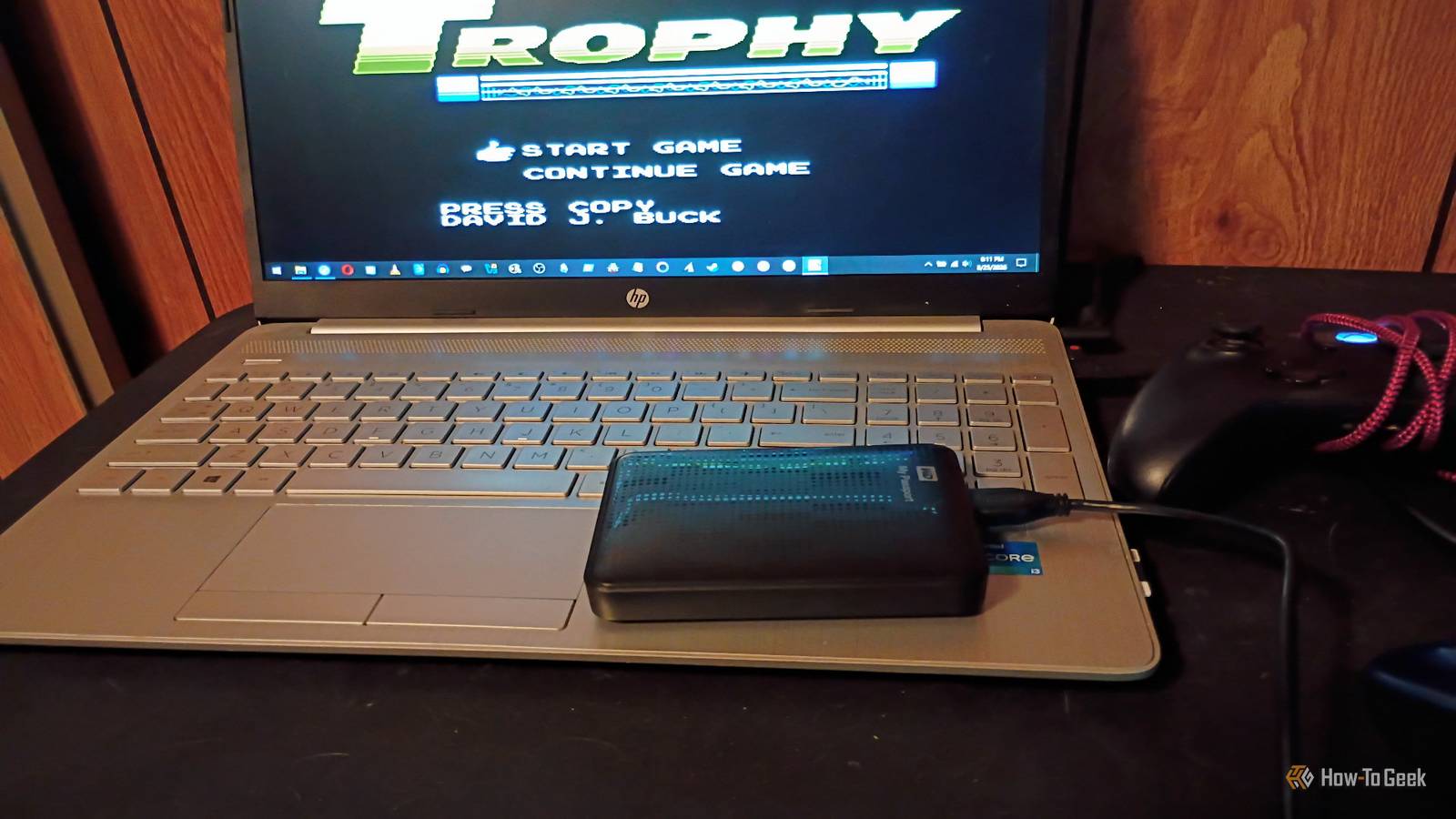
The universe wants me to buy another external hard drive or sign up for an online storage service.I currently have a Western Digital My Passport, with 1 TB of storage.I should have bought a second one before the AI boom, but I never got around to it.
I'm kicking myself for that (poor) decision right about now.So, now I'm going to to save all of that data.But we have a big problem: the price for storage media is higher than ever, and I'm not sure how many read/write cycles this drive has left in it.
So I improvised a solution that, surprisingly, worked.That time I saved almost half a TB of data on an external hard drive And then forgot to back it up completely For over a decade now, I've been saving almost every digital thing I make or come across.I come from the days of using floppy discs, then ZIP discs, and, finally, CD-Rs to back things up.
USB drives were a major breakthrough for my storage habits when they came around.There was a folder marked Desktop Backup May 2020.Another one called Pictures and Images.
A third folder labeled College Portfolio and Media Work.Then, of course, we had the Nostalgia Ward Bandcamp folder (containing a bunch of original musical experiments and songs that are no longer online) and YouTube Videos - Posted folder (exactly what it says it is).The latter folder had several corrupted items, mostly from stuff that was saved in 2023.
Almost everything saved from the day I bought the drive in 2014 up until I largely stopped archiving things in 2024, was intact.I am using a poor man's version of the 3-2-1 backup method.I will absolutely need to buy more storage, but I'm making due with what I have on-hand at the moment.
As I work on this backup project, I'm not deleting old files from the drive as I go.I'm copying them to their new destinations using a mix of drag-and-drop, rsync -avP on the command line, and creating ISO files to burn to disc.Related More storage won't fix your data problem—I learned this the hard way after 20TB of mistakes I hoarded 20TB of data for a decade before realizing I was doing storage wrong Posts 17 By Sydney Butler Optical media is my first backup destination Using something I already have just makes sense Around 2010 or so, I spent several days backing up my entire CD collection onto CD-Rs.
It took forever, but it was worth it.I still have those CDs (both the originals and the backups).And they all, thankfully, have yet to succumb to the dreaded disc rot.
Fingers crossed that they never do.I still have an entire spindle of both DVD-Rs and CD-Rs.Last week, I tested them out by creating both data and music discs.
They work! The DVD-Rs are from Sony and there are about 45 of them left in the spindle.At 4.4 GB per disc, that's 198 GB.I saved about 10 discs for future projects, so I only ended up with 150 GB for my archive.
The CD-Rs were borderline useless for any serious archiving.But I did use them to back up some of my old college work or pictures.I used 5 discs from the stockpile to save quite a few much smaller files.
Another option I'm exploring for the future is to go all in on rewritable Blu-ray discs.I'm certainly a fan of the idea, but I still run into some of the same concerns I have with other recordable optical media.It a backup, though, and not a working copy.
So that could be useful if I want more space and fewer discs for the next round of backups.USB and microSD cards are a very temporary fix at best I'm always concerned about losing them or having them fail The big criteria I have for these devices is that they're going to have to be read only unless I have to restore a backup.Now, the good news is I found a 512 GB microSD card.
Apparently, my son bought it for his Nintendo Switch 2, but it didn't work.So he said, "Hey, dad! You can use it for one of your weird projects if you want." Up until now, I'd only been using it to store extra copies of things I happen to be working on at any given moment.But I'm only using maybe 40 GB.
So, I copied the entire folder over to the microSD to act as a full backup.Since I won't be using it again unless I have to restore the backup, it's going to go into a safe location where I can get to it if needed.I still need copy of my backup, which is where things get a bit dicey.
I'm going to use a mix of other microSD cards and USB drives that have been hanging around my lab for a while.I have several 32–64 GB drives that I can dedicate to this project.So I grabbed five of the highest capacity drives I had and got to work.
Close The first batch (stuff from 2011 to 2025) went great until it didn't.It took about an hour to transfer 54 GB worth of folders to a single USB drive.Around the 97% mark, the transfer began to hang.
Several files from 2023 were corrupted.Fortunately, these weren't files as I was largely inactive with most of my projects during that time.By the time I finished moving the files, it turned out the ones that failed were folders or files I created/saved May of 2023.
The spare laptop and phone storage option works too Using home lab equipment for extra file storage I have a spare phone with 512 GB available (hey, I'm as shocked as you are about this one) and a Windows laptop I use in my home lab.Given the fact that I don't really use the phone for anything other than experiments and the laptop's hard drive has quite a bit of space left on it, I felt I could use this as a temporary storage or semi-permanent storage for of the files.It's not a long-term solution by any means.
After all, if I keep a bunch of stuff stored on this machine, I'm not going to be able to use it for home lab work.But for the time being, they can act as an intermediate point or a staging point for transferring files to their more permanent home.I loaded up the phone with about 214 GB worth of files.
It still seems to function fine, but I definitely won't be able to use it for any experiments for the foreseeable future.I know I can use the storage on the phone to back up all the files, but I want to leave some space free for the time being.I can't really argue with the fact that it does work, so I'll use it temporarily as a go-between while I complete the backup project.
Using a secondary external drive to handle the overflow The ultimate goal is to replace my external drives A good rule of thumb for anyone is to check your hard drives regularly and watch for odd behavior, weird sounds, or mysteriously disappearing drives.Unless I'm actively using an external drive, it usually sits in storage until I need to move something to a device that's currently in use.Occasionally, I'll go through and purge things I'm never going to use again, but that's pretty rare.
I want to avoid overusing it and doing too many read/write cycles, as that could cause it to die faster.I run a lot of portable apps from a USB drive and typically transfer files I need from external storage to a different device rather than access them from the drive.The plan is to save up for and grab another external hard drive (this time, I'll get one that's built for long-term backups) to have another copy of what I've backed up to other physical media.
Then, I'll use the discs, the new drive, and the microSD card as backups, while using the cloud or discs to access files when I want to use or look at them.Hey, I've got a plan.I have no clue that's going to be possible for me, so I definitely need an off-site backup at this point.
I use the Internet Archive to share creative projects and there's no reason why it can't also act as temporary storage for my professional work.I won't put personal stuff there, though.But there's a solution for that as well: rsync.net.
It offers cloud storage georedundancy for just under two cents per GB.That's not bad, considering that everything costs more in 2026, especially storage.Even cloud services aren't foolproof.
Just ask PBS.But rsync.net is a pretty solid service with a good annual rate, so using it as a cloud backup is definitely a good move for now.Related I tried to ditch cloud storage for self-hosting.
Three drives and a mini PC later, I gave up There are time sucks, and then there are time sucks.Posts 24 By Bertel King I think this device has survived so long because, aside from the initial preservation of each item, I really don't run it through a ton of read or write cycles (which can be damaging).But it looks like I managed to archive my data temporarily until I can find a stronger method.
There are obviously better ways to do this, but I think I did a pretty good job making it work with stuff I already had lying around.Although in hindsight, I should've just gotten a NAS.would've solved a lot of problems.
Read More