If you think that you have to have expensive or powerful hardware to run your homelab, then you're sorely mistaken.Here are four open-source Docker containers that will turn your beginner homelab into a powerhouse, even without expensive hardware.Home Assistant A local smart home doesn't take a ton of horsepower Close Home Assistant is one of the best homelabbing projects to start with, and it runs fantastically inside of Docker.
One of my favorite things about Home Assistant is it doesn't need a ton of power to run.Unless you have hundreds of devices and crazy automations, you can run Home Assistant on almost any hardware.Home Assistant can be deployed as a Docker container for simpler setups, which is a great way to get started.
Running Home Assistant in Docker does remove a few features, like apps or one-click updates.However, if you don't want to try and spin up a virtual machine or dedicated system for Home Assistant, Docker is the best place to start.Then, when you're ready to move to a dedicated installation, it's simple to back up Home Assistant and restore it on the new system.
For those who have never used Home Assistant, it's a smart home platform that is designed to bring everything local.With Home Assistant, you can often take platforms that are traditionally online-only (like Tuya) and control them on our local network.This allows you to disable external access to smart home devices, making your home more secure and also preventing network outages from taking your smart home down.
Nextcloud Any old PC will do If you've ever wanted to try kicking Dropbox or Google Drive to the curb, Nextcloud is your ticket.While Nextcloud can be a bloated mess if you deploy the entire suite, just the cloud file hosting portion is actually fairly lightweight.Nextcloud is designed to be run in Docker and can be set up fairly easily over a weekend.
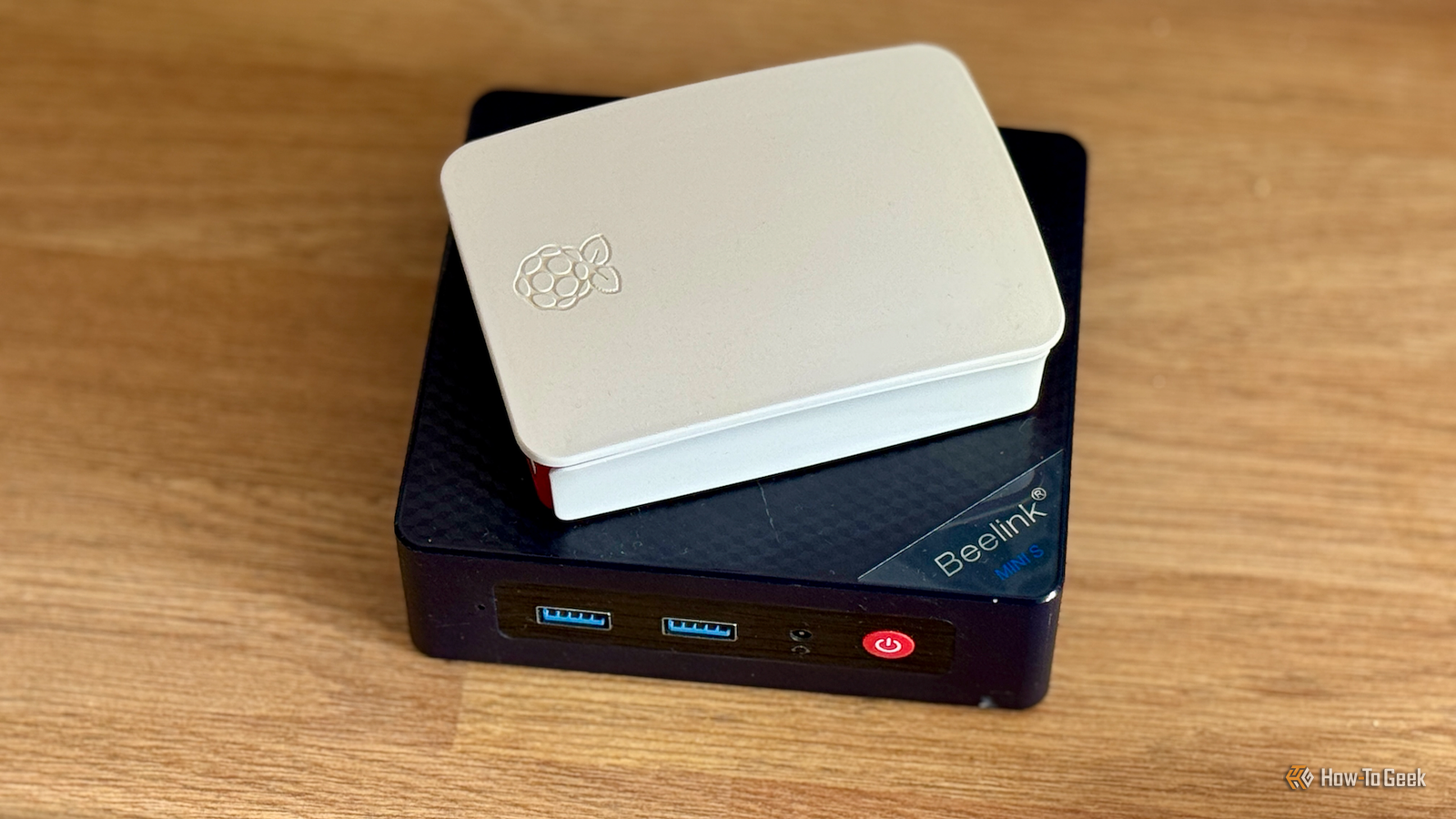
There are several steps to getting it fully configured, but it doesn't require beefy hardware to run.I've seen people run Nextcloud on old Raspberry Pis, mini PCs, or even laptops.Really, anything made within the past 10 or so years will do.
Really, the biggest "need" of any Nextcloud system is going to be storage.So long as you have enough storage for your Nextcloud instance to run, you'll be solid.How much storage is needed? That's entirely up to you.
But, you should be able to run Nextcloud on basically any old computer you have in the house.Pi-hole or AdGuard Home All you need is a Raspberry Pi As far as services that take up basically no resources go, Pi-hole and AdGuard Home are at the top of the list.You really don't need any resources to run either of these services, and they run perfectly in Docker.
Realistically, you could run either on something as lightweight as a Raspberry Pi Zero W or probably a 15 to 20 year old computer.So long as it can run a modern form of Linux that's supported by Docker, you should be able to run whatever content filter tickles your fancy.If you have really old or underpowered gear, definitely try running Pi-hole or AdGuard Home.
They'll completely overhaul how your network functions, breathing new life into just about every device in your home, all without requiring a powerhouse of a system to run.Immich Your spare laptop is perfect for it Close Immich is a program that does benefit from powerful hardware, but it doesn't require it at all.You can run Immich on almost anything, so long as it has at least 6GB of RAM, but a spare laptop or desktop sitting in the closet is the perfect candidate.
If you've never heard of Immich, it's a platform designed to replace Google Photos but using your own hardware.The Immich platform is capable of not just hosting your pictures, but also handling automatic backup from your phones and computers, running an on-device machine learning algorithm to tag your pictures, and even providing a map so you can see where the photos were taken.Really, if Google Photos is capable of it, Immich is capable too, just without reporting all of your data to big tech.
The only thing I want to mention here is that older or slower hardware will just take longer to process uploaded pictures.Everything will still work on older hardware, but the machine learning algorithm that runs for facial recognition and object detection will just take a bit longer on weaker hardware, is all.Your homelab doesn't need to be a powerhouse to be useful If all you have is an old desktop, laptop, or even Raspberry Pi, you can start a homelab without a problem.
Many homelab services are optimized to run on as few resources as possible, meaning you can easily run them on low-powered hardware.So, if you've been putting off starting a homelab because you felt like you didn't have the right hardware, make today the day that you start it.Install Linux, get Docker up and running, and deploy your first container.
Read More