I've been using Android phones for a very long time.While phones have become increasingly capable and Android has gotten much better at managing system resources, I haven't exactly evolved with it.I just can't seem to break one particular habit I picked up in the early days: swiping away apps when I'm done with them.
Add How-To Geek on Google Add as Preferred Source Follow on Google Discover It's something I do all the time, whether I've finished chatting with someone, wrapped up a run on the treadmill, or am getting ready for bed.However, after learning more about how Android manages background apps and why constantly closing them could be causing more harm than good, I'm finally ready to break this habit.If you're also used to doing this, it's probably time you did too.
I can't stop myself from instinctively swiping away apps when I'm done using them Muscle memory is hard to break Close Android phones didn't have much RAM in the early 2010s.Flagships typically had just 1 or 2GB, while budget models got even less.My first Android phone, which originally ran Android 2.3 Gingerbread, only had 512MB of RAM.
Although apps were much more rudimentary back then, that still wasn't enough to keep more than a few apps running smoothly at the same time.To get around this limitation, many users would swipe away all apps from the Recents screen except the one they were actually using.Some even went a step further by installing automatic RAM cleaners to maximize performance and battery life on their slow Android phones.
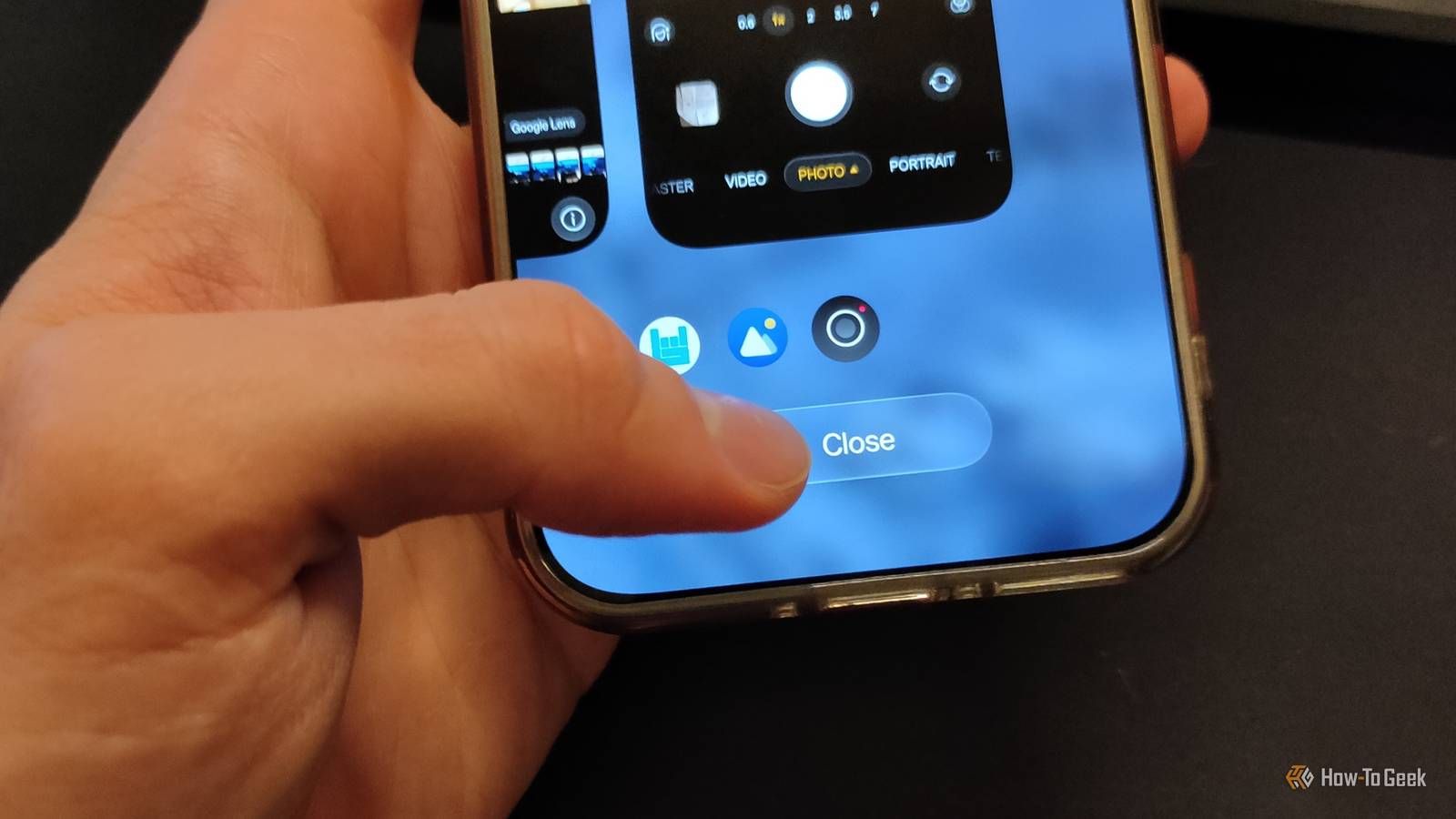
The crazy part? This actually kind of worked.Swiping apps away could force them to close and release RAM and stop apps from using the CPU, giving your foreground app more resources to work with.Tapping the Recents button and then closing or swiping away all windows is a habit I developed in the early 2010s.
While I've reduced how often I do it, I never stopped altogether.I've noticed that many other longtime Android users do the same: my wife, friends, and especially older folks like my dad and in-laws.To be fair, the "Close all" button is right at the bottom of that screen.
There has to be a reason why Android hasn't gotten rid of it, right? The Recents screen is for switching between apps, not micromanaging your phone Those apps aren't slowing your phone down The whole reason the Recents button (or swipe-up gesture) exists is to make multitasking easier.It's a dedicated place for switching between apps and accessing multitasking features like split screen or floating windows on supported phones, not a Task Manager.While you can close apps from this screen to streamline your multitasking, there's generally no performance benefit to routinely doing so.
Android, like most other operating systems, was designed to make use of available RAM from the very beginning.Keeping apps in RAM makes them easier to open again, and when you consider how often we switch between different apps, this design makes perfect sense.Historically, an in-kernel feature called Low Memory Killer (LMK) would step in when a phone ran low on memory and terminate less important background processes.
Related Stop closing apps on your phone, it's doing more harm than good Ignore that "close all" button.Posts 7 By Cory Gunther Swiping apps away from Recents gave you the option to intervene manually instead of waiting for Android's memory manager to reclaim memory.Killing an app stopped the app's tasks and could also kill its background processes.
Depending on the app, this could cause some background services to stop, too, though not always all of them.For example, swiping Instagram away stops video or audio playing in its visible activity, but it won't necessarily prevent you from receiving notifications.This was true 15 years ago, and it's still true today, except the phones we do this on now have much more RAM, and Android has become much better at managing background tasks.
On supported devices, modern Android can keep cached app processes in RAM while freezing them, suspending their threads so they can't use CPU resources.Apps that need to perform background work, such as syncing data or delivering messaging notifications, can use separate background services and system-managed scheduling mechanisms.When you reopen an app whose process is still cached, Android can unfreeze it rather than start a new process from scratch.
Constantly closing apps makes your phone work harder when you reopen them You're creating unnecessary cold starts Closing an app from Recents isn't necessarily a bad thing.You might want to remove an app so you don't accidentally reopen it when switching between apps.Some authenticator apps and Google Wallet will ask you to verify your identity when you open them or access certain features, so removing them from Recents can help you avoid those prompts when you're just trying to switch between the Calculator app and Gmail.
But if you can't break the habit of closing all apps or swiping away resource-intensive apps because you think they're eating up your phone's resources and battery, you could actually be doing more harm than good.Android has become pretty good at managing your phone's available resources and can freeze cached app processes to prevent them from using CPU resources.Related 5 things you should never do on Android Discover the hidden dangers lurking in everyday Android habits.
Posts 5 By Joe Fedewa However, when you remove an app from Recents, Android may also terminate its associated process.When you reopen it, your phone might have to create a new process and load the app's code and data again, which can take longer and consume more energy than simply resuming an app that's still in memory.It would be like stashing away a measuring cup in your cupboard every time you add a new ingredient to your cookie batter, only to take it out again moments later.
Besides, your phone likely has plenty of RAM to keep dozens of apps cached before Android even needs to reclaim memory.My OnePlus 15 has 16GB of RAM, and all I've achieved by swiping away apps is force it to take an extra second to load it when I re-open it.Put simpl, there's no reason to swipe away apps just because you're done using them, even if you're about to launch a demanding game that's going to gobble up your RAM.
There's only one good reason to close an app manually, and it's when it misbehaves.Apps can sometimes glitch, become unresponsive, or continue playing audio even after you move them out of the foreground.If and when that happens, don't hesitate to swipe that particular app away.
Let your phone handle the background processes If you want to influence how your phone manages background tasks, there are much better ways than swiping apps away when you're done with them.Your phone likely has several settings that affect how and when it puts apps to sleep, but even if you never make any manual changes, it's already pretty smart about managing background activity.Just let it do its thing and use your phone without worrying too much about what's happening in the background! Related 4 Android battery and security myths you should stop believing You shouldn't abide by these rules because they're nothing more than myths.
Posts 2 By Goran Damnjanovic
Read More