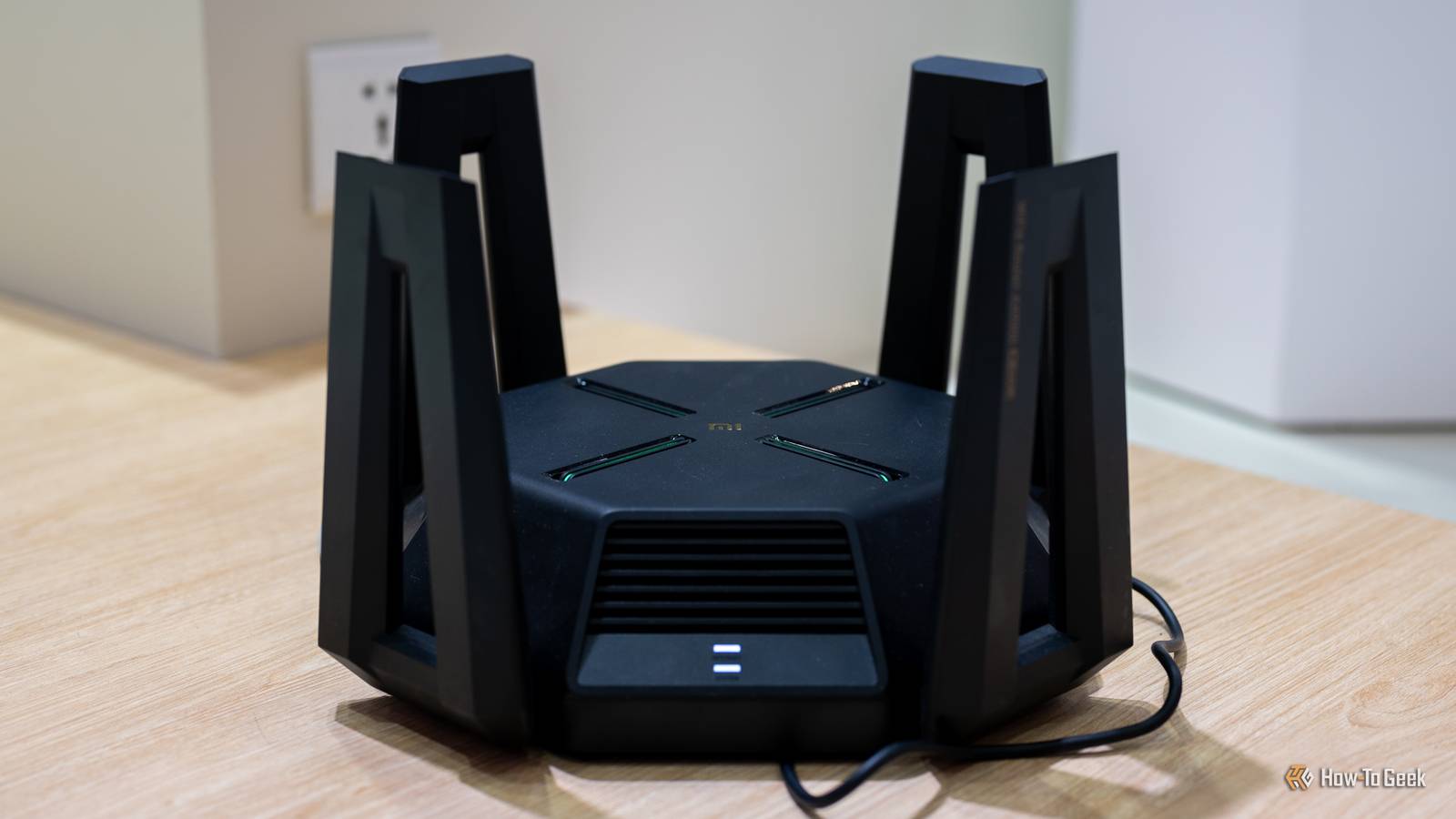
This one is for all the people who buy a router, set it up according to the default settings, and never look at it again.Unfortunately, default settings aren't really optimized to keep us safe and secure.Instead, they're designed to make the product work out-of-the-box for as many people as possible.
That means we don't get the best options; we just get the most widely compatible–and sometimes that results in much weaker security.Here's the big example you should check your router for right now.The setting everyone tells you to enable might be off by default Your router shipped playing it safe, and "safe" here means weaker Close WPA3 is the current Wi-Fi security standard, and has been since it launched in 2018.
It's a significant improvement on the WPA2 standard it replaced, and yet many routers (especially the ones your ISP provides) don't run it by default.Instead, they run WPA2, a mixed mode, or in some truly cursed cases, something even older with "TKIP" in the name.As ever, finding your way around all these different acronyms and networking standards is a real joy, isn't it? Well, in this particular case, it's all in the name of maximum compatibility.
I get that: after all, even if some of your gear is majorly outdated, you shouldn't have to be left without internet.A good router should be able to provide you with access to the internet on any device, even one that you realistically should've gotten rid of years ago.In this compatibility-adjacent goose chase, router makers default to whatever keeps the most gadgets online, and security is barely an afterthought.
So, I get it.But it's still a problem.Related Stop using your router's default settings (change these 3 things immediately) I left my router on default settings for years—here’s why you should change yours today Posts 17 By Patrick Campanale Why "works with everything" is a security downgrade Good for everything means great for nothing? WPA2 and WPA3 both scramble your traffic with AES encryption, so on paper they can look very similar.
The difference is in how they prove you know the password.With WPA2's older method, someone parked outside your house can grab the little authentication exchange that happens when a device joins, take it home, and hammer it with password guesses while completely offline.If your password is anything a computer can eventually crack, they're in.
WPA3 swapped in a smarter handshake (Simultaneous Authentication of Equals, or SAE) that doesn't share the information needed for offline guessing.Instead, bad actors would need to connect to your network to test every password guess, making the process both impossibly slow and much easier for your router to detect.It also adds "forward secrecy," so cracking one session's traffic doesn't expose past or future sessions.
So, if your router is stuck on WPA2, you're missing out on some serious security.And it gets worse, since one smart plug or camera can undo your whole Wi-Fi security upgrade if it forces you into a compatibility mode just to keep it online.The attack that turns your shiny WPA3 network back into WPA2 Mixed mode isn't quite as safe as the name makes it sound Most routers offer a promising-sounding compromise: WPA2/WPA3 mixed mode, sometimes labeled "transitional." In this setup, new devices will use WPA3, and anything too old to be compatible falls back to WPA2.
It sounds like a sensible compromise, and it mostly is, but, as is always the case with this stuff, there are caveats you have to be mindful of.Unfortunately, since mixed mode keeps WPA2 on the table, attackers can trick and manipulate it into falling back to the old standard.These are called downgrade attacks, and their goal is to force your device back onto the weaker path so the old capture-and-crack trick works again.
This shouldn't scare you off mixed mode completely—it's still a sensible choice for many people.However, it's important to know that it has weaknesses, and if you want to guarantee consistent WPA3 usage, this isn't the way to do it.The other backwards defaults hiding right next to it While you're in the settings menu, give these a hard look too While you're already digging through the pile of nonsense that are some router settings, you might as well check some of the neighbors of the setting I've talked about above.
There's some really dodgy stuff in there, too.WPS is the big one.It's the "press a button or punch in a short PIN to join" convenience feature, and that PIN has been crackable for over a decade.
It should not still exist, really, yet loads of routers ship with it switched on.If yours is one of them, it belongs on the short list of default settings to disable today.The aforementioned TKIP is another red flag: if your encryption option has those four letters anywhere in it, pick the AES or WPA3 choice instead.
And, if your firmware is out of date, none of this matters much, because out-of-date router firmware can still leave your router (and thus, your entire network) with security gaps the size of a house.What you should do to maximize your security The best move depends on the devices you have What you need to do next is actually fairly simple.The most important thing is to make sure your router isn't staright up set to WPA2.
If it is, change it to WPA3-Personal if your gear supports it, or WPA2/WPA3 transitional if you've got a few holdouts.While you're there, make sure to steer clear of anything with WEP, plain WPA, or TKIP in the name.Next, move your stubborn old devices on a separate guest or IoT network so they don't drag down the security of your main devices.
Then, back it all up with a properly strong Wi-Fi password, which is your safety net even if someone does pull off a downgrade.The habit that outlasts any single setting In the end, awareness is the real takeaway here.Knowing that your router's out-of-the-box defaults were chosen for the manufacturer's convenience, not your safety, will help you make more secure decisions going forward.
You'll know what to check when you get a new router or a big firmware update, and it will help you protect your network in the long term.Related You're setting up custom DNS wrong—and it's breaking your network troubleshooting Most people don't need custom DNS settings on every device, and there's a better way to approach it Posts 13 By Monica J.White
Read More