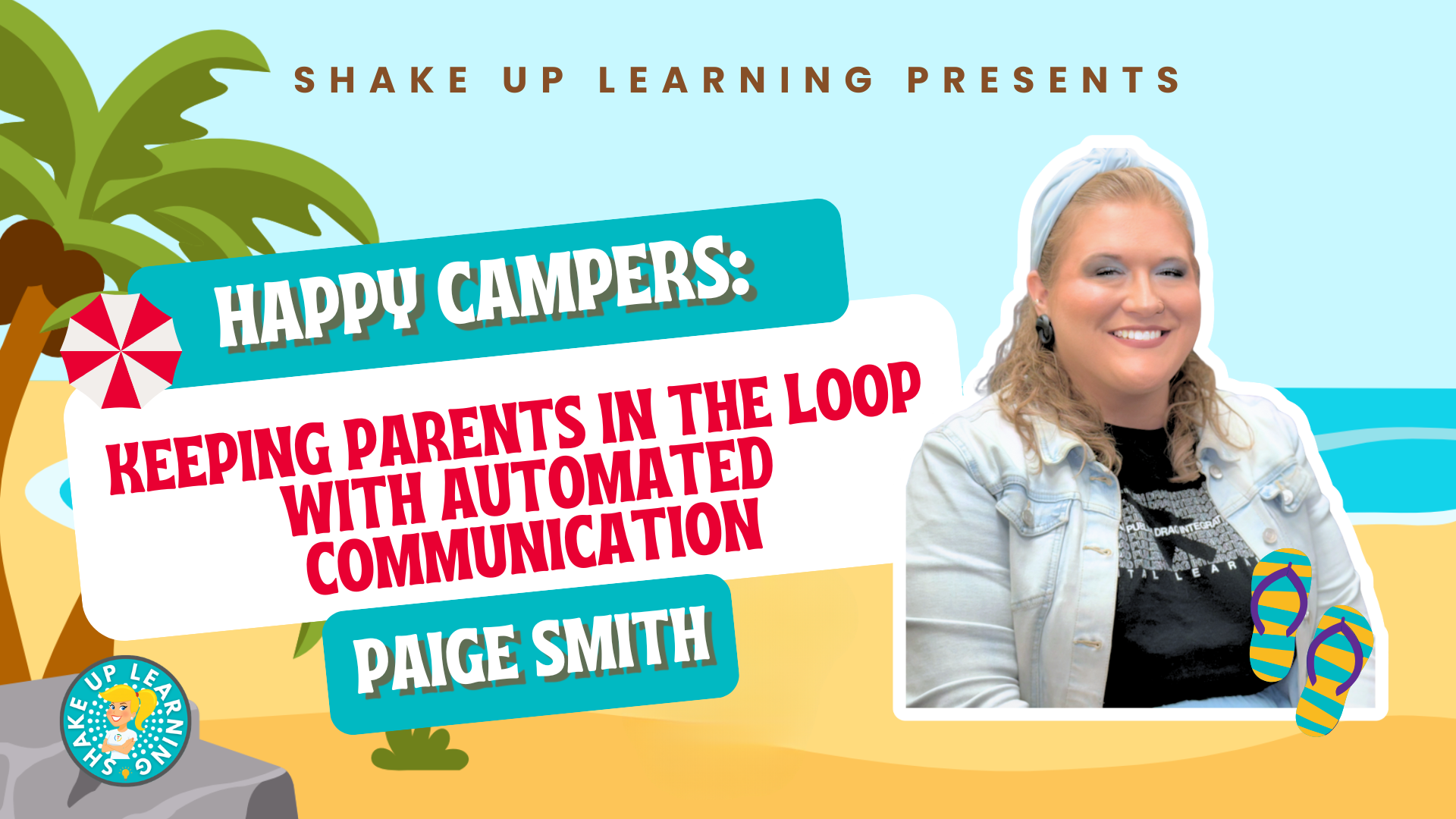
If you’re still manually sending grade updates home, this session will change that.Paige Smith, Instructional Technology Specialist in Garland ISD, walks through a fully automated parent and student communication system built entirely in Google Workspace.Using Google Forms, Google Sheets, and the free Autocrat add-on, she shows you how to set up a workflow that collects student grade check-ins, pulls roster data automatically with a VLOOKUP formula, and sends personalized emails to students and families without you touching it after the initial setup.
It works for weekly grade updates, missing assignment notices, or any recurring communication you’re tired of doing by hand.Keeping Parents in the Loop with Automated Communication Description: Learn how to automate grade updates and parent communication using Google Forms, Google Sheets, and the Autocrat add-on.In this session, Paige Smith, Instructional Technology Specialist at Garland ISD, walks you through a complete setup that automatically pulls student and family data and sends personalized emails, with no lifting a finger after the initial build.
You’ll see how to: Build a Google Form for student grade check-ins Set up a Google Sheets roster with VLOOKUP to pull student and family data automatically Design a merge template in Google Docs or Slides that populates student-specific information Install and configure Autocrat to generate and send personalized documents by email automatically Whether you’re sending weekly grade updates, missing assignment notices, or any other recurring parent communication, this workflow runs on its own once it’s set up.️ Paige’s Slides Register for the FREE Summer Learning Series Join us for the entire series–all summer long! The Summer Learning Series is a free, asynchronous online learning event designed specifically for K-12 teachers, instructional coaches, and education leaders.Think of this as a slow-burn mini-conference with new presentations dropped every week all summer long! This series consists of expert-led presentations designed to equip K-12 teachers with a treasure trove of practical ideas, innovative teaching tools, and actionable lesson plans.
️ REGISTER HERE and check out the full schedule! Get Credit for this Session with ALL ACCESS Each Summer Learning Series session is available as a full online course inside the ALL ACCESS Membership.Members can watch ad-free, access bonus resources, and earn a certificate of completion for every session.It’s flexible, self-paced PD—on your terms! Join ALL ACCESS and start earning credit today! About Paige Smith As an Instructional Technology Specialist, I leverage my 7 years of EC-8 and middle school CTE teaching experience to support educators.
I hold a BA in Elementary Ed and an MA in Curriculum & Instruction, and I love helping teachers grow through impactful EdTech.LinkedIn Portfolio Shake Up Learning 2025.Unauthorized use and/or duplication of this material without express and written permission from this blog’s author and/or owner is strictly prohibited.
Excerpts and links may be used, provided that full and clear credit is given to Kasey Bell and Shake Up Learning with appropriate and specific direction to the original content on ShakeUpLearning.com.See: Copyright Policy.
Read More