Most people who switched away from Bixby didn’t leave because it was bad at what it was built to do.They left because something shinier showed up, and going back never crossed their mind.I was the same way.
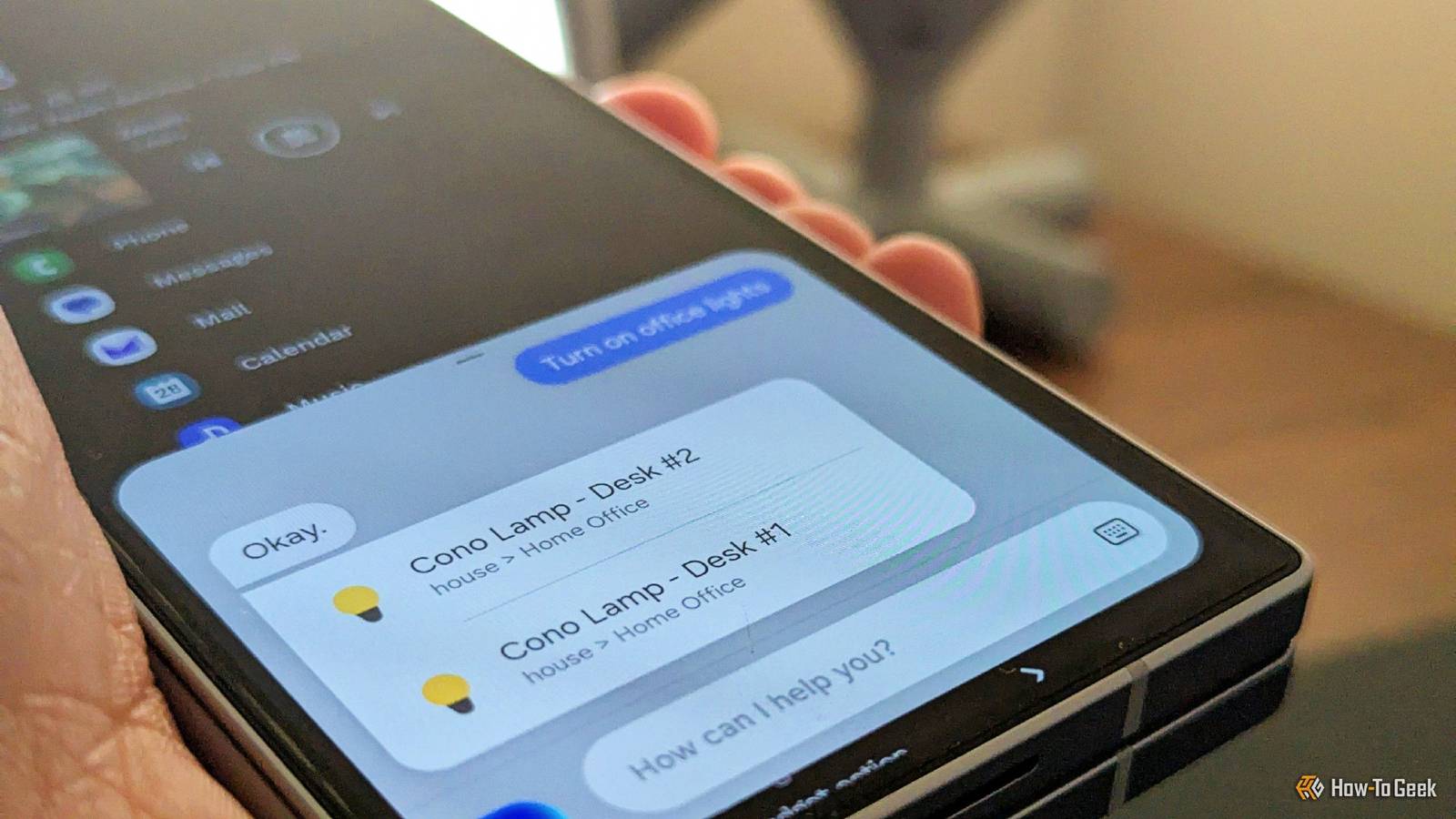
I moved from Bixby to Google Assistant to Gemini without really thinking about it, and I assumed Bixby had quietly died somewhere along the way because it was somehow bad.But it’s actually giving Gemini a run for its money.Gemini starts to fail where Bixby shines Cloud assistants will fall behind on simple tasks Close For years, I've been using Google’s Gemini for basically everything from voice commands to quick questions or for help fixing my car.
Even with how much has gone into Gemini, it bothered me a lot.It was sometimes unresponsive when I drove, and anytime I had any internet issues, Gemini was unreliable.I’d ask for something simple like what time it was and have to wait.
It’s a small thing, but when you’re asking your phone to flip a setting or set an alarm, that kind of delay gets old fast.I remember asking Gemini to put my phone in power-saving mode and set an alarm, but it just sat there spinning.But what really bothered me was having to rely on a cloud-based model to do something on my phone.
I should not need a perfect internet connection just to handle something on my phone.Bixby can handle some basic commands without an internet connection if you turn on its On-device mode, which lets you toggle simple settings like Wi-Fi even when your signal is weak.By default, though, Bixby Voice still needs an internet connection like most cloud-based assistants.
Bixby, for all the grief it gets, is actually built for exactly that.I wasn’t one of those people who had anything against Bixby besides it taking a button for itself that should only be for shutting down or restarting a phone.Otherwise, I feel like I’ve missed out on a tool that is better than Gemini for what I need, and you might be too.
Bixby is still hiding inside your phone Getting Bixby back takes just a few clicks Like most people, I assumed Bixby was completely gone.Turns out it’s usually just hidden, so getting it back is more about changing a few settings than reinstalling anything.Head into the Settings app, scroll down to “Advanced features,” where you’ll find options related to the side or power key; make sure one of the press actions (single or double press) is set to open Bixby.
If you want the full Bixby experience with voice and everything, open the Bixby app itself.You can find it in your app drawer if you can’t spot it on the home screen.You’ll need to sign in with your Samsung account if it asks, and run through the setup to get Bixby Voice going again.
While you’re in the app, tap the gear icon to get into its settings, and you can turn on “Wake with Bixby” there if you’d rather just say the wake word instead of pressing anything.Gemini always needs a few attempts to know I’m speaking, but Bixby knows its name.You should check and see if Bixby was turned off somewhere along the way through Device Care or battery settings.
Go to Settings, then “Apps,” and look for anything Bixby-related like Bixby, Bixby Voice Wake-Up, Bixby Voice.Make sure none of them are set to “Disabled” or being blocked by battery restrictions, because that’ll keep them from running even if everything else looks fine.Bixby handles the basics much faster Bixby is a good alternative When you ask something like Gemini to turn down your brightness or flip on Do Not Disturb, your phone is shooting a request to a server farm somewhere across the country just to change a setting that lives right there on your device.
Bixby is built directly into Samsung’s One UI, and with On-device mode enabled, it can handle some basic device commands on the phone itself without needing a server round-trip.That’s why Bixby responds so quickly, because it doesn’t need to go to a cloud server.So when you need something done right now, Bixby just does it, which is something that doesn’t feel normal anymore.
Servers feel like a huge requirement for so many apps and programs, thanks to the rise in AI, so the speed at which Bixby can get something done is mind-blowing.Half a second doesn’t sound like much, but it’s just long enough to be noticeable.Getting rid of that lag is what turns Bixby from a voice gimmick into something you actually rely on.
That reliability carries over into Bixby Routines, which is what made me like it the most.I never used this back when Bixby was the normal on-device assistant.Bixby Routines let you set up automatic sequences tied to what you’re doing.
So it’s like having a Macro without all the effort.When your phone connects to the car, it can mute notifications and switch on Wi-Fi without you touching anything.At night, it can dial down the brightness, switch to dark mode, and cap your battery charge on its own.
You can also tie that routine to the shutdown button if you want to skip the voice command.Bixby is still losing the fight Bixby isn’t going to replace Gemini, and it shouldn’t.If you need to research something, draft a message, or work through anything that requires real reasoning, Gemini is still the better call.
What Bixby does is handle the unglamorous stuff, flipping settings, triggering routines, toggling hardware modes, and it does it better than a cloud-dependent assistant ever will.Samsung bixby App Publisher Samsung Samsung Bixby is an assistant built into Samsung phones.Get it here! Expand Collapse
Read More