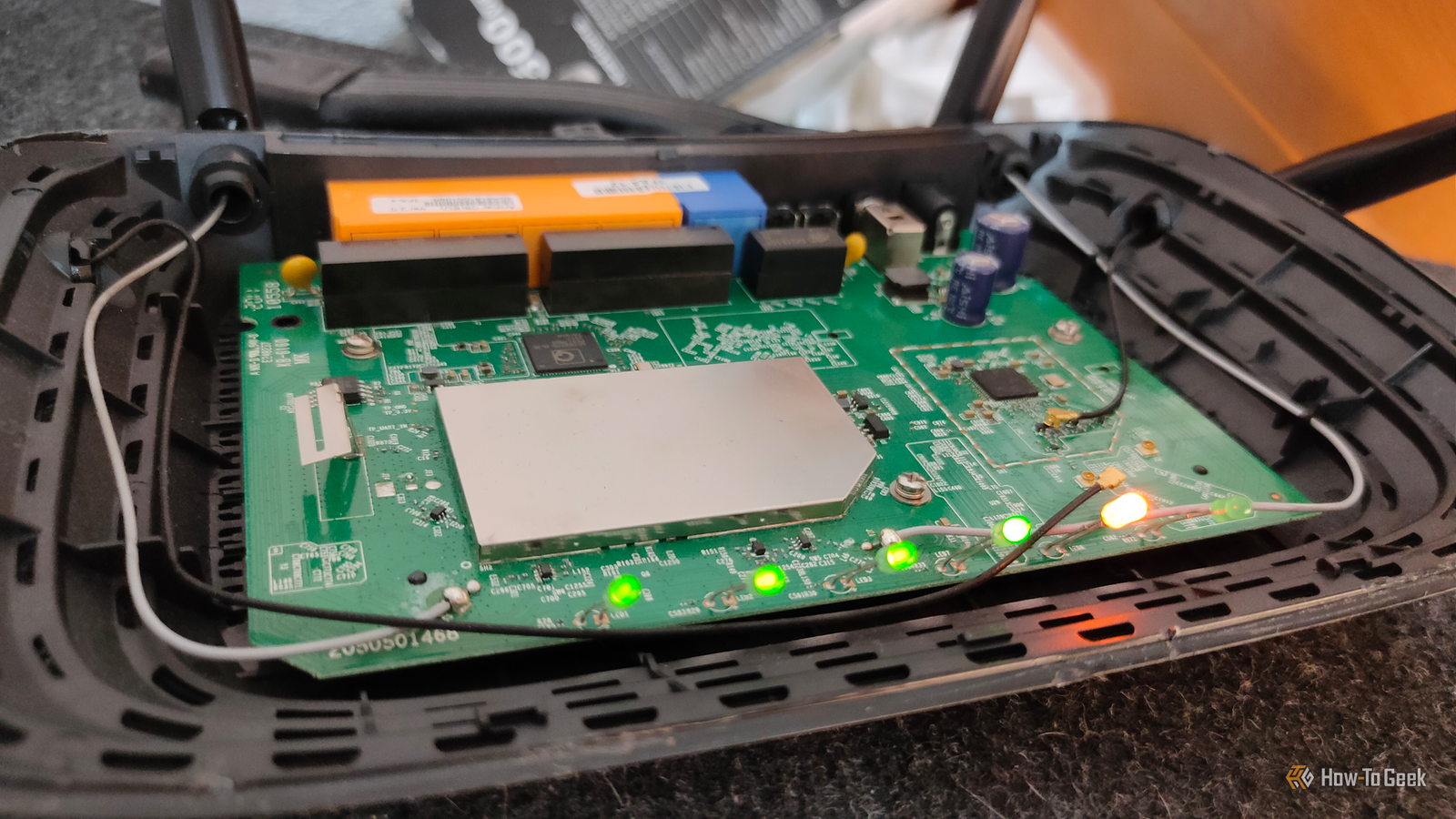
There's a Wi-Fi trick floating around tech forums that promises to dramatically boost your wireless speeds.I tried it, and came away with more questions than answers—most of them wondering about why it keeps getting recommended.What's this hack about? Forcing your router to use wider channels for faster speeds The so-called 160MHz Wi-Fi hack involves manually changing your router's channel width from the default 80MHz to 160MHz in the 5GHz band.
The logic is straightforward on paper: wider channels carry more data simultaneously, so doubling the channel width should, in theory, double your throughput.On paper, that's a compelling pitch, especially for people chasing gigabit Wi-Fi speeds over a wireless connection.Most routers that support Wi-Fi 5 (802.11ac) or Wi-Fi 6 (802.11ax) are technically capable of operating at 160MHz, but manufacturers typically ship them set to 80MHz by default.
The people recommending this tweak argue that manufacturers are being overly conservative, and that unlocking 160MHz is a simple settings change that the average user is just missing out on.You go into your router's admin panel, find the channel width option under the 5GHz settings, flip it to 160MHz, save, and wait for the supposed speed gains to roll in.The trick circulates heavily in subreddits like r/HomeNetworking and r/techsupport, often accompanied by before-and-after screenshots showing impressive speed test jumps.
To be fair, a lot of them aren't fabricated.Under very specific conditions, 160MHz can produce noticeably higher throughput.The problem is that those conditions are far narrower than the posts let on.
What works in a nearly empty RF environment in a rural area or a sparsely populated apartment building doesn't translate to the average home, where the airwaves are already crowded with neighboring networks competing for the same spectrum.Quiz 8 Questions · Test Your KnowledgeWeird WiFi and networking quirksTrivia challengeFrom bizarre range tricks to hidden protocol secrets — how well do you really know your network?WiFiProtocolsHardwareHistoryFun FactsBegin 01 / 8Fun FactsIn 2012, a small village in Wales was mysteriously losing its broadband every morning at the same time.What was the cause?AA faulty undersea cable that expanded in morning tidesBAn old TV emitting electrical interference when switched onCA neighbor's microwave running on a scheduled timerDMorning dew condensing on exposed copper telephone linesCorrect! An elderly villager's old television set was emitting a powerful electrical signal every morning when he turned it on, wiping out broadband for the entire village.
Engineers used a spectrum analyzer to track down the source after years of complaints.It's a perfect example of how everyday electronics can wreak havoc on networking signals.Not quite! The culprit was an old television set that an elderly resident switched on every morning, sending out a burst of electrical interference that killed broadband for the whole village.Engineers used specialist equipment to track it down after years of frustrating outages.Continue 02 / 8WiFiWhy does placing your WiFi router near a fish tank often degrade wireless signal quality?AThe metal frame of the tank acts as a Faraday cageBWater absorbs and attenuates 2.4GHz radio waves very effectivelyCFish produce bioelectric fields that interfere with radio signalsDThe tank's fluorescent lighting creates electromagnetic noiseCorrect! Water is a surprisingly effective absorber of 2.4GHz radio waves, which is the same frequency used by most WiFi routers.
This is actually the same principle microwave ovens use to heat food — the frequency is tuned to excite water molecules.A large fish tank can create a significant dead zone behind it for WiFi signals.Not quite! The answer is water absorption.Water molecules absorb 2.4GHz radio waves very efficiently — it's the same reason microwave ovens cook food at that frequency.
A large fish tank can significantly dampen your WiFi signal, creating dead zones on the other side of it.Continue 03 / 8HistoryThe term 'WiFi' is often believed to stand for 'Wireless Fidelity', but what is the actual origin of the name?AIt was an acronym coined by the IEEE standards committee in 1997BIt was invented by a marketing firm as a catchy brand name with no true meaningCIt derives from the Japanese term 'Wi-Fai', meaning wireless connectionDIt was named after Wi-Fi pioneer Victor Fidelity HayesCorrect! 'WiFi' was coined by a branding consultancy called Interbrand in 1999, hired by the Wireless Ethernet Compatibility Alliance.It was designed purely as a marketable, memorable name — not an acronym.The 'Wireless Fidelity' backronym was actually invented afterward to give the name a plausible meaning, and even the Wi-Fi Alliance has admitted the term has no real meaning.Not quite! WiFi was invented by a branding company called Interbrand as a catchy, memorable marketing term with no underlying meaning.
The popular explanation that it stands for 'Wireless Fidelity' was actually created after the fact as a retronym, and even the Wi-Fi Alliance has acknowledged the name doesn't technically stand for anything.Continue 04 / 8ProtocolsWhat is the maximum theoretical speed of the original 802.11 WiFi standard released in 1997?A11 MbpsB54 MbpsC2 MbpsD10 MbpsCorrect! The original 802.11 standard from 1997 topped out at just 2 Mbps — barely enough to stream a low-quality video today.It feels almost laughably slow compared to modern WiFi 6E speeds that can exceed 9 Gbps in ideal conditions.The jump in wireless speeds over just 25 years is one of the most dramatic improvements in consumer technology history.Not quite! The original 802.11 standard could only manage 2 Mbps — painfully slow by today's standards.
The 11 Mbps speed came with 802.11b in 1999, which was a big deal at the time.Modern WiFi standards have improved speeds by over 4,000 times compared to that humble beginning.Continue 05 / 8HardwareWhich common household appliance is most notorious for interfering with 2.4GHz WiFi networks?AA refrigerator compressor motorBA microwave ovenCA plasma televisionDAn electric kettleCorrect! Microwave ovens operate at approximately 2.45GHz, sitting almost exactly on top of the 2.4GHz WiFi band.When running, a microwave leaks enough radio frequency energy to noticeably disrupt nearby WiFi connections.
This is one of the main reasons the 5GHz WiFi band became popular — it completely avoids this kitchen interference problem.Not quite! Microwave ovens are the biggest culprit.They operate at around 2.45GHz, almost identical to the 2.4GHz WiFi frequency band.Even a well-shielded microwave leaks enough signal to cause noticeable interference.
Switching to the 5GHz band on your router completely sidesteps this issue.Continue 06 / 8Fun FactsWhat unusual material was found to dramatically boost WiFi signal strength in experiments by researchers at Dartmouth College?AAluminum-coated wallpaperB3D-printed plastic reflectorsCGraphene-coated glass panelsDCopper mesh window screensCorrect! Researchers at Dartmouth College discovered that custom-shaped 3D-printed plastic reflectors, coated in a thin layer of metal, could dramatically focus and redirect WiFi signals throughout a space.The reflectors could boost signal strength in desired areas by up to 55% while simultaneously reducing signal in areas where security or privacy was needed.It's a remarkably cheap solution using off-the-shelf printing technology.Not quite! Dartmouth College researchers found that 3D-printed plastic reflectors with a metallic coating could focus WiFi signals like a lens, improving signal strength by up to 55% in targeted areas.
The approach also has a useful privacy angle — you can intentionally block signal from going outside your walls without expensive equipment.Continue 07 / 8ProtocolsWhat does the 'ping' command measure, and where does the name actually come from?APacket integrity — named after the sound of a sonar pulseBRound-trip signal time — named after the sound a submarine sonar makesCPort availability — it's an acronym for Packet InterNet GroperDNetwork bandwidth — named after the creator Mike Ping at MITCorrect! Ping measures the round-trip time for a data packet to travel to a host and back, measured in milliseconds.The name is inspired by sonar technology used in submarines — when sonar emits a pulse and 'hears' it bounce back, operators call that a ping.The networking tool was written by Mike Muuss in 1983, and he explicitly confirmed the sonar analogy was intentional.Not quite! Ping measures round-trip latency — how long it takes for a packet to go to a destination and come back.
The name comes from submarine sonar, where a sound pulse sent out and detected returning is called a 'ping.' Creator Mike Muuss confirmed this analogy in 1983 when he wrote the tool, though the 'Packet InterNet Groper' backronym was invented later.Continue 08 / 8WiFiWhat phenomenon causes WiFi speeds to mysteriously slow down when many neighbors are using their networks simultaneously, even if you're not sharing bandwidth with them?AIP address collisions caused by overlapping DHCP poolsBChannel congestion from competing radio signals on the same frequencyCDNS server overload from too many simultaneous lookup requestsDMAC address flooding causing router memory overflowCorrect! WiFi operates on shared radio frequency channels, and nearby routers broadcasting on the same channel compete for airtime even between separate networks.This is called co-channel interference, and it causes routers to 'take turns' transmitting more often, reducing effective throughput.Using a WiFi analyzer app to find the least congested channel — or switching to the less crowded 5GHz or 6GHz bands — can significantly improve speeds in dense neighborhoods.Not quite! The culprit is channel congestion.
WiFi channels are shared radio spectrum, and when many nearby networks use the same channel, they all have to take turns broadcasting — slowing everyone down even though no one is stealing your bandwidth.A WiFi analyzer can help you find a quieter channel, and moving to 5GHz or 6GHz usually helps escape the congestion.See My Score Challenge CompleteYour Score/ 8Thanks for playing!Try Again Why was it so underwhelming? Real-world results that fell flat almost immediately When I made the switch, my first instinct was to run a speed test.The numbers looked promising at first—throughput on my main device nudged upward in ideal conditions, sitting close to my router with no interference.
But that initial optimism faded quickly once I started actually using the network the way I normally do.Streaming, browsing, and file transfers across multiple devices told a very different story from that single-device speed test.The core issue is spectrum congestion.
160MHz channels require a contiguous 160MHz block of clean 5GHz spectrum to function properly.In a dense urban environment, or even a typical suburban neighborhood full of overlapping Wi-Fi networks, that kind of clean contiguous spectrum is essentially a fantasy.My router was technically broadcasting at 160MHz, but it was constantly stepping down due to interference, often falling back to 80MHz or even lower without any clear indication in the UI that this was happening.
The other problem is device compatibility.Not every device in a typical home supports 160MHz operation, and those that don't are effectively penalized in a mixed-client environment.Older laptops, phones, and smart home gadgets that only support 80MHz channels can introduce overhead that drags the entire network down, ironically making things worse than the default configuration.
I experienced noticeably higher latency on several devices that had previously been rock solid, which is the opposite of what anyone recommending this trick would want to advertise.Then there's the signal range issue.Wider channels are more susceptible to interference and degrade over distance faster than narrower ones.
Devices at the edge of my network's range, like a laptop in another room, performed markedly worse at 160MHz than they had before.The aggregate real-world experience across all my devices was a net negative, not the uniform improvement the forums had led me to expect.Should you try it out? It depends, but probably not in the way you'd hope There is a narrow set of circumstances where 160MHz makes genuine sense.
If you have a Wi-Fi 6 or Wi-Fi 6E router, a client device that explicitly supports 160MHz operation—a recent laptop or a current-generation flagship phone—and you're operating in an environment with minimal RF congestion, you may see a real, sustained throughput improvement.High-bandwidth use cases like transferring large files between a NAS and a workstation wirelessly, or pushing 4K video locally, are where the extra channel width can actually flex its muscles without causing cascading problems elsewhere.For most people reading this, though, those conditions don't apply.
The typical home has a mix of old and new devices, neighbors whose routers are already competing for the same frequencies, and walls that punish any signal degradation more severely than a spec sheet suggests.In that environment, 160MHz is more likely to introduce instability than to deliver the gains being promised in forum posts.If you do want to experiment, the responsible approach is to treat it as a test rather than a permanent fix.
Switch to 160MHz, live with it for a week, and pay attention to your whole network rather than cherry-picking speed tests on your fastest device.Monitor latency, check whether devices further from the router behave differently, and watch for any devices that seem to drop connection more frequently.If everything feels the same or better, great.
If anything feels worse, the default 80MHz setting exists for very good reasons, and there's no shame in switching back.Wi-Fi optimization is genuinely useful, but the best gains usually come from placement, band steering configuration, and proper channel selection—not from chasing wider channels that your environment can't reliably support.The 160MHz trick is more hype than it appears The appeal of a quick settings change that unlocks hidden speed is hard to resist, but 160MHz Wi-Fi is a tool built for specific conditions most users simply don't have.
Default settings exist for a reason.Understanding why is more useful than overriding them blindly.
Read More