After you get done installing Linux with a flash drive, it is tempting to just wipe it and throw it back in a drawer.However, that is a waste.Whether you just leave Linux on it or you add a few extra things, your Linux installer USB can become one of the most useful tech troubleshooting tools you own.
Leave it as a Linux repair drive Something could go wrong One of the best ways to make use of your installer drive is to keep your Linux boot drive exactly as it is.At some point, regardless of the operating system, something will go wrong.Whether it's a bad update, a broken bootloader, or a corrupted file system, you don't want to be caught without a way to fix the problem.
Having a working Linux OS on a USB drive means you aren’t going to get locked out of your own machine.You can boot into the live Linux environment to access your files, repair disks, fix GRUB issues, or back up important data before doing anything risky.A backup installation USB is one of those tools that'll sit forgotten in a drawer until you need it.
When that moment finally comes——it'll save you hours of frustration.Quiz 8 Questions · Test Your KnowledgeLinuxTrivia ChallengeFrom a Finnish student's side project to powering the world's supercomputers — how well do you really know Linux?HistoryCultureCommandsKernelFun FactsBegin 01 / 8HistoryIn what year did Linus Torvalds announce the first version of the Linux kernel to the world?A1989B1993C1991D1995Correct! Linus Torvalds posted his now-famous message to the comp.os.minix newsgroup on August 25, 1991, describing Linux as 'just a hobby, won't be big and professional.' That turned out to be quite the understatement.Not quite — Linus Torvalds made his famous announcement in 1991, when he was just 21 years old and a student at the University of Helsinki.He described it as a 'hobby' project, which is arguably the most successful hobby in computing history.Continue 02 / 8CultureWhat is the name of the Linux mascot, and what kind of animal is it?ABeastie, a daemonBTux, a penguinCGNU, a wildebeestDRex, a foxCorrect! Tux the penguin became the official Linux mascot in 1996, designed by Larry Ewing.
The name 'Tux' is often said to stand for Torvalds UniX, and the penguin was chosen after Linus mentioned he was once bitten by a penguin at a zoo.The answer is Tux, a penguin! The mascot was chosen after Linus Torvalds mentioned being bitten by a fairy penguin at a zoo in Canberra, Australia.Designer Larry Ewing created the iconic image in 1996 using GIMP — fittingly, free software.Continue 03 / 8KernelWhat type of kernel architecture does Linux use?AMicrokernelBExokernelCHybrid kernelDMonolithic kernelCorrect! Linux uses a monolithic kernel, meaning the entire operating system runs in kernel space.This famously sparked a heated debate between Linus Torvalds and computer scientist Andrew Tanenbaum in 1992, who argued microkernels were the superior design.Not quite — Linux uses a monolithic kernel, where the OS core runs as a single large process in kernel space.
This was actually controversial, leading to a famous flame war between Linus Torvalds and professor Andrew Tanenbaum, who believed microkernels were the future.Continue 04 / 8CommandsWhat does the classic Linux command 'sudo' stand for?ASystem User DoBSwitch User and DoCSuperuser DoDSecure Unix DoCorrect! 'sudo' stands for Superuser Do, and it allows permitted users to run commands with the security privileges of another user — typically the root superuser.It's one of the most typed commands in Linux and has inspired countless memes about power and responsibility.The answer is 'Superuser Do'! While 'switch user' logic is involved, the name specifically refers to executing a command as the superuser (root).First developed in the 1980s, sudo is now a cornerstone of Linux security, letting admins grant elevated privileges without sharing the root password.Continue 05 / 8Fun FactsWhat percentage of the world's top 500 supercomputers run Linux?AAround 75%BExactly 50%C100%DAround 90%Correct! As of 2017, Linux achieved 100% domination of the TOP500 supercomputer list — and has maintained it ever since.
From weather modeling to nuclear research to AI training, every single one of the world's fastest supercomputers runs Linux.Remarkably, the answer is 100%! Since November 2017, every single computer on the TOP500 supercomputers list has run Linux.It powers everything from climate simulations to particle physics research at CERN to AI model training at major tech companies.Continue 06 / 8HistoryWhich operating system directly inspired Linus Torvalds to create Linux?AMS-DOSBBSD UnixCMinixDSolarisCorrect! Torvalds was inspired by Minix, a small Unix-like OS created by Andrew Tanenbaum for educational purposes.Frustrated by Minix's limitations and licensing restrictions, he set out to build his own kernel — and the rest is history.The direct inspiration was Minix, a small educational Unix-like system created by professor Andrew Tanenbaum.
Torvalds was using Minix on his new PC but found it too limited.His desire for a more capable, free system drove him to write Linux from scratch starting in 1991.Continue 07 / 8CultureWhat does the 'GNU' in 'GNU/Linux' stand for?AGeneral Network UtilityBGNU's Not UnixCGlobal Networked UnixDGNU Null UnixCorrect! GNU stands for 'GNU's Not Unix' — a classic recursive acronym beloved by hackers.The GNU project was started by Richard Stallman in 1983 to create a completely free Unix-like operating system.
Linux provided the missing kernel to complete the GNU system.GNU stands for 'GNU's Not Unix' — a recursive acronym, which is a playful trick where the abbreviation refers back to itself.Richard Stallman launched the GNU Project in 1983, years before Linux existed.When Torvalds released the Linux kernel, it completed the puzzle Stallman had started.Continue 08 / 8Fun FactsWhich of the following runs on the Linux kernel?AmacOSBAndroidCWindows Subsystem for LinuxDiOSCorrect! Android is built on top of the Linux kernel, making Linux the most widely used OS on the planet when you count smartphones.
Billions of Android devices worldwide are technically running Linux — Torvalds' 'hobby' project ended up in nearly everyone's pocket.The answer is Android! Google built Android on top of a modified Linux kernel, which means billions of smartphones worldwide are running Linux under the hood.macOS and iOS use a Darwin/XNU kernel, and WSL runs Linux tools but translates syscalls rather than running the kernel natively.See My Score Challenge CompleteYour Score/ 8Thanks for playing!Try Again Create a multi-OS drive Ventoy is great if one OS isn't enough If you’ve ever needed to install a different OS after you flashed your USB, you know how annoying it is to wipe and recreate the drive every time.Ventoy solves that problem completely.
Instead of burning a single ISO to the drive, you install Ventoy once and then copy as many ISO files as you want onto it.When you boot from the USB, you can choose which operating system you want to use.This gives you a ton of flexibility.
You can keep multiple Linux distributions for testing, a Windows installer for those times when a Windows update breaks something, or specialized diagnostic tools.It turns your USB into a portable repository of operating systems.If you tinker with multiple systems regularly, you'll almost definitely make use of a USB drive with Ventoys installed.
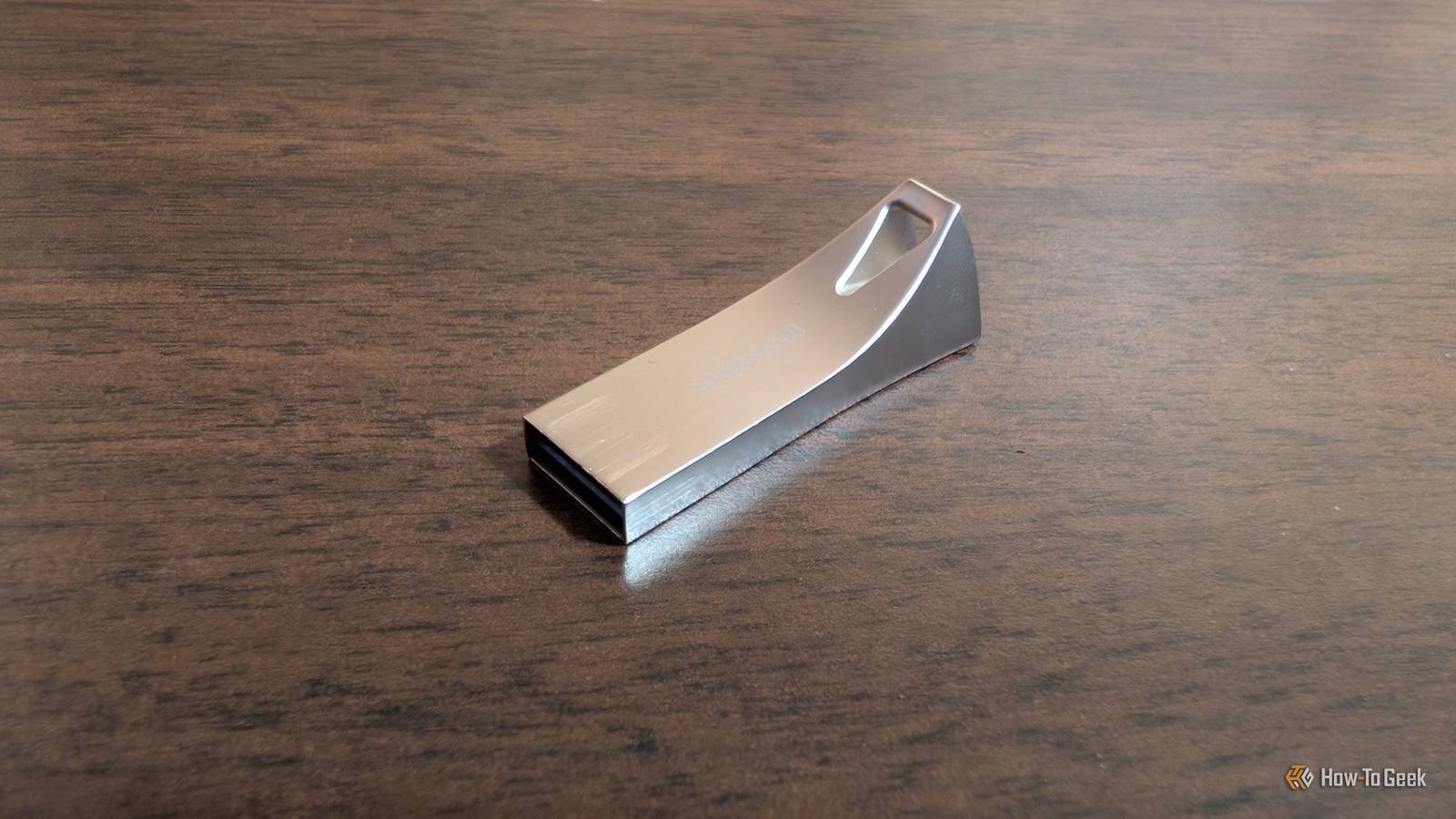
PNY Duo Link V3 9 Capacity 256GB, 512GB, 1TB, 2TB Speed 1000MB/s read, 800MB/s write Connection USB-C/A Portable Yes The PNY Duo Link V3 flash drive offers both USB-C and USB-A plugs.With USB 3.2 Gen 2 speeds, you can expect up to 1,000MB/s read and 800MB/s write speeds from this flash drive.Coming in 256GB, 512GB, 1TB, and 2TB storage sizes, this all-metal flash drive makes it easy to bring large amounts of fast storage with you anywhere.
$40 at Amazon $42 at PNY $40 at bhphotovideo Expand Collapse A portable Linux installation Who wouldn't want a second Linux OS? If you want to always have the comforts of your own PC wherever you go, a portable Linux install is another good option.The trick is to enable persistence, which stops the live USB from wiping itself every time it reboots.Files, installed applications, and system settings are all saved, meaning it behaves just like a normal installation.
Once it’s set up, you can plug it into most computers and have access to all of your own programs.This is especially useful if you work across multiple machines, use shared computers, or just want a consistent setup wherever you go.It isn't meant to replace a regular installation on internal drives, but it'll get the job done most of the time.
If you're creating a portable Linux installation from Windows, I'd recommend using Rufus.All you need to do is adjust one slider to set the size of persistent storage, and it handles everything else automatically.Related I found the perfect "portable" OS for remote work, and it’s not Windows I switch between computers a lot, so I use a persistent Linux USB that keeps my workspace consistent anywhere.
Posts 20 By Faisal Rasool I carry a USB drive with Kubuntu on it with my car keys, and I've used it more than a dozen times in the last 5 years, which is pretty good for a niche tool.Save every troubleshooting app to the drive Fix problems on Windows, Linux, and macOS If you want a digital Swiss army knife, you can turn your USB into a troubleshooting and diagnostics toolkit instead.Rather than relying on whatever tools are installed on a system, you bring your own.
I have a USB drive specifically for this purpose and I use it .Subscribe to the newsletter for USB repair and toolkit tips Discover more practical workflows; subscribe to the newsletter for hands-on guides, curated tool lists, and clear step-by-step setups that simplify repurposing Linux installer USBs into repair drives, multi-OS tools, or portable diagnostic kits.Get Updates By subscribing, you agree to receive newsletter and marketing emails, and accept our Terms of Use and Privacy Policy.
You can unsubscribe anytime.I've loaded my drive with software for: Disk management Data recovery Network diagnostics like Wireshark and nmap Hardware testing tools for memory and storage You can also include specialized operating systems if you want that option too.Whether you’re fixing your own machine or helping someone else, you’ve got everything you need in one place, and it works regardless of whether the system runs Windows, Linux, or macOS.
Don't let a useful drive go to waste You already went through the effort of creating a Linux boot drive.Letting it sit unused is a bit of a waste when it can be repurposed into something genuinely useful.With just a little extra setup, you can turn it into a repair tool, a portable workspace, or a full troubleshooting kit.
Once I got used to having mine on hand all the time, I'd hate to go without it.
Read More