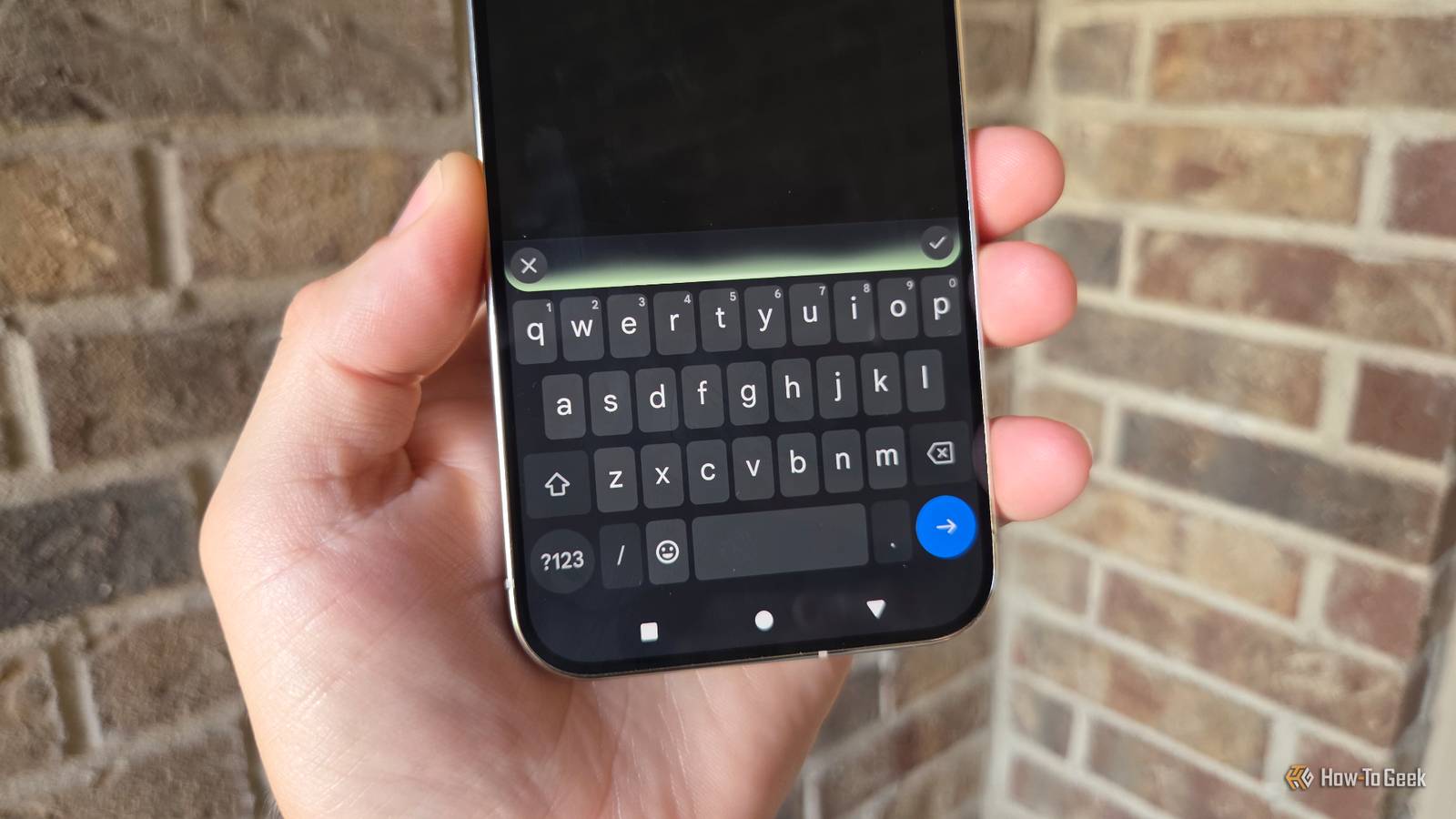
Android's default keyboard, Gboard, ships with clever predictions and slick design, but it also ships with a permanent connection to Google's servers.HeliBoard, a free and open-source alternative, actually makes a pretty good case for a replacement.What's HeliBoard? A privacy-first descendant of Android's original keyboard Close HeliBoard is a free and open-source virtual keyboard for Android, maintained as a fork of OpenBoard, which in turn traces back to the keyboard implementation baked into the Android Open Source Project.
That's felt from the get-go, as it feels pretty AOSP-y.OpenBoard launched at the end of 2019 and was actively developed until late 2022, when work on it stopped.HeliBoard, built by a developer known as Helium314, picked up where it left off and has continued shipping updates since, with new releases still landing regularly through GitHub and F-Droid.
The project is licensed under GPL-3.0, meaning its full source code is publicly auditable, and it requires Android 5.0 or newer to run.The keyboard's defining trait is that it has no Google dependencies and never connects to the internet, which is why privacy-focused communities often recommend it as a Gboard substitute.There's no account to sign into and no telemetry phoning home in the background.
Functionally, it covers most of what people expect from a modern keyboard: per-language dictionaries that users can supply themselves, customizable themes with adjustable colors and background images, support for custom layouts, a split-keyboard mode and one-handed mode for larger phones, clipboard history, a floating keyboard option, and backup-and-restore for settings.It also supports a wide range of scripts, including Latin, Cyrillic, Greek, Hebrew, Hindi, Arabic, and Korean, though it does not currently handle Chinese or Japanese input.Glide typing is available too, but only through a separate, closed-source gesture-recognition library, since that particular piece of technology isn't something the open-source project has replicated on its own.
How is it better? On-device processing instead of a constant data pipeline The core difference between HeliBoard and Gboard comes down to where typing data goes.Gboard leans on cloud infrastructure for several of its marquee features: predictive text, dictionary syncing across devices, grammar correction, and voice typing all route through Google's servers to some degree.That's convenient, but it also means keystrokes and voice input are, in some form, leaving the device.
HeliBoard was built to do the opposite.Every suggestion, correction, and dictionary lookup happens locally, with nothing transmitted off the phone.That design shows up most clearly in HeliBoard's "force incognito mode," which temporarily disables word learning, autocorrect, auto-capitalization, clipboard history, and delete-key swipe actions in one toggle, useful for typing in sensitive apps without leaving a trace in the keyboard's memory.
There are no ads and no account prompts anywhere in the app, which is a notable departure from most keyboard apps distributed through the Play Store.And as it turns out, HeliBoard also offers a level of granular customization that Gboard doesn't match.Settings for keyboard height, text size, font, and padding are all independently adjustable, letting users fine-tune the typing surface to their exact preference rather than choosing from a handful of preset themes.
Recent updates have added support for newer Unicode emoji sets, separate scaling options for foldable phones, and touchpad-style cursor control by sliding across the space bar, suggesting the project is still actively iterating rather than sitting still.Should I use it? A strong fit for some, a dealbreaker for others HeliBoard is an easy recommendation for anyone who already gravitates toward open-source tools and wants a keyboard that doesn't require trusting a cloud service with everything typed on it.The trade-offs are worth knowing up front, though.
Because glide typing depends on a closed-source library rather than HeliBoard's own code, privacy purists may want to leave that feature switched off, even though it's optional.The lack of Chinese and Japanese input support is a hard limitation for anyone who needs those languages, and prediction quality overall may feel a step behind Gboard's cloud-backed, neural network-driven suggestions simply because everything is computed on-device rather than on Google's infrastructure.There's also a distribution wrinkle: HeliBoard isn't available on the Play Store, so installing it means going through F-Droid or downloading an APK directly from GitHub, an extra step that will feel unfamiliar to users who've never sideloaded an app before.
For anyone comfortable with that process, though, HeliBoard is worth a trial run.Installing it through F-Droid, backing up an existing keyboard's settings beforehand, and spending a few days testing glide typing and prediction accuracy should be enough to tell whether the trade-off between convenience and control is the right one.A private keyboard with real trade-offs HeliBoard won't out-predict Gboard, and it skips Chinese and Japanese entirely.
But for anyone willing to sideload an app in exchange for a keyboard that keeps every keystroke on-device, it's one of the few genuine alternatives worth using.
Read More