After weeks of misery, the weather is finally about to heat up.Some parts of the UK could see temperatures climb to over 30 degrees with the sun expected to shine right through until the end of the month.Although that’s clearly great news for family BBQs and topping up the tan, it can be terrible for your Wi-Fi.
That's according to UK internet provider Virgin Media, who says rising temperatures can cause broadband connections to slow dramatically — or even stop working altogether.Read more: BT is back with cheap mobile plans, but not everyone can sign up Read more: Forget fibre broadband, new Wi-Fi device will change the way you access the web Tech news, reviews and latest gadgets plus selected offers and competitions Subscribe Invalid emailWe use your sign-up to provide content in ways you've consented to and to improve our understanding of you.This may include adverts from us and 3rd parties based on our understanding.
You can unsubscribe at any time.Read our Privacy PolicySo what's the problem with the sunshine and why is it so bad for broadband? Article continues below ADVERTISEMENTThe issue is pretty simple.Just like all electrical devices, routers really struggle in excessive heat.
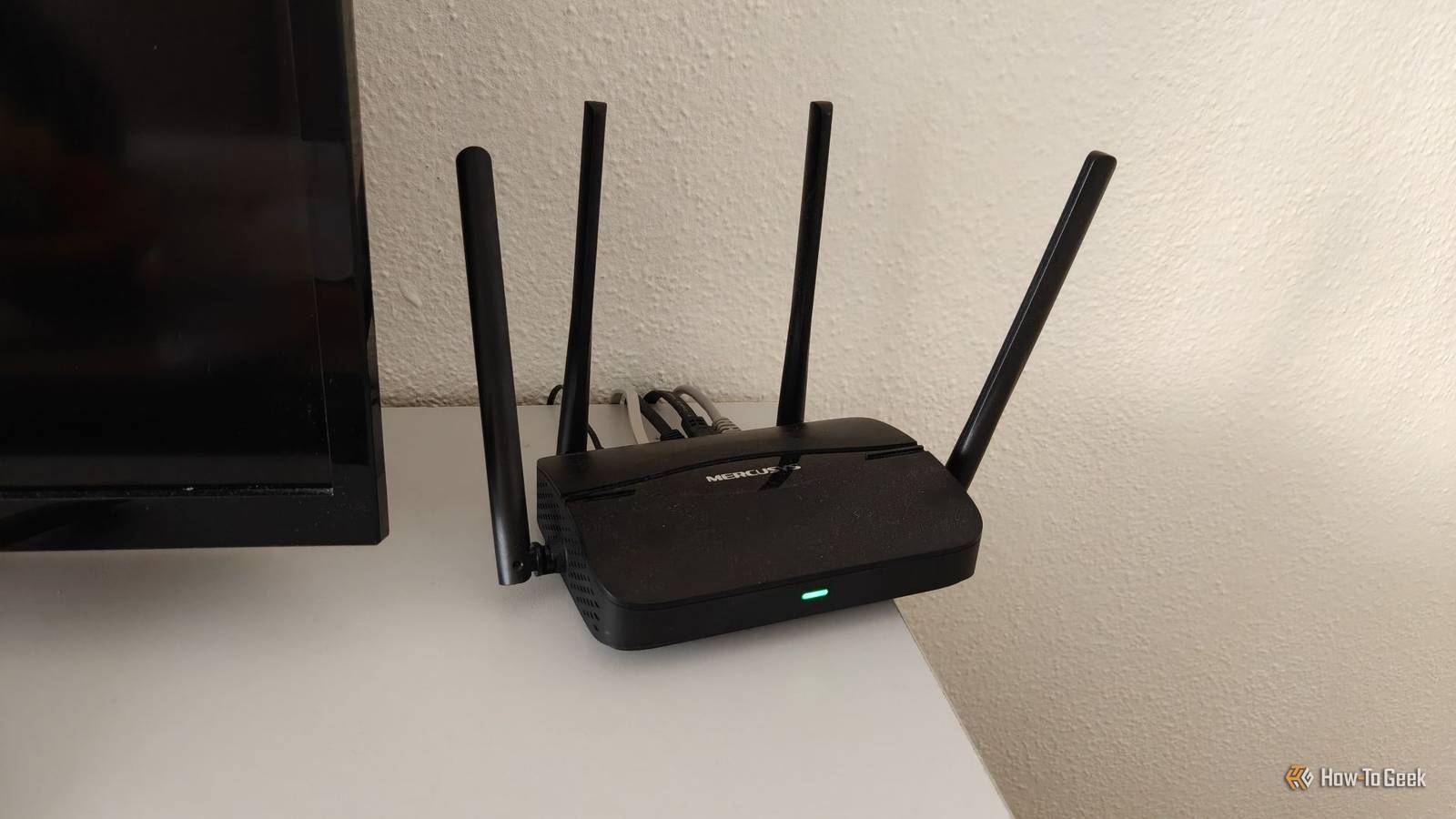
In fact, if they get too hot they can slow down and even shut down altogether.“Although we test our Hubs carefully at a range of temperatures, they are better off out of bright sunlight, just like your phone or laptop,” Virgin Media explained.“If the Hub gets too hot, it could slow down your connection or even grind to a halt.” Article continues below ADVERTISEMENTSo, with temperatures on the rise, now is a good time to make some quick checks and make sure your router is not sitting in direct sunlight or placed on a windowsill.If in direct sunlight, move it to a slightly cooler spot.Article continues below ADVERTISEMENTAlthough getting it out of the heat, hiding it away completely is also not recommended either.
Virgin Media warns that placing routers in enclosed or poorly ventilated spaces can also weaken your Wi-Fi performance.Martin Lewis provides details on cheap fast broadband deals “Good placement of the Hub could also mean greater WiFi reach,” the company added.“Don’t stick the Hub in a cupboard or hidden behind your TV either.”Virgin Media also advises keeping routers at least one metre away from cordless phones and baby monitors, and clear of large obstructions such as cupboards or fish tanks.Following these simple steps should help keep your broadband running smoothly during the warmer weather.Another useful tip is to reboot your router regularly.Virgin Media recently recommended turning the device off at least once a month to ensure it stays updated and secure.Simply switch the router off, leave it disconnected for a few minutes, then power it back on."It sounds simple, but turning your router off for 30 seconds and switching it back on can refresh your connection and fix temporary slowdowns," Virgin confirmed.You'll find the off switch on the back of the router, but be aware it can take around 5 minutes to reset, so only take this measure when nobody needs access to the web.
Read More