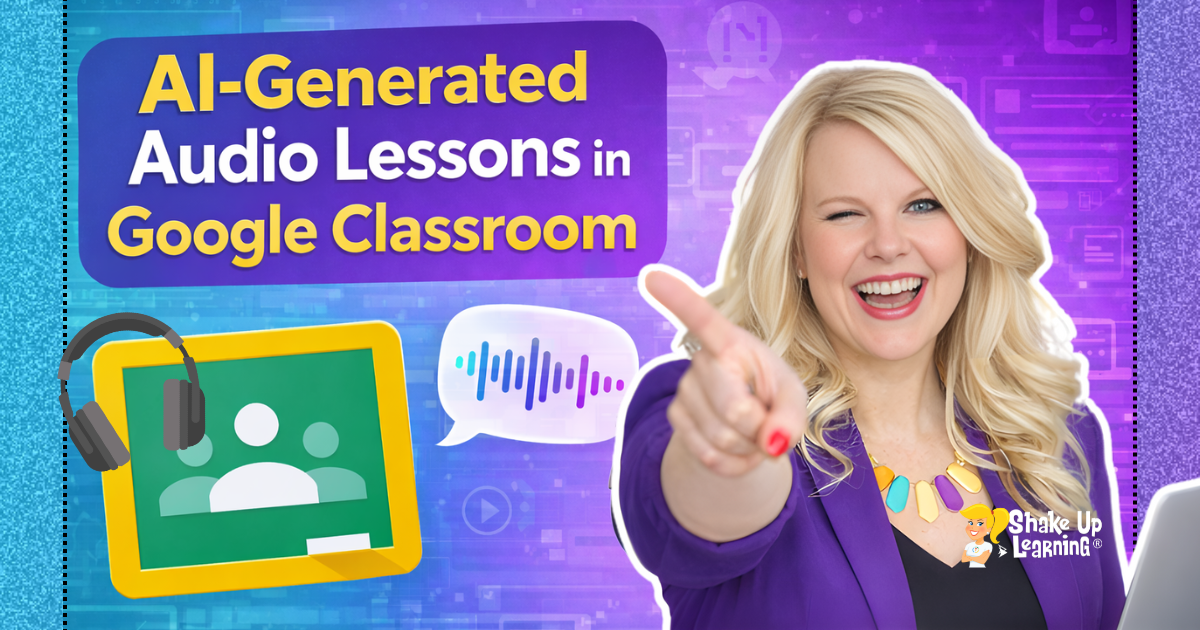
Ready to bring your lessons to life with audio—without recording a single word yourself? In this video tutorial, learn how to create AI-generated audio lessons in Google Classroom! Google just made it easier than ever for teachers to create podcast-style audio lessons directly inside Google Classroom using Gemini AI–FOR FREE! Let’s explore how this works and why it’s a game-changer for blended and personalized learning! I’ve got a video tutorial to walk you through each step below! Plus! Don’t forget to grab your FREE Cheat Sheet! How to Create AI-Generated Audio Lessons in Google Classroom What Are AI-Generated Audio Lessons? With the new Gemini AI integration in Google Classroom, teachers can now create custom audio lessons with just a simple prompt.Think: short, focused mini-lessons that sound like podcasts—automatically written and narrated by AI.No fancy microphones.
No editing.Just type, click, and go! *Related: 50+ AI Resources for Teachers Where to Find the Audio Lesson Tool This is FREE for all tiers of Google Workspace for Education! To access this feature: Open Google Classroom.Click the main menu (three lines).
Select Gemini (if enabled by your domain admin).Choose “Create an Audio Lesson” under instructional tools.Note: Your Google Workspace admin must enable Gemini for your domain.
If you don’t see the Gemini option, contact your IT department.Why Use Audio Lessons in the Classroom? Audio learning is not a replacement for great teaching—but it is a powerful supplement.Here’s what it can do: Reinforce key concepts with another modality Support auditory learners and students with reading challenges Offer flexible review for absent students Enhance blended or flipped instruction Allow students to learn at their own pace *Related: Find Google Classroom Assignments Quickly Using This Keyboard Shortcut! Ready for More? Join the MASTER CLASS (+ 3 Hours Credit) I created a full Master Class to help you hit the ground running—even if you’re brand new to AI.
This course will walk you through (no AI experience required): AI basics to help you get started Learn how to use the new tools to save time and improve your teacher workflow Best practices and pro tips! Learn more about the new Master Class HERE.Final Thoughts AI doesn’t replace the teacher—it empowers the teacher.Tools like Gemini’s audio lesson generator help you reach more students, save time, and deliver content in fresh ways.
You’ve got this.And I’m here to help you shake up learning every step of the way.Shake Up Learning 2025.
Unauthorized use and/or duplication of this material without express and written permission from this blog’s author and/or owner is strictly prohibited.Excerpts and links may be used, provided that full and clear credit is given to Kasey Bell and Shake Up Learning with appropriate and specific direction to the original content on ShakeUpLearning.com.See: Copyright Policy.
Read More