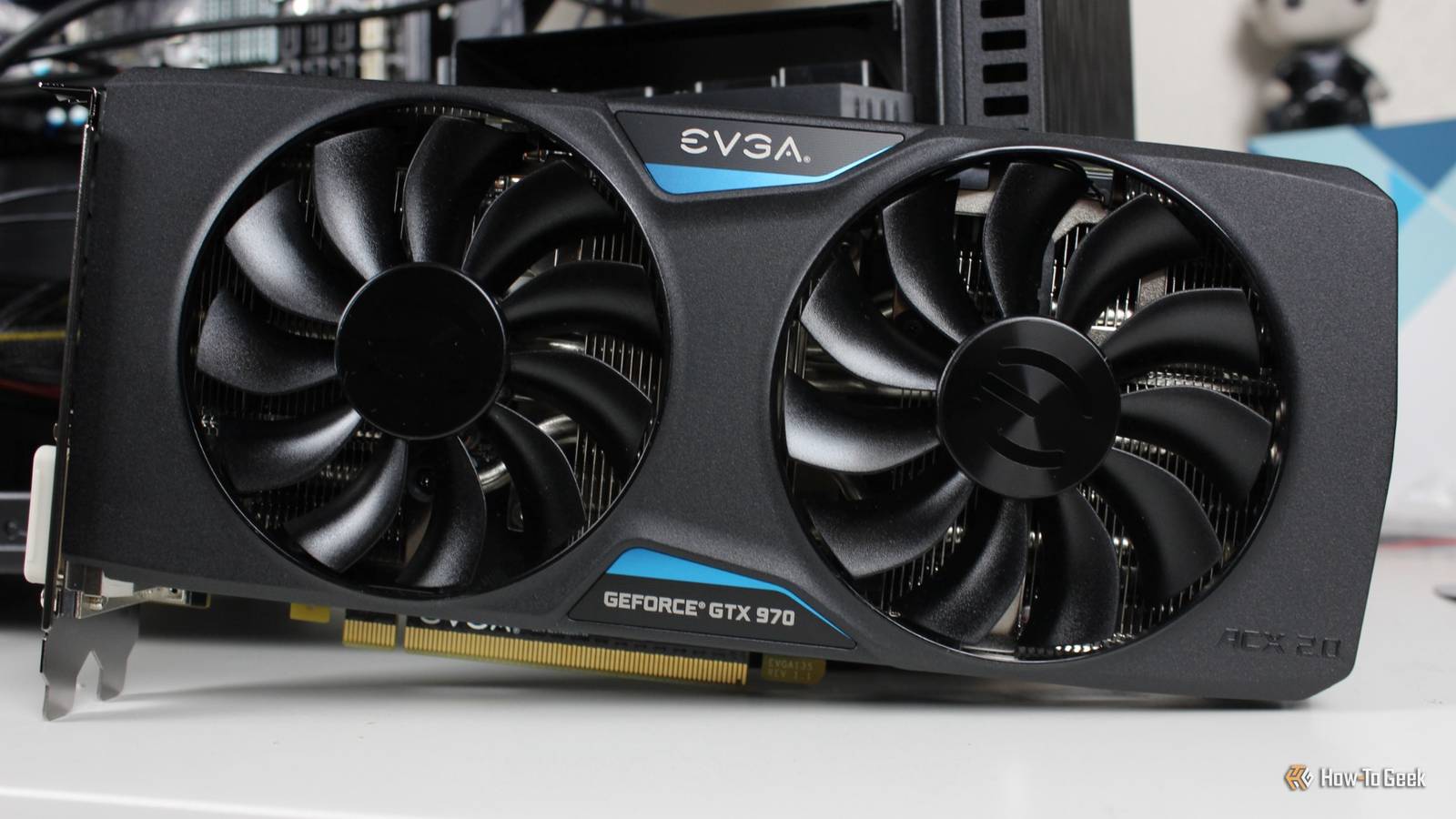
With Nvidia's RTX 50 Super a pipe dream, and GPU prices crazier than ever, now is the time to get a new graphics card.Look, I wouldn't mind, but no.The prices are way too wild.
Fortunately, there are ways to optimize not your existing GPU, but your CPU, in order to get better graphics performance.Yes, the processor! It helped me postpone the decision to buy a new graphics card.A CPU that just sits there forgotten is a CPU that's underutilized It's not underpowered, it's under-configured Close Be honest, how often do you think about your CPU? I won't fault you if you say "pretty much never." While GPUs get a lot of attention from gamers and overall PC users, CPUs are more of a means to an end, although they do have an entire crowd of overclockers who love trying to squeeze more performance out of their processor.
That's kind of how I felt about mine.I picked it up, installed it, and never gave it another thought.But there's a lot more that can be done with a CPU beyond using it as the brain of your entire computer.
You may be leaving performance on the table if you're not adjusting your CPU clocks, adjusting RAM speeds, tweaking the settings, and more.You're not just leaving performance on the table, though; money, too, as you paid for this CPU and all of its capabilities.I was in the same boat.
Related Nvidia quietly moved the legendary GTX 1080 Ti and 4 other classic GPUs to legacy status 5 iconic Nvidia GPUs you must replace now that official driver support is dead Posts 6 By Monica J.White My first step was to check whether the GPU was the bottleneck It often isn't Being a PC builder, I basically always want new hardware.But that's not always feasible, so before I decided to splurge, I checked whether my GPU even needed replacing.
The easiest way to do this is to run an overlay showing GPU utilization while you play games (or do whatever other resource-heavy task you usually get up to).Don't bother with benchmarks; judge actual performance by doing the thing you usually do for extended periods and monitoring performance.Let's say you're a gamer.
Monitor your frame rates.If they're consistent and are in line with your monitor's refresh rate, the GPU is probably not the issue, unless you're also running into things like stuttering or fps drops.The second part of the test? Drop your resolution a step, let's say from 1440p to 1080p, and see what happens.
A GPU-limited system will give you a decent jump in fps, because you just asked the card to draw far fewer pixels.But if the number is roughly the same, you're probably dealing with a CPU bottleneck.Have you overclocked your RAM? It's an easy thing to overlook If the CPU is letting you down, let me walk you through some of the fixes I've tried over the years.
First, your RAM.Your memory kit may not be running at its advertised speed.DDR5 boots at conservative JEDEC defaults, which is usually 4,800MT/s, until you go into your BIOS and switch on the profile you already paid for.
For Intel, this will be XMP, and for AMD: EXPO.This is a single toggle and is one of the most basic things you can do in the BIOS.It's often right on the first BIOS screen, even.
This is worth checking because memory speed and latency feed the CPU directly.Keep in mind that this is technically overclocking, so run something like OCCT afterwards to confirm stability, although I've never heard of anyone who broke their PC with a memory overclock, but it's not impossible.Windows may be hurting your FPS Gotta love that If you're on Windows (which I am, don't hate me), you may be able to tweak some settings to win back some performance.
The one worth checking first is memory integrity, part of Windows 11's core isolation.It runs kernel processes inside a hypervisor to block driver-level attacks, and yeah, that's genuinely useful, but every kernel call your game makes now takes a huge detour.That's not so great, as CPU-bound games make a lot of them.
Turning it off rarely moves your average frame rate much, but it'll move your 1% lows.Find it by searching for "core isolation" in the Start Menu.If you don't want to lower your PC's security, though, steer clear.
Some platform settings can be a problem Resizable BAR, chipset drivers, and scheduling What else can we change to get more performance without spending big bucks on a new GPU? Resizable BAR is the first thing to check.Without it, your CPU can only address your GPU's memory in small 256MB chunks, which is a limitation left over from an era when graphics cards had far less memory to address (even though a lot of them still don't have as much VRAM now as we would like).Turn it on, and your CPU can see the whole pool at once.
Gains are game-dependent, so you won't magically get a monster PC if it's indeed of the potato kind, but hey, every little bit helps.You'll find this in the BIOS.Chipset drivers are about as exciting as watching paint dry, but if yours are outdated, you might be missing out -- so give them a look.
On AMD systems in particular, the chipset driver installs the power plans that tell Windows which cores to send game threads to, and that matters enormously if you're on a dual-CCD X3D chip like the 9950X3D, where a game landing on the wrong die costs you serious performance.Related This open-source app was Plex before Plex even existed Before Plex dominated home media, hackers cracked open the original Xbox and changed everything.Posts By Jorge A.
Aguilar If you have discrete graphics, you can still use your iGPU Make the most of your CPU Assuming your CPU has integrated graphics at all, and plenty do, it's been sitting there doing absolutely nothing since the day you got a discrete GPU (which is probably day one).You can put it back to work.Windows lets you assign individual apps to a specific GPU under Settings, System, Display, Graphics.
So, your browser, your chat apps, and your media player can all move to live on the iGPU instead of chewing away at your main GPU.Hold off on upgrading your GPU, honestly As much as I wish that wasn't true, buying a GPU is just not a good option right now.If your current card works at all, or you're making do with integrated graphics, you're better off sticking to it.
Almost all GPUs are currently overpriced, making Intel's Arc B580 a rare value pick ...and you know that if Intel is the only GPU that makes sense right now, it's bad.
Read More