Desktop pets are back, and this time they are not just nostalgic clutter.Between AI coding agents running unattended and a renewed appetite for low-effort personality on our screens, the tiny animated companions from decades past have found genuine, if unexpected, utility.Why did desktop pets come back? AI agents needed a face to watch Desktop pets are not a new idea.
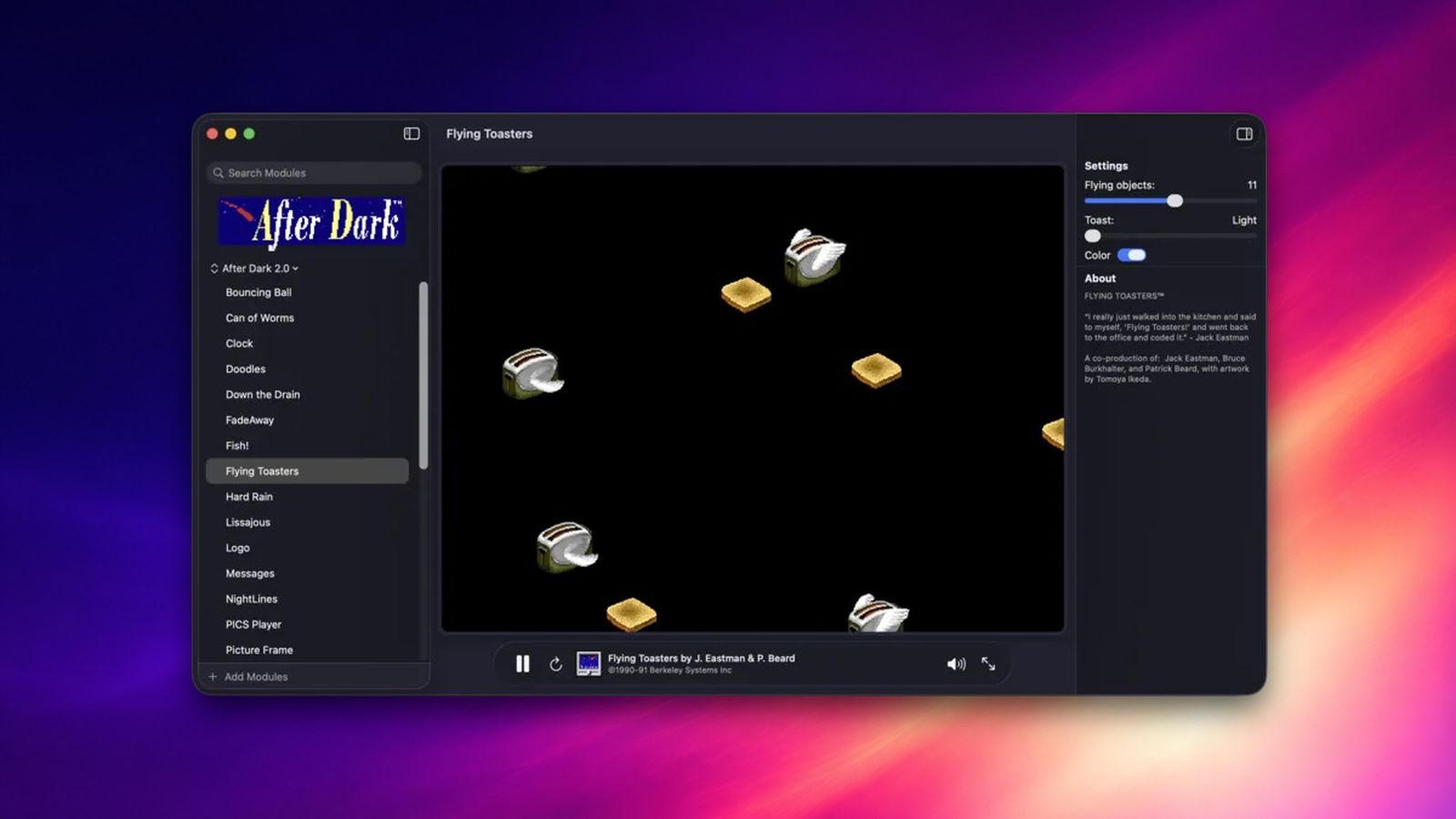
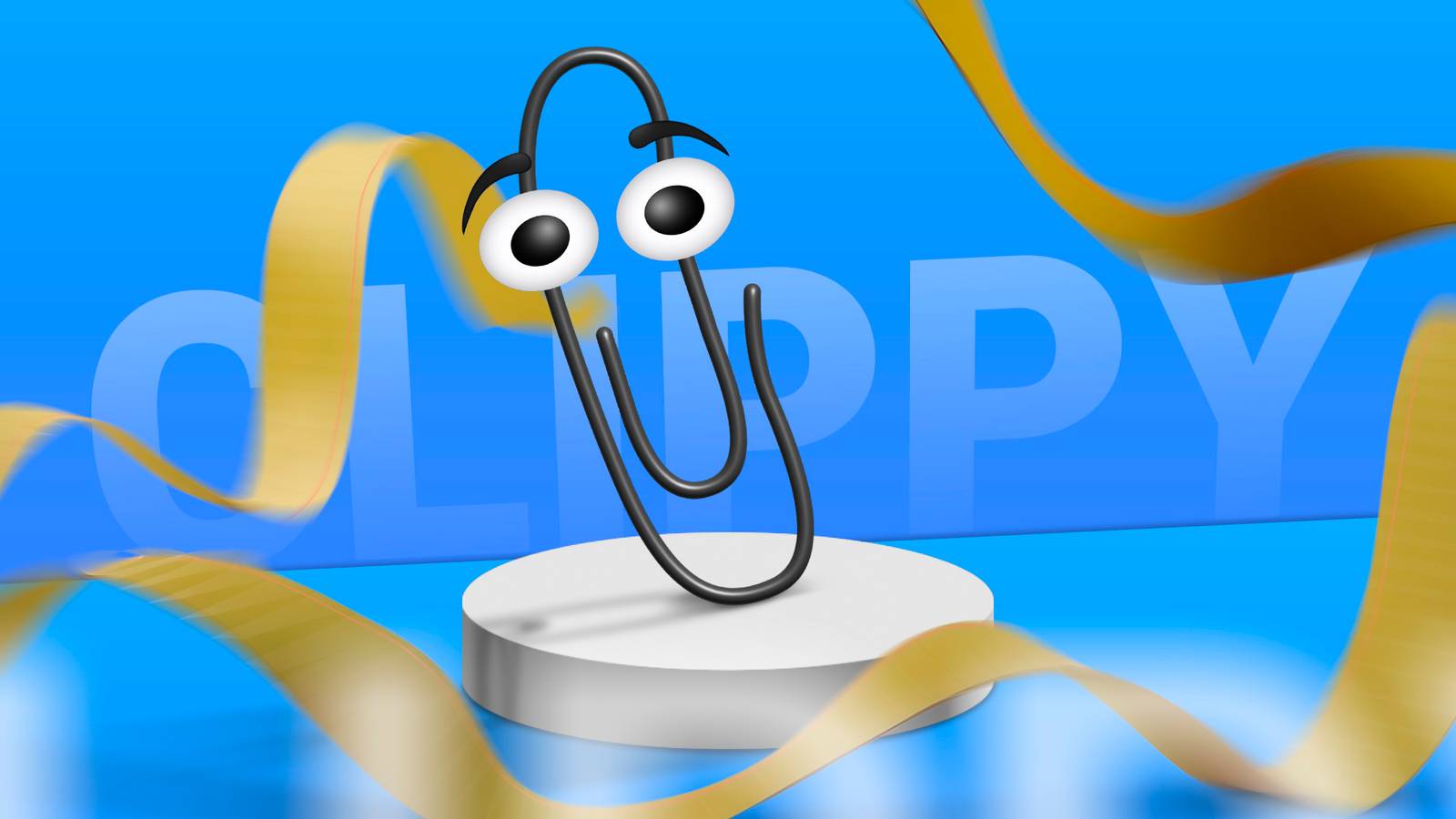
Anyone who remembers Bonzi Buddy or even good old Clippy knows this genre has been around since the early days of consumer computing.For most of the 2010s, though, they were treated as a punchline: a relic of a less sophisticated internet, kept alive mostly by a small hobbyist community porting old sprite packs to new operating systems.In the case of Bonzi Buddy, these desktop pets even bordered in actual malware.
So, how come they're making a comeback now? What changed is not the pets themselves but what is running on our machines alongside them.The rise of autonomous AI agents means a lot of us now have processes running in the background that we are not actively watching.A terminal window or a browser tab quietly churns through a task, and there is no natural way to glance at it and know whether it finished, failed, or is still working unless you mindlessly open the tab.
That gap turned out to be exactly the kind of low-stakes, ambient-awareness problem a desktop pet is suited to solve.What is genuinely new this time is who is building them.This is no longer purely a hobbyist project pulling old sprite engines out of storage.
Some AI tool makers have started shipping pets as first-party features, wired directly into their own status data rather than watching a folder from the outside.The pet becomes a stand-in for the tab you would otherwise have to keep checking: it goes idle when nothing is happening, gets visibly busy when the underlying tool is working, and signals when something needs your attention.That shift, from a scrappy add-on to something built by the same company making the tool it is monitoring, is a large part of why this feels less like a nostalgia trend and more like a real feature that happens to look nostalgic.
How I use them Watching agents work without switching tabs Close In practice, my setup is less elegant than it sounds, and more useful than I expected it to be.When I'm working on some of my projects I do not want to be tabbing between windows every few minutes just to see if anything moved.So I use Codex Pets, OpenAI's own animated overlay built directly into Codex, quite a bit.
It lives under Settings, then Appearance, then Pets, where you pick from eight built-in options, and once it is active you can toggle it with /pet in the composer, with Wake Pet or Tuck Away Pet in that same menu, or with Cmd+K on Mac and Ctrl+K on Windows.Once it is running, it tells me at a glance whether a thread is actively working, waiting on me for input, or ready for review, and I only switch over once there is actually something to look at.I know some people run more agents at once—I personally don't do that.
But whatever you need to shove to the background and occasionally interact with, a pet does wonders.Should you use them? Low effort, easy to ignore if it's not for you Whether a desktop pet is worth using depends almost entirely on whether you already have something for it to watch.If your workflow does not involve background processes or AI agents doing work you are not actively supervising, a desktop pet is just a cute animated distraction, and there is nothing wrong with that if novelty is the point.
But if you are weighing it as an actual productivity tool, the benefit only shows up once you have things running unattended and a real cost to checking on them constantly.For anyone running AI agents regularly, the case is reasonably strong, and it has gotten easier to make now that some of these pets ship built directly into the tools themselves rather than requiring a separate hobbyist project to configure.The overhead is close to zero, and the payoff, fewer unnecessary tab switches and a faster read on whether something needs attention, is real even if modest.
It is not a replacement for proper notifications, and it should not be your only signal for anything that actually matters, but as a supplementary glance-and-go layer, it earns its place.For everyone else, I would treat it as a fun novelty rather than a genuine productivity upgrade, and I would not go looking for a workflow to justify installing one.If the idea of an animated character living on your screen sounds like a reasonable tradeoff for a bit of charm, it is worth trying.
If it sounds like effort for a gimmick, skipping it costs you nothing.Old idea, new job, worth the screen space Desktop pets did not get smarter, but rather, our workloads did.So now, there's a legitimate need for them.
Paired with AI agents, and increasingly built by the same companies making those agents, these old novelty apps have become small, genuinely useful status indicators worth keeping around.
Read More