Mesh Wi-Fi gets pitched as the default fix for dead zones, but for many homes it's an expensive answer to a simple problem.Wired access points and a well-placed extender can often deliver faster, more stable coverage for less—though I will concede that mesh still earns its keep in some specific cases.The ol' reliable: wired APs Ethernet backhaul beats wireless hops every time Close Before mesh systems became a retail staple, the standard way to cover a large home was simple: run Ethernet to the rooms that needed it and plug in an access point.
That approach still works, and in most cases, it still outperforms any wireless-only setup.The reason why this works comes down to backhaul, the link that carries traffic between your router and each node.A cable delivers that traffic without interference, without signal loss from walls, and without competing with your phones and laptops for airtime.
Mesh satellites, by contrast, often talk to the main router over the same radios your devices use.On dual-band systems in particular, that shared airtime can noticeably cut throughput at each hop, which is why many mesh nodes feel fast next to the router and sluggish two rooms away.Tri-band models reduce the problem with a dedicated backhaul band, but they cost more, and physics still applies once walls and floors get involved.
Plenty of mesh kits support wired backhaul too, but at that point, you're paying a premium for hardware that an access point handles just as well.Access points sidestep all of that.Lines from Ubiquiti, TP-Link's Omada range, and Netgear now include Wi-Fi 7 models with 2.5GbE uplinks, and many of these draw power over the same Ethernet cable through PoE, so each location needs only one wire.
Paired with your existing router, a couple of ceiling- or wall-mounted APs can blanket a home with consistent speeds and support smooth roaming when configured with the same network name.The obvious catch, of course, is the cabling.If your home already has Ethernet jacks in a few rooms, you're most of the way there.
If not, running cable through attics, crawl spaces, or along baseboards takes effort, and renters may not have that option at all.MoCA adapters, which carry data over existing coaxial TV wiring, are a solid middle ground.Once the wiring is in place, though, it tends to outlast several generations of Wi-Fi hardware.
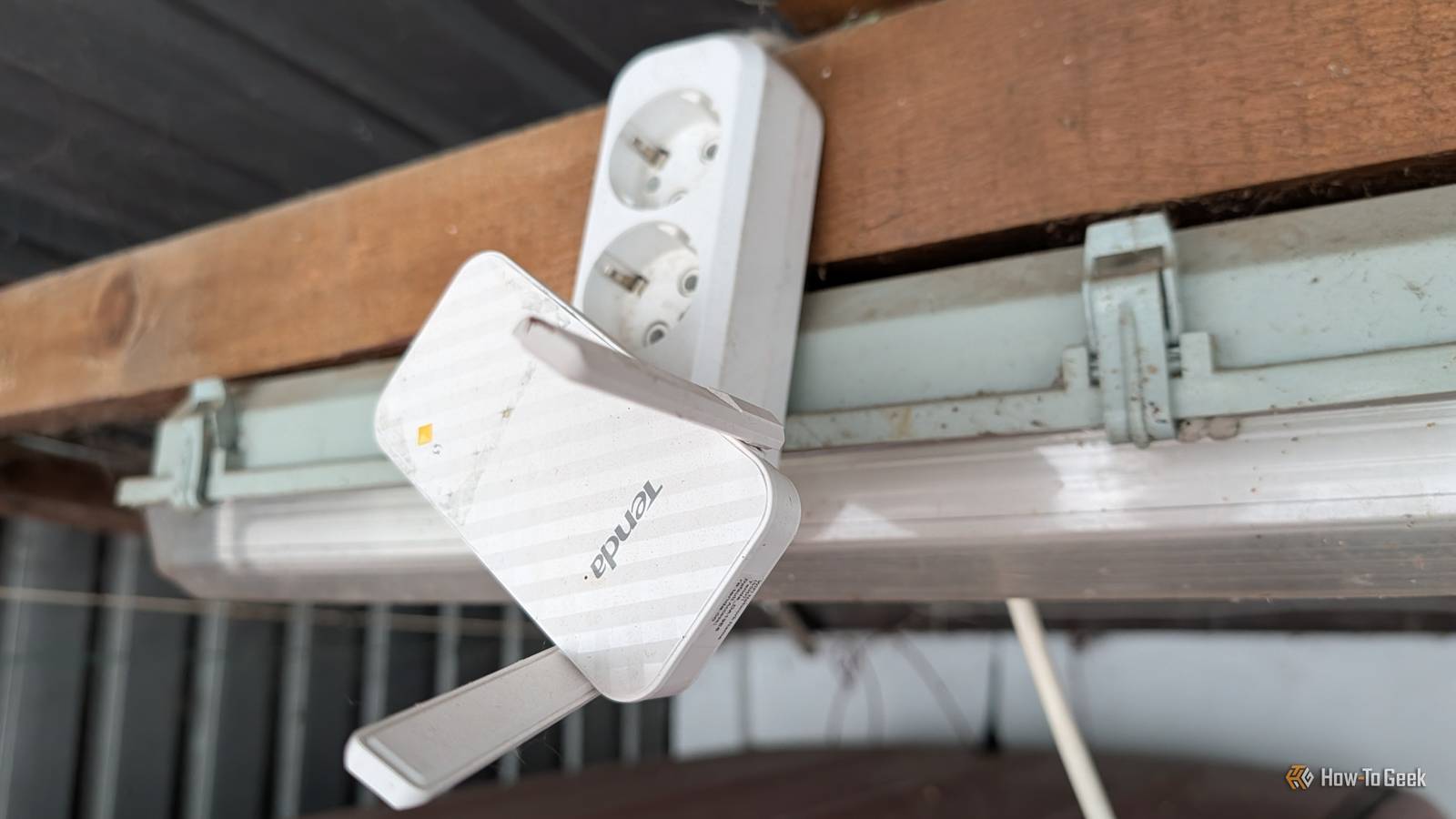
Extenders are also a good option A cheap fix for one stubborn dead zone Not every coverage problem calls for a whole-home overhaul.If your router handles most of the house well and there's one bedroom, office, or patio where the signal drops off, a range extender can solve it for a fraction of what a mesh kit costs.Extenders have a reputation for being clunky, and older models earned it, but current Wi-Fi 6 and Wi-Fi 7 units are considerably more capable than the plug-in boxes of a decade ago.
You could even use an old router if you know how to set it up.Placement matters more than anything else.An extender can only rebroadcast the signal it receives, so putting it in the dead zone itself defeats the purpose.
The sweet spot is roughly halfway between the router and the problem area, somewhere it still gets a strong connection.Most manufacturers' setup apps show signal strength to help you find that spot.There are tradeoffs worth knowing about.
An extender that receives and retransmits on the same band loses a chunk of throughput in the process, and some models create a separate network name, forcing devices to switch manually as you move around the house.Buying an extender from the same brand as your router often helps, since ecosystems like TP-Link OneMesh and the broader EasyMesh standard let compatible extenders join the main network under a single name with smoother handoffs.Many extenders also include an Ethernet port, which opens up a useful trick.
If you can run a cable to the extender, or use a powerline or MoCA adapter, it effectively becomes a wired access point, removing the wireless penalty entirely.That flexibility makes extenders a sensible first step.They're inexpensive, easy to return if they don't help, and good enough for apartments and smaller homes where a single weak spot is the only real complaint.
If one extender fixes the problem, there's little reason to spend more.Related Your old router is faster than mesh Wi-Fi if you wire it correctly You don't need a $300 mesh Wi-Fi system (the ultimate home network fix is already sitting in your closet) Posts 1 By Goran Damnjanovic Where mesh Wi-Fi still shines Big homes without Ethernet still benefit from mesh For what it's worth, I do think mesh Wi-Fi is not worth it for most people, but I will concede that there are homes where it's the right call.The clearest case is a large or multi-story house with no Ethernet wiring and no practical way to add it.
In that situation, a tri-band mesh system with a dedicated backhaul band will usually outperform a bunch of extenders, because the nodes are designed to coordinate with each other rather than simply repeat a signal.And frankly, in this case, you're probably going to spend a bunch of money setting up the extenders, almost as much, if not more, as what a regular mesh system would cost you.Simplicity is the other big selling point.
Mesh systems from eero, TP-Link Deco, Netgear Orbi, and Asus ZenWiFi are built around guided app setup, automatic channel selection, and firmware updates that happen in the background.Devices roam between nodes under one network name without anyone having to think about it.For households that don't want to learn what a VLAN or a PoE injector is, that hands-off experience does mean something.
Pricing has also shifted in mesh's favor.Premium Wi-Fi 7 kits can still run well over a thousand dollars, but budget-oriented Wi-Fi 7 systems from brands like TP-Link, Tenda, and MSI have pushed entry prices down considerably, which weakens the cost argument for smaller setups.For renters, mesh is also easy to pack up and move to the next place, with no holes drilled and no conversations with a landlord.
The key is buying for your actual situation instead of the marketing.A modest apartment or a home with Ethernet already in the walls rarely needs a three-node kit, and multi-gig Wi-Fi 7 specs matter little if your internet plan tops out at a few hundred megabits.Match your Wi-Fi setup to your home, not hype For most homes, wired access points deliver the best performance per dollar, while extenders handle isolated dead zones cheaply.
Mesh isn't worthless, but it's often oversold.Assess your layout, wiring, and internet speed first, and you'll likely spend less for better coverage.
Read More