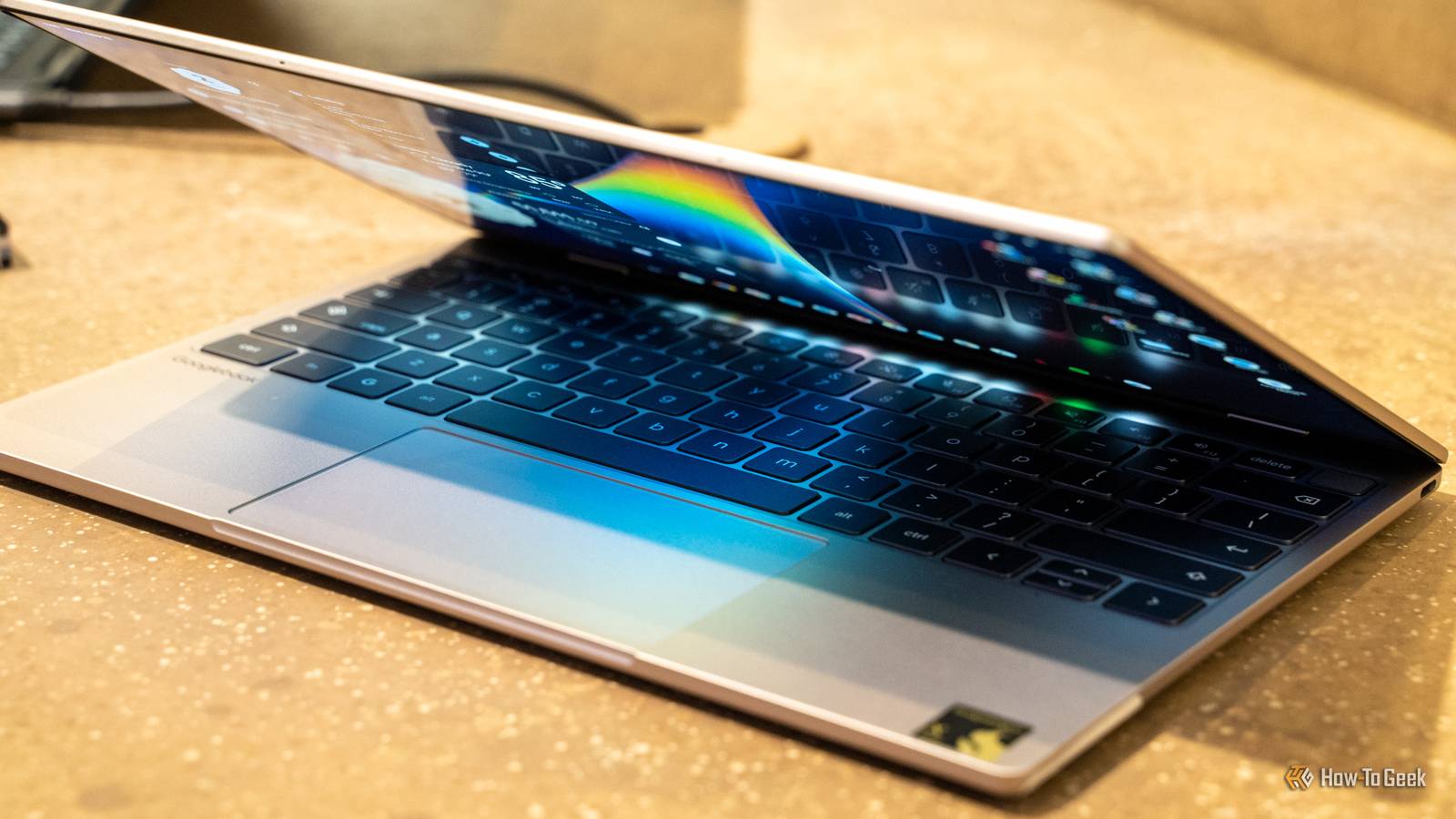
Two new details today from Google reveal some fine print about its Googlebook laptop platform.Several cross-device features require a phone running the latest Android 17, while app support can vary depending on the laptop’s processor.This means that the experience could vary significantly for users.
The latest development arrives just as the first wave of Googlebooks from leading PC brands hit the shelves.The devices combine Android and ChromeOS, with closer ties to the phone already in your pocket and Gemini woven into the experience.Phone connection isn't seamless as it sounds It could shape how useful laptops are Close When Googlebook was first showcased in May, the quieter selling point was how closely the laptop is meant to work with Android smartphones, similar to Apple’s Continuity feature on macOS and iPhones.
Now, according to a Googlebook reviewer’s guide (via), features like task continuity, shared file access, phone app streaming, and synced notifications require a compatible smartphone that runs on Android 17.That’s disappointing if your handset is on anything older.Pixel devices are the first in line for the new Android version, with Samsung usually following later.
Rollouts are slower for Chinese brands, and older or mid-range phones often get the update last or not at all.Some phones are still launching with Android 16 out of the box.So, you could buy a Googlebook that can’t make the most of its connection with your smartphone, even though the laptop is designed around Android integration.
Google also confirms that even on compatible phones, there are limits.DRM-protected video services and sensitive apps such as banking can’t be streamed to the laptop, and you will see a privacy screen.This isn’t uncommon, as Samsung’s DeX mode and other screen mirroring tools have long had similar restrictions.
Some apps may struggle on Intel Googlebooks In favor of Qualcomm for now The second limitation is hardware compatibility.Many apps are originally built with Arm-based smartphone hardware in mind.Three out of five laptops at launch use x86 Intel processors.
The search giant says that certain complex apps and games require developer optimization on Intel-powered Googlebooks to run perfectly well.That said, Google claims that most Android apps run smoothly on both processor options.The company is working with developers to improve compatibility.
The Play Store highlights optimized apps, and users can still download unoptimized ones.Related What Does the ChromeOS and Android Merger Mean for You? So this is what it's like when worlds collide.Posts 22 By Sydney Butler Neither of these limitations sink the Googlebooks.
But the features depend on factors outside your control—your phone’s software version and the chip inside your laptop.It’s a good idea to check your phone’s Android version and the apps you rely on.Source: Android Authority
Read More