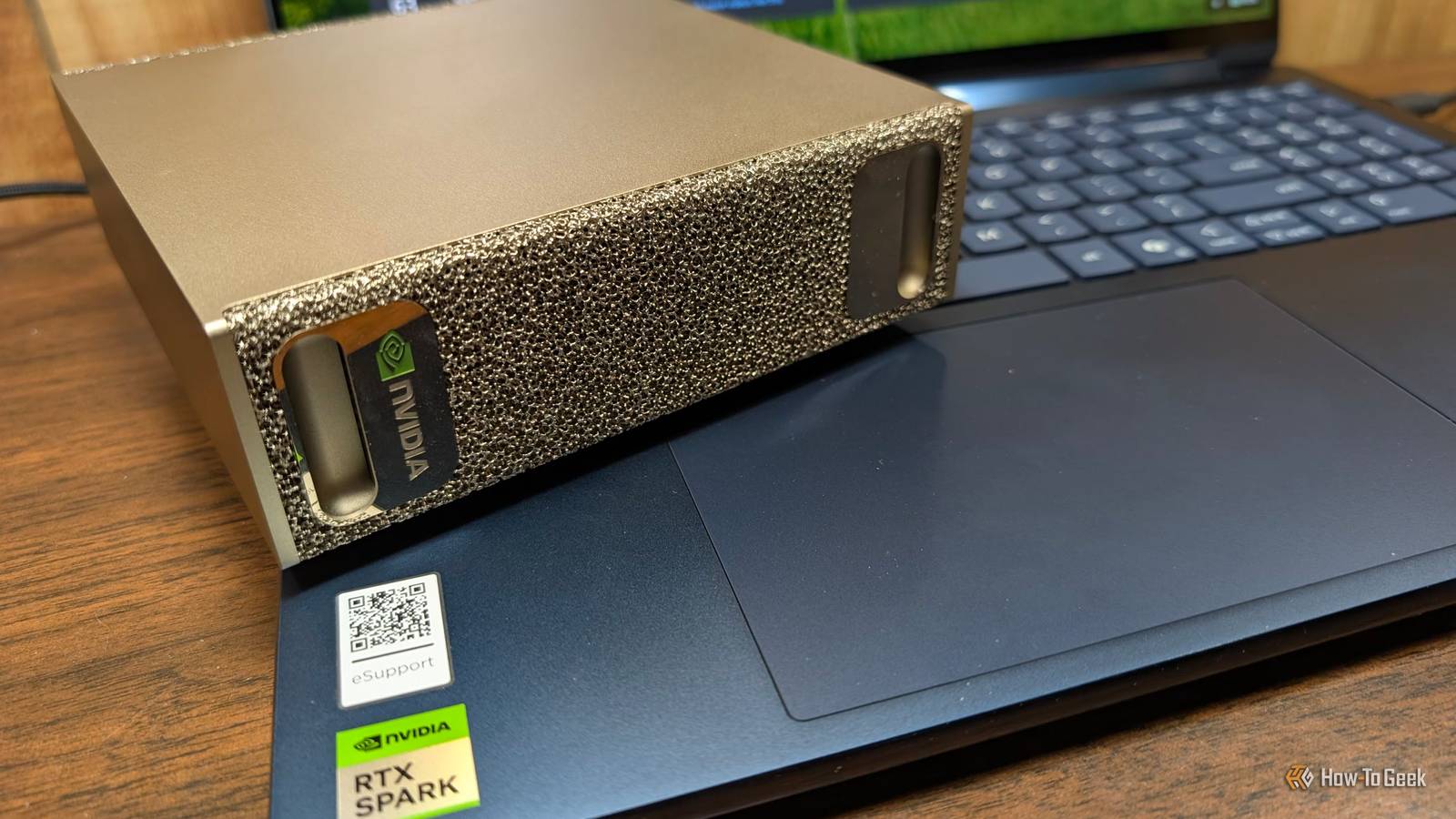
Nvidia's RTX Spark and DGX Spark share—more or less—a chip, but that is where the similarities end.The DGX Spark is positioned as a personal AI supercomputer, while the RTX Spark is a Windows laptop or desktop optimized for AI everyday use.Add How-To Geek on Google Add as Preferred Source Follow on Google Discover The hardware in both is genuinely impressive, but after spending a week with an RTX Spark, it almost feels incomplete.
The RTX Spark and the DGX Spark share a common GPU Both run the same superchip The RTX Spark and the DGX Spark are entirely different devices—the RTX Spark is a small Windows laptop or small desktop, while the DGX Spark is a mini PC running Linux.They actually have a fair amount in common "under the hood." Both Sparks feature a GB10 (or the N1X variant, found in the RTX Sparks), one of NVIDIA's compact superchips specifically designed for AI workloads.The GB10 comes with 6,144 CUDA cores, 192 Tensor Cores, and 48 RT cores.
There is also a slightly trimmed-down version of the N1X that has 5120 CUDA cores.Those specs put them roughly in the same ballpark as the mobile version as Nvidia's RTX 5070.The GB10 and top-spec N1X both support up to 128GB of memory, while the lower tier N1X can come with up to 32GB of memory.
They both support up to 128GB of memory and offer about a petaflop of FP4 performance.However, the similarities end there.The RTX Spark has a power limit While the silicon is identical (or nearly identical), the power limits are not.
The DGX Spark runs a 140W GB10 TDP, leaving another 100W for the rest of the system.In contrast, RTX Spark laptops are capped between 45W and 80W.The RTX Spark share the same power ceiling as the DGX Spark.
Networking and scaling This is where the DGX Spark really distinguishes itself.It includes ConnectX-7 networking at 200 Gbps, allowing you to pair two units with a single QSFP cable.As of October 2026, you can manually cluster up to eight 128GB units to create a 1TB aggregate memory pool.
The RTX Spark has no such capability; a second RTX Spark laptop cannot pool its memory with the first.The DGX RTX Spark and DGX Spark serve completely different purposes The DGX Spark is a mini supercomputer Close The DGX Spark is designed as a "personal AI supercomputer." It has four USB-C ports, an HDMI 2.1a port, a 10GbE Ethernet port, and two QSFP ports.There are no headphones jacks, USB-A ports, card readers, or any of the other ports you commonly find on consumer devices.
It is designed to be used headless via remote access, either as a remote server for AI tasks for working on AI models more directly.Some of those activities include creating LoRA, fine-tuning dense models, or pruning mixture-of-expert (MoE) models.The QSFP ports allow you to use Nvidia's ConnectX-7, which has a maximum bandwidth of 200Gbps, to pair multiple sparks together.
In theory, you can tie together as many as eight Sparks for a total of 1TB of memory.The DGX Sparks run a customized version of Ubuntu tailored for AI applications.The RTX Spark is a regular PC The RTX Spark lineup, which includes both small desktops and laptops, takes an entirely different approach.
The RTX Spark uses the same GPU, but it ditches the ConnectX-7 option completely, and there are RTX Spark models with as little as 24GB of memory available.The Spark only offers 64 and 128GB variants.The form factors matter too.
The RTX Spark lineup has been tuned to be less power hungry than the DGX Spark; the DGX Spark's GB10 will pull around 140 watts, while the RTX Spark laptops are limited to 80 watts on the most powerful models.It was a concession made to improve the battery life.My own time with Lenovo's Yoga 9n 2-in-1 suggests that the trade-off is worth it.
I've had it for more than a week, and I've only charged it a handful of times during regular use, though maxing it out with an AI job drains it completely in less than two hours.The RTX Sparks all come running Windows by default, which I think creates the most significant discrepancy between the two lineups.RTX Spark vs.
DGX Spark performance The performance is surprisingly close Despite the power difference between the RTX Spark and the DGX Spark, the RTX Spark actually manages to beat the DGX Spark in several important situations.Most of this can be attributed to the memory—the RTX Spark I'm using has RAM that is about 10% faster than the DGX Spark (300GB/s vs 273GB/s).That translates to more tokens per second.
And, importantly, that holds whether you use llama.cpp or Ollama.The DGX Spark still wins out in any application that depends on raw computational power and memory limited, like matrix multiplication or n-body code.The RTX Spark feels immature The hardware is great, but the entire thing feels unfinished Despite sharing much of the same hardware and being able to run much of the same software, the RTX Spark struck me as significantly more "unfinished" than the DGX Spark.
On paper, RTX Spark is the first true Windows AI laptop that has enough memory to run powerful AI models; the software ecosystem is a different story.When I started up my RTX Spark laptop, I half expected to be met with at least a handful of useful AI features that could put the hardware to use.After poking around, all I found were some video and audio filters that leverage the NPU.
Nowhere was there anything that signaled to me, "This is a PC designed for AI." To be clear, Nvidia has documentation and a pop-up (which didn't appear on my laptop) for the RTX Spark that is designed to get you started with various third-party harnesses like OpenClaw, Hermes, and Perplexity Portable Computer, but those are enthusiast tools.They're not the kind of thing that wows someone on their first outing or immediately entices them to use more.AI needs to feel like a natural extension of the operating system, not something you tack on.
Related OpenClaw is a look into an AI-powered future that we're not ready for yet I really wish I didn't have to write this article.Posts By Patrick Campanale That isn't to say that the platform do those things.I have a handful of AI tools I developed for a 5070 Ti that I moved over to the RTX Spark; they work brilliantly.
The extra memory has even allowed me to port my home voice assistant directly to the laptop and run very intelligent models.But none of that capability announces itself—you have to go looking for it.The DGX Spark felt polished by comparison The RTX Spark might not feel so unfinished if it were not for the contrast with the DGX Spark.
The DGX Spark targets enthusiasts and professionals, but it is immediately obvious when you start using the software ecosystem around it that Nvidia made a serious effort to make it approachable and easy to use.The Sync app alone, which provides a tidy dashboard for managing your Spark (or Sparks) remotely, is quite handy, especially since it can handle pairing multiple DGX Sparks automatically.The OS comes with the packages, libraries, and software you'll need to get started quickly.
The same chip does two different jobs The GB10 silicon is impressive, but the experience of using it depends entirely on where you're using it.The DGX Spark is a dedicated Linux AI appliance built for designing workflows for data centers.The RTX Spark is designed for hobbyist or professional AI use.
The RTX Spark laptop I tested—a Lenovo Yoga 9n 2-in-1—is an excellent device.It is snappy, responsive, and probably the best Windows laptop I've ever used.However, the main selling point is AI, and at this point in time, there are precious few AI features available to you out of the box.
Unless you're willing to put in the work to create or find your own AI tools, it isn't worth
Read More