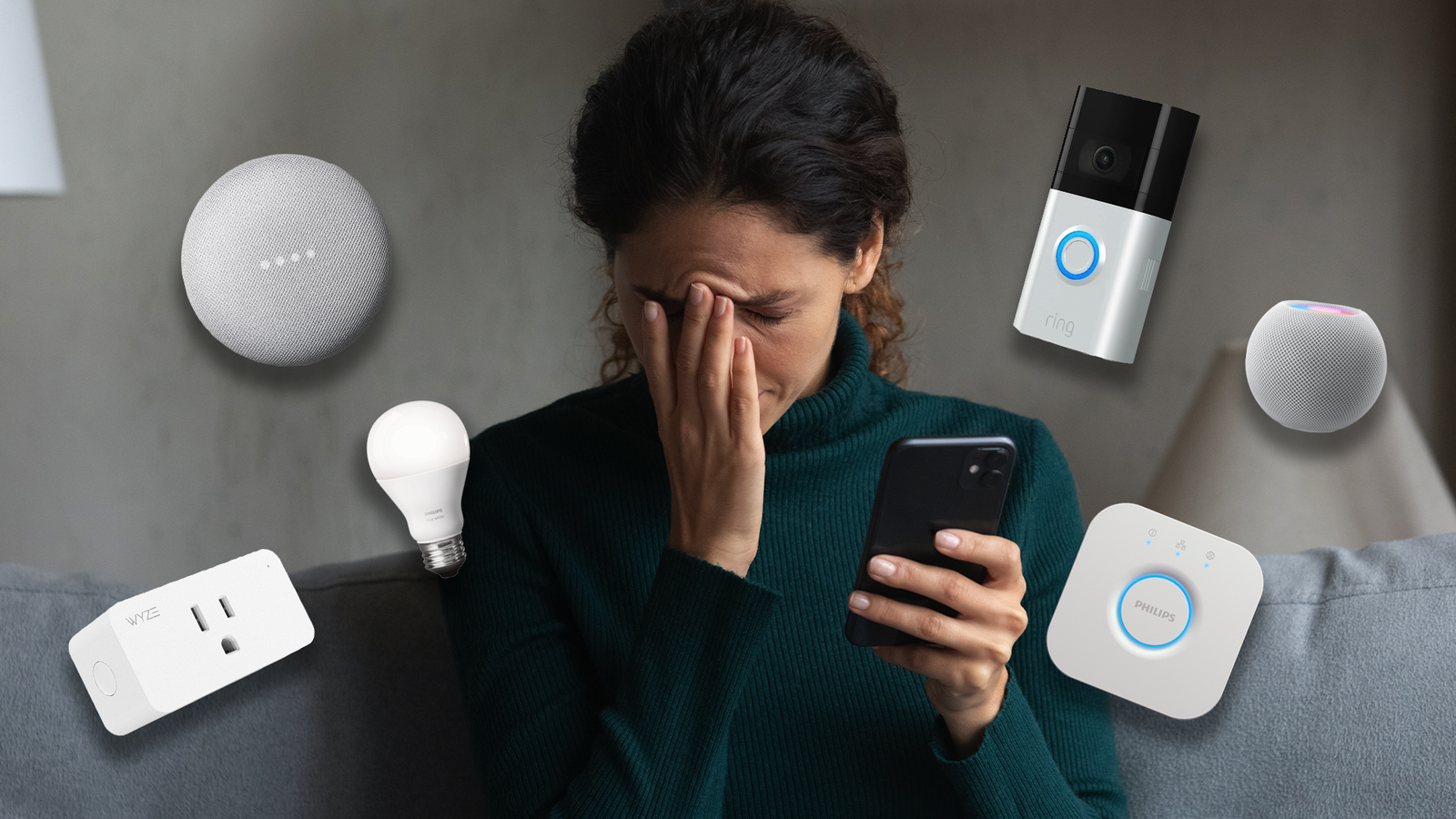
Presumably, the whole reason you went to the trouble of setting up a smart home in the first place was to make your life easier, not add more frustration to it.In particular, after putting up your feet in the evening following a long day's work, you want to benefit from all the automation you've carefully installed.And yet, it seems that your smart home might as well be solar-powered, because when the sun goes down it becomes sluggish.
Make no mistake, smart home lag isn't normal, and there are a few likely culprits to explain why yours starts to slack after dark.Your Wi-Fi network is fighting for bandwidth after dark Peak demand coincides with peak annoyance The simplest and most direct reason your smart home may be slowing down in the evenings and overnight is all about peak demand.This is when everyone in your household is likely to be home, and it's when they're likely to be using the most bandwidth-heavy services.
4K streaming, online video games, downloading gigabytes of software and updates, these things all tend to happen outside of office hours.Most importantly, if your router or mesh router system is set to prioritize these types of traffic, the slowdown can be even more noticeable.If it's a problem for you, you'll need to dig into your router's QoS or "Quality of Service" settings.
The exact details of how to accomplish this depend on the make and model of your router, and what it says in its documentation.But, once you've read the manual (as we all should) you should have the ability to tell your router that the traffic from specific devices should be treated as high-priority.Which will hopefully elminate lag related to a lack of bandwidth allocation or a low packet priority.
UniFi Dream Router 7 Brand Unifi Range 1,750 square feet The Unifi Dream Router 7 is a full-fledged network appliance offering NVR capabilities, fully managed switching,a built-in firewall, VLANs, and more.With four 2.5G Ethernet ports (one with PoE+) and a 10G SFP+ port, the Unifi Dream Router 7 also features dual WAN capabilities should you have two ISP connections.It includes a 64GB microSD card for IP camera storage, but can be upgraded for more storage if needed.
With Wi-Fi 7, you'll be able to reach up to a theoretical 5.7 Gbps network speed when using the 10G SFP+ port, or 2.5 Gbps when using Ethernet. $295 at B&H Photo Video $279 at Unifi Expand Collapse Your smart devices may be stuck on crowded 2.4Ghz channels No room to breathe Most modern routers are dual-band at the very least, offering Wi-Fi on the 2.4Ghz and 5Ghz bands.If you have a fancy tri-band router, it might also have an additional 6Ghz band or something similar, but that's neither here not there when it comes to your smart home gadgets.You see, many smart home gadgets only work on the 2.4Ghz band, and it's not just because the manufacturer cheaped out.
While it's much slower, and has much less room for channels that can run in parallel, 2.4Ghz radio signals have the advantage of range and penetration.While 5Ghz signals can barely make it through a wall, the lower frequency is just right to punch through most obstacles, which is perfect for a smart bulb or switch.Even when your devices aren't using 2.4Ghz Wi-Fi specifically, but some proprietary wireless protocol, it's probably in the 2.4Ghz band anyway for that reason.
That range is a double-edged sword though.As your neighbors come home, 2.4Ghz devices also start filling up the available spectrum, and so this silent cacophony of radio signals can cause slow and unreliable performance.What can you do? Your options are limited.
It's always a good idea to use Ethernet (or Powerline Ethernet) to provide a wired connection to any device where it's possible to do so.Every device you connect via Ethernet is one less device competing for space on the 2.4Ghz band.You can also access your router's setting to see if you can manually optimize which channels it uses on that band, or whether it has an automatic optimizer.
Cloud services are doing more work than you realize It's always been my opinion that a real smart home should work offline, but the reality is that most "smart" devices don't include their brains in the local hardware you paid for.Instead, the processing happens in the cloud, which means that you're sharing cloud resources with all the other people who bought the same products.Make your home snappier: subscribe to our newsletter Subscribe to the newsletter for continued smart-home insights, troubleshooting approaches, and practical guides that build on topics like smoothing sluggish automations - focused coverage to help keep your system responsive.
Get Updates By subscribing, you agree to receive newsletter and marketing emails, and accept our Terms of Use and Privacy Policy.You can unsubscribe anytime.In other words, local network congestion, internet congestion, congestion at the data center that's processing your requests can all influence performance.
Since your nearest data center is likely to experience a surge of traffic after hours, it's a likely culprit for your laggy smart home performance.Local processing is the best cure for a sluggish smart home It's easy enough to solve local congestion problems on your network, but if your slow smart home is being held back by having its brains in a cloud data center hundreds of miles away, there's not much you can do about it.Your only real option is to shift your smart home over to one that uses local processing.
The most popular and arguably the best solution is Home Assistant, which is a self-hosted smart home solution that puts you in control of the hardware and software that automates your home.With a proper Home Assistant setup, the apocalypse itself won't stop your automations from working, although if you haven't got backup power you might still run into a few snags at that point.
Read More