Add How-To Geek on Google Add as Preferred Source Follow on Google Discover Linux has traditionally been an OS reserved for geeks.For years, using it meant getting comfortable with the command line, even after mainstream distributions like Mint and Fedora introduced graphical interfaces and made desktop Linux more accessible.However, nothing has made Linux more approachable to mainstream computer users quite like the generative AI boom.
With powerful tools like Claude and ChatGPT at anyone's disposal, you no longer need to know your way around Linux to take advantage of its capabilities.My first real experience with Linux was using it to turn old hardware into a powerful home server, and all it took was some help from AI.I didn't know the first thing about Linux, but AI helped me get started From nothing to a working server Close I've always been a Windows PC guy.
I have never even owned a console, let alone tried an alternative operating system on my primary PC, so when I say that I didn't know anything about Linux before starting my server, I really mean it.I was aware of different Linux distros, and I knew that it was an important decision that would impact everything else.There are a lot of opinions you can find on what's best on Reddit, but for asking specific questions like this, ChatGPT is one of the better tools.
I told ChatGPT that I had an old laptop powered by an Intel i5-7200U, 4GB of RAM, and a 128GB internal SSD that I wanted to turn into a Jellyfin media server/general purpose homelab device.I needed an OS that'd use the smallest amount of resources possible while still providing me maximum flexibility.ChatGPT gave me a few minimal server distros to choose from, and I settled on Ubuntu Server because it's one of the most beginner-friendly distros (even if it isn't the lightest).
ChatGPT then walked me through the whole setup process, from creating Ubuntu Server installation media with Rufus to the actual Ubuntu Server setup itself.Close As I encountered different problems, I'd ask ChatGPT for help, and it would then give me the solution.I set up my preferred keyboard layout, configured the laptop to not shut down when the lid got closed, the laptop screen would turn off after a minute, and I established an Ethernet connection through my USB-C adapter.
Also, to increase the available storage space, I decided to use a few USB flash drives (which I later replaced with an external hard drive).I asked ChatGPT if there was a way to combine them into a unified pool, and it suggested mergerfs, which it then helped me set up.I used AI to install Docker apps without having to figure everything out myself AI takes care of the technical details I did some research on what the best way to run self-hosted apps is, and the general consensus was to use Docker Compose, which ChatGPT confirmed was the best solution for my use case.
Docker isolates each self-hosted app in its own little container with its own dependencies, making it much less likely for one app to interfere with another.But the best part about Docker Compose is that it defines every service and its configuration in a single file.Each time I want to add a new app, I simply send ChatGPT my entire docker-compose.yml file and tell it to add a new one.
While I could technically just copy and paste a service block from the web to add new apps, this method helps me avoid configuration errors or accidentally using the same host port twice.Related I self-host my own private ChatGPT with this tool Running your own AI isn't only easy, it is a lot more cost effective if you already have a gaming PC.Posts 2 By Nick Lewis Apart from installing apps, I can also ask ChatGPT which commands I need to run to perform certain actions, such as checking which Docker containers are running, instead of memorizing them or keeping them stored somewhere.
I only have one command that I copy and paste to force-update all my Docker containers, but for everything else, I just ask ChatGPT.AI helped me configure all my self-hosted apps exactly how I want them A little back and forth with AI can go a long way As I got bolder with my home server, I started adding more apps and learning what they could do for me and how to configure them.For example, one of the reasons I opted for Jellyfin over Plex was its support for Intel Quick Sync Video (QSV) hardware acceleration for transcoding, but it wasn't actually enabled out of the box.
ChatGPT walked me through how to identify my laptop's GPU and driver, which commands to run, and how to enable it in Jellyfin.A more recent example is that I wasn't happy with how Immich sorted my search results with Smart Search, so I found a fork called Noodle Gallery.The developer provides instructions for replacing upstream Immich while keeping the original data, but I wanted to run Noodle Gallery alongside Immich instead, while allowing Noodle Gallery to access Immich's database.
This took a lot of back and forth with ChatGPT, but I eventually got it working.Another project that started as an idea was replacing the cloud-based controls on my smart bulbs with local control through Home Assistant.I wasn't even sure if this was possible, but ChatGPT introduced me to an integration called Tuya Local and walked me through the steps to set it up through HACS, which I didn't know existed until then.
To re-emphasize, Linux is still a black box to me.I don't know much about it or the services I run.Nevertheless, I was able to execute some genuinely useful projects simply by explaining what I wanted to ChatGPT and following its instructions.
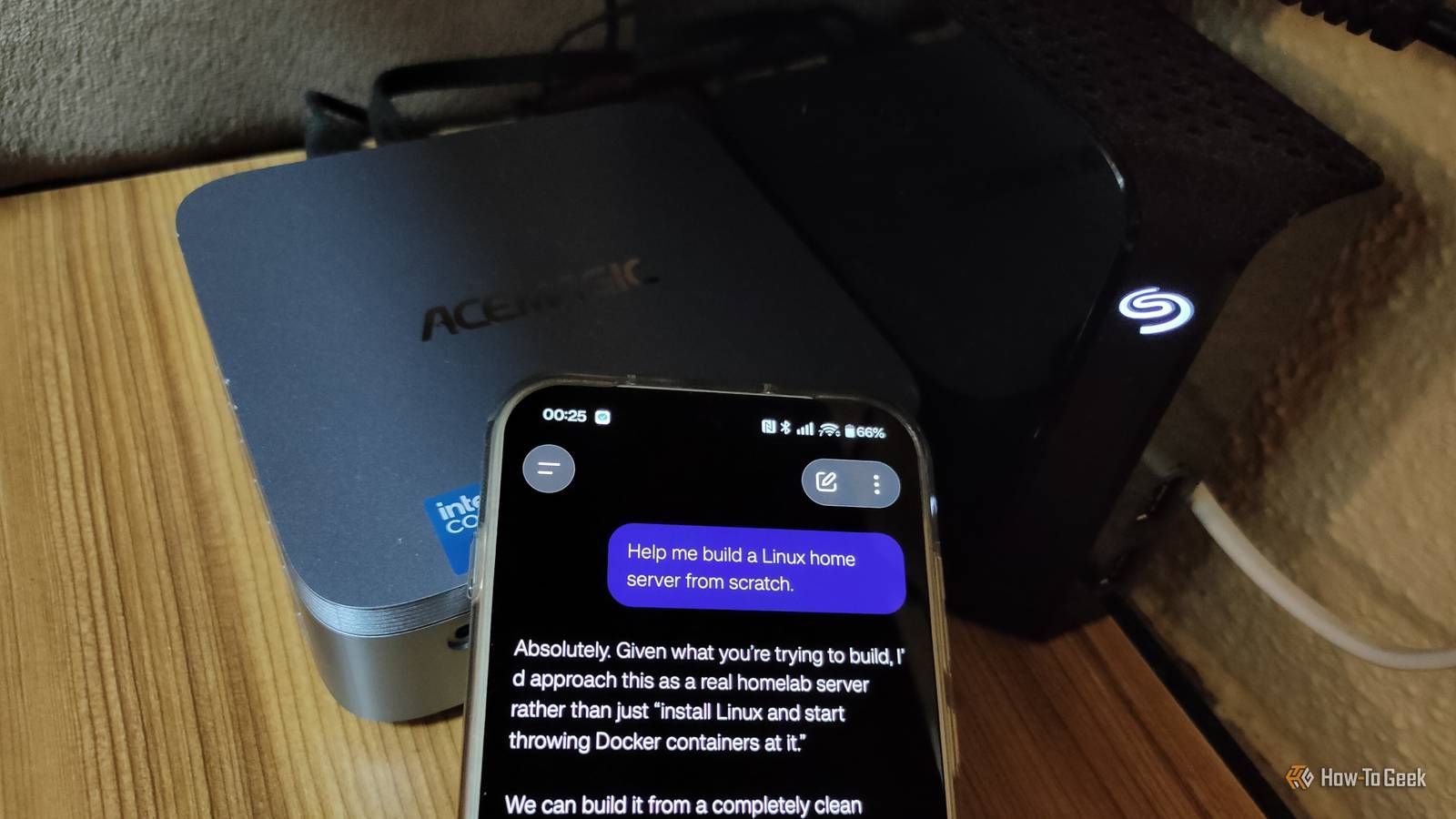
Codex handled my entire server migration to a new mini PC that I wouldn't have known where to start with I let Codex take the wheel and was pleasantly surprised I can't talk about using AI to run a Linux-based server without talking about Codex.Codex is OpenAI's AI agent designed for coding and software development, but the coolest thing about it is that it can run your homelab for you, literally.It can SSH into your server, analyze your configuration, and execute your instructions with minimal input from you.
I don't have a paid ChatGPT subscription, so my free use of Codex is quite limited, but I was nevertheless able to migrate my entire server with it.I wanted to upgrade from my old laptop to a new mini PC, but I didn't want to go through all the required steps manually.My colleague Patrick had already been running his homelab through Codex for a while and suggested I just let Codex connect to both machines and handle the migration for me.
After providing the credentials and local IP addresses, Codex was able to do practically everything for me.When it was done, all I had to do was plug my external hard drive into the new mini PC and change my fixed local IP through my router.Every self-hosted app was migrated and worked perfectly.
I didn't even have to re-enable hardware encoding in Jellyfin, as Codex had already handled it for me.I was extremely impressed, and if I were on a paid plan, I'd probably continue using it.That being said, I'm currently working on a local AI-based alternative that could at least execute basic commands like updating containers and checking uptime instead of executing commands myself.
Giving Codex unrestricted SSH access to your server can be extremely risky, as a mistaken command or unintended change could break your configuration, compromise security, or delete important data.AI works best when you combine it with tried-and-tested online guides Although AI can now help with most of your server needs and is particularly useful for solving problems specific to your setup, there are still plenty of situations where traditional guides and YouTube walkthroughs are better.For example, AI can overlook important caveats or recommend which media service to run without explaining the pros and cons of each unless you ask.
If it's your first time setting up a server and you have a specific goal in mind, a knowledgeable person can break everything down and help you make an informed choice.Related I just wanted a home server for photos.Somehow I ended up with these 3 self-hosted services, too Turns out, the photos were just an excuse to build a homelab.
Posts 1 By Ismar Hrnjicevic
Read More