Local LLMs have improved in leaps and bounds; some models are even capable enough to replace cloud models for many daily tasks.However, there is still a significant gap in some areas, especially if the task at hand requires a lot or reasoning about a job for a long time.In those situations, it makes sense to use a cloud AI model instead.
But that's the sticking point—if you're in the middle of a task, digitally picking up all of your files and moving to a AI is annoying.That is why I created a setup with an integrated cloud-fallback option.Local first, with an optional cloud fallback when things get hard It has one chat interface but two models Setting up a local-first model with a cloud fallback has three distinct components.
The first is the local part—in my case, Ollama with a Qwen 3.x or Gemma 4 model running on a 5070 Ti.The second part is Claude, which I can tap in whenever my local setup can't handle a problem, be that due to complexity or the limited context window possible on my PC.The third layer is basically the glue, which lets me use my local AI access Claude when necessary.
For privacy and security reasons, I don't have it set to fall back automatically.I always want to manually choose to use a cloud-based model so I can control what information is sent out.If you wanted something that handles fallback, you could use some kind of router layer that hands off jobs to Claude based on prompt length, when the local context window fills up, or some other criteria.
Also, it is important to note that API access via an app like Jan is distinct from the standard subscription you use with Claude in your browser or via the Claude app.Local can handle most things Privacy by default Most of what I do is fairly simple—processing some data, summarizing a spec document quickly, or generating small script snippets.That sort of thing is easy to do locally, especially since Qwen 3.8 was released.
People have criticized the model for "thinking too much," but my experience suggests that Qwen 3.8's tendency to overthink is a big part of why it is so capable for such a tiny model.It is smart enough to be useful in nearly any type of situation.I've tested it against simulated medical data, real tax documents, and work data and found it only fails when it doesn't know enough about the world.
It rarely hallucinates a value or copies a value from a chart incorrectly.Beyond just privacy, it has a few practical benefits.All cloud-based models introduce considerations with usage caps, rate limits, or API costs that I can avoid by opting for a local-first approach.
The only cost I incur when I query Qwen 15 times consecutively is electricity; with Claude's API setup, I'd be paying for every single one of those.Plus, my local models still function when the internet is out.Related Gemma 4's quantized models finally made local AI practical in my homelab I finally have the speed and accuracy I need.
Posts By Adam Davidson Sometimes a bigger brain is necessary There is a point where a 27 billion parameter model can't get the job done, however.In practice, I've found any job that requires an exceptionally long context window, nuanced reasoning (in as much as an AI can reason), or big refactoring jobs are all well beyond the capability of any model I can run on a 5070 Ti at this time.Local models either hallucinate horribly once the context window gets above a certain size, or they fill up completely and just stop.
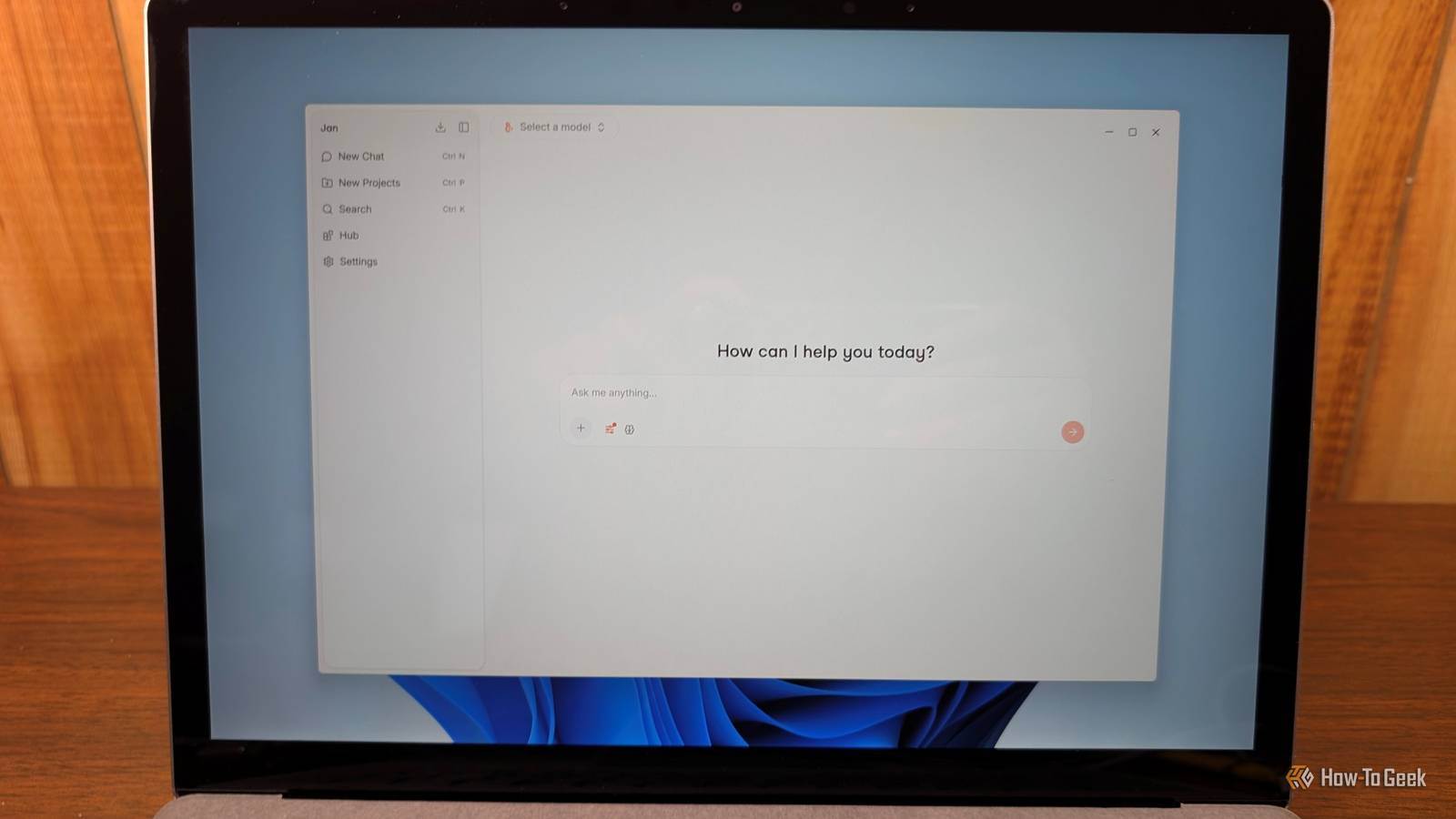
They also struggle when knowledge about something is important—after all, you can hardly expect a model with 27B parameters to know as much as a model with a few parameters.You just have to be deliberate about what you send to the cloud since API access isn't free.Setting up your own hybrid approach Ollama, Jan, and an API key Close Getting your own hybrid setup running requires a few things: Ollama or Llama.cpp A local model you like An interface of some kind, like Jan An API key for your cloud model of choice Start by installing Ollama and pulling a model that is suitable for your hardware.
The Qwen 3.x and Gemma 4 models come in a variety of sizes, and I'd currently recommend starting with one of those.Second, download and install Jan, then point it at your Ollama instance so it can access your model.Remember, you need to add /v1 at the end of your Ollama address or Jan won't be able to read it.
So, rather than entering http://localhost:11434 you need to enter http://localhost:11434/v1 instead.Once that is working, just add the Anthropic API connection in the settings.Set a monthly spending cap in the Anthropic console so a reasoning loop that runs longer than expected doesn't leave you with a huge bill you didn't expect.
The future of AI is hybrid I've been using local AI for more and more of my workflow.Two years ago, local AI coding agents were disappointing to say the least.Today, a local model can produce tidy little Python code segments that do exactly what I want running on a 5070Ti.
I also have a few AI models describing screenshots and extracting information from spec sheets.I still reach for Claude for my hardest problems, but the number of things that seem unattainable locally is decreasing.
Read More