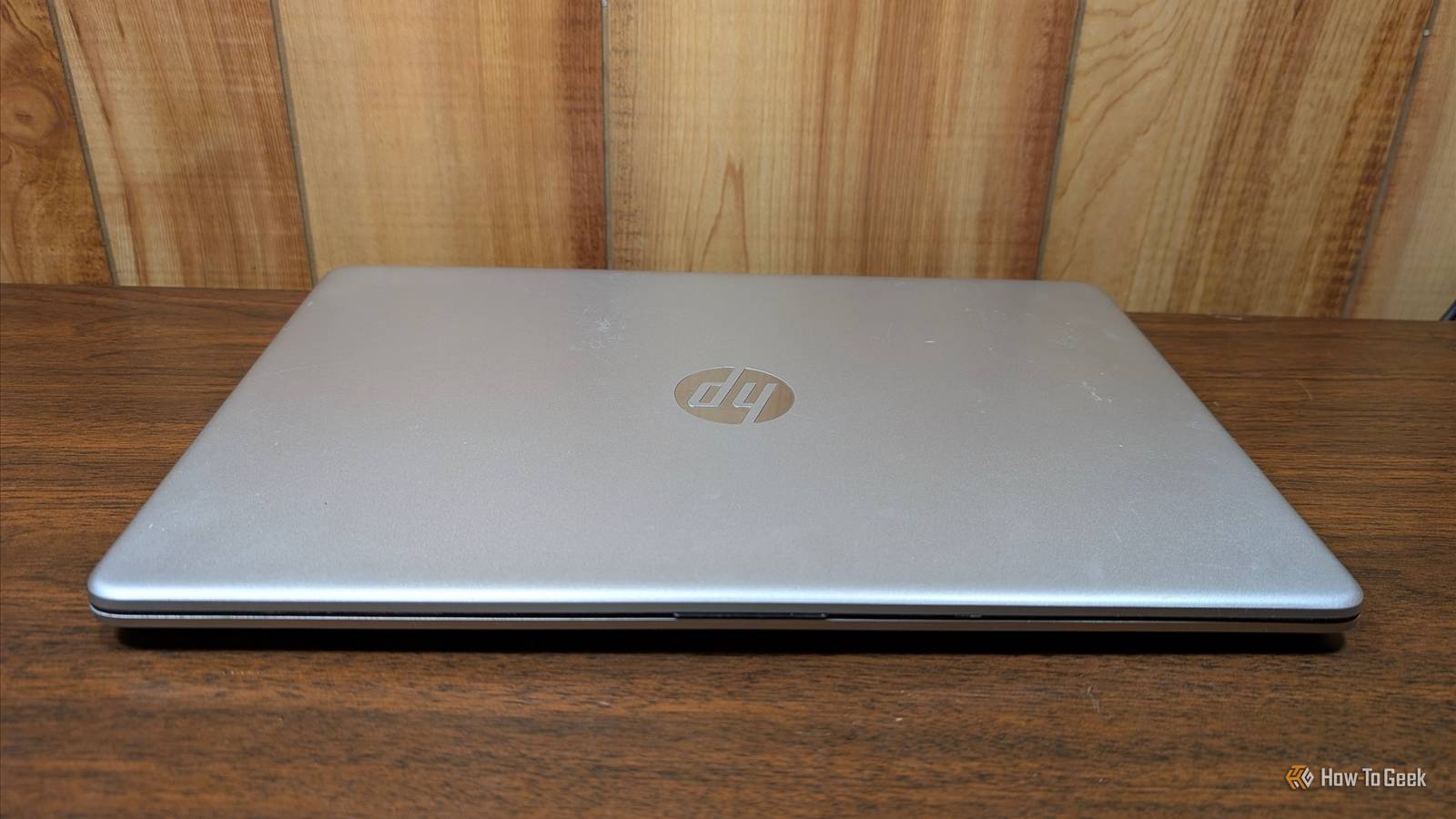
I have two old laptops sitting around doing nothing most of the time.One, until very recently, was literally sitting in a closet collecting dust.That's a waste of perfectly good hardware—many local AI jobs will run just fine on a CPU with 16GB of RAM as long as you have time to let them run.
My old laptops fit into that scheme perfectly.By running these AI jobs locally, you can ensure that your private data remains confidential, avoid API costs, and sidestep rate limits that sometimes apply to cloud services.These are 5 local AI jobs I've been running on my old laptop overnight.
Transcribe and summarize your recordings Whisper turns hours of audio into searchable text If you have a backlog of voice memos, lectures or meetings, you can turn them into searchable text with a corresponding summary.This task runs using Whisper, an open-source speech-to-text model that runs locally on your CPU.Whisper is pretty efficient, and it'll run in close to real time on most semi-modern processors.
That means you can churn through hours of voice memos in a single evening and expect a tidy text transcript in the morning.If you have a 50-hour backlog, plan to leave it running for five or more nights, or use a smaller, faster model.Related I created a self-hosted Discord bot that is smarter than Alexa Three weeks later, I can have full conversations with it.
Posts By Nick Lewis There are a few limitations.Whisper can struggle in noisy environments or if there is a lot of crosstalk, and you'll need a separate AI model to keep track of multiple different speakers in one recording reliably.To try it, run whisper.cpp or faster-whisper on a folder of audio, then pass each resulting transcript to a local LLM with a summary prompt, and save the output as a Markdown file next to the audio.
Turn a pile of scans and PDFs into a searchable archive OCR plus a local model can title, tag, and file documents Close I have an unbelievable number of documents stored both digitally and on paper.Sorting through them has become tedious to the point of impossible.That is where Paperless-ngx comes in.
Paperless-ngx incorporates multiple different AI technologies.The first is basic optical character recognition (OCR), which it uses to create searchable versions of every document you scan or upload.The other models can then either classify the documents and tag them to make searching easier or answer questions about each document based on their contents.
The major advantage is privacy.If you can avoid uploading sensitive documents like tax documents, medical records, or government IDs to the internet and cloud AI services, you should.To get started, launch Paperless-ngx with Docker Compose, point the "consume" folder at your scans or photos, enable Paperless-ngx's built-in AI and point it at Ollama, and let the AI work through your backlog while you sleep.
Make your photo library searchable Local vision models sort through faces, objects, and scenes Close If you're trying to get away from commercial cloud photo storage solutions, or you have years of archived photos that aren't sorted, you can use Immich to build a self-hosted library that has an AI-powered smart search and face recognition.On an old laptop, any significant number of photos could take hours or even days to run, which makes it a great project to leave on for a few evenings.If you want a lighter alternative, you can use a simple script to caption each image with a vision-capable model and write that text to a small text file that goes with the image (a sidecar).
Convert ebooks and long reads into audiobooks Local text-to-speech can narrate an entire book As often as not, I have a digital copy of some text that I'd like to go through but don't have the inclination or time to sit down and actually read it.So, I tested using AI tools to automatically turn a text into an audiobook, complete with chapters.It doesn't produce the most riveting audiobooks—the text-to-speech models you can run on an old CPU tend to be a bit flat, and lack the dynamics of a great voice actor.
I'd recommend starting with Audiblez or ebook2audiobook and testing a voice on a single chapter committing to creating an entire audiobook overnight.Upscale and restore old photos and videos AI upscalers are slow on integrated graphics Close If you have an archive of old family photos or home videos, you can use tools like Upscayl (images) or Video2X (video) to enlarge and clean up old media.Both need a Vulkan-compatible GPU, so they'll run on your laptop's integrated graphics if it supports Vulkan, but not on the CPU alone.
Your results will vary depending on the input and which upscaling model you pick.Upscaling is very slow on integrated graphics.You should expect integrated graphics to take at least a minute to produce one 1920x1080 image.
Upscaling video is an even longer proposition.AI upscalers will often invent details which can make faces look waxy or unfamiliar.Whatever setup you use, don't overwrite your original files.
If you want the best results, consider using an AI workflow that allows you to input reference images to guide the upscaling.Start small as a test Whichever project you run, I'd always recommend starting small first.Pick one folder with a few sample images, epubs, or documents and run it overnight.
Confirm that the output is actually useful to you before you commit to hours of runtime.Also, don't automate any overwrites or deletions—AI will happily delete things it shouldn't if you give it any leeway.I'd also recommend doing what you can to help keep your laptop cool.
AI tasks are going to generate a lot of heat, which can be hard on components and the battery.
Read More