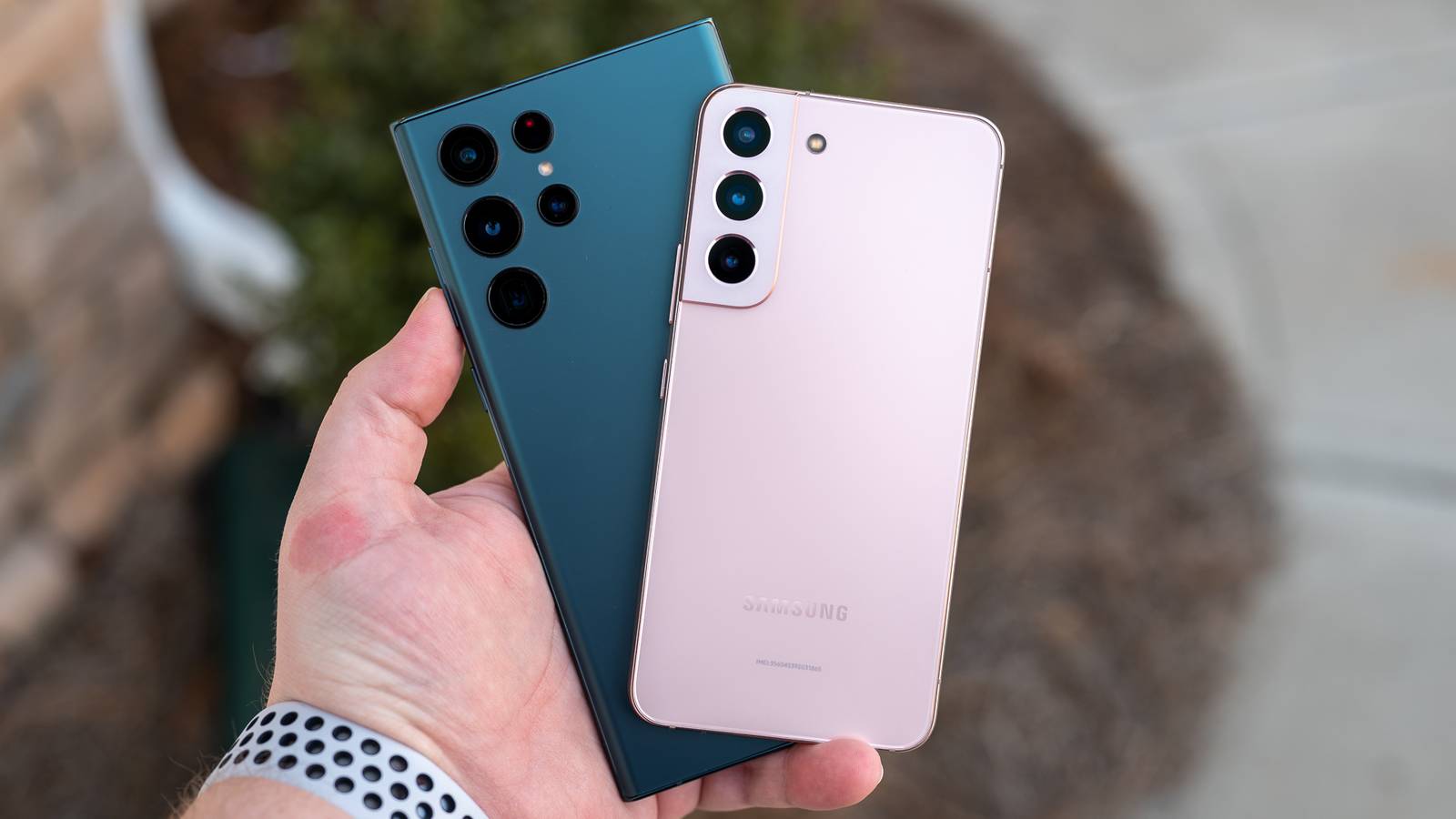
Samsung only committed to providing four years of Android updates for the Galaxy S22, but don't worry: there's now a way to keep it relevant past its effective February 2027 expiry date.The LineageOS team has released a new version of its unofficial Android firmware that finally supports Exynos-based versions of the Galaxy S22, S22+, and S22 Ultra.New nightly builds of LineageOS 23 bring Android 16 to Samsung's 2022 flagship phones, with Android 17 expected in the months ahead.
The software is also available for the base S23.As Samsung didn't start promising seven years of OS updates until the Galaxy S24 line, this might be your only way to stay on top of Google's core feature and security updates for a few extra years.Samsung Galaxy S22 See at amazon See at bestbuy See at samsung Expand Collapse The ROM is also one of your best choices if you don't like Samsung's One UI customizations or want to avoid the deluge of AI features from Google and Samsung.
LineageOS is closer to the 'clean' Android of AOSP, without AI features.It might also run faster thanks to the reduced overhead, although you'll want to ask early adopters about their experience.How to install LineageOS on the Galaxy S22 Be aware of the risks before you jump in To start, back up the data on your Galaxy S22.
You're erasing all the local data on your phone, so you'll want copies either in the cloud or on external storage.You'll also want to remove all Google accounts, and be sure you're using one of the exact supported models — Snapdragon variants aren't supported as of this writing.After that, you'll need to install ADB and Fastboot on your computer using the LineageOS team's instructions, which vary based on platform.
On the phone itself, you'll want to enable USB debugging by going to Settings, choosing About, and tapping the Build Number seven times.That will enable a Developer Options section in settings that lets you enable either USB Debugging or Android Debugging.Related Don't Trash Your Old Phone, Help the Environment Instead It's such a waste to let your phone become e-waste.
Posts 8 By Bertel King Like with other unofficial firmware releases, you're accepting risks by installing LineageOS on the Galaxy S22.You won't get support from either Samsung or the LineageOS developers if something goes wrong.You'll want to hold off if you can't afford to be without your phone and don't want to troubleshoot.
If you're comfortable, however, the benefits are clear.This will keep your phone running newer Android releases, helping delay a new phone purchase.You could both save money and avoid creating e-waste if there's no way to recycle or reuse your S22.
Read More