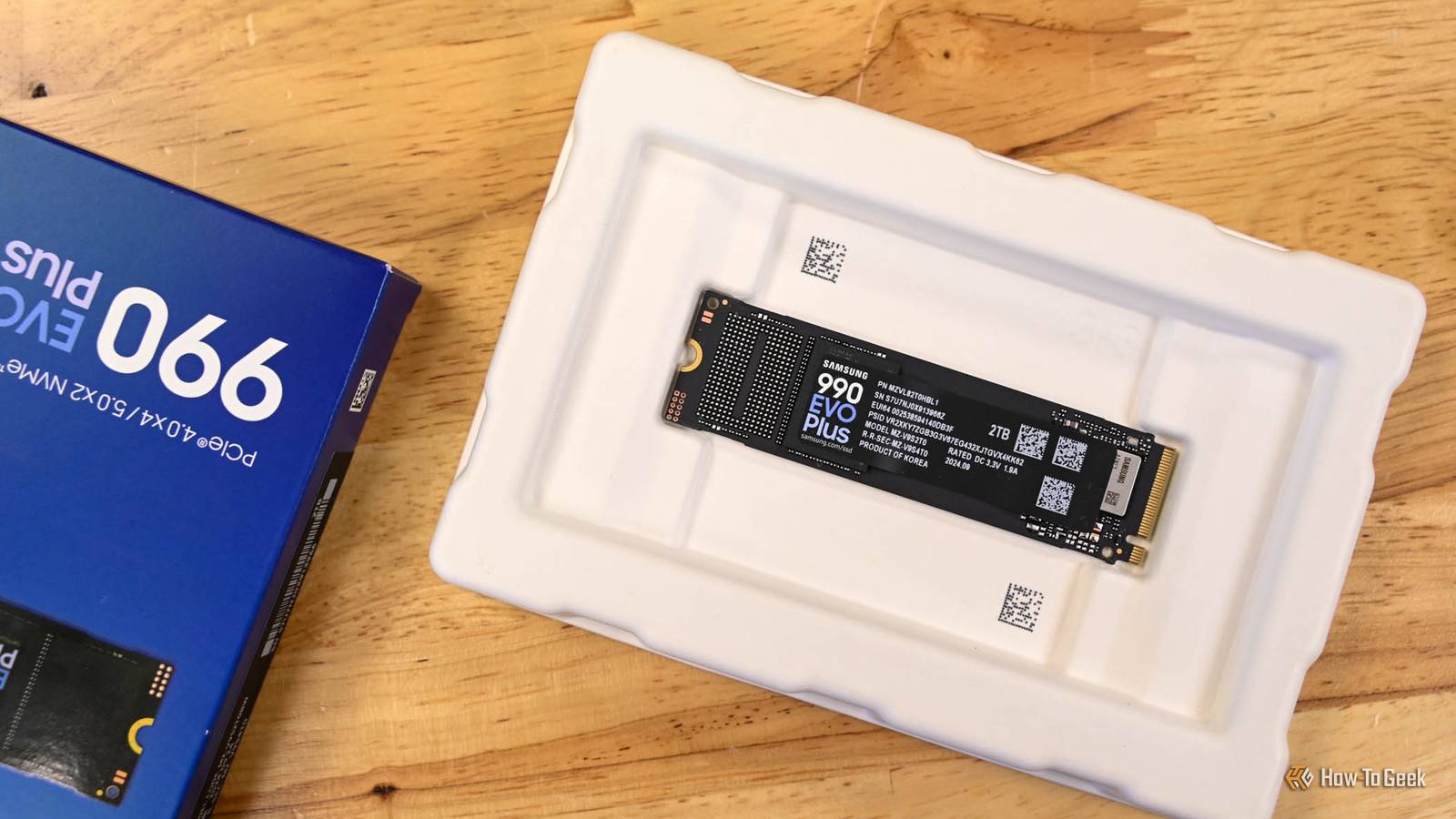
You just spend a few hundred dollars on a fancy 2TB NVMe SSD, but when you plug it in to your Windows PC, you notice that only about 1.8TB show up.Given the cost of storage, it is painful to "lose" 9% of the storage you intended to buy before you transferred a single file.There isn't anything wrong with your drive, nor has the drive manufacturer cheaped out and withheld memory modules.
No, you and your new drive are a victim of math and history.There are two different kinds of terabytes Drive makers and Windows disagree about counting Close The discrepancy between what the box says and what Windows shows you comes down to how you count.Storage manufacturers use the decimal definition of a terabyte (TB), which follows the metric system, formally the International System of Units (SI).
In that system, "tera" means a trillion, or 1,000,000,000,000 bytes.Windows, however, counts like a computer—in binary.That means that landing on nice powers of ten like we're used to doesn't "naturally" happen, so Windows goes with the nearest power of 2 instead.
In the case of a terabyte, 240 is 1,099,511,627,776 bytes or just shy of 1.1 trillion bytes.Considering that 239 is about 550 GB and 241 is 2.2 terabytes, 240 is as good as it gets.Related Stop underestimating how much SSD storage your PC actually needs Here's why your next SSD needs to be bigger than you think Posts 20 By Nick Lewis The International Electrotechnical Commission (IEC) tried to fix this in the late 1990s by introducing labels like kibibyte (KiB), mebibyte (MiB), gibibyte (GiB), and tebibyte (TiB) to distinguish between decimal terabytes (TB) and the nearest binary equivalent, but the new nomenclature didn't see much adoption.
So, even though a 1TB drive has 1012 of storage, Windows is still doing binary math behind the scenes, and according to Windows, a terabyte is 1,024 gigabytes 1,000.When you do the conversion, that means Windows will show your 1TB drive as having only about 931 gigabytes of storage available.The larger the drives, the worse the problem gets.
One binary kilobyte (kibibyte) is about 2.4% larger than a decimal kilobyte, since 1024 ÷ 1000 is 1.024.Every time you go up a metric prefix, that difference compounds, since 1000 x 1000 x 1000 is equal to 1 billion, but 1024 x 1024 x 1024 is 1.073 billion. Unit Binary Decimal Difference Kilo / Kibi 1024 1000 2.4% Mega / Mibi 10242 10002 4.9% Giga / Gibi 10243 10003 7.4% Tera / Tebi 10244 10004 10.0% Peta / Pebi 10245 10005 12.6% That is why a 500GB drive will show up as about 465GB, a 1TB drive will report as roughly 931GB, a 2TB drive shows as 1.81TB, a 4TB drive as 3.63TB, and an 8TB drive as 7.27TB.
Not every operating system handles the difference the same way Not every OS handles this the same way.macOS switched to decimal units in 2009, meaning if you buy a 1TB drive, macOS will actually report it as 1TB.Linux is a bit of a mixed bag.
Some desktop file managers use decimal, while many command-line tools use binary.Some Linux tools even correctly label binary units as GiB or TiB, something you won't ordinarily see in Windows.Windows 11, however, continues to use binary math with decimal labels.
Lawsuits have been fought over this discrepancy Some fine print "solved" the issue Storage makers stick to decimal because metric prefixes have always meant powers of ten—it is a very convenient way to count.Additionally, a bigger number is better for advertising.This tension between Windows, storage, and consumers actually resulted in a few lawsuits in the mid-2000s.
For the most part, those lawsuits ended in fairly small settlements, and manufacturers amended the fine print to include definition of a terabyte.Fixing the problem would be confusing Too many things depend on convention If this is such a confusing mess, why hasn't Microsoft just fixed the label? The problem is that there is no single solution that addresses the confusion without introducing other issues.For example, Windows uses the binary definition of a gigabyte for including RAM and VRAM.
If Microsoft were to switch the entire system over to decimal gigabytes and terabytes, your RAM would look wrong—16GB of memory would suddenly be reported as 17.2 gigabytes.17.2 comes from multiplying 16GB by (10243/10003).Switching to a system that uses binary terms, like gibibyte instead of gigabyte or tebibyte instead of terabyte, would just lead everyone to wonder "what in the world is a tebibyte?" Some have also argued that you could just call units terabytes and treat storage in decimal and memory in binary.
After all, that is exactly what macOS does.However, after several decades of convention on Windows, it would probably cause more confusion than it is worth.Both numbers are correct, and no one cares enough to fix it In reality, neither system is "wrong"—they're just different, and we use one set of terms to refer to two subtly different systems.
The difference between terabytes and tebibytes isn't the only thing that results in less usable space than the box suggests.You have to account for file system overhead after formatting.On system drives, recovery and EFI partitions take up a chunk of space, and prebuilt PCs often come packed with preinstalled software that occupies several gigabytes before you do anything.
Read More