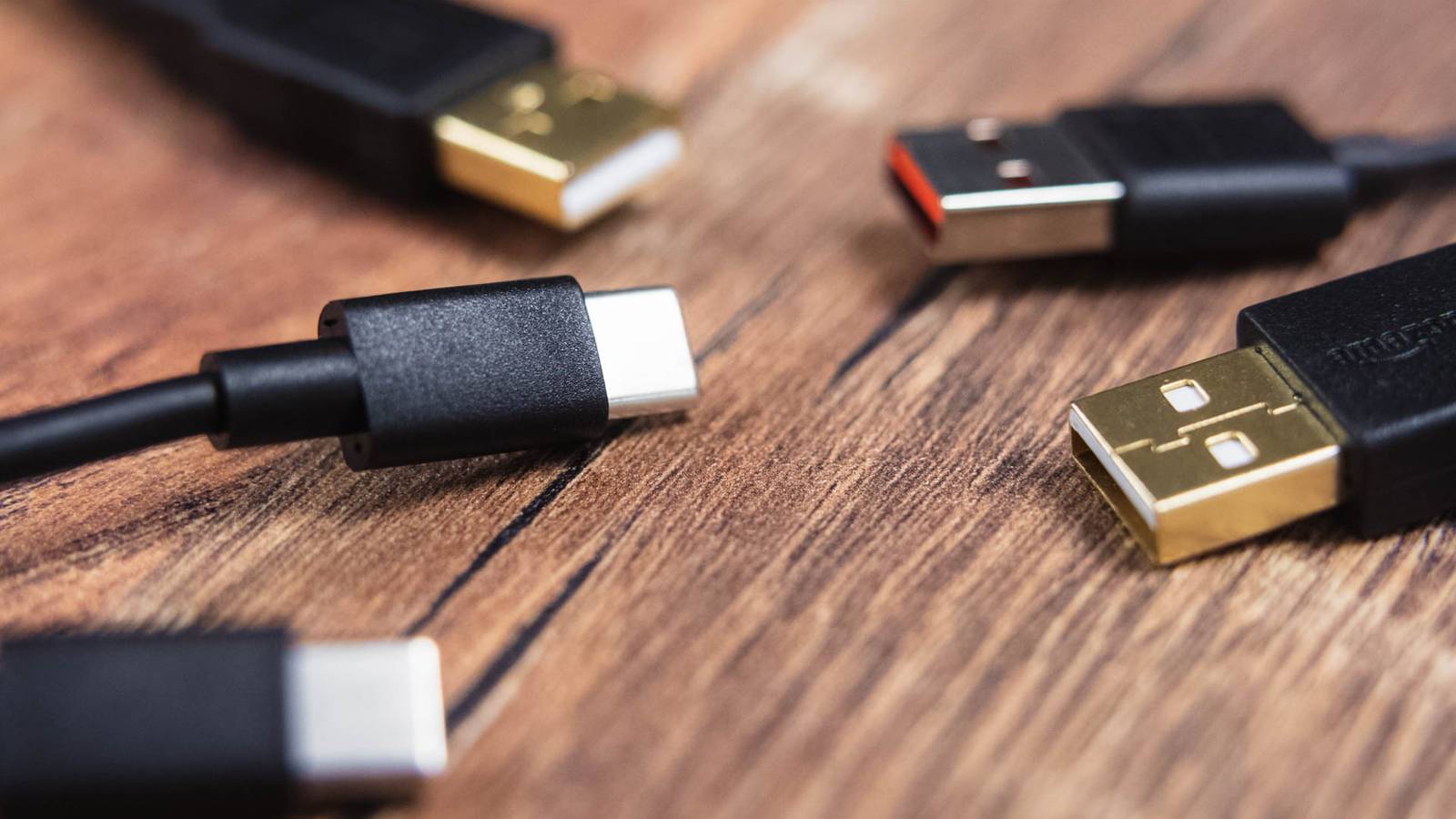
Two USB-C cables can look identical, cost wildly different amounts, and behave nothing alike.The reason sits inside the connector housing: a chip that talks to your devices before any power moves.It's genuinely useful engineering.
It's also a convenient place to hide something nasty.What is that tiny computer about? The e-marker chip that negotiates power and speed Close The component is called an e-marker, short for electronically marked cable, and it lives inside the connector shell rather than the cable itself.It communicates with chargers and devices over the Configuration Channel (CC) pin, telling connected hardware what the cable can actually do.
It draws its own power from the VCONN pin—up to about a watt—which is what lets a passive-looking cable participate actively in a negotiation without any external supply.That negotiation happens before anything else.Power Delivery transactions begin by addressing the cable itself in a stage known as SOP prime, and only once the cable's capabilities are established does the rest of the process continue between source and sink.
The chip publishes its specification as a set of 32-bit values called Vendor Defined Objects, or VDOs, covering things like the manufacturer and model, the signalling protocol and maximum transfer speed, whether the cable's controller can communicate independently with the charger or device, and the hardware and firmware version.Not every cable has one.Cables rated at or below 3A aren't required to carry an e-marker chip; anything expected to handle more current needs one.
In practice, a cable carries an e-marker if it is rated above USB 2.0 speeds or above 60W.Either one, not necessarily both.Given that USB Power Delivery now reaches 240W, and that pushing that much energy down an unrated cable risks overheating or fire, the chip functions as a safety mechanism as much as a feature flag.
Plug in a cable with no chip and both ends assume the worst case, capping you at 60W and 480Mbps regardless of what your laptop and charger are capable of.What are its downsides? Opaque specifications and a perfect hiding place The first problem is honesty.Charging capability and data capability are separate fields in the e-marker, and manufacturers set them independently: a genuine, spec-compliant 240W cable can declare its data capability as 480Mbps, the same speed as a cable from 2001.
Buyers reasonably assume that an expensive, high-wattage cable is also a fast one.The chip cheerfully says otherwise, in a format nobody without a protocol analyzer can read.The second problem is worse.
If a connector housing can accommodate a microcontroller, flash storage and firmware, it can accommodate other things.Security researcher Mike Grover built the O.MG cable as a penetration-testing tool for red teams and awareness training.Hidden inside the connector is a web server, a keylogger and a keystroke-injection engine reachable over Wi-Fi, so the cable can type commands, capture what's typed back, and be driven remotely from across the room.
Elite models store up to 650,000 keystrokes, support geofencing to trigger payloads by location, and can self-destruct to render the cable inert.In December 2024, industrial CT scanner manufacturer Lumafield imaged an O.MG cable and found sophisticated electronics and an antenna packed into the connector, alongside a second set of wires connecting a secondary die hidden beneath the primary microcontroller.Those bond wires are roughly the thickness of a human hair, and the arrangement would evade inspection techniques that can't assess an assembly volumetrically.
Even an X-ray image can't reliably show whether a cable has been tampered with, because the additional electronics are so small and so cleverly integrated that they're nearly indistinguishable from regular components.Related USB-C cables look identical, but one simple spec separates the slow ones from the fast ones I thought all USB-C cables were equal until this one broke my workflow Posts 57 By Monica J.White Should you worry? Real risk, modest odds, and defenses worth knowing Proportion matters here.
No real-world juice jacking attack has ever been publicly documented, though researchers keep proving it's technically possible, most notably at USENIX Security 2025, where Graz University of Technology researchers presented ChoiceJacking, the first family of USB attacks to bypass existing juice jacking mitigations by injecting input events while a data connection is being established.It let a malicious charger spoof user input and enable data transfer or code execution on eleven Android and iOS devices without consent.Apple and Google have since shipped fixes in iOS 18.4 and Android 15, and on current iPhones connecting a new USB device requires a passcode or Face ID.
The standards body's answer has existed for years and gone largely unused.The USB-IF launched its Type-C Authentication Program with 128-bit cryptographic verification of chargers, devices, cables and power sources, managed through DigiCert.It remains optional, with no mandatory requirement for OEMs to adopt it.
Practical defense is therefore about provenance rather than detection.Use your own cables, buy from the manufacturer or an authorized seller, and label what's yours.Keep your phone locked when charging in public and decline connection prompts you didn't initiate.
A Malicious Cable Detector exists for around $40, using side-channel power analysis to flag the electrical signature of an implant, but its own documentation frames it as a first-line screen rather than a forensic instrument, and it can never prove a cable is clean.Weight and feel tell you nothing.Cables are computers now, so treat them accordingly The e-marker exists for good reasons, and it makes modern fast charging possible.
But it normalized the idea of silicon inside a connector, which is exactly what makes malicious implants so hard to spot.Buy your own cables, from people you trust.
Read More