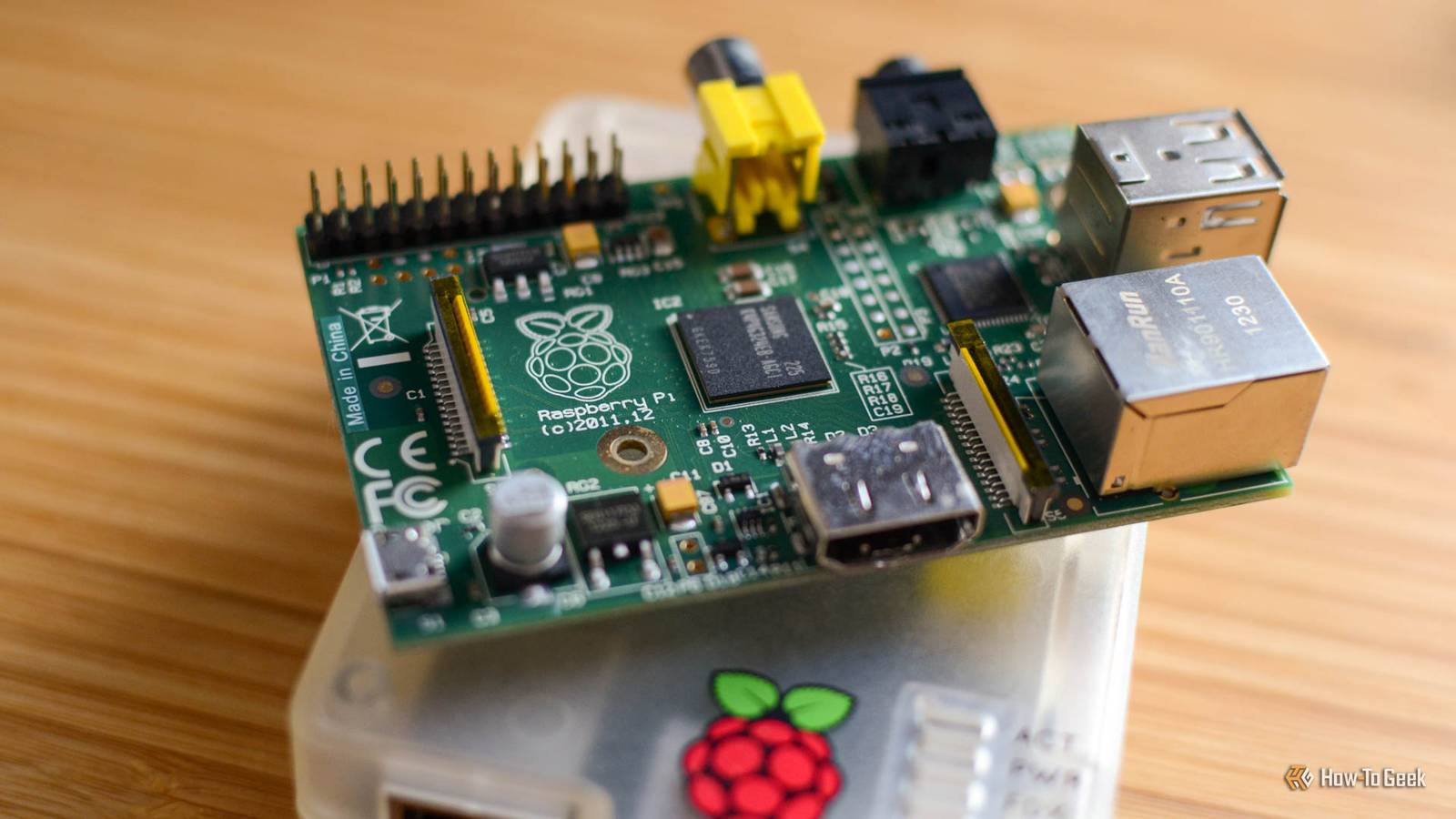
When you think of AI models, especially large language models, you probably imagine big data centers guzzling thousands of watts of power, or big expensive GPUs with enough VRAM to equal the GDP of a small nation.What you think about are cheap little single-board computers like the Raspberry Pi.Yet there are people (as reported in Tom's Hardware) running LLMs on late '90s PCs that are far less powerful.
So clearly there's something going on here.The truth is that even low-end devices like a Raspberry Pi can run some subset of the AI models out there, but how useful that ends up being is debatable.From novelty to viability: local AI on a $100 computer So cheap it's amazing it works There has been an ongoing effort to shrink LLMs down without losing too much capability.
One of the big hurdles to running an LLM is not necessarily processing power, but being able to fit the model into memory in the first place.The Raspberry Pi 5 tops out at 16GB of RAM, and most people probably have the smaller 8GB version or less.Using a technique known as quantization the precision of the weighted values in the LLM is reduced.
Since there are billions of these values, slashing each one's precision (its value becomes more approximate) has a big effect on the amount of space the model takes up.Surprisingly, while this does make the model worse when it comes to output quality, the drop is not always proportional to the reduction in size.This means that the model may still be good enough for your needs, but now requires much less memory and processing power.
Real models you can actually run (and use) It's not just theoretical Quantized versions of models like Llama 3, Mistral, and Qwen are commonly used on Pi hardware."Tiny" models that range between 1Bn and 3Bn parameters run comfortably on a Pi 5, and with careful tuning and managed expectations, small models with around 7Bn parameters seem usable too on an 8GB Pi 5.For example, according to this LinkedIn Post the author used llama.cpp to run a Qwen coding assistant.
Performance is limited yet practical Good enough for the right job While some models will fit in the limited memory of a Raspberry Pi 5 8GB, the elephant in the room is still processing power.Although the Pi 5 is remarkably powerful for its size and power consumption, especially if you fit it with better cooling, it's still really only an entry-level computer in the greater scheme of things.Based on the different benchmarks I've seen, a stock Pi 5 is always going to give you a token rate ranging from a fraction of a token to the high single digits.
That can be usable in many cases depending on the job.If you're going to leave a model running overnight working on a problem, then a lack of real-time response is less of an issue, and simple real-time AI use is still on the table.Raspberry Pi 5 Brand Raspberry Pi Storage 8GB CPU Cortex A7 Memory 8GB Operating System Raspbian Ports 4 USB-A It's only recommended for tech-savvy users, but the Raspberry Pi 5 is a tinkerer's dream.
Cheap, highly customizable, and with great onboard specs, it's a solid base for your next mini PC.$80 at Spark Fun $93 at Amazon $80 at CanaKit Expand Collapse Hardware and ecosystem upgrades are accelerating progress You can build it better So far, I've been referring to the stock Raspberry Pi you get out of the box, other than adding an air-cooler, but it doesn't have to stop there.There's a series of official AI "HATs" that add a neural processor to your Pi, significantly increasing its performance when running models.
Yes, it costs more than the Pi itself in many cases, but that's still a very low total cost of ownership for a local, private AI.Raspberry Pi AI HAT+ Compatibilty Raspberry Pi 5 The Raspberry Pi AI HAT+ comes in two versions: 13 TOPS and 26 TOPS.Both are designed to work with the Raspberry Pi 5 exclusively, bringing AI computing to your favorite single-board computer.
$70 at CanaKit $70 at Micro Center $70 at Vilros Expand Collapse If we're spending money to upgrade our Pis for AI performance, then there's also the option of using an eGPU as Jeff Geerling did in this video.Now the model is running on the GPU and you'll get commensurate performance.But, can we really still say we're running local AI on a Raspberry Pi at this point? I'd say absolutely yes.
This is cheaper than having a whole traditional computer built around that GPU just for local AI, and the Raspberry Pi is doing all the coordination and support the GPU can't because it's not a complete general-purpose computer.Building your bot army As models become more efficient and single-board computers become more powerful, there's no doubt we'll be making much more use of localized AI that doesn't need a distant data center or gallons of water to run.I can't wait to make my own distributed Jarvis or perhaps a robot that only has one job: to pass butter.
Read More