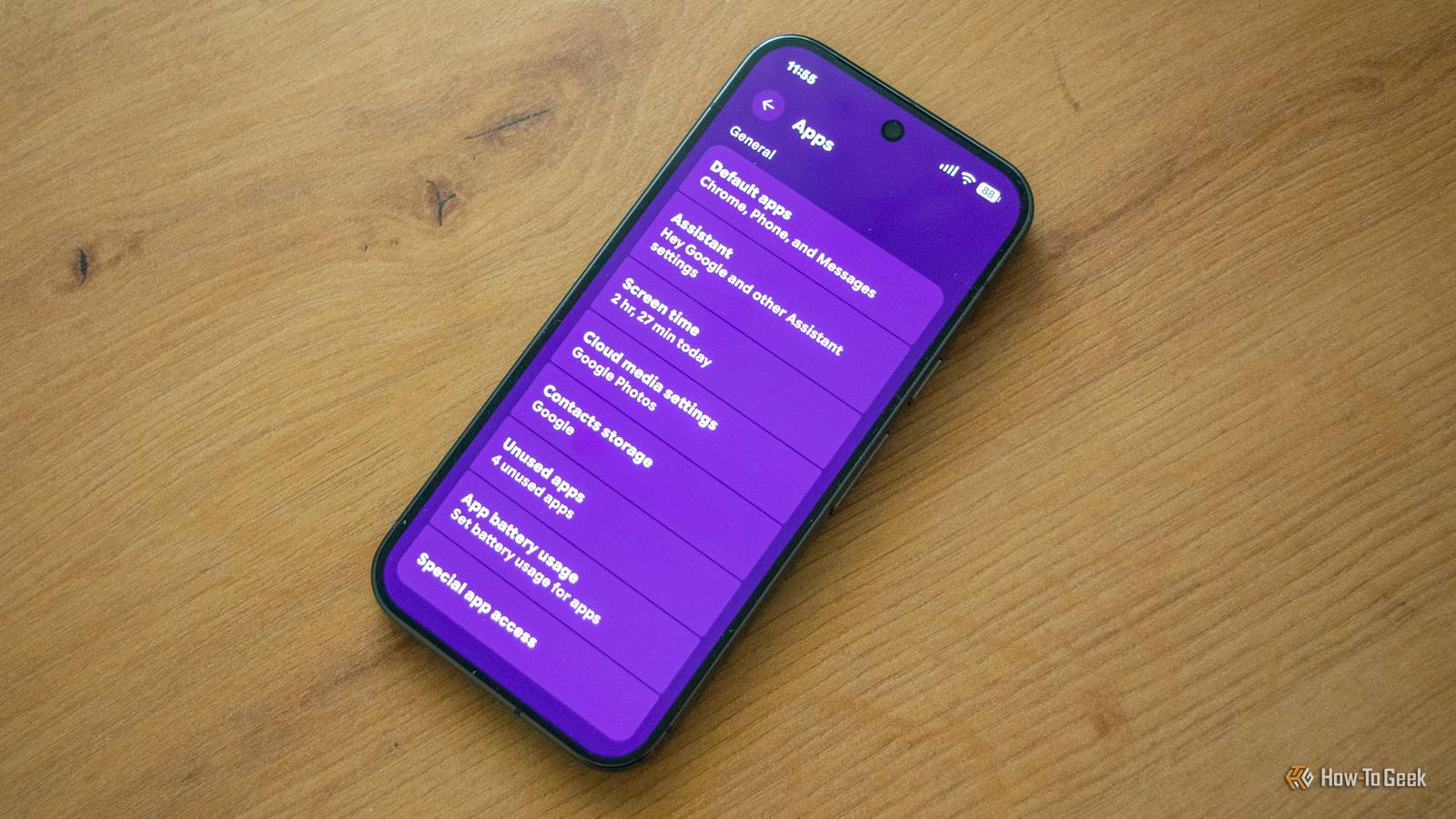
The Android operating system comes with a Special App Access menu that includes a number of powerful permissions, most of which can grant apps installed on your phone a high level of access to the device.These permissions include access to all files stored on your phone, the ability to display content over other apps, modify system settings, read notifications, install apps from unknown sources (permission to sideload apps), and more.One of the most powerful permissions found in the Special app access menu is called App usage data, also known as Usage data access.
The App usage data permission lets apps see what other apps you use That's not great for privacy The App usage data permission gives an app information about which apps you use on your phone, as well as how often you use them and how much time you spend using each one.But that's not all.The permission also includes access to information about your carrier, language settings, and other data Google doesn't share with regular Android users.
As you may have guessed, granting this permission to the wrong app can be anything but positive for your privacy.App usage data is valuable because it contains a detailed breakdown of how you use your Android phone.It can show which social networks you prefer and how much time you spend on them, as well as your wireless provider.
It can also reveal your bank if you're using a banking app, your favorite browser, which streaming services you use, your 2FA app of choice, and so much more.In the wrong hands, this data can be a gold mine that every advertiser would gladly pay for.But the developers of shady apps you grant this permission to don't even need to sell the data to profit from it.
For example, granting this permission to a social network app could allow it to serve you highly targeted ads and build a highly detailed profile of your daily habits, which can then be used to boost engagement (after all, social networks are first and foremost designed to maximize engagement) by showing you relevant content based on the apps you're using on your phone.The possibilities for misusing this data are vast, and they all disregard your privacy.Here's how to access the Special app access menu And revoke the App usage data permission from apps you don't trust Since I have access to a Google Pixel and a Samsung Galaxy, I'll show you how to access the Special app access menu on these two phone brands, but the path should be similar on other Android phones as well.
If you own a Pixel, open Settings > Apps, and then open the Special app access menu that's all the way at the bottom.Next, locate the App usage data option, open it, and audit the apps allowed to track what apps you're using on your phone.Close On Samsung Galaxy phones, open Settings > Apps, then tap the three-dot menu and open Special access.
Once there, locate Usage data access (the name of the permission on Samsung Galaxy phones) and open it.Close Once you open it, you'll see a list that includes every app that has access to usage data, as well as apps that have asked for permission.You can then simply tap an app and revoke its permission.
Just note that revoking the permission from system apps can cause all kinds of unexpected issues on your phone, so my recommendation is to focus on third-party apps.Personally, I've granted Usage data access only to two third-party apps: Essentials and MacroDroid.Essentials needs it for some of its features (such as the ability to freeze apps and prevent them from starting), and the same applies to MacroDroid, which is a powerful automation app.
On the other hand, I revoked the permission from the two custom launchers I use—METROV and Lawnchair—as well as from Reddit (gee, I wonder why Reddit would need this permission) and Widgeet.The last one is a custom widget app that includes a widget that shows the apps you've been using.Since I don't use that widget, I revoked the permission.
You can audit every permission in the Special app access menu Better safe than sorry While you're at it, you can perform a detailed audit of every permission included in the Special app access menu.It can't hurt, and it can reveal some peculiarities.For example, while rifling through the menu, I discovered that a ton of apps have Wi-Fi control access.
In other words, they're all allowed to turn Wi-Fi on and off on my phone, so I revoked this permission from most third-party apps.I also revoked unrestricted mobile data access when Data Saver is on (I'm on a limited mobile data plan) from all apps aside from Spotify, Google Play Services, and VPN by Google.Don't blindly accept app permissions Now, I know that we are bombarded with notifications to grant a bunch of permissions every time we start a freshly installed app for the first time, which turns into a reflexive action after a while, but you shouldn't blindly accept every permission an app asks you for.
By spending a minute or two getting familiar with why exactly a certain app needs that specific permission, you can improve your privacy and security and prevent apps from snooping around your phone, because many apps ask for permissions that they absolutely do not need in order to work correctly.This could be a mobile game asking you for access to your contacts or calendar, or a simple wallpaper app needing to track your location or asking for permission to make phone calls or send SMS messages.
Read More