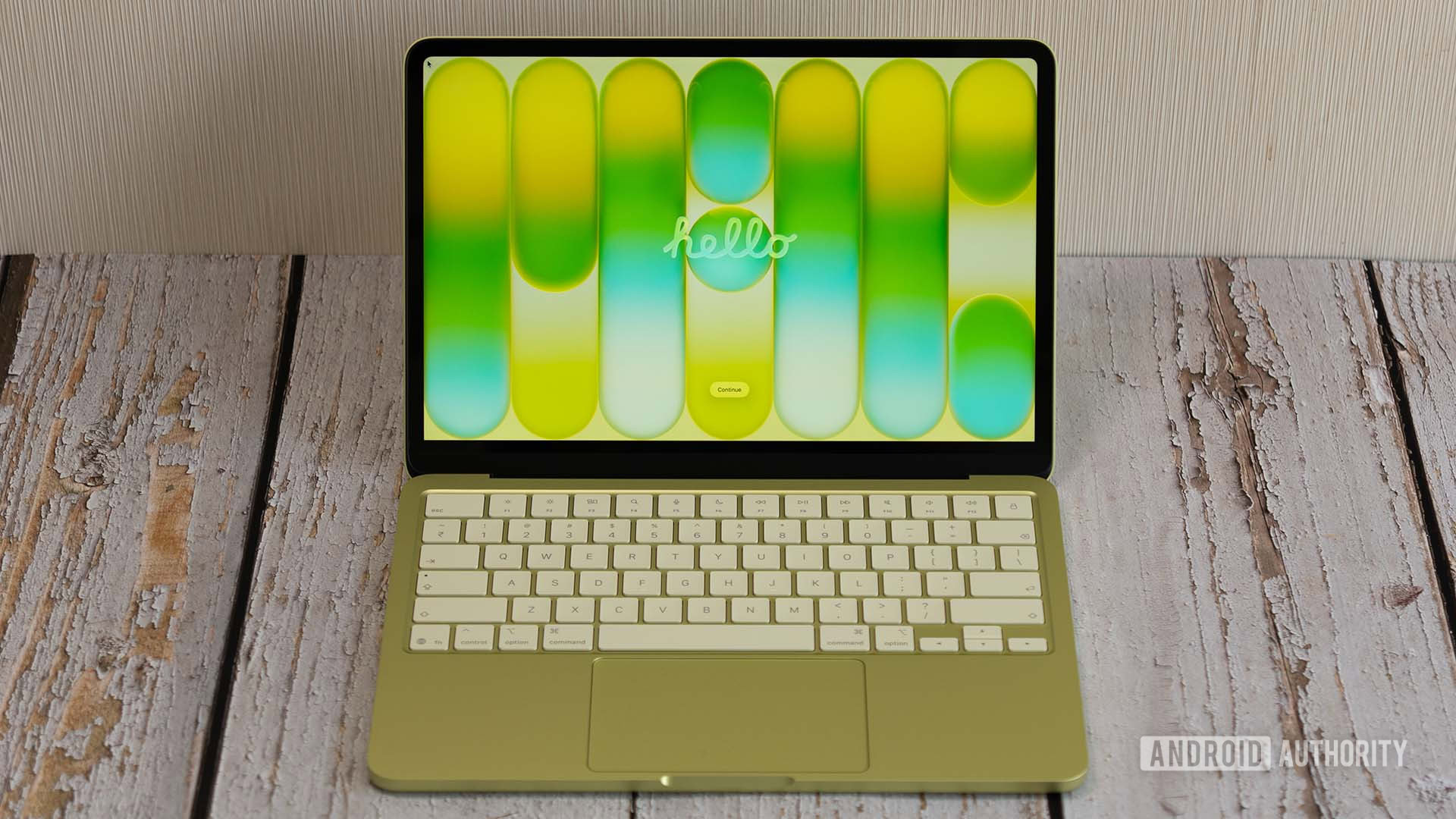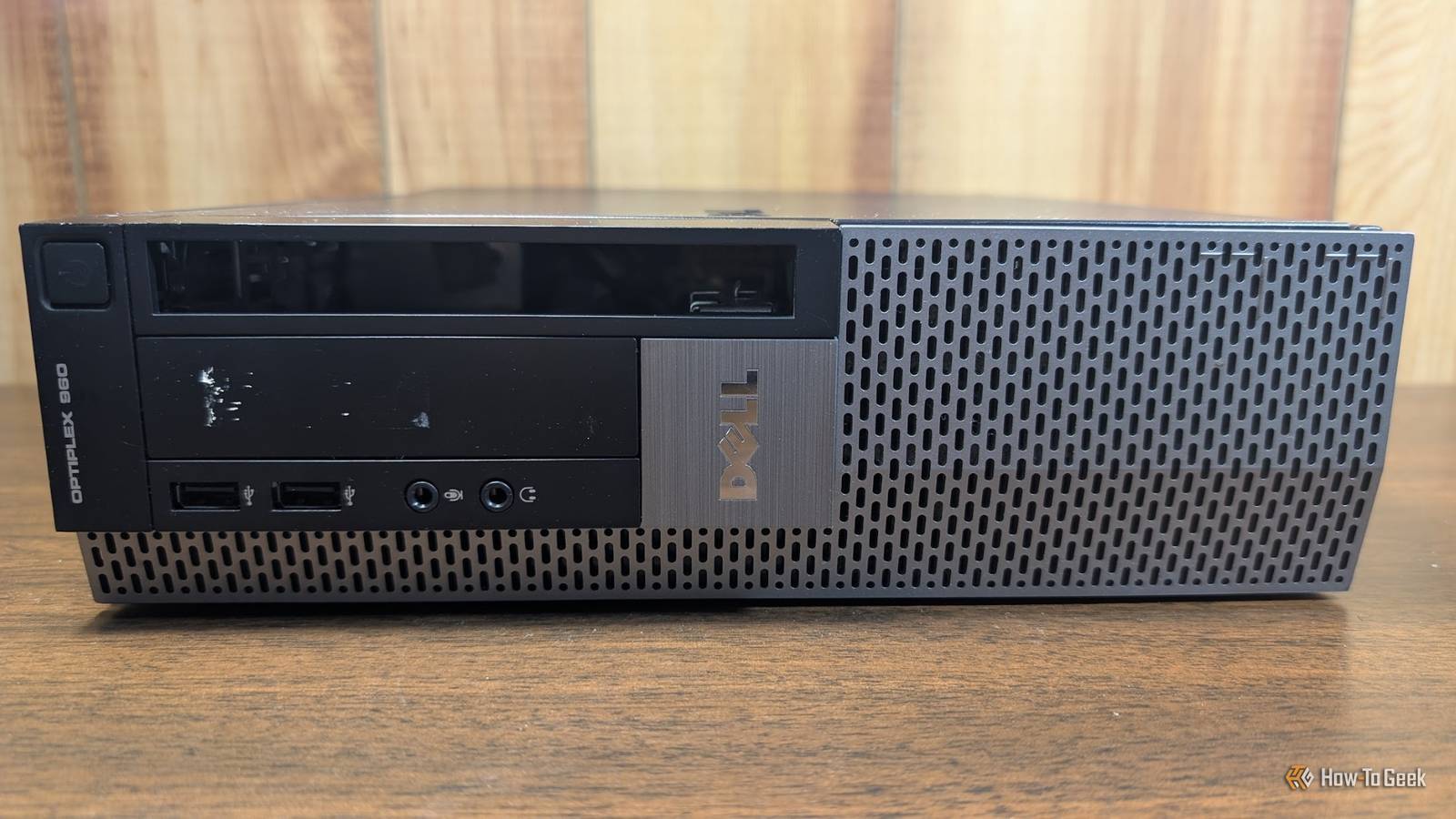
Are you trying to build a home server on a budget? Well, you're in luck, because building it ugly actually saves you money where it counts.Pretty home servers cost lots of money A server is rarely seen anyway In the world we live in, computers are becoming more and more a luxury-looking item.While PC cases used to have no see-through panels, they then graduated to plastic panels, and now there's so much tempered glass there's almost nothing else.
The problem with the fancy and luxury-looking computer cases is they're pretty expensive.Sheet metal and plastic are cheap, but tempered glass and proper supports is not.So, putting your server in a fancy-looking case definitely adds a lot of unnecessary expense to your setup.
While I love the industrial look of my old server and all my NAS systems sitting out, a server really is something that's rarely seen anyway.I've had people walk into my office and ask what all the cables were, and then when I tell them, they suddenly become uninterested.It's just the nature of the beast.
Servers perform vital roles in our homelabs, but they're not always the most interesting things to look at.Since servers often just get set in a closet or on a shelf and largely ignored after the fact, it simply doesn't make sense to spend a ton extra on an expensive case.Don't even get me started on RGB components, either.
Spending extra money on RGB RAM, LED lights, or coolers provides zero benefit to your home server.While they might look cool in a gaming setup, that money can definitely be better spent elsewhere on your home server.It's easy to find ugly parts used Does your server case really need to be brand-new? Really, your first home server is probably going to consist of a lot of used parts.
Most used parts are simply going to be ugly because they're old or weren't meant for home use.Looking online, a lot of the pretty computer parts go for a premium, as I already discussed.However, the ugly or old parts are normally pretty affordable, if not downright cheap.
You see, nobody wants the old and ugly computers.That desktop from 2015 with no glass anywhere on it and old components inside? Nobody wants that, and you can get it really cheap.You can even find an old office building that's closing down and selling their office PCs, which don't look that pretty, but they're extremely functional for a home server.
Really, the ugly, used parts are the best way to go when building a home server.They're a dime a dozen, and you probably won't pay much more than a dime for them.Okay, maybe more than a dime, but not by a lot.
Building an ugly server leaves you room to spend where it matters most Do you want to spend $150 on a case, or $30 on a case and another $120 on the server itself? Whether you're going used or new with your home server, where you spend your money matters.For a server, RAM is extremely important.As is storage.
If you're able to save cash on certain parts, you can spend it in a much better way elsewhere.For example, as of June 2026, a 16GB kit of RGB G.SKILL DDR4 RAM is $155 brand-new.Going used, you can pick up a boring 16GB kit of Kingston HyperX Fury RAM for $70.
That specific listing might sell out, but there are tons of other similar listings out there for you to browse—and that's just on eBay! Cases are the same way.You can easily spend $155 on a nice, premium-looking Fractal Design case in June 2026.Or, you can pick up a boring basic black case for $40 on eBay.
Really, it's all about where you spend your money.If you have a budget of $155 for RAM, you'd be better off picking up 16GB kits for a total of 32GB of RAM for $140 than one 16GB kit for $155.Or, if you have the budget for $155 for a case, and can find one for $40, you'd be better off putting that extra $115 toward a more powerful processor, graphics card, or simply more storage for the server.
Where you spend your money matters a lot with a home server, and you shouldn't waste money on things that don't actually benefit you.Dell OptiPlex 7060 CPU Intel 8th Generation Core i5 Graphics Intel Intergrated UHD Graphics 630 Storage 256 gigabytes The Dell OptiPlex 7060 mini desktop PC is a great choice to run your homelab or office.It features an 8th Generation i5 processor, which allows it to run Windows 11 Pro out of the box.
It ships with 16GB of DDR4 RAM and a 256GB SSD, as well as being user-serviceable if you want to upgrade it in the future. $419 at Best Buy Expand Collapse ACEMAGIC K1 mini PC $299 $399 Save $100 Brand ACEMAGIC CPU AMD Ryzen 4300U Graphics AMD Radeon Memory 16GB DDR4 SO-DIMM pre-instlaled Storage 1TB NVMe pre-installed The ACEMAGIC K1 mini PC packs a punch for its price point.With a Ryzen 4300U quad-core processor, 16GB of user-upgradable RAM, a pre-installed 1TB NVMe SSD and an extra M.2 SATA slot for more storage, this micro desktop offers a lot of performance.Plus, it handles up to three monitors at a time and has Windows 11 Pro pre-installed. $299 at Amazon Expand Collapse KAMRUI Hyper H1 Mini PC Brand KAMRUI CPU AMD Ryzen 7 7735HS Graphics AMD Radeon 680M Memory 16GB LPDDR5 Storage 512GB NVMe The KAMRUI Hyper H1 mini PC is perfect for setups that need a high-performance desktop without spending an arm and a leg.
It boasts the AMD Ryzen 7 7735HS 8-core 16-thread processor and 16GB of LPDDR5 RAM (which is not user-upgradable).The pre-installed 512GB NVMe drive can be swapped out for a larger one though, and there's a second NVMe slot for extra storage if needed.$469 at Amazon Expand Collapse You will probably make some mistakes with your first home server, and that's okay I've now had probably well over a dozen home servers at this point.
If I could go back to my first "real" home server, I would change a lot with the knowledge I have now.I wanted to have the flashy case, hot swappable drives, and so many other features that were really expensive.It turns out I needed none of that.
My home servers just sit there, idling away, silently (or sometimes not so silently) running my entire life.I couldn't imagine not having my home servers, but I definitely wish I would have been smarter with how I built my first ones.
Read More