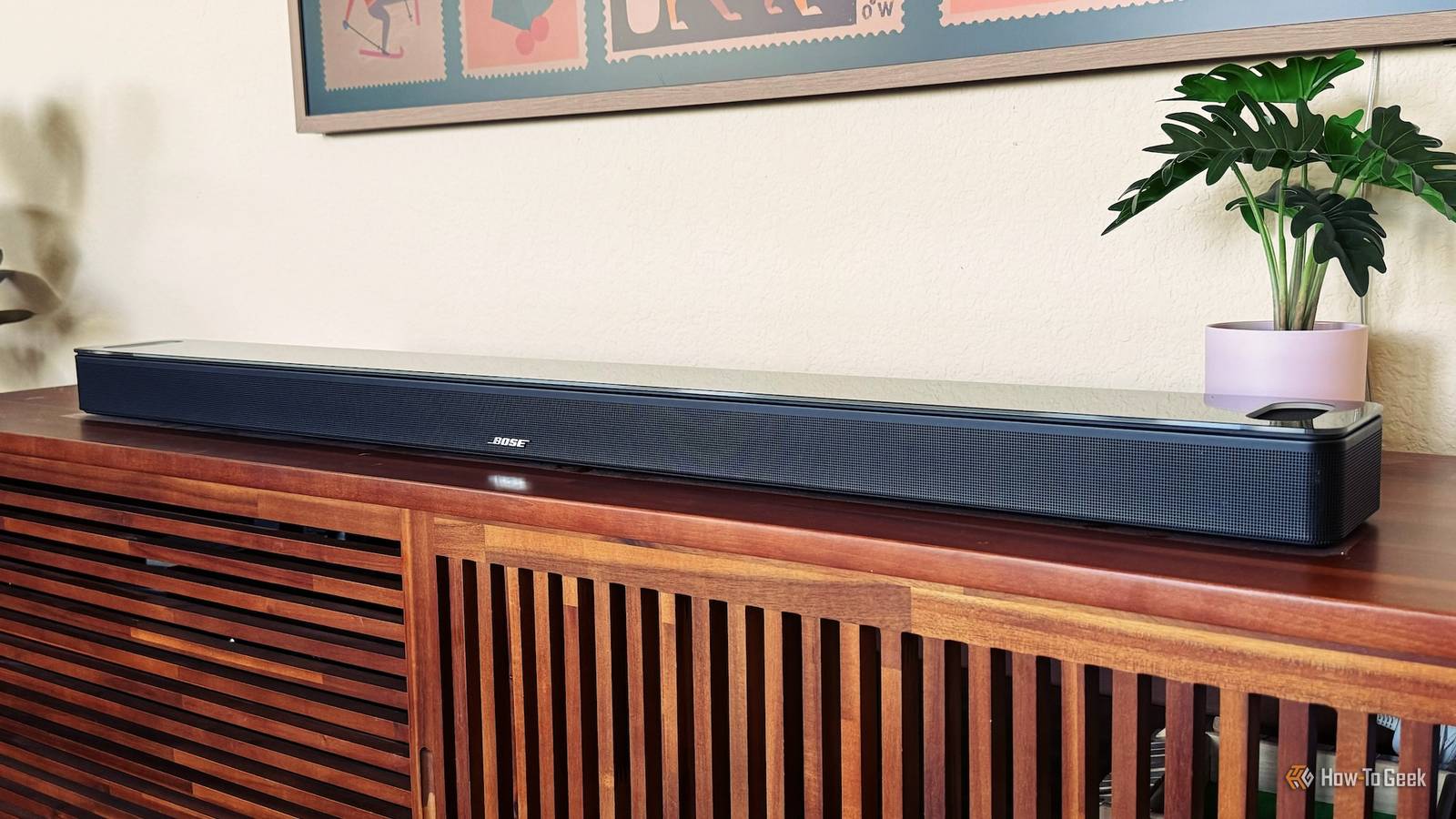
There's no getting around the fact that modern flat-panel TV sound is usually pretty awful.The thin bodies of these devices don't leave much room for decent speakers and audio components, so many manufacturers do the bare minimum to avoid having the device classified as a computer monitor for lack of speakers.Conventional wisdom says you need to fork out for a soundbar, and that's still good advice.
Even a cheap soundbar usually sounds much better than an expensive TV's built-in audio.However, not everyone has the space or funds to do that.Luckily, you can try a few things to improve your TV speaker audio for free.
Choose a sound preset that prioritizes clarity The quick and dirty fix The first thing you should try is changing the audio presets your TV offers to find the one that sounds best to your ear.Fancy "cinema" or "virtual surround" settings can definitely make things sound worse than they need to be.In particular, they can make dialogue hard to hear and otherwise mess with the sound mix with needless post-processing.
Start with whatever the "standard" preset is, and work from there.Keep in mind that you're unlikely to find one preset that works best for all types of content.The perfect preset for a documentary won't necessarily work for an action movie.
Use an equalizer to work around your TV’s weaknesses Twiddle those knobs! Close An equalizer is simply a filter that lets you adjust the relative volume of different frequency bands in the mix.Usually, this means you can adjust the bass, midrange, and treble frequencies independently.People usually adjust this as a matter of taste, but if, for example, your TV speakers distort at higher volumes because of excessive bass, an equalizer can remove that problem without reducing the other parts of the sound.
Some TVs can use microphones to measure the room's acoustic properties and then adjust your audio automatically to make the most of it.So try running that and see if it helps with the audio quality from your internal speakers.Don't double up on dialogue enhancement or dynamic-range compression More is not better A very common complaint not just about TV speakers, but modern movie and TV show audio in general, is that no one can hear the dialog.
There are plenty of reasons for this that I won't go into here, but solutions have come from all sorts of directions.We've already talked about sound modes above, and you'll have noticed modes such as "clear voice" or "dialog enhancer." When you pick one of these options, the audio is processed to favor the natural human vocal range, bringing it forward in the mix.The problem is that devices like Apple TV (and even streaming apps) offer dialog-enhancing modes.
If your app and streaming box are both applying such a filter and then your TV adds yet another layer of "enhancement", then the audio will sound truly terrible.So pick one layer of filtering, and stick to it.Check that only one device or app is doing this work.
The same goes for options like "reduce loud noises" or similar effects that try to normalize the volume between speech and explosions.Sometimes this is also called "night mode." If you need that, make sure only your TV, or your streaming app, or box is doing it.Don't put a hat on a hat.
Connect the TV to speakers or headphones you already own Nothing's better than not having to spend money If you have a set of bookshelf speakers, PC speakers, or even an old Hi-Fi, then you might already be sitting on an excellent speaker upgrade.People seem to forget that soundbars are inherently a compromise between a slim form factor that can fit underneath most TVs and good speakers with full-range audio.As long as you don't mind the look of more traditional speakers, you can get great sound right now.
Even if you don't already own a pair of spare speakers, you can probably find a good set for much less than a soundbar, and with better audio quality to boot.Some Hi-Fis and AV receivers might have HDMI ports for audio or even an optical input, but in some cases you'll have to connect the speakers to your TV's headphone jack, or use the RCA audio jacks, if your model still has them.Thankfully, you can always buy an adapter to connect one audio device to another.
Some TVs can also use an additional subwoofer.So you keep using the TV speakers, but add a sub and instantly boost the total sound quality.Now, doesn't that sound better? Nothing sounds as sweet as a free upgrade, and hopefully a little bit of tweaking has removed the immediate need to buy yet another device just to get sound that matches the quality of the picture on your screen.
It's a little ironic that some laptop, tablet, and smartphone manufacturers can get great sound from small, thin devices, but even the titan of the TV industry can't seem to figure out how to do it with a huge TV.But speaker technology keeps improving, and it might turn out your speakers were just fine.The tuning just needed some attention.
Read More