USB-C cables, while super confusing, are also utterly forgettable.I really don't think you spend hours pondering the fate of your USB-C cables, and neither do I.At least not until something breaks.
But sometimes, that something can be stupidly fixable and shocking in equal measure: your USB-C cables might just need a firmware update.No, I'm not joking.Your USB-C cable might have a tiny computer inside Yes, there's more to some cables than copper and plastic Close I've been yapping about things like router firmware for ages here at How-To Geek and elsewhere, and I'm not alone.
At this point, most of us have heard the old "update your drivers, update your firmware" spiel a thousand times over.But USB cables? Firmware? That's a new one.As I discovered when I tested every USB-C cable in my drawer, two identical-looking USB-C cables can have wildly different capabilities.
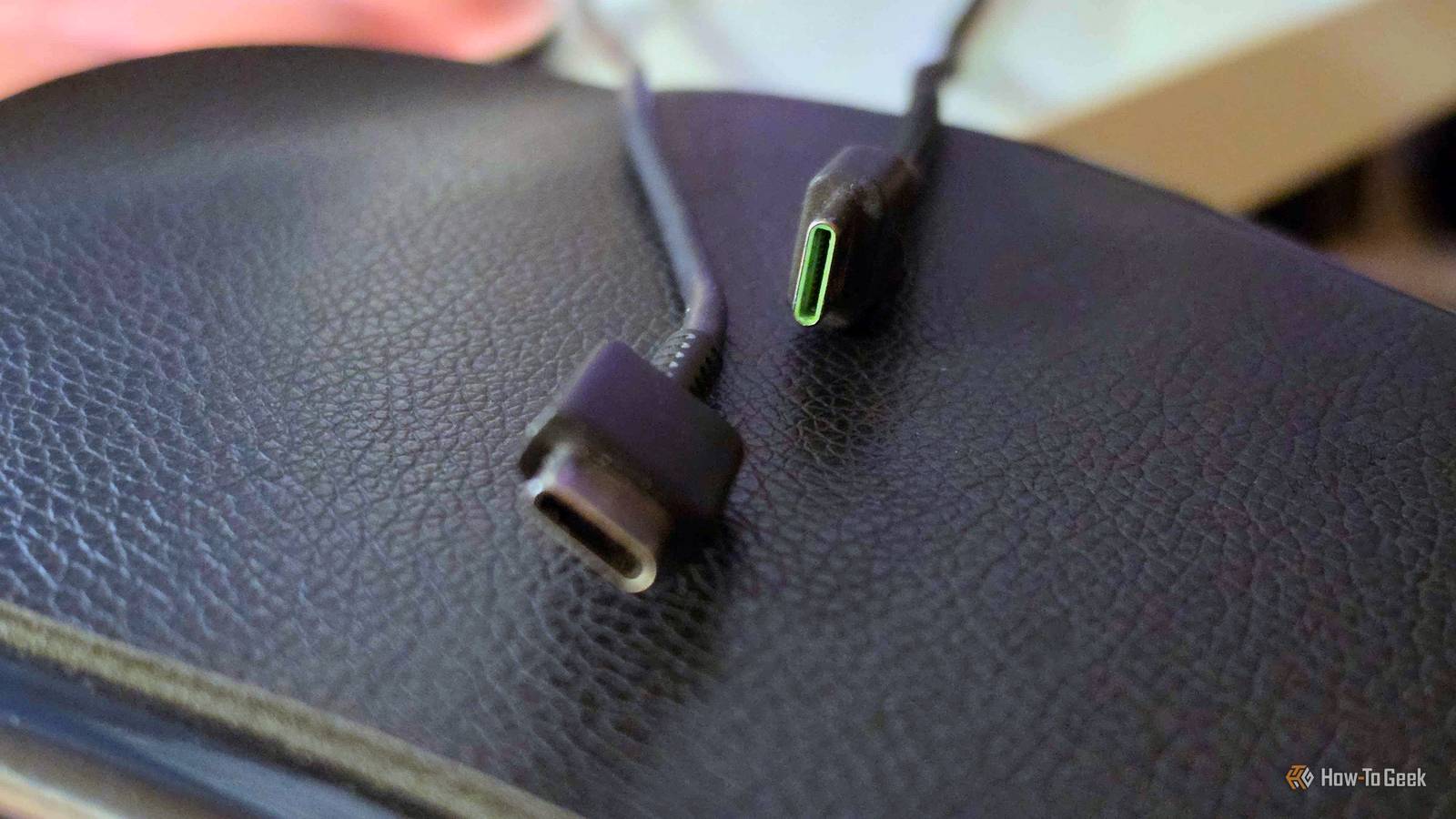
That makes cable management heaps of fun, but there's more to it than just plain performance or power delivery.Some of those capabilities come down to what's hiding inside the cable's connectors.Actual software inside the cable For starters, many high-powered and faster USB-C cables contain a tiny chip.
It's called an e-marker.This e-marker tells connected devices what the cable can handle, removing at least some of that confusion we all deal with when staring at a USB-C cable and not knowing what it's for.Some of the data includes the cable's supported power and data capabilities.
But things get spicier with active USB-C and USB4 cables.These can contain additional electronics, such as redrivers or retimers, which help them maintain signal quality over longer distances.More than that, some USB-C to HDMI cables even have chips that actively convert the video signal.
So, it's more than just plain cable tech.Some of these more high-tech cables have controllers running firmware.It does make sense, given what they're responsible for ...
so they get actual software, all inside the cable.And just like the firmware for your SSD or router, these cables may need an occasional update, too.A firmware update can even unlock features your cable didn't have Your monitor might benefit from updating a cable Updating an actual cable seems weird enough, but it gets weirder: it's not just about fixing bugs.
Sometimes, these updates can genuinely unlock features you couldn't use before.Take Cable Matters' USB-C to HDMI firmware updater, for instance.The company offers an update for its USB-C to 8K HDMI cable that can enable 4K at 120Hz, or even 240Hz, on supported Macs.
That could be a major step up in refresh rates, all from a quick firmware update.Normally, I'd just be opening up Amazon to buy a better cable that could do all that stuff to begin with.Bug fixes are also a thing, of course.
Companies release them to address things like compatibility problems, random disconnections, and so on.Updating a cable is exactly as weird as it sounds Some cables even have two chips to update Right, let's assume your USB-C cables need a firmware update.But where do you even get that? It depends on the model, but the process is essentially the same as if you were updating any other hardware.
First, identify the exact cable.This is kind of why I said it only applies to pricier, brand-name cables, as it needs to be identifiable as a specific model of cable and not just a generic one.Once you know what you're working with, search up the cable model and the manufacturer, then check the manufacturer's website for firmware updates.
If such updates exist, you'll probably have to download a dedicated utility, then connect your cable to the PC, and let the software scan its current firmware.Need an update? It's simple from that point, just go through the steps.Here's the ridiculous bit, though.
Some cables actually have firmware chips.Again, I'm not joking.In those situations, those chips may need to be updated separately.
At least it's still just the one cable...No, you probably don't need to update every USB-C cable you own Most cables can be left alone If you're like me, you're probably on your way to your cable drawer, about to test every single USB cable you own.Hold on, though, because it's not like all these cables even need the extra attention.
Ordinary USB-C cables don't have firmware you can update yourself, and even the fancier ones with the e-marker chips aren't necessarily updateable.This is something you'll mostly find in high-end active cables with more sophisticated electronics inside.Even then, manufacturers don't always provide firmware updates, and generally, if your cable works fine, there's often no reason to mess with it.
Don't throw your cables away too quickly Turns out that a cable that isn't doing its job isn't necessarily broken, and you could save yours before letting it go.The problem is that many people will just throw a cable away if it fails to deliver what's expected of it, but sometimes, there is a lot of merit in looking for firmware updates.Much like you'd repurpose an old router, don't give up on cables just because they're old: maybe they just need a little push (and a quick update).
Related My go-to network troubleshooting tool costs less than lunch and has no settings Making expensive network gear redundant one little fix at a time.Posts 4 By Monica J.White
Read More