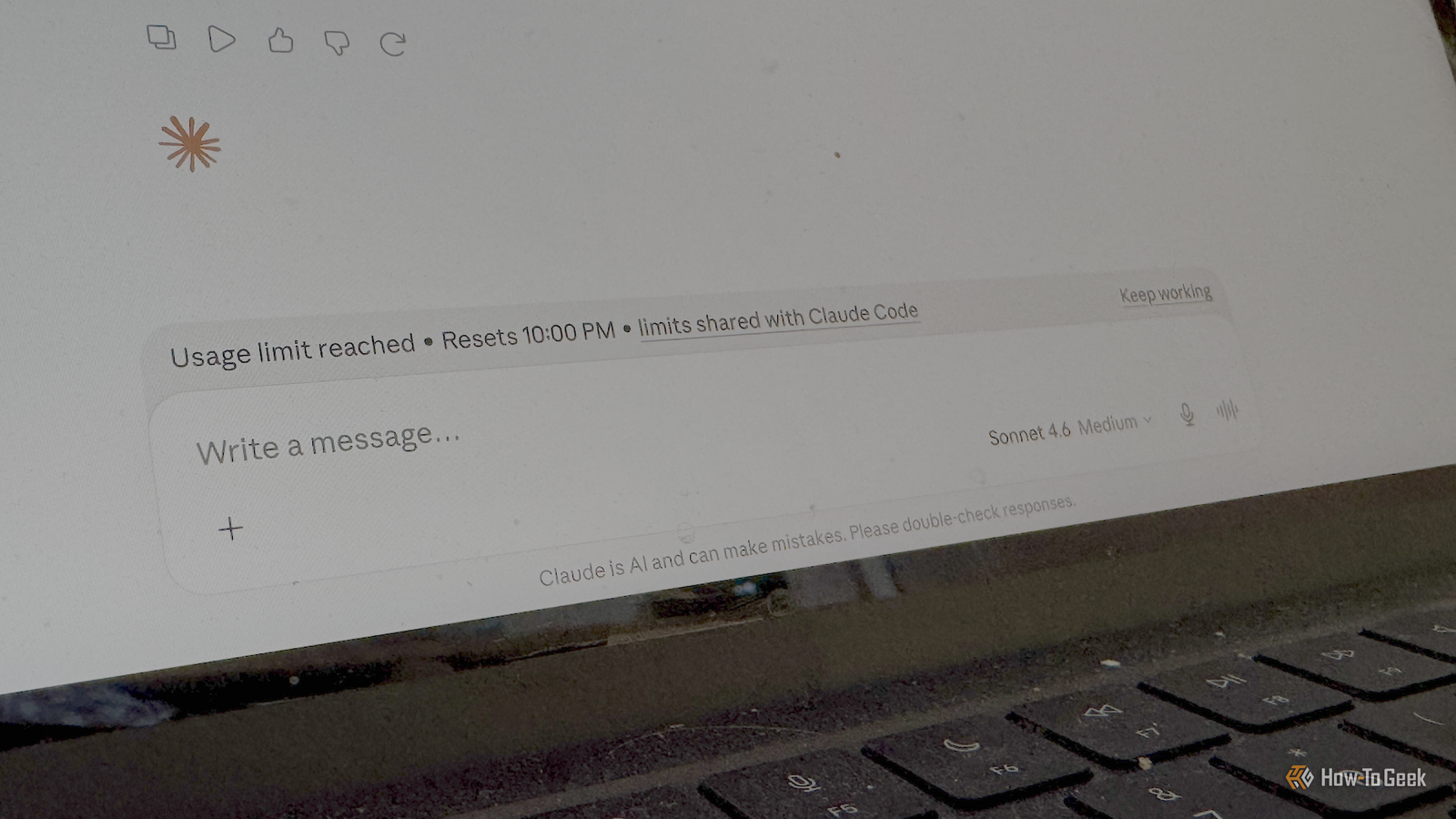
When I first tried Claude after using ChatGPT for some time, I was shocked the first time I hit my rate limit.Having to wait a couple of hours before I could pick up where I left off was really frustrating.Claude's projects can help; aside from being a useful organizational tool, using projects can help you use your quota more efficiently and make it go further.
Long conversations can burn through usage limits Every message carries more conversation history When you're working with Claude, it's easy to get into long conversations.If you're trying to solve a problem, for example, you can end up going back and forth with Claude, and before you know it, your conversation has grown and grown.The problem is that the longer your conversation gets, the more of your quota your prompts are likely to use up.
Claude needs to consider the relevant conversation history when generating each response, and the longer that conversation history becomes, the more context Claude has to process.A chat that is 100 messages long is likely to consume more input tokens per prompt than a chat that's only five messages long, because Claude will need to process more conversation history to generate an appropriate response.Multiple short conversations can therefore be more efficient than extending one long conversation.
Once a conversation has achieved its goal, starting a new one can reduce the amount of conversation history that needs to be considered for each prompt.Claude Price $20 Claude is an AI assistant made by Anthropic. It can assist with a wide range of tasks—writing, coding, analysis, research, and more. Unlike a search engine, Claude reasons through problems conversationally, making it useful as a thinking partner rather than just an information retrieval tool.See at Claude Expand Collapse Projects let you use shorter conversations Context lives in the project, not in the chat Projects in Claude may seem like a tool that is mainly for organization, but they can also help to stretch your quota a little further.
That's because you can use projects to share context across multiple different chats.You can upload files and set custom project instructions that are applied to every conversation you have within that project.Rather than storing everything inside one enormous conversation, projects separate your reference material from the individual chats where you do the actual work.
This means that you don't need to start each conversation by adding documents or explaining things.Claude can retrieve relevant information from the project documents and combine it with your custom instructions, reducing the need to repeatedly provide the same context in each chat.It means that with each new conversation within a project, you can get straight to the point.
Processing the project context and instructions will still use some of your quota.The difference is that using projects makes it much easier to start new conversations that still have the relevant context, so you can avoid Claude having to rely on a long conversation history.Related I transformed Claude into the ultimate coding tutor that tracks my progress (Prompt included) I built a coding tutor that won't let me cheat my way through it.
Here's the prompt.Posts By Dibakar Ghosh What you should add to project context Documents and custom instructions can save repeating yourself Using projects efficiently means making sure that you add the right things to the project context so that you don't need to add them in every conversation.The goal isn't to dump every file you can find, but to include the documents and instructions that you repeatedly find yourself sharing across conversations.
Some examples of the types of things you might want to include in the project documents include key project documents, style guides, coding conventions, research documents, notes, and more.If you find yourself constantly having to add files to chats in a project, those files should definitely be added to your project instead.The project instructions are also a great way to minimize how much you have to repeat in each project chat.
You can state your preferred tone, how you want the responses to be formatted, what you want Claude to do (or not do) in each chat.The aim is to eliminate repetitive prompts that use up your quota unnecessarily so that you can keep chats as short as possible.How to take advantage of Claude projects Treat each chat as disposable Once you've got your project set up with all the relevant context and instructions, the important thing is to take advantage of this setup.
It's all too easy to fall back into the habit of using one long conversation, which reduces the benefits of using projects.The key is to know when to leave one conversation and start a new one.If a chat has achieved its goal or has become cluttered, it's a good time to open a brand-new chat and start with a clean slate.
You can copy key context from longer chats if necessary or summarize them and add the summary to your project documents if that context will be useful for future chats.For example, you might use one chat to brainstorm ideas, another to plan a task, another to troubleshoot a problem, and another to review a document.This will often use up less of your quota than trying to do it all in one long conversation.
Claude Projects could help you get more from your subscription Having to wait for your quota to reset can be a real pain, but there are things you can do to make it happen less often.Using Claude Projects is just one way to use your quota more efficiently so that you can keep working for longer.
Read More