For a few years now, I've been getting into physical media like it's nobody's business.I had a small collection that I got rid of (and partially lost) leading up to the first time I subscribed to Netflix, but I felt no pressure to own anything in physical form during the streaming honeymoon phase.But, as I started to realize what a raw deal streaming is, it became clear that I really needed to acquire good copies of the shows and movies I love.
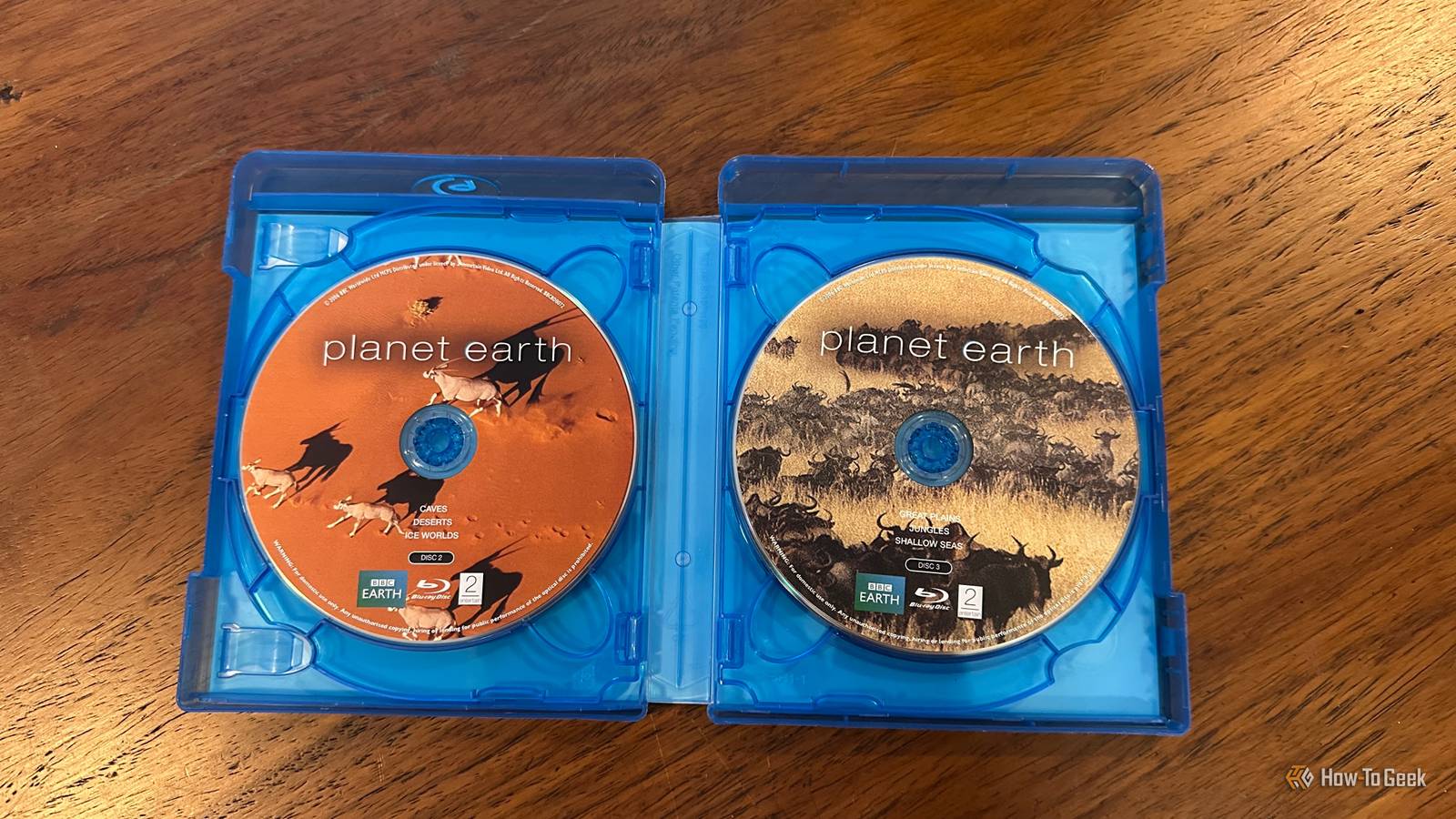
Some were expensive, like my Star Trek: The Next Generation Blu-ray box set.For the most part, however, the lack of demand for physical media and a flooded used market has meant that I've been building up an enormous collection that spans hundreds of discs.Taking photos was easier than typing hundreds of titles A one-click solution Some of these DVDs and Blu-rays weren't even intentional purchases.
In many cases, sellers want to sell entire collections of movies or series, rather than listing them individually.So I've come home with large boxes filled with discs.I needed some way to make sense of it all, and so I thought I'd use an LLM with multimodal capabilities to help me out.
In this case, ChatGPT using my ChatGPT Plus subscription.A multimodal LLM is one that can receive input and send output in various media, such as audio, images, and text.All I had to do was take photos of the DVD spines, and then ask ChatGPT to catalog them for me.
It was that easy, but not quite a totally hands-off process.The LLM extracted titles and organized them automatically Working at the speed of thought So the first step is taking photos of all the discs I want to catalog.After which, I simply uploaded them into the ChatGPT prompt window.
Then I typed out the following prompt: Here are some photos of DVDs and Blu-rays I am thinking of reselling.I want you to create an Excel spreadsheet listing all of these titles.Create relevant columns for information I'd want to include in listings if I do decide to sell any.
The reason I mentioned reselling in this prompt is that I'm going to pass the titles I never wanted in the first place on to people who actually want them, and if I'm lucky, I could get some of the money I spent back.Obviously, if you only want the LLM to catalog your media, you don't have to add the bit about reselling.I just added that so it would create relevant columns in the spreadsheet.
You'll notice it also caught some PSP UMDs that are on the same shelf as some of the DVDs.It's easy enough to delete these or just copy them to a different spreadsheet, but ChatGPT did correctly classify their format! Panasonic DP-UB9000 Connectivity Wired, Wi-Fi 5 The Panasonic DP-UB9000 is a premium Blu-ray player that delivers exceptional picture and audio quality, with support for all major HDR formats and extensive connectivity options.Its robust build quality and reference-class performance make it an top-tier choice for home theater enthusiasts seeking the ultimate viewing experience.
$929 at Amazon $959 at Walmart $920 at Newegg Expand Collapse It built a spreadsheet that was actually useful A spreadsheet I actually like? Madness.After having a good look at the photos, ChatGPT created a standard spreadsheet file, which you can download or edit right there in the web interface.You can also ask the LLM itself to make changes to the file, instead of working on it manually.
This includes adding more photos of new additions you acquire.I was pretty happy with the columns it had created, and I asked it for a second pass to fill in more information, supported by its own knowledge and internet searches.Ultimately, there wasn't much left for me to fill in when all was said and done.
This trick works for almost any collection All you need is a title Of course, you don't have to limit this trick to just DVDs and Blu-rays.Any type of physical media you photograph will work.I also tried it with my bookshelf, and the LLM quickly and efficiently listed them all in a spreadsheet.
Deals Find deals on AI tools, software & subscription savings Shop current deals and discounts on AI subscriptions, software, and productivity apps—score savings on OCR tools, cloud storage, spreadsheet apps, and automation services to simplify cataloging, backup, and media management.Deals Explore Software, AI & Subscriptions Deals Some media will be difficult to photograph efficiently though.With books, DVDs, and Blu-rays, you can have hundreds of spines visible in a single image.
But I also have a LaserDisc collection, and I know that plenty of people collect vinyl records, for some reason that will never make sense to me.These media don't have spines you can read for the most part, so you'll have to lay them out in grids of nine or twelve, or perhaps even photograph them one by one.LLMs have a limited number of photos they can process at once, so it's debatable whether just typing things in, or reading the names in an audio recording and transcribing it with AI wouldn't be faster.
A quick review was still necessary To be clear, while this technique sped things up, I still had to manually review the file and make sure it was correct.Sometimes certain titles aren't properly visible, and if I had to do this again, I'd have stacks of discs with fewer titles at once, so that everything is well-lit and nicely legible.Even when the photos are perfectly clear, the LLM can still make mistakes or even hallucinate titles that aren't in the image at all.
As is always the case with generative AI, human quality control is essential!
Read More