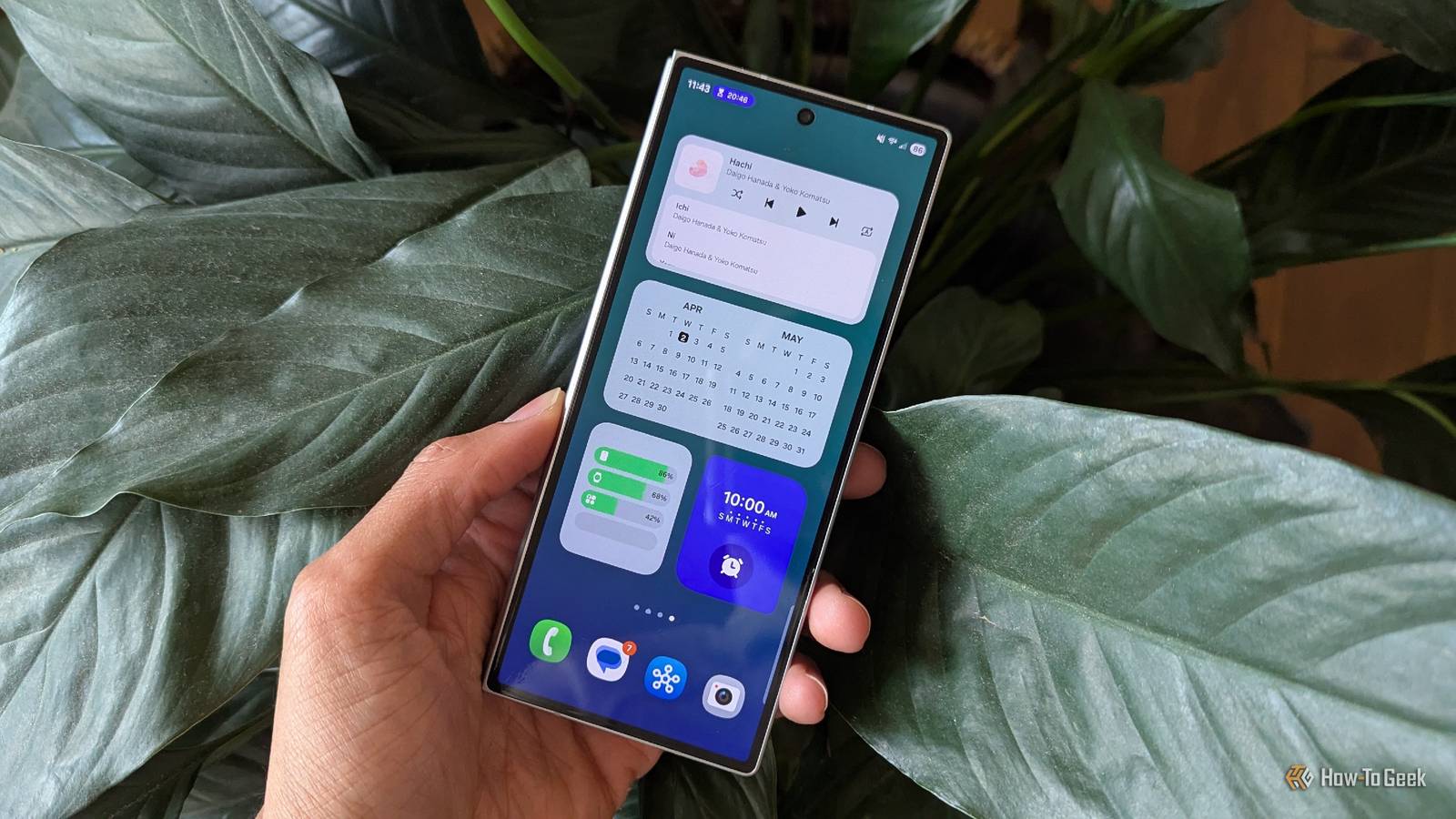
We often hear more about Google's Android features than Samsung's, even though Samsung sells far more phones.While those Samsung phones come with many Google apps installed, they're also packed with Samsung-specific features that are often better than their flashier alternatives on Pixel phones.Let's touch on some of the bangers.
Adding events in Samsung Calendar It's mind-blowing that Google hasn't done this yet Close Google Calendar is ubiquitous.It is the default way people share calendars online, and the Android app is good enough that most people have little reason to seek out something else.But after using Samsung's calendar app, Google's feels quite basic.
Samsung Calendar may just be my favorite calendar app for Android, and that largely comes down to a single feature.To add an event, I merely have to tap the search bar and type out what's happening, such as "piano practice @ 4 pm on Tuesdays".It will then automatically create the event with the necessary details filled in.
Samsung Galaxy Z Fold 8 Display Dynamic AMOLED 2X RAM 12GB The Galaxy Z Fold 8 is the first wide-format book-style foldable from Samsung.It's short external dimensions make this one of the most pocketable phones you can own without sacrificing screen size. $1900 at Samsung Expand Collapse Local AI features in Samsung Gallery No need to upload your personal memories to Google Photos Close While you can use Google Photos on your Samsung phone, don't sleep on Samsung Gallery.Unlike Google Photos, it isn't trying to pressure you to upload your photos to the cloud and spend money when you run out of space.
Samsung's app shows images that are on your device, but it comes with many of the features that make Google Photos so appealing.Samsung Gallery comes with Object Eraser built-in.You can also take advantage of on-device AI integration when performing searches, helping you look for objects and the people you've tagged in your photos.
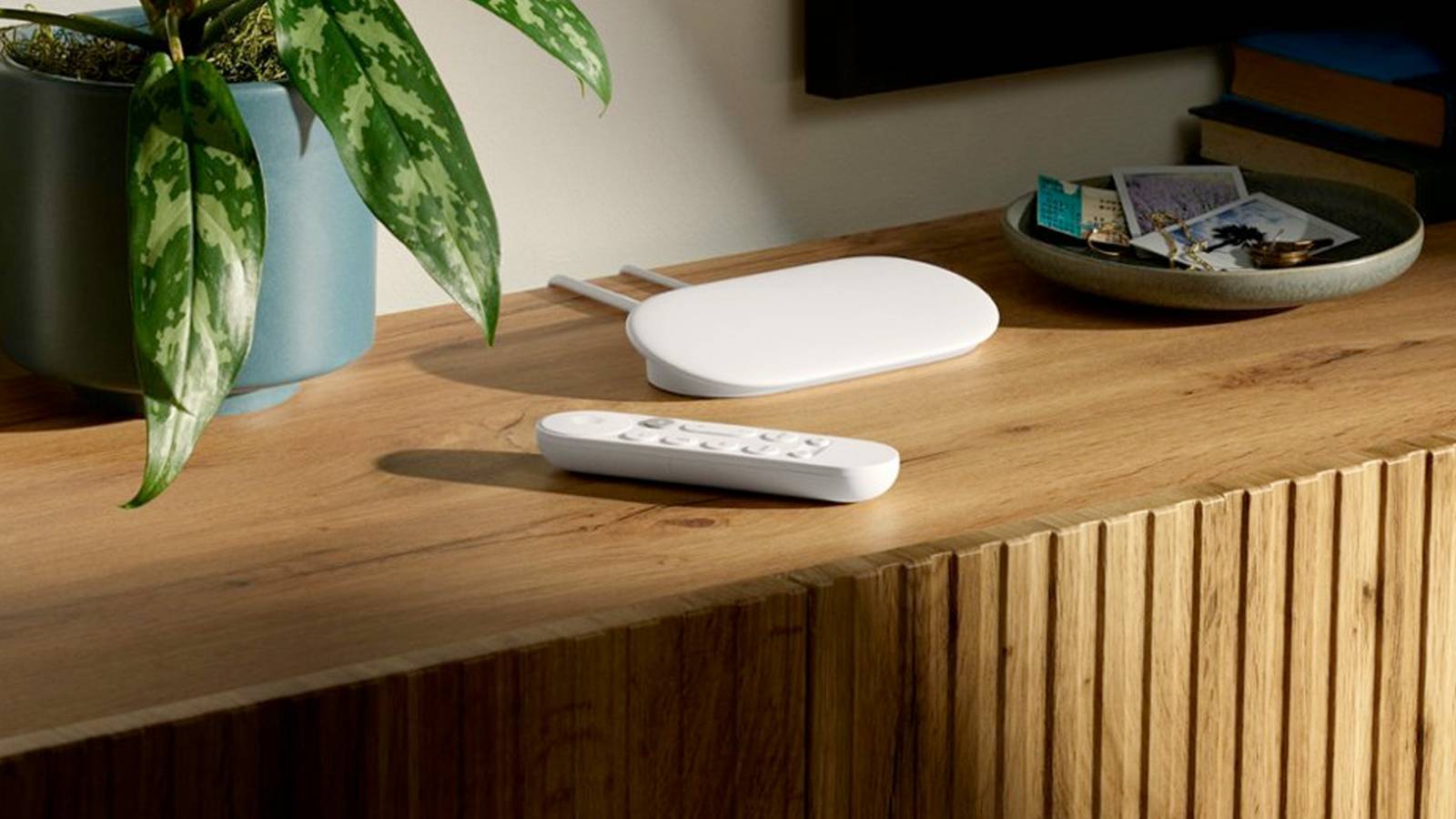
I particularly appreciate the built-in OCR functionality to copy and paste text from photos.Smart home integration in Samsung SmartThings Even if you own a Pixel, please don‘t use Google Home Close When you go to the store to buy a new smart bulb, you're likely to see that it works with Google Home.But as a smart home journalist, Google's smart home platform is one of the last options I'd recommend.
The company has a spotty track record with supporting new standards like the latest versions of Matter, and Google's product line has stagnated over time, with users expressing all kinds of frustration regarding the transition from Google Assistant to Gemini.Samsung SmartThings, by contrast, is the most rapidly updated of the major corporate smart home platforms.It competes with Home Assistant in adding new features first, and the user experience is both consistent and reliable.
While I personally recommend going for a private local-first smart home hub like the Homey Pro Mini, if I were going to stick with a cloud-based option, SmartThings would be my choice.The hardware integration of Samsung’s Bixby More useful than Gemini for managing your devices Close As an underlying technology, I find Gemini to be rather impressive.It underpins features that I've come to take for granted, like the impressive handwriting and voice recognition that's baked into Gboard or much of the on-device capabilities of Galaxy AI.
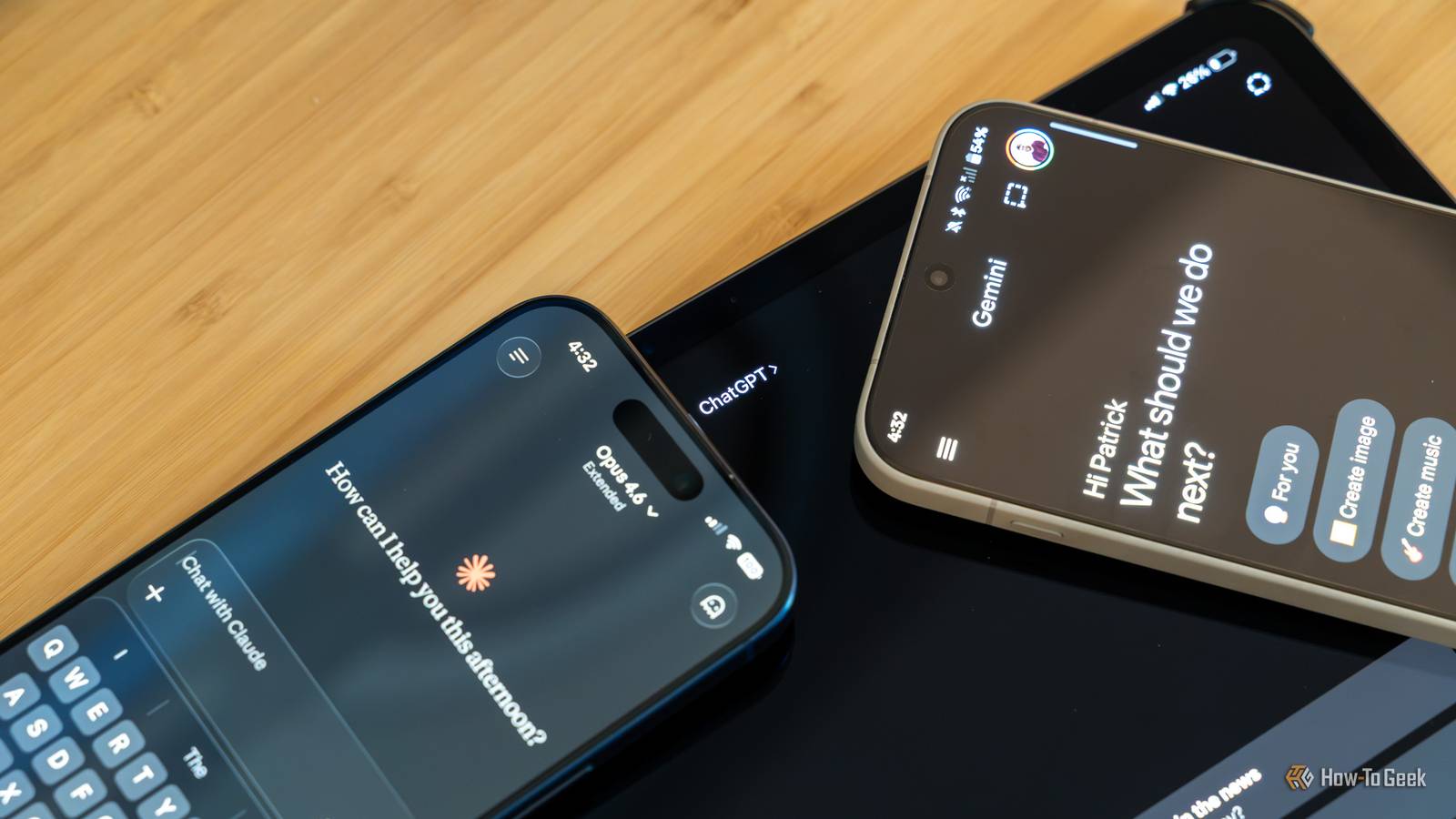
Yet when I try to interact with Gemini directly, it generally leaves me wanting.That's because I typically want it to help me do something on my device, and this is an area where Bixby actually has the upper hand.From the beginning, Bixby has been intended as a way to help you interact with your Samsung devices.
If I tell Bixby to make my screen brighter, it will actually make my screen brighter.If I ask Gemini to do the same thing, it will merely open the relevant section of system settings on my phone and then leave me to make the adjustment manually.Samsung Keyboard's quiet victories over Gboard Google does many things better—but not everything During my time using a Samsung Galaxy Z Fold 6 as my primary PC, I almost exclusively used the Samsung Keyboard.
The fact that it better integrates with One UI was reason enough for me, but there were other things I genuinely liked more about it.Samsung's Text Shortcuts feature is one such thing.This is a great way to quickly type out those phrases you use often.
I regularly have to add "Bertel King / How-To Geek" as a caption to my photos.With this feature, I can simply type "bkhtg" and watch the other words appear automatically as soon as I press space.You can do something similar in Gboard by adding phrases to your personal dictionary, but they will only appear among your suggestions rather than replace your text automatically.
I also made extensive use of the clipboard in Samsung Keyboard.On Gboard, your clipboard is automatically cleared after an hour unless you specifically pin something to remember later.On a Samsung device, this clipboard lasts much longer.
Admittedly, this is a matter of personal preference, and Samsung's approach is a valid security concern.But I don't always remember what things I will want to paste ahead of time, and I find Samsung's clipboard to be much more useful.Samsung's apps aren't all bloatware Personally, I'd argue just the opposite.
Samsung is required to ship an entire suite of Google apps, most of which I don't want.Surprisingly, many Samsung apps are among the best available for Android.So before you immediately disable Samsung's apps, take a moment and try them out.
Read More