Most note-taking tools that use AI are cloud products first and note-taking tools second.Your documents go up to a server; a company’s terms of service govern what happens to them, and if you click the wrong button, your content can end up in a human review queue for years.I used NotebookLM for a while and liked what it could do.
Still, switching to an Obsidian setup with a local AI setup is more private and less complicated than I expected.Cloud note apps put your data at risk Companies can look at your notes for years Personal knowledge management is one of the only reasons I like AI growing as it has.However, a big issue I have with it is that Google owns all my data if I use NotebookLM (now known as Gemini Notebook), which is my favorite tool to use that changes my work.
Gemini Notebook has built a solid following by making it easy to upload documents and get automated summaries, search, and research help in return.These platforms are rooted in the cloud, run on corporate servers, and therefore are a real privacy risk if you’re dealing with sensitive business, academic, or personal information.When you use a cloud-based tool, the safety of your files comes down to a company’s policy, and that should worry you.
One of the bigger issues is how little you get to know about what actually happens to your data.The terms of service for something like Gemini Notebook are worth reading carefully.Under normal use, your data has some protection.
However, the moment you click a thumbs-up or thumbs-down on a response, things change.That simple action can trigger the collection of your prompts, your uploaded documents, your customizations, and the model’s responses.That content gets stripped of your identifying information and sent to human review teams for product improvement and model training, where it can be kept for up to three years.
Even platforms with opt-out options still route your notes through external servers, which is a real problem for anyone storing private journals, client work, unpublished research, or anything sensitive.In personal cloud accounts, sharing a notebook usually means generating a link that’s publicly accessible, which can expose your source documents to anyone who has them, with no audit trail and no way to control where the data ends up.If you delete a notebook or lose access to your account, that data is typically gone for good, with no native recovery option.
You can build a private note system in a few steps Setting up a local model is easier than you think Close First, get Obsidian installed.Head to obsidian.md, download it for your system, and create a new vault.This will be the folder on your computer where all your notes will live as Markdown files.
You don’t need an account or any kind of cloud setup for this part.Next, you need something to run an AI model locally on your machine.Download either Ollama, GPT4All, or LM Studio.
Once it’s installed, download the model you need; it can be smaller if you’d like.Then start a background service on your machine, usually sitting at http://localhost:11434.There’s no API key or account required because nothing ever leaves your computer.
Now add the Copilot plugin inside Obsidian.Go to Settings, then Community Plugins, and Browse.Search for “Copilot,” and install it.
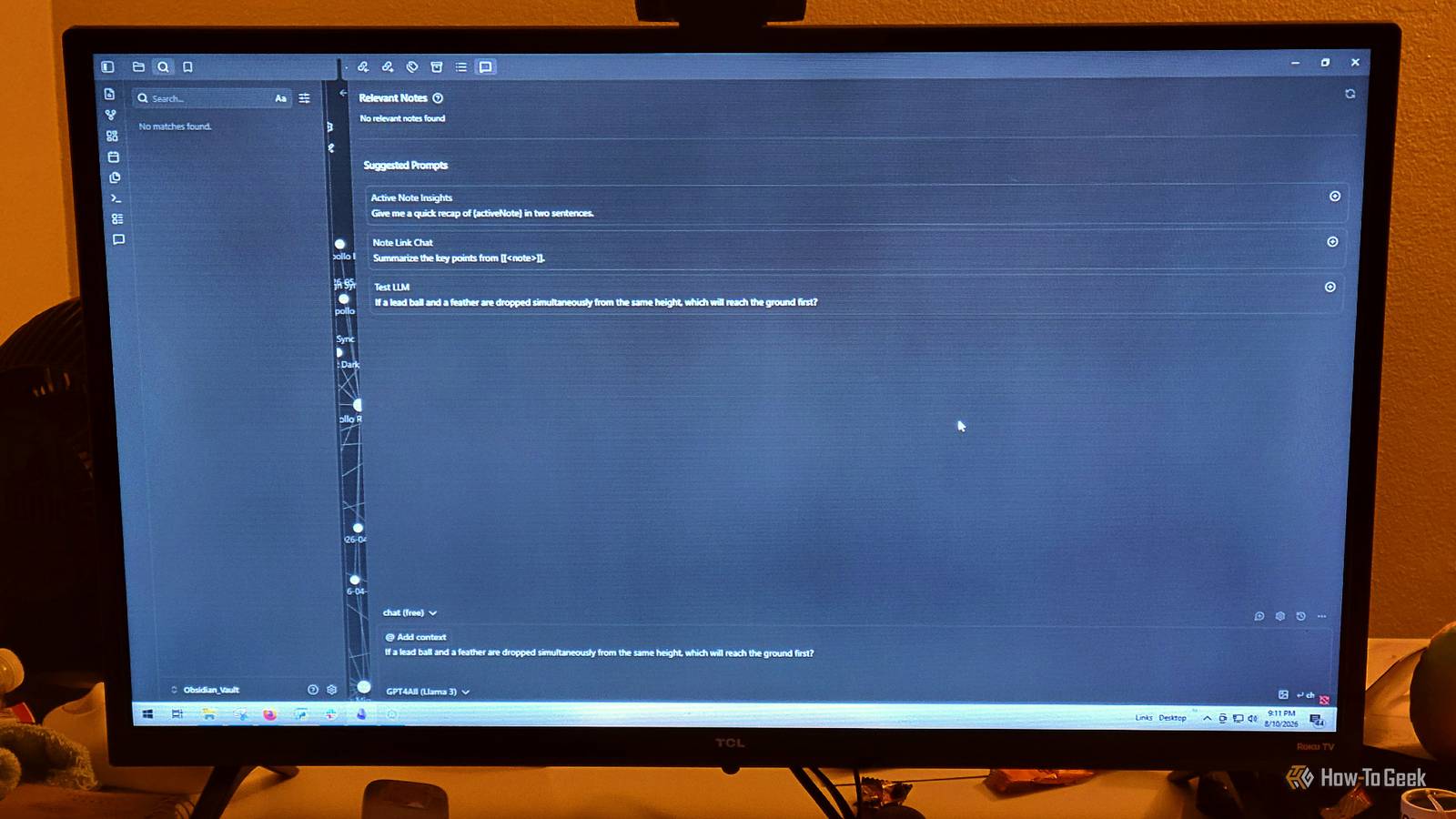
Once it’s running, go into its settings and switch the model provider from whatever cloud option it defaults to over to Ollama or Local, then drop in the local address and the model name you just pulled.That’s what gives you a chat panel where you can ask questions and get answers that are actually based on your notes.After that, install Smart Connections the same way.
Search for it under Community Plugins, install it, enable it, and point its embedding model at your local runner too.Once it’s set up, it runs quietly in the background, chewing through your notes and building up a picture of what each piece of text actually means.After the initial pass, a sidebar will start showing you notes that are conceptually related to whatever you’re currently writing, and it updates as you go.
This sounds very complicated, but if you take it step by step, you’ll be fine.Your computer is probably fast enough to run this Small models will run fine on normal laptops I like using a local version of this because my notes live on my own computer, not someone else’s server.This is a great reason you should try it.
Obsidian just reads and writes ordinary text files like Markdown files stored in a folder on your hard drive called a vault.Because of that, your notes don’t depend on Obsidian to survive.You can open them in any text editor, back them up however you like, move them around freely.
They’ll still be there long after any particular app is gone.There’s no subscription holding your data hostage, and no server that can go down at the wrong moment.It’s one of those features that is not common anymore.
On top of that plain-text foundation, you can run AI models entirely on your own machine using tools like Ollama or LM Studio.These programs download AI models and run them locally, which means nothing ever leaves your computer.They communicate through a simple local address so your prompts, your notes, and every response stay completely private.
There’s no telemetry, and no chance of your notes accidentally ending up in the cloud.You don’t have to turn privacy on, it’s already built in.Just remember that running any kind of local AI setup requires a reliable workstation.
I don’t have an ultra-expensive one, but it works just fine.Many computers are capable of running small language models without any real pain.Runtimes like Ollama handle the whole process on-device with no configuration needed.
Lightweight models like Meta’s Llama 3.2 3B, Google’s Gemma 3 2B, and Microsoft’s Phi-4 Mini 3.8B run smoothly on standard laptops without special hardware.You’ll need a competent machine The real limitation here is hardware.Not everyone has a machine that can run a local model comfortably, and if yours is older or underpowered, smaller models will still work but may feel slow.
I've seen computers freeze with them, but if you want to ditch Gemini Notebook, all you need is Obsidian, Copilot, and OpenGPT.
Read More