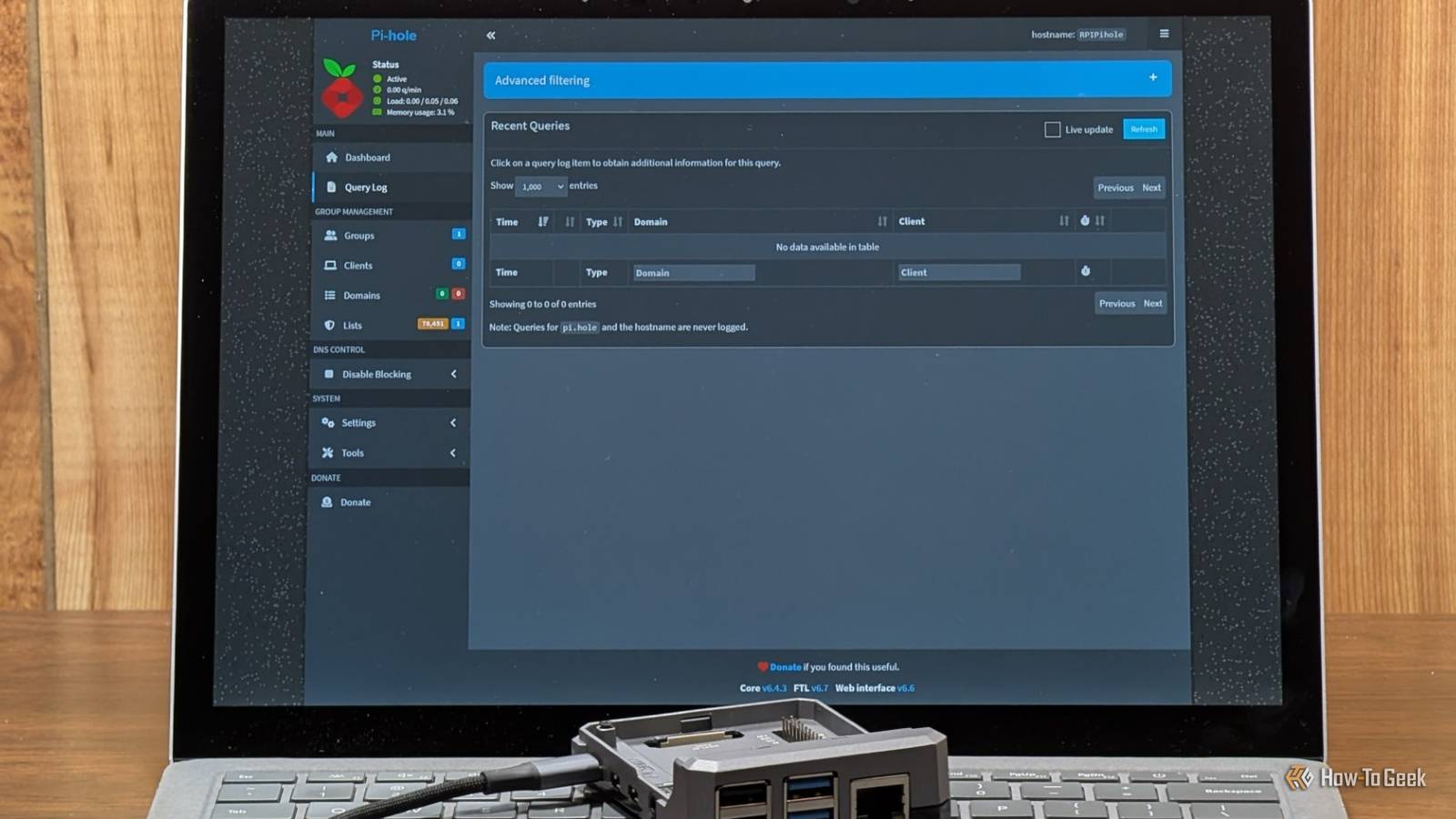
If you look at your Pi-hole dashboard after a few weeks of use you'll see thousands, if not tens of thousands, of blocked queries.Yet, despite your best attempts, there are still ads playing on your TV.The problem probably isn't with the Pi-hole itself or anything you did—it is probably the TV.
Unfortunately, an increasing number of devices and services will bypass a Pi-hole as if it weren't even there.This is how they do it, and how you can fix it.What Pi-hole can and can't see It can only filter the DNS queries that are sent to it Close A Pi-hole works by sitting between the devices on your network and an outside DNS server.
From that position, it can selectively block DNS lookup requests.When your PC tries to retrieve the IP address of a website on the Pi-hole's block list, the lookup fails to go through.devices and apps will defer to your router's DHCP settings to specify their DNS server, which is why the Pi-hole works at all.
The snag is that apps, services, and devices don't to respect what your router tells them.A Pi-hole may also fail to filter ads and trackers that come from the same domain as the content you want to view.Blocking an ad in that situation would necessarily block the video you're trying to stream too.
Why devices bypass the router and Pi-hole completely Hard-coded and encrypted DNS skip your resolver entirely Unfortunately, many devices are designed to bypass your local settings to ensure they stay connected to the manufacturer's servers.Smart TVs, streaming sticks, and smart speakers often have hard-coded DNS settings, which means they query a public DNS server like 8.8.8.8 regardless of what your router says.Encrypted DNS presents another challenge.
Browsers and an increasing number of other apps use DNS over HTTPs (or another encrypted standard), which hides the lookup data inside HTTPS traffic which travels through port 443.Android's private DNS feature uses something similar called DNS over TLS (port 853) DNS over HTTPs.Related This Android setting is overriding your router's private DNS Your phone can ignore your router's private DNS.
Posts 7 By Goran Damnjanovic That means that the very same mechanism that protects your DNS lookup requests from the prying eyes of your ISP (and others) prevents your router from spotting them and forcing them through the Pi-hole.If your router has logs, look for outbound traffic on ports 53 (regular DNS) and 853 (DoT) that coming from the Pi-hole.Blocking the traffic Pi-hole can't stop You have to use the router There are a few different things you need to do to plug up the leaks.
First, configure your router to hand out the Pi-hole as the DNS server for both IPv4 and IPv6.There is a chance some traffic is slipping through a secondary DNS or a separate IPv6 DNS.Second, some routers allow you to set up a rule that redirects outbound traffic on port 53 to the Pi-hole first.
That forces hard-coded but unencrypted DNS requests through the Pi-hole, which will be relevant to many smart devices, including many TVs and a few smart refrigerators I've encountered.Just make sure you allow the Pi-hole itself through, or nothing will work.You could also completely block outbound traffic on port 853.
That effectively prevents devices from using DNS over TLS to slip past your Pi-hole.It will also mean that you functionally lose DoT on your network too, unless you specifically configure the Pi-hole (with Unbound) to use DoT it has a chance to filter everything.Unfortunately, DNS over HTTPS (DoH) is more complicated to stop.
To catch those requests, you need to use your router to block the IP addresses of DNS servers that support DNS over HTTPs.Any device hard-coded to use DoH will then either fallback to regular DNS or be blocked completely.There are DoH IP blocklists available on the web, so you don't have to assemble that list by hand.
Your router may not let you Most consumer routers lack the necessary controls Unfortunately, if you're using a standard ISP router or even many consumer routers, you'll probably find you don't have any options.You'll be able to change your DNS server to enable the Pi-hole, but your router doesn't support the kind of NAT redirects or firewall rules that you need to handle the cases the Pi-hole doesn't catch.It isn't that the router isn't capable—all routers are—but the manufacturer has chosen not to make the required settings available to you in the software.
There are a few options.You flash third-party router software, like OpenWrt, onto your router if it supports it.You could also physically assemble your own router and use specialized software like OPNsense or pfSense, which give you total control over how your network operates.
A DIY wired router is an easier project than it sounds like.You just need a PC with two fast Ethernet ports, OPNsense, and a few hours to muddle through the first-time setup pains.If none of those are an option, you just have to do what you can on a per-device basis.
In the case of a smart fridge, that probably just means disconnecting it from the Wi-Fi.The Pi-hole is great, but it only works with cooperative devices A Pi-hole is great, and everyone should have one if only for the ability to block specific malicious domains and keep an eye on their network.However, it is limited by the fact that devices on your network aren't to use it.
Even with the best Pi-hole setup in the world, you won't stop first-party ads or every single DoH client.
Read More