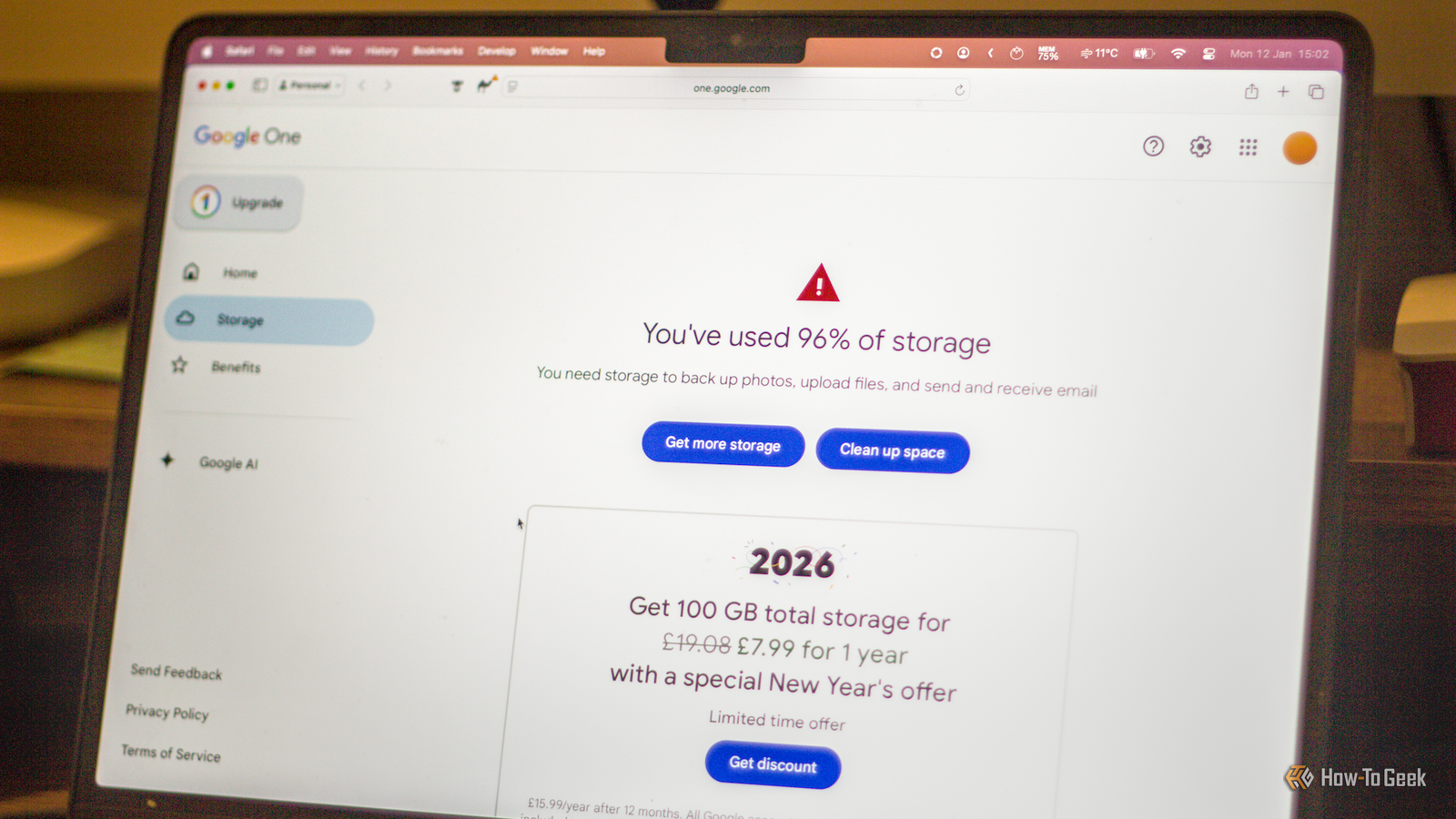
I've been paying for a Google Drive (or, more accurately, "Google One") subscription for a long time, before Gemini even came into play.At some point, I stopped questioning whether I actually needed it.I paid the sub and used it without thinking twice.
Eventually, though, I realized that most of the reasons why I subscribed to Google Drive were no longer valid.I made the switch to better options that respect my privacy and don't force me to pay a monthly fee.Google Drive stopped feeling worth paying for Gemini was the last straw Close I guess you could call me an early adopter of Google's services.
I got a Gmail account when they were still in beta, and although I was a young teen who didn't have a clue, my mom convinced me to move from whatever cringy sort of platform I used before and try out Gmail.And so, my first Gmail account is now old enough to have graduated college.But for years, there was no need for me to pay for Google's services.
I admit I've enjoyed Gmail for many years for free, and the same can be said of Drive.However, eventually, something prompted me to start paying for the service that's now called Google One.Who knows what it was? Perhaps I was running low on storage, or maybe Google wore me down with its insistent prompts.
Either way, I subscribed.And I've been paying for that subscription for years and years.Some of those years, I definitely didn't need it, but that's the problem with cloud storage: once you start paying and filling up those folders, canceling becomes a chore.
So, I started analyzing my usage patterns.My cloud storage was mostly a mix of photos from my phone and all sorts of random stuff; there was no rhyme or reason to those backups, as I had them covered elsewhere.Some backups were there, sure, but not enough to warrant a subscription.
Gemini was what pushed me to do something about it, though.Google has been weaving Gemini into more and more of its services, and I don't feel comfortable with my data and my AI assistants knowing too much about me.Besides, Gemini's Pro plan was useless to me: the AI drove me nuts.
I've tested all of the most popular chatbots and found Gemini to be the least consistent and helpful.The reasons I originally subscribed no longer mattered, and I wanted to maintain full control over my privacy and my files.It was time to plan my exit strategy.
SanDisk Extreme Portable SSD Storage capacity Up to 8TB Hardware Interface USB-C This SanDisk SSD became an important part of getting rid of cloud storage for me.I store files across many different drives.$250 at Amazon Expand Collapse Before I canceled anything, I got my ducks in a row Some subs are canceled on impulse, but not this You don't just cancel cloud storage, unfortunately.
I was well over the limit of what Google offers for free, so my decision was followed by painstakingly organizing my files.Though by the time I decided to get rid of Google Drive, I already had a pretty robust backup strategy offline, so that helped.Photos got moved to various backups across my external and internal drives, as I wasn't willing to part with any, and going through thousands of them to find a couple hundred to delete wasn't worth it.
Videos also found a new home on an HDD somewhere.But I also use Google Drive for work, and those projects are already backed up in multiple places, so I just added another backup on top of that.(I'm a big fan of the 3-2-1 rule.) I had some old 120GB SATA SSDs lying around, so they worked well as junk drives for everything that didn't fall under one of the aforementioned categories.
I was good to go! Related SATA SSDs aren’t dead—this is where they still beat NVMe drives Practical strategies for repurposing SATA SSDs as fast external drives and bulk storage on a budget.Posts By Sydney Butler Internal and external drives replaced cloud storage And I honestly feel better about it As you've probably gathered from what I already shared, I quickly realized I didn't need a single, perfect replacement for Google Drive.Pretty much every offline (or local, but online) storage solution I already had at home was superior for my needs.
My internal SSDs handle the stuff I use often, which, in all fairness, wasn't a lot compared to what I had on Drive, bar work files.External SSDs work as backup for things I might want to access quickly but don't need every day.And my HDDs got flooded with a million photos, some of which I've already backed up elsewhere.
Between all of those drives, I already had a lot more storage than whatever the subscription was offering, although, of course, I know that not everyone is in that same position.If you've got one SSD and Drive, the migration will be a lot harder.For me, it was a piece of cake, and my files are now entirely mine, spread across SSDs, HDDs, and my NAS.
Keeping my files local feels good, but there are some caveats Gotta stay consistent The biggest downside of saying bye to Google Drive is that now, I'm the sole person in charge of my files.And it's nice, but it's also not so nice, because it means I have to be really regular with my backups.With no cloud sync to fall back on, if I don't do it, it's not going to happen.
The point isn't just to make sure things are backed up once, because I feel like that's easy enough to remember (okay, usually); the goal is to have multiple backups in multiple locations.Speaking of which, this method of avoiding cloud storage makes the 3-2-1 rule harder to follow.You're supposed to have one off-site backup, which means it shouldn't be in the same physical location as all your other backups.
The cloud is awesome for that.I have resorted to keeping a couple of drives at a different place instead.Guess what? I don't miss having to pay Google I replaced my Google subscription, but I still use Google services, obviously.
I know it's possible to avoid them entirely -- a friend of mine has managed to be Google-free for over a year -- but as an Android and Windows user, it is easier to just let it happen.The difference, though, is that I no longer have to pay a subscription.WD Elements Portable HDD - 2TB Storage Capacity Up to 6TB Compatible Devices USB-C For the files that don't need fast storage, I use this WD Elements HDD -- among other things See at Amazon Expand Collapse
Read More