I've been using my Pixel 10 Pro for more than three months now, and I'm mostly loving it.However, I've realized that Pixels aren't nearly as customization-friendly as Samsung Galaxy phones.The one thing I miss is Good Lock, and I recently discovered a similar suite of tools for my Pixel.
The Pixel Launcher is the best example of Google's rigidity, with its limited palette of customization options and lack of features you'd expect from a launcher developed by the company behind Android.Good Lock is the exact opposite.It's Samsung's customization suite that lets you go wild and modify One UI Home (the default launcher on Samsung Galaxy phones) to your heart's content.
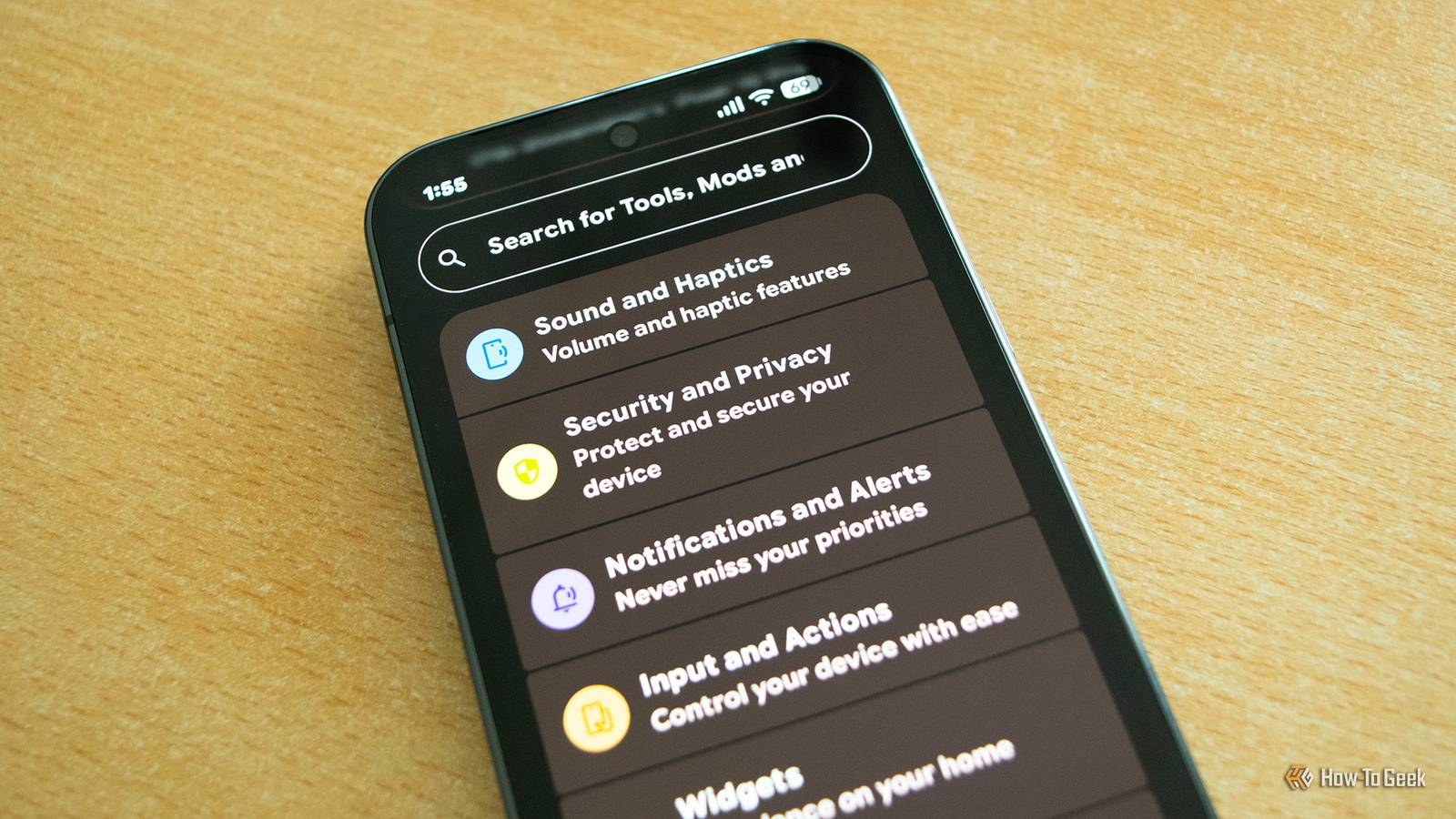
Essentials is a free, open-source app that tries to do for Pixels what Good Lock does for Galaxy phones.While it's not as powerful or robust as Good Lock, it's packed with features and lets you tweak a bunch of options Google doesn't expose by default.Google Pixel 10 $727 $799 Save $72 Brand Google Looking to upgrade to a Pixel but not sure if you need all the bells and whistles of the more expensive models? You won't be disappointed with the standard Pixel 10 model.
Coming in striking colors, Gemini features, and seven years of updates, you can't go wrong with this purchase.$727 at Amazon $799 at Best Buy $799 at Google Store $799 at AT&T Expand Collapse Installing Essentials is straightforward But you'll need to grant it multiple permissions You can download Essentials from its GitHub page or via GitHub Store.To install it, you'll need to enable app sideloading on your phone.
Another potential obstacle is that Google Play Protect may prevent you from installing the app because Essentials requests access to sensitive permissions.If that happens, open Google Play and tap your profile picture.Open the Play Protect tab, tap the settings icon, and disable the Scan apps with Play Protect option.
You can then install Essentials and immediately turn the option back on to keep your phone protected against malicious apps.If said toggle is greyed out, you'll need to open your phone's Settings, type "Advanced protection" in the search box, open the Advanced Protection menu, and temporarily disable Device protection.Once you install Essentials, you can turn Device protection back on.
Essentials requires various permissions for most of its features to work.In most cases, the app explains how to grant them, and the process is straightforward, but you'll need to install Shizuku to access certain features.Shizuku is an app that grants other apps elevated system permissions that would normally require rooting your phone or using ADB (Android Debug Bridge Utility).
Installing Shizuku is simple.Just download the app from its GitHub page and sideload it.Next, open Shizuku and tap the Pairing button.
Then open Developer Options, open Wireless debugging (make sure to tap the left side of the button since the right side only toggles the option), and tap the Pair device with pairing code button.Next, type the code in Shizuku (you'll get a notification you can tap to enter the code), press the Send button, and then start the service.Lastly, a few features in Essentials also require you to grant the app permission via ADB.
The good news is that you don't have to connect your phone to a computer; just install ShizuTools and grant it access to Shizuku (you'll be prompted to do so the first time you launch it).Now copy the ADB command from Essentials, open ShizuTools, then open LocalShell, paste the command, remove "adb shell" from the beginning of the command, and tap Run.You can now use every feature found in Essentials.
Once you're in, you get access to a wide assortment of customization options Just look at all those Quick Settings toggles! Essentials is loaded with customization options, and I recommend exploring every nook and cranny of the app because there's a wide assortment of things to try out.One of my favorite features is button remapping, which allows you to assign various functions to the two volume rocker buttons that activate when you long-press them.You can toggle the flashlight, play or pause media playing on your phone, toggle mute and vibrate modes, take screenshots, and more.
Then you have dozens of custom Quick Settings tiles you can add.Some aren't that useful, but others can come in very handy.For instance, Private DNS is a must-have toggle if you use a custom DNS on your home router, since your phone's Private DNS setting overrides your router's custom DNS.
The NFC toggle can also be useful, as can the Caffeinate toggle, which prevents the screen from turning off.You can also lock every app installed on your phone with biometrics, use the flashlight as a super-bright notification LED, and pick one of five different notification effects that light up your screen in various patterns when you receive notifications.You can even choose which apps trigger these effects.
Another feature I like is the ability to toggle various status bar icons.You can, for instance, enable seconds in the status bar clock, which is pretty cool.Essentials also lets you run all sorts of diagnostic tests on your phone Check your Pixel's hardware components, monitor storage wear level, and battery health While customizing the heck out of your Pixel is the main focus of Essentials, the app isn't a one-trick pony.
By pulling down from the top, you can open a menu that lists various software and hardware details about your phone and lets you run a number of diagnostic tools.You can check your phone's storage wear level and remaining battery capacity, as well as diagnose a bunch of hardware components, including internal sensors (thermometer, gyroscope, and so on), speakers and microphone, display, fingerprint sensor, vibration motor, and more.Essentials also allows you to create various automations as well as freeze apps installed on your phone, which prevents their launch activity, removing them from the list of installed apps on the phone and from the app drawer.
If you plan to freeze apps, don't forget that you have to manually unfreeze them to make them work again.Essentials has earned a permanent spot on my Pixel After using the app for more than a week, I'm positive Essentials will remain a staple on my Pixel.It's super useful to have, unlocking a breadth of options I didn't have access to before.
Combined with the Lawnchair launcher, Essentials turns every Pixel phone into a customization powerhouse.Google Pixel 10 Pro Brand Google SoC Google Tensor G5 The Pixel 10 Pro offers an upgrade over the base model with the powerful Google Tensor G5 chip, more RAM, and more storage (if you need it).See at Amazon $999 at Best Buy $999 at Google Store $999 at AT&T Expand Collapse
Read More