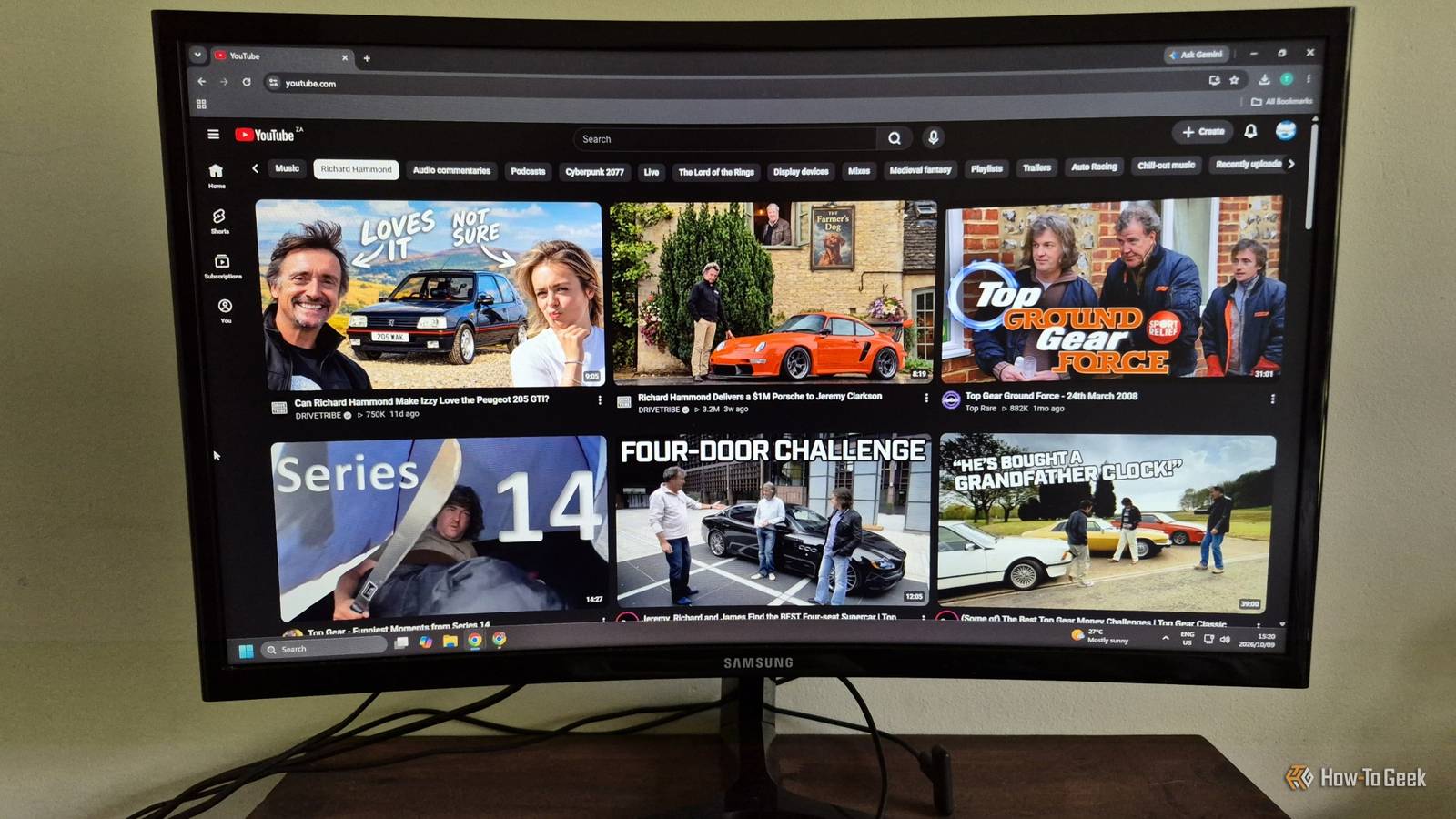
YouTube has always been one of my go-to platforms for entertainment, learning, and keeping up with my favorite interests, but its recommendation algorithm doesn't always get things right.While the homepage can help me discover new content, it often feels cluttered with videos I have little interest in.Even the existing topic-based feed tabs can be surprisingly limiting, making it difficult to find exactly what I'm looking for without scrolling through endless recommendations.
However, YouTube's new custom feed capabilities have given me a way to take greater control over my viewing experience.Instead of relying entirely on the platform to decide what I should watch, I can create personalized feeds that better reflect my interests and preferences.From finding relevant news and educational videos to filtering out unwanted creators, here are five ways I've made my YouTube algorithm work better for me.
I created a news tab relevant to my interests I don't need news about everything happening in the world Close Generally, the way that the feed tabs currently work, I have to select a specific topic, such as 'gaming' or 'mobile', and then scroll through my feed to find any interesting news stories.Alternatively, I can hit the 'news tab', but it is unfortunately loaded with videos detailing news about topics that I have very little interest in, which makes it essentially useless to me.The prompt that I used essentially asked YouTube to recommend recent and informative videos that were explaining recent events regarding mobile devices, gaming technology, and automotive technology.
I also asked it to specifically avoid repetitive reaction videos and outrage-focused content, instead preferring longer-form videos with clear sourcing.I also made sure it excluded anything with any sign of generative AI.An educational tab for skills that I actually wanted to learn Teach yourself something rather than doom-scrolling This is another way that my feed tabs felt like they were working against me.
YouTube was recommending me educational tabs, but they were either about topics that I didn't really care about, or they contained a ton of ridiculously clickbait-centric content.While a video about building the widest street-legal car is kind of hilarious, it isn't really what I'm looking for under my 'automotive repair' feed tab.Instead, I could build a specific educational tab related to something that I wanted to learn, and filter out content that was too niche.
Currently, I'm trying to learn more about vehicle maintenance and modification, so I created a feed tab that worked for me.The prompt that I used was pretty simple, asking YouTube to suggest educational content with a specific focus on automotive repairs and engineering, while avoiding exaggerated claims, hype-driven content, and videos that were trying to sell me a product.An entertainment tab that filtered out certain content creators I don't want to see the same faces over and over When it comes to the content that I watch on YouTube purely for entertainment, a lot of it is gaming-related.
The current feed tab I have for gaming content has tons of recommendations for games that I'm not interested in.The games that I am interested in are, unfortunately, dominated by a couple of content creators that I find quite toxic, so clicking on a more specific tab didn't help either.I was able to create a gaming tag that showed me content related to the games that I'm interested in, while avoiding toxic content creators that I simply don't want to watch.
I asked YouTube to show me content related to my gaming niches, and told it to avoid content from specific creators.I also gave it a list of creators that I did enjoy, and asked it to recommend me content from other similar creators as well.A single tab for all my long-form ambient music needs Lo-fi beats to work and relax to One of the most common things I use YouTube for is to stick on long playlists of music to play in the background while I work.
This is a pretty common thing that people do.I strangely like to listen to ambient music from games and movies while I work.I listen to a lot of different music content on YouTube, though, so I didn't even have a tab for the two-hour ambient vibes that I wanted.
I know it might be a bit odd, and exceptionally nerdy to some, but I like to listen to ambient music from games like and movies like while I work.Making a specific custom feed for this was pretty easy, asking YouTube to suggest long-form videos of music and ambiance from a handful of different IPs, and asked it to avoid anything that was lyric heavy or too high-energy.One tab for one creator My obsession of the month Every now and then, I get obsessed with a single creator, wanting to watch as much of their content as possible.
While this is obviously easy when they stick to a single channel, that isn't the case most of the time.Sometimes I want to see videos from all the different places that they appear, even if it is just a cameo appearance.While YouTube does often pick up on this feed, being able to change it every time my obsession changes is super useful.
Right now, I'm consuming a ridiculous amount of content containing James May, one of the iconic presenters of and .He appears on a wide range of channels, from James May's to .Being able to make a custom feed that focuses entirely on his content was super useful, and I expanded the prompt to include any content where he appears, even just as a cameo.
The return of wired earpods is more than just a trend Building my own YouTube feeds has made the platform feel far more personal and useful.Whether I'm catching up on technology news, learning automotive skills, or listening to ambient music, I spend less time searching and more time enjoying content I actually want.Sometimes, the best algorithm is the one I control.
Read More