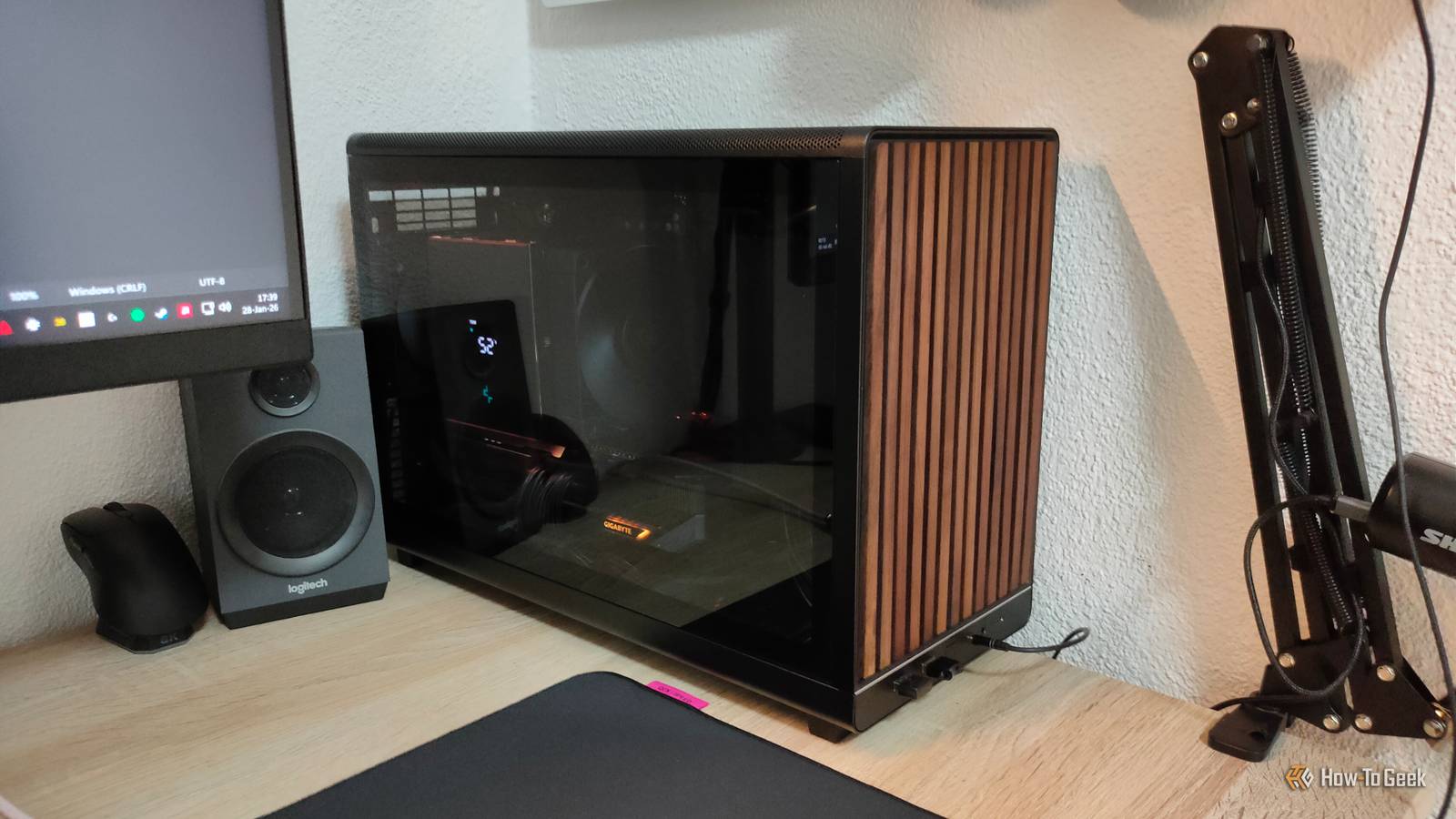
The beauty of desktop PCs is that they're endlessly upgradeable.You can buy a PC today and still use some iteration of it in a decade, with a dozen upgrades along the way.But if there's one part that's really annoying to replace, it's the motherboard—and yet, it's also the component most people try to save money on.
I'm here to tell you that I wish I spent more on my own motherboard, and unless you want to avoid sharing my regrets, read this before you shop.Why your motherboard is the hardest part to upgrade later It's always a chore to replace.I've been building PCs for 20 years, so it's not a reach to say that it's a passion of mine.
I'll happily tear my desktop to pieces and put it back together with one extra part at any given time just for the fun of it, no complaints.But motherboards are a chore, not just because of the building side of it, but all the extra planning around it.In my experience, you hardly ever replace only the motherboard.
PC building-wise, replacing a motherboard is not like swapping a GPU or adding an SSD.It's a full teardown where half your PC comes apart.You'll need certain tools, some time, and a lot of care to keep your PC safe during this process.
You have to unplug and re-route a ridiculous number of cables, pull your CPU cooler, and usually reapply thermal paste.If you have a cramped case or a chonky cooler, that can mean having to wrestle with the whole thing again, and that's not always fun.It quickly devolves from a ten-minute job into an afternoon project.
You have to remember all sorts of front panel connectors, fan hubs, RGB headers, and so on.All of that needs to find its new home when the motherboard is swapped, as does every other component, from the GPU to the storage.Software makes it worse.
You might need to update the BIOS, overclock your RAM again, and test for stability.But before all of that even takes place, you need to go through all the measuring and testing to make sure that all the parts will fit together when you swap the one component that connects them.So, yeah, safe to say that motherboard swaps are not the easiest thing in the world, and yet, we all tend to leave the motherboard budget as an afterthought rather than something to keep in mind.
Budget boards can backfire And there's no easy fix when they do.Most people don't replace their motherboard until they have to.In my case, I only really ever replace my boards when I change the CPU to a newer generation.
But right now, I'm using a cheap-ish mobo that I'd happily swap for something better, and I probably will do just that sometime this year.Budget motherboards still serve the same basic purpose as an expensive, monstrous E-ATX model, but on a much smaller scale.This means having fewer options, and those limitations tend to show up later, when you're trying to upgrade your PC.
My biggest regret is not having a motherboard with more slots, especially M.2.Cheaper motherboards tend to limit things to one, maybe two M.2 slots, and you can never have enough storage (even though SSD prices are ridiculous right now).The number of slots is where you quickly find out whether your board was built for expansion or built for a bare minimum.
Even when a board has more than one, you might have to put up with awkward placement on smaller boards, or with no SSD heatsinks.And then, there's lane-sharing, which is the kind of spec nobody reads until something breaks.On some boards, using a particular M.2 slot can disable one or more SATA ports, or reduce bandwidth to another slot, depending on what you populate.
PCIe support can be another quiet bottleneck.Your GPU will be fine, but storage and add-in cards can make the whole thing trickier, and a cheaper model can lock you out of features you will actually care about either, such as how many usable lanes you get.The most overlooked specs can have the biggest impact Many people don't pay much attention to these.
Another thing you're missing out on when keeping your motherboard budget at a minimum are VRMs and BIOS features.Not too exciting, I know, but they can play a part in how your entire PC performs.VRMs are basically how the motherboard feeds stable power to your CPU.
Cheaper boards tend to cut some corners here.That doesn't mean your CPU will automatically struggle, but more expensive motherboards can handle overclocking, and pair well with high-end CPUs.Better VRMs are also important for stock boosting and cooling performance, so even if you don't plan to overclock, they're still worth paying some attention to.
A motherboard with worse VRMs will typically offer fewer power phases, lower-rated power stages, and smaller (or poorly placed) heatsinks on the VRM area.Again, that doesn't mean it won't work at all or that it'll burn up; it's just far less optimal.How-To Geek Report: Subscribe and never miss what matters Unlock your tech-savvy potential and master the digital world with How-To Geek.
Subscribe By subscribing, you agree to receive newsletter and marketing emails, and accept our Terms of Use and Privacy Policy.You can unsubscribe anytime.It also affects cooling expectations.
Even if your CPU cooler is stellar, a hot VRM area adds extra heat around the socket, potentially raising temps and making your fans ramp up.This is kind of the worst-case scenario, but it's always better to avoid.BIOS features are the other piece of the puzzle here, and you only really notice them once you start digging.
Tools like BIOS flashback let you update firmware without a working CPU, for instance.Even simpler stuff like a clear CMOS button, better fan control, and overall a BIOS that gets regular updates can make a difference down the line.It's best to think ahead Spend your money the smart way.
Future-proofing motherboards is a tricky concept.More often than not, you'll get rid of your mobo when you want to replace your CPU.This isn't so much of a problem for AMD users, but Intel does change the socket once every couple of generations, so every CPU upgrade also equals a motherboard upgrade.
However, if you plan to hold on to your motherboard and your CPU for a while (or you're using AMD, which does tend to dip back into older generations and add new CPUs even well into a new socket), it's important to think ahead.You don't need to get the most expensive motherboard out there.In fact, those are usually not worth it for most users.
But make sure you're reading the spec sheet carefully, checking reviews, and going in while fully knowing what the motherboard will be capable of delivering, because upgrading it down the line may be both annoying and expensive.
Read More