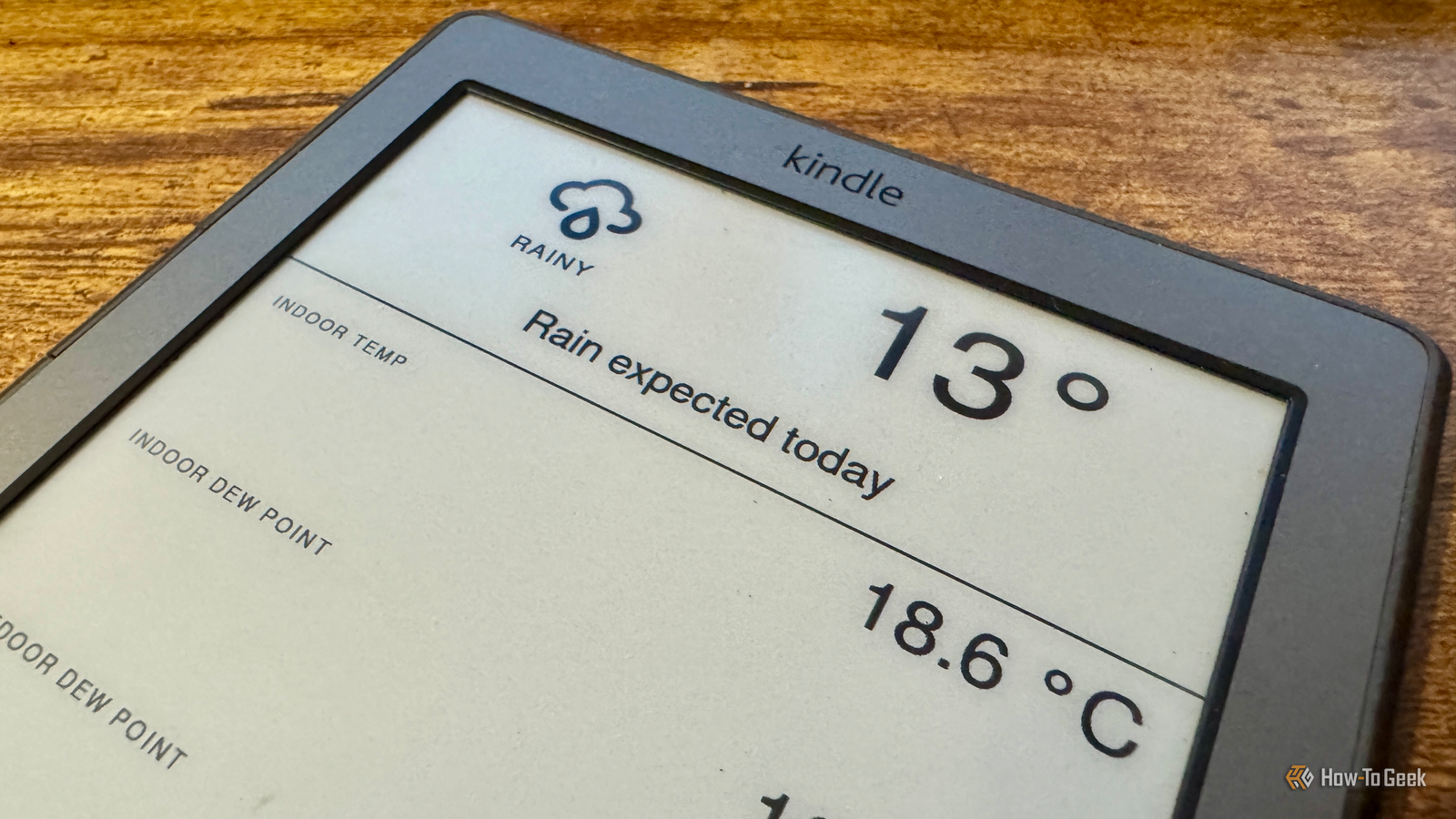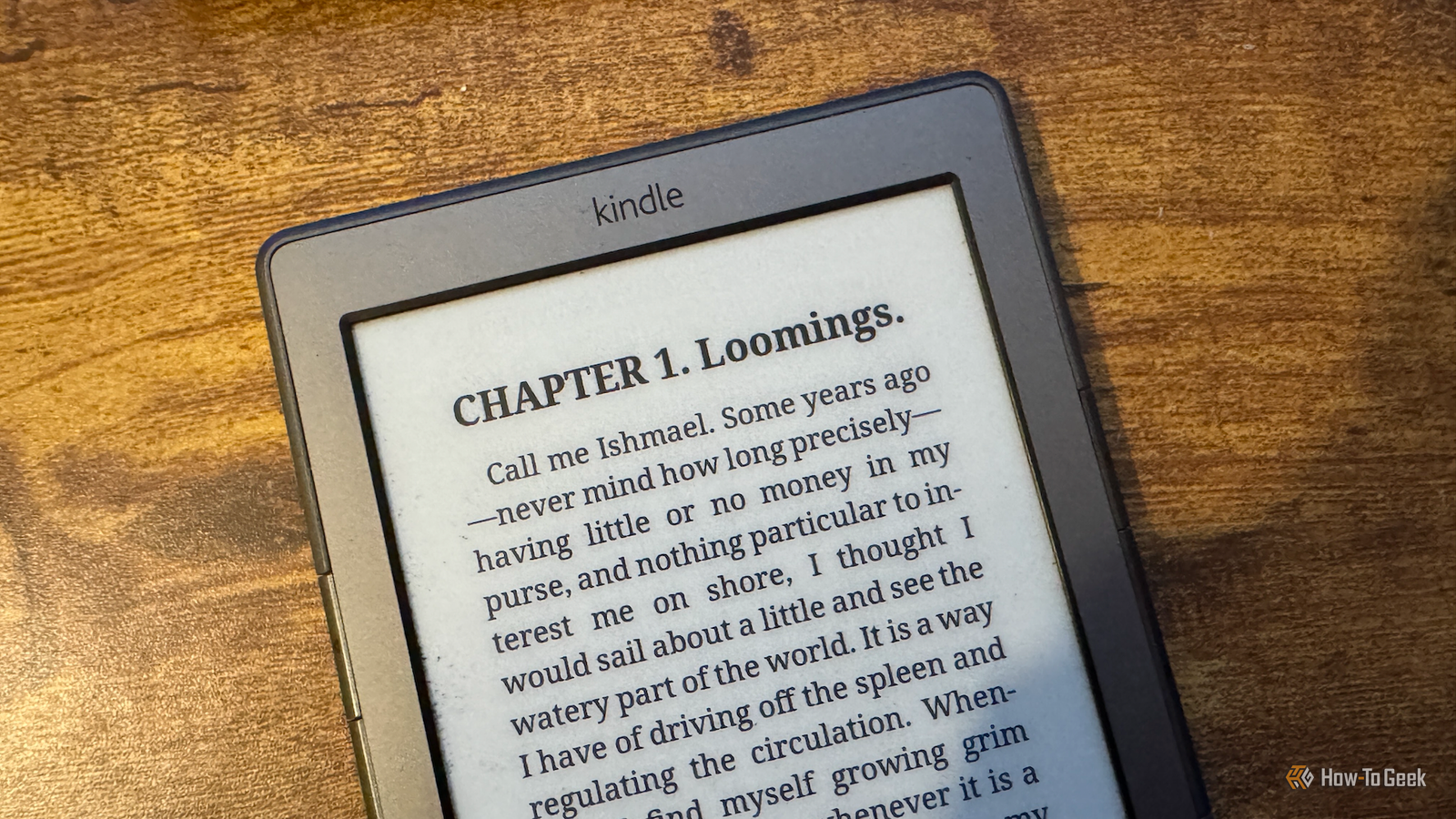
A Kindle is a great way to read books, as you can carry a huge number of books around with you on one small device.If you jailbreak your Kindle, you can do so much more with it.A Home Assistant dashboard E-Ink looks great for key information I'm not a huge fan of smart home dashboards.
I see millions of posts of people sharing the impressive dashboards that they have displayed on wall-mounted tablets in their homes.The problem is that to use them, you need to get up and walk over to the tablet, which to me seems like the opposite of what a smart home should be.However, dashboards can be useful for providing you with glanceable information.
For example, if you want to see the current temperature in your home or other data from your smart home devices, a simple dashboard can be a useful tool.A wall-mounted tablet is overkill for this purpose, but a Kindle is ideal.As long as you're not refreshing the data too often, the Kindle can display your dashboard for a long time before it runs out of battery.
My setup uses the hass-lovelace-kindle-screensaver add-on to take a screenshot of a dedicated Home Assistant dashboard, which the Kindle then fetches and displays.The display refreshes every hour, and it looks beautiful on the Kindle's screen.Amazon Kindle (2024) Storage 16GB Screen Size 6-inches Even in the budget department, the Amazon Kindle is a stellar value, from its light and compact design, to its adjustable front light and 6-inch display.
$130 at Amazon Expand Collapse Reading PDFs KOReader for the win Kindles are great for reading standard eBooks, but the native Kindle software is pretty awful if you want to read a PDF.You end up with only parts of the page visible or text so tiny that you can't read it.On a jailbroken Kindle, you can install the KOReader document viewer app, which is so much better for reading PDFs.
It has a ton of useful features that blow the standard Kindle software out of the water.For example, if your PDF has columns, you can configure a reading path so that the Kindle will display the first column, and when you reach the end of that column, it will move to the top of the second column, and so on.You can also use the auto-crop feature to remove whitespace around your documents.
Perhaps the most useful tool is the reflow feature.This extracts the text from your PDF and serves it up just like a standard eBook, so you can read it with ease.It makes reading PDFs on your Kindle a joy instead of a nightmare.
Related Amazon Kindle Gen 11 (2024) eReader Review: Small, Lightweight, and Fast This compact, lightweight eReader has all the basics bibliophiles need.Posts 3 By Cianna Garrison A portable E-Ink monitor More useful than it sounds I tried setting up my Kindle as a portable monitor just to see if I could, but after I got it working, it turned out to be reasonably useful.Similar to my smart home dashboard, it works by taking repeated screenshots of my desktop, which are then displayed on the Kindle.
On my ancient Kindle 4, it can refresh at about one frame per second, which isn't going to cut it for video but is fine for more static content.One major benefit of using the Kindle this way is that the Kindle's screen is far easier to read under bright sunlight than my laptop's screen.If I want to work outside in the sun, using my MacBook is a nightmare, but with the Kindle as a portable monitor, I can see what I'm writing without any issues.
This does chew through the Kindle's battery life, since the screen is constantly updating.For short periods, it can be useful.Playing games A Kindle can be fun, too It's a question often asked of any tech device: can it run Minecraft? While I can't play Minecraft on my Kindle (although I could run a Minecraft server on it if I really wanted), you can play other games on your Kindle.
Newer Kindle devices can run some impressive games.As well as simple games such as Chess and 2048, you can run Game Boy games with an appropriate emulator.It's even possible to install Doom on some Kindles.
My Kindle 4 is too old to run a lot of the best games, so I'm limited to more basic games such as Snake.It's still a nice distraction from reading now and again.Displaying my photos You can choose your own screensavers Kindles tend to spend a lot of time sleeping when you're not using them.
You may have stuck with the stock screensaver images, or you might have set up your Kindle to show the cover of the book you're currently reading.It's also possible to display your own photos as the Kindle screensaver, effectively turning your eReader into an E-Ink photo display.All you need to do is drop the photos you want to display into a folder on your Kindle and point KOReader's screensaver to that folder.
A random image from the folder will display when the Kindle is asleep.The images can look better if you convert them to grayscale first if your Kindle isn't a color version.It can also be worth resizing them to the same resolution as your display.
Do more with your Kindle I put off jailbreaking my Kindle for a long time.It was only when Amazon pulled support for my device that I took the plunge.I'm glad I did; it's made it a far more versatile device.
Read More