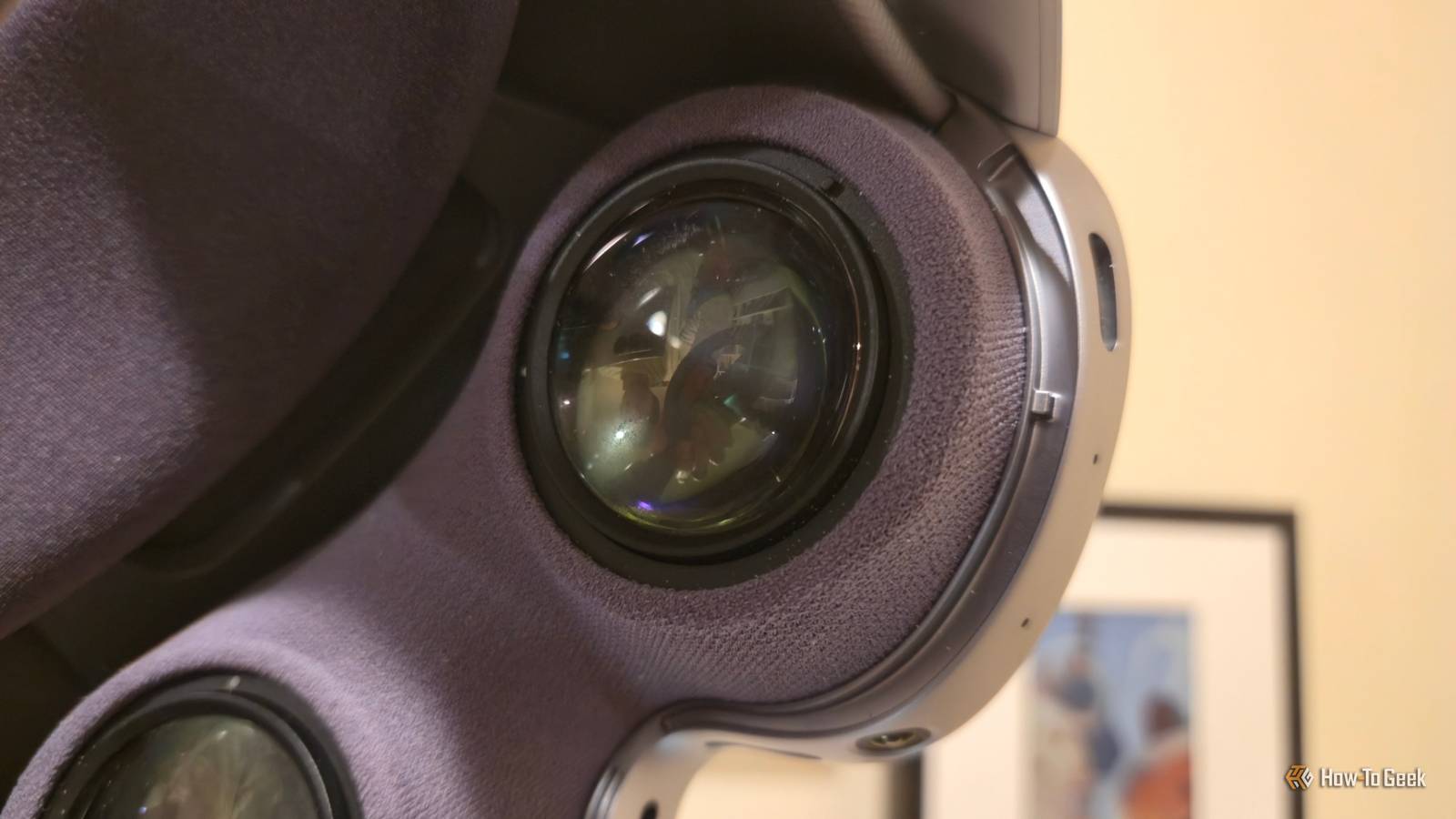
Years before I started buying Samsung phones, you could unlock your phone by scanning your eyes.This went away with the release of the Galaxy S21.Now iris scanning is back, not on the latest Galaxy phone, but on a device where it inherently makes sense.
Galaxy XR scanned my eyes during setup The preferred way to unlock your new Android XR device I purchased a Samsung Galaxy XR headset shortly after its launch.While I have used this headset for working out and watching the occasional video, I primarily wear Galaxy XR for productivity.The Galaxy XR is not marketed as a gaming headset like the Meta Quest 3.
Instead, it's a spatial computer, like the Apple Vision Pro.The setup process felt familiar, as this is ultimately an Android device, but there were some steps that were inherently different.Galaxy XR measured the distance between my eyes and calibrated the angle of the lenses.
Also, when it came time to password-protect my device, not only did it prompt me to create a PIN, but it also asked to scan my irises.Now, when I put on the headset, before being prompted to enter a PIN, it defaults to attempting to scan my eyes and usually unlocks without any conscious effort on my part.This is a brilliant way to incorporate biometrics, much like putting the fingerprint scanner on the side of the phone where I rest my finger anyway.
An iris scan replaces other forms of biometrics in XR The one method to rule them all Iris scanning is not an additional form of biometrics in the Galaxy XR—it's the only option.There is no fingerprint scanner on the side of the headset, nor does it use its cameras to attempt face ID.It is iris scanning only.
What this means is that at any point, when an app prompts you to scan your fingerprint, it will instead ask to look at your eyes.When I open my password manager, it scans my eyes for a brief moment and then opens.The same is true when opening financial apps.
I rarely need to rely on handtracking to enter my PIN.The data is saved locally on my device Safely stored where no one else can see Like many forms of biometrics, privacy alarm bells go off at the thought of Samsung or Google having a copy of my iris stored on a server.That is information that could easily be abused.
I may not use my irises to get into many things today, but that could easily change in the future.Thankfully, the data that comes from scanning my irises is stored locally on my device.The same is true of other biometrics, like fingerprints and faces.
This information is also encrypted, so other apps can't easily copy them once they've been installed.On Galaxy XR, the data is protected using Samsung Knox, a security feature that has been around for well over a decade.That said, iris scanning is difficult to replicate.
Unlike facial recognition, which can be fooled by an inappropriately sized photo, irises are difficult to copy and imitate.Someone with my iris data and an XR headset of their own would not necessarily be able to pretend to be me without much more additional effort.The easiest unlocking I've experienced yet It just doesn't get better than this It's hard to imagine biometrics feeling more frictionless than this.
Unlike on a phone, I don't need to hold my headset up at just the right angle or adjust my thumb.My eyes are already looking where they need to look.The closest alternative would be unlocking your phone via your smartwatch, but that requires owning and wearing a separate device.
Iris recognition solves a very real problem when using XR headsets.Without iris scanning, I unlock my headset by entering a numerical PIN.This takes longer using hand tracking than it does tapping on a phone screen or keyboard.
It's a slow start to unlocking my device, and it's a bigger interruption when signing into apps than it would be on other gadgets.How-To Geek Report: Subscribe and never miss what matters Unlock your tech-savvy potential and master the digital world with How-To Geek.Subscribe By subscribing, you agree to receive newsletter and marketing emails, and accept our Terms of Use and Privacy Policy.
You can unsubscribe anytime.In solving this problem, Galaxy XR has introduced me to what has become my favorite form of biometrics.That said, iris recognition does not have the same effect elsewhere.
Face ID has never struck me as more convenient than tapping my thumb against the side of my phone.I reviewed a smart door lock that also relies on facial recognition, and that too was rarely quicker than just tapping my thumb against a lock.After all, I have to reach for the doorknob anyway.
But on a VR headset, chef's kiss! What iris scanning on an XR headset shows is that some biometrics are better suited for some devices, and when an ideal match is achieved, it can truly feel something special.Samsung Galaxy XR 8 Brand Samsung Resolution (per eye) 3552 x 3840 Display Type Micro-OLED Storage 256GB Samsung Galaxy XR is a mixed reality headset and the first to ship with Android XR.It runs nearly all Android apps in addition to content specifically designed for XR and VR alike.
With full Play Store access, the ability to sideload apps, and an unlocked bootloader, the Galaxy XR is the most open headset at the time of its release.$1800 at Samsung Expand Collapse
Read More