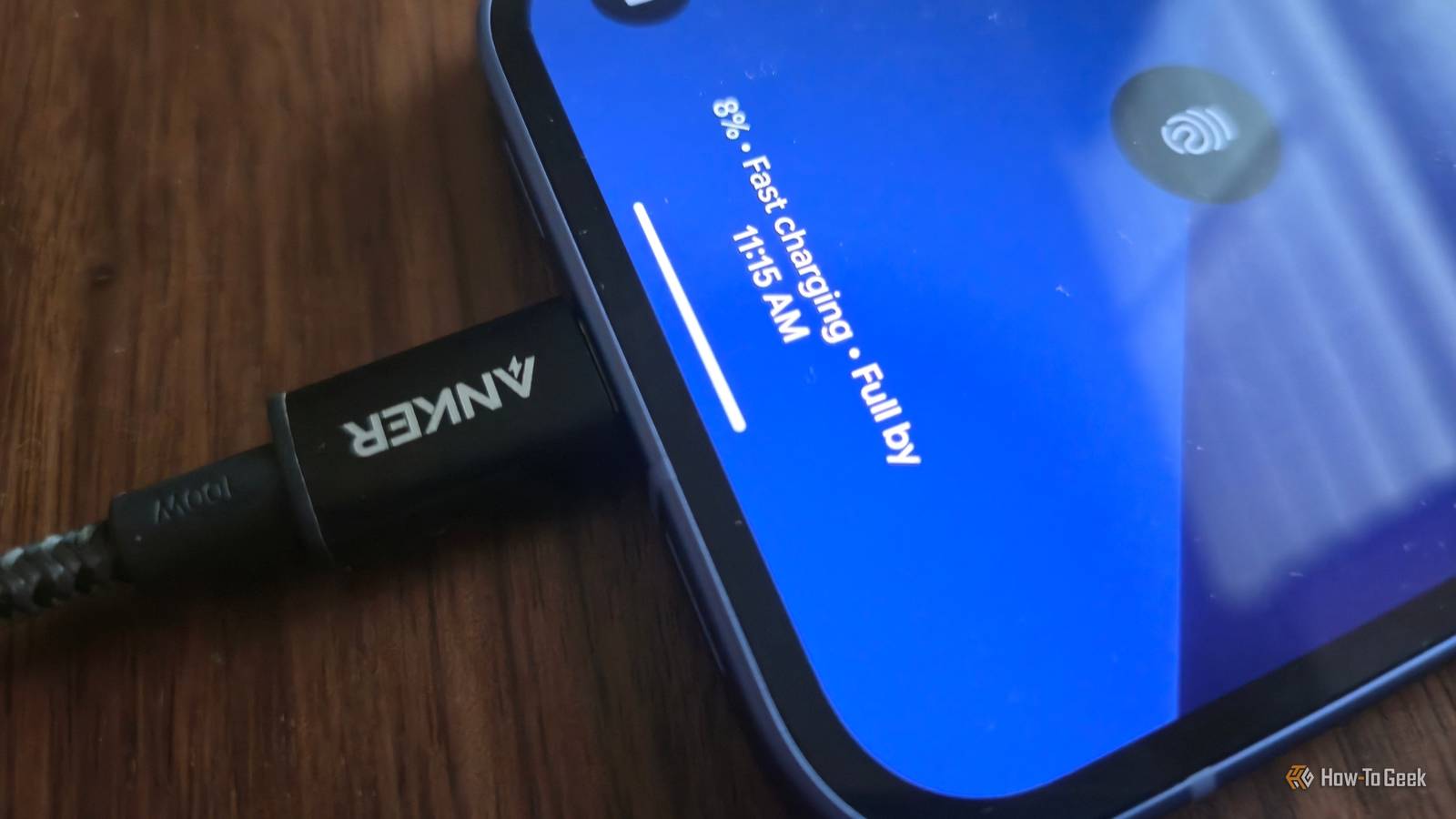
Fast charging has transformed the way we use our smartphones.Instead of waiting hours for your battery to fill up, many phones can now charge from nearly empty to 50% in as little as 15 minutes.So why does it sometimes feel like it's taking forever to charge your phone? Your phone can't hit peak charging speeds without the right charger Fast charging standards are more complicated than they seem So you get a new phone, set it up, and after a few hours of use, you plug it into the nearest USB-C cable you already have lying around—maybe a charger you had left over from your old phone.
You get the confirmation that it’s charging, so you leave it alone, and when you go to check how far it’s come, you see the percentage has barely gone up, even though the marketing clearly suggests the phone can pull 50W or more.The problem isn’t your phone or the old charger; it’s that the two aren’t compatible.More specifically, they’re not using the same fast charging protocol, which is necessary to negotiate the optimal voltage and amperage in relation to the battery’s current state and temperature.
Luckily, most Android phone brands (especially Samsung and Google) now support a universal charging standard called USB Power Delivery (USB PD).This means that even if you plug your phone into a regular USB-C charger, it will still charge at a decent speed.However, that doesn’t always mean you’ll get the maximum advertised charging speed.
Many phones rely on proprietary fast-charging systems—like OnePlus’s SUPERVOOC or Xiaomi’s HyperCharge—to reach their highest wattage.When you use a standard USB PD charger instead, the phone often falls back to a lower charging rate, such as 15W, 30W, or whatever the charger and phone can safely agree on.For example, when I plug a OnePlus phone into a USB PD charger, it still charges relatively quickly, but it doesn’t come close to the peak 120W speeds advertised with the brand’s own charger and cable.
Anker Prime Charger (160W, 3 Ports, Smart Display) Brand Anker Input 100-240V~, 2.0A, 50-60Hz The Anker Prime 160W, 3-port Charger is a small charging adapter that takes up only marginally more space than an earbuds case.With a design that's taller than it is wide and ports placed along the bottom, this is a charging brick that holds firm to power outlets while juicing up multiple devices.Output Power 160W Cable included No.
Charging Ports Three USB-C Weight 7.76 oz Dimension 2.56 × 2.05 × 1.38 in $150 at Amazon $150 at Anker Expand Collapse Even if your phone strictly relies on USB PD, there’s yet another spec you need to pay attention to—PPS (Programmable Power Supply).Notably, Samsung Galaxy phones charge at sub-optimal speeds if plugged into USB PD chargers that don’t support PPS.The cable you use matters too.
While all USB-C cables look identical and will technically work, they can support very different charging speeds and even different protocols.If your phone uses a proprietary fast charging protocol, the cable also needs to be compatible for maximum charging speeds.Use the cable that came with your phone or an original replacement.
Also, please avoid those unbranded USB-C cables that only have wattage written on them.Speaking from experience, they’re usually as bad as they look.Your phone intentionally reduces charging speeds as it warms up and the battery fills up Fast charging can't stay fast for long The charging times you see advertised in marketing materials are usually measured in ideal charging conditions.
Similarly, those triple-digit wattage charging speeds are typically peak power draws your phone can reach—and only for a short period of time.Your phone can only get close to those rapid charging speeds when the battery is almost empty.To better understand this concept, think of phone batteries like sponges, and electrons like water.
When the sponge (battery) is mostly dry, it very easily absorbs water (electrons).However, as it fills up, its ability to absorb water drops, and when it gets soaking wet, it can barely take in any more.Similarly, your phone only charges extremely fast when it’s nearly empty.
As the battery fills up, the power draw drops, and so does the charging speed.What this means for you is that you can’t expect your phone to charge quickly when the battery is sitting at 70% or more.It’s completely normal for charging to slow down at that stage compared to when the battery is at 20%, so it’s worth planning ahead and plugging your phone in earlier if you need a full charge before leaving the house.
The second major factor is heat.Drawing a large amount of current into your phone’s battery heats up both the phone and charger, and charging speed drops as a result.This is called thermal throttling, and it’s an important safety feature that ensures your battery and other components aren’t getting damaged just because you need a quick charge.
An easy way to “fix” this is to keep your phone and charger slightly cool.You don’t have to overdo it—simply leave your phone in an air-conditioned room or near a fan so air can circulate and avoid using it if you need a faster charge.I sometimes leave my phone on top of my air purifier while it’s charging.
Also, make sure you keep the charger away from heat sources like space heaters, and avoid placing it in tight, unventilated spaces like behind a couch.Related I'm already using the breakthrough battery tech that Samsung and Google have ignored If your next flagship doesn't have a silicon-carbon battery, it's not worth buying.Posts 6 By Ismar Hrnjicevic Your phone may be slowing charging on purpose Charging settings aren't always obvious Close If you’ve messed around with your phone’s battery optimization settings when you first got it, there’s a good chance you enabled a battery health-preserving option that limits charging speeds without you even realizing it.
Deals Save on Fast-Charging Accessories: Deals on Cables & Chargers Discover discounts and limited-time offers on USB-C chargers, PPS-capable adapters, high-quality cables, power banks, and charging accessories.Shop deals that help you squeeze more real-world charging speed, keep devices cooler, and save on everyday power gear.Deals Explore Accessories & Everyday Tech Deals I’m specifically referring to the Adaptive / Smart / Optimized Charging feature that many phones now have built in.
The feature learns from your charging patterns and adapts how it charges in order to keep the battery at around 80% until it thinks you’re about to wake up, at which point it finishes charging to 100%.This helps extend long-term battery life because it’s generally not great for lithium-ion batteries to sit at either very high or very low charge levels for long periods.It can also make it seem like your phone is charging slowly, especially if you plug it in at odd times during the day or wake up earlier than usual and find it nowhere near 100%.
You can usually toggle this option off if you don’t like how it affects your charging schedule.Apart from that, there’s another important setting in your phone’s battery options that can affect charging speeds—a fast charging toggle that directly controls how quickly your phone charges.Not all phones have this, and different brands handle it differently, so you’ll need to check your device settings.
For example, on my OnePlus 15, there’s a Smart rapid charging option that allows the phone to reach higher charging speeds with a compatible power adapter and cable, and it wasn’t enabled out of the box.Fast charging is a lot more complicated than a wattage rating Between charging protocols, heat management, battery levels, and software tweaks, there are a surprising number of factors that affect your phone’s charging speed in real-world use.The good news is that you don’t have to worry about the specifics too much to get the fastest charging your phone can offer.
Simply use the original cable and power adapter, keep your phone and charger cool, and give your battery settings a quick once-over, and you won’t be leaving charging performance on the table.Related Fast Charging Changed How I Use My Phone Random top-offs are all you need.Posts 13 By Cory Gunther
Read More