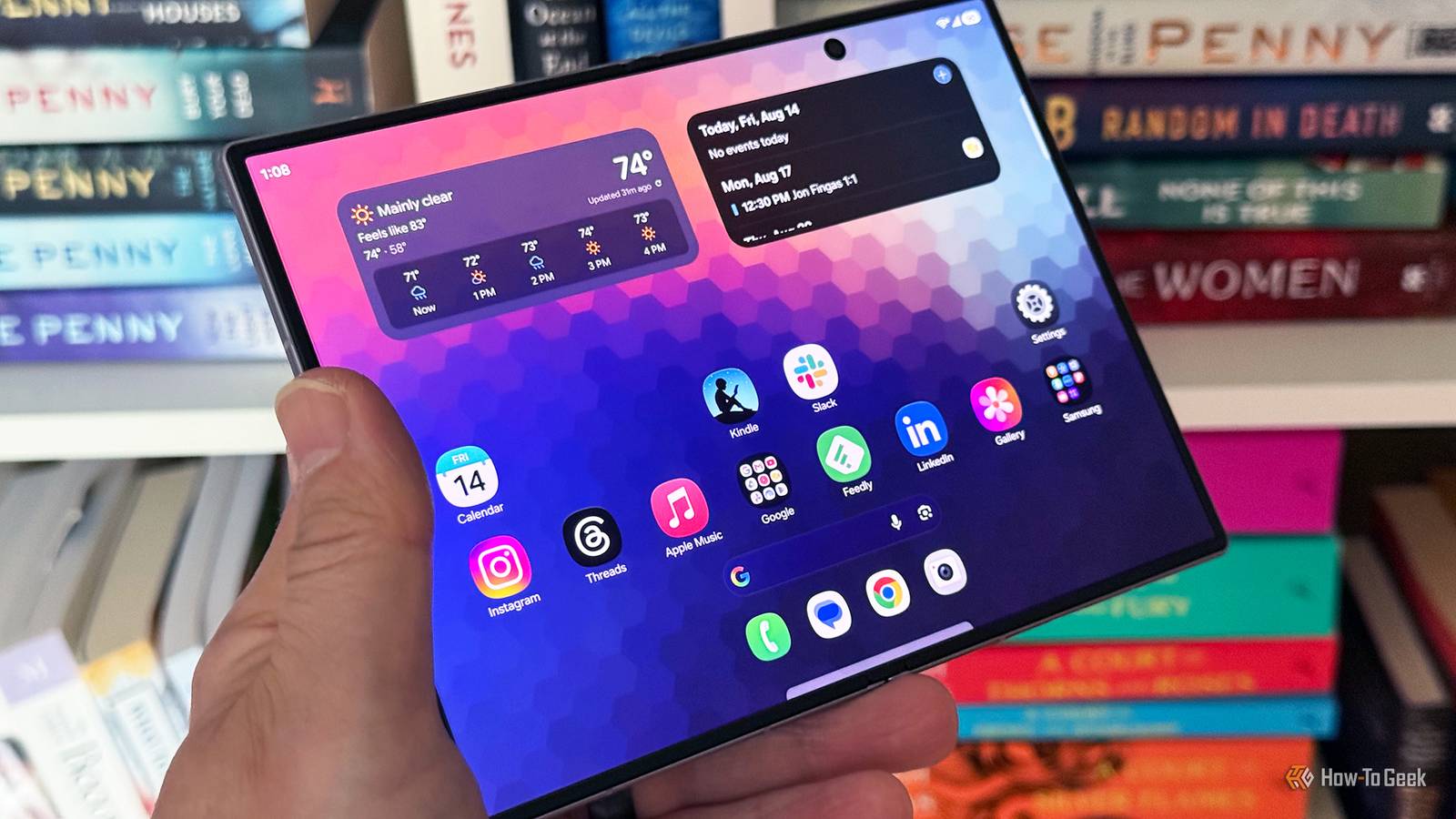
I have been loyal to iOS since 2018.I liked the polished iOS experience and reliable day-to-day performance.But one Samsung feature kept tempting me to buy their phone.
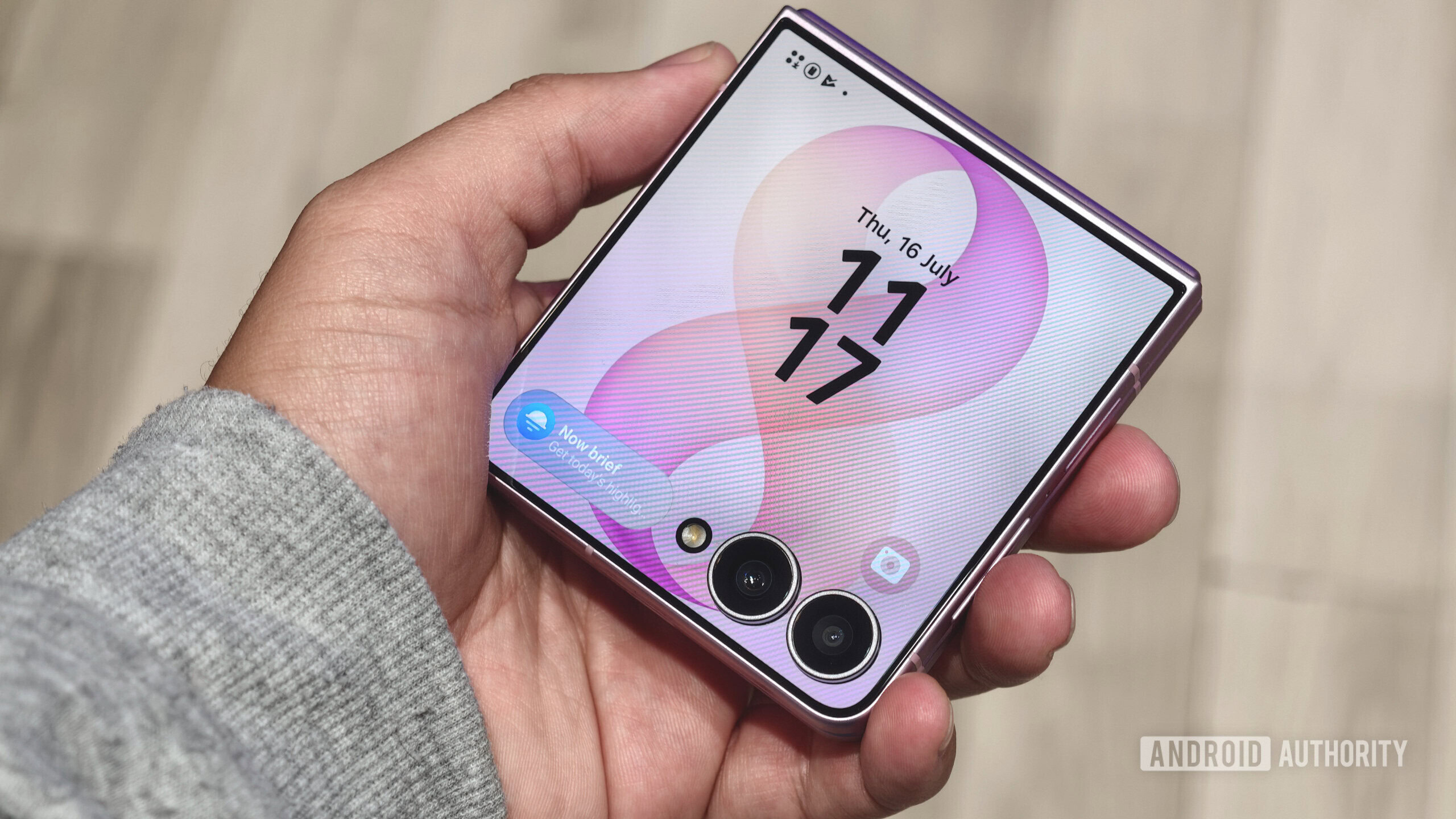
Samsung offered me something Apple still doesn’t: DeX, a full desktop-style interface that runs from my phone.It became a game-changer for my productivity.After switching to Samsung Galaxy Z Fold 6, I found three additional features that genuinely changed my routine and made it harder to go back to iOS.
They made multitasking faster, customization more powerful, and everyday tasks smoother.With every use, my appreciation for Android grows.DeX got me through the door.
The other three features kept me.Related The 4 most useful Samsung Galaxy features that aren't available by default Discover the hidden app that transforms your Samsung Galaxy phone with a suite of powerful tools and customizations.Posts 2 By Sydney Butler The feature that made me leave the iPhone A lightweight computer in my pocket I’ve been using DeX almost every day on my Samsung Galaxy Z Fold 6, and it’s still one of the biggest reasons I don’t miss my iPhone.
DeX is Samsung’s desktop interface that turns your phone into a PC-like workstation.It gives you a desktop layout, resizable app windows, and support for a keyboard and mouse.When I’m working at my desk, I always connect my Fold 6 to a monitor, pair a keyboard and mouse, and instantly get a desktop-like workstation.
I can keep Chrome open on one side, a document on another, and WhatsApp in a separate window.I can easily resize, move, and switch between apps just like I would on my PC.I also use DeX while I’m traveling, especially when I need to squeeze in some work without carrying my laptop.
My Fold can handle my Chrome research, manage emails, and other apps on a larger screen, so tasks that once meant pulling out my laptop can now be done from my pocket.That’s where Samsung started feeling different to me.And I realized the brand gave me a desktop experience in my pocket.
Good Lock became my best friend Where Samsung hides its best tweaks I wonder why Samsung chose not to include this toolbox of features in the default Settings app.Good Lock feels like an entire galaxy of customization tucked inside my Galaxy.It basically installs a range of modules that target different parts of the phone — from the home screen and lock screen to the camera, keyboard, notifications, and more.
Some of these are genuinely useful, like Home Up, RegiStar and Sound Assistant, but others can be just a distraction.I like my photos picture-perfect, so I started using the Camera Assistant module in Good Lock.It deliberately gives me additional camera controls that aren't available in the standard Camera app, letting me fine-tune how I take my shots.
Now, I can choose the resolution I want without being locked into the default camera setup.Samsung should let people know how much Good Lock adds to the Galaxy experience.Instead of accepting the default interface, I can really make the phone work the way I always wanted.
And once I got used to that level of control, going back felt restrictive.Modes and Routines can automate my phone From work mode to bedtime, automatically Close I used to change the same settings every day without even thinking about it.It was one of those small tasks that slowly became a daily annoyance.
Thanks to Samsung’s Modes and Routines, my phone now handles these repetitive changes for me.Initially, I didn’t care to explore this feature until I understood how useful automations could be.Modes let me create different settings for situations like work, sleep, driving, or exercise.
At work, I can allow important notifications; at bedtime, I can enable Dark Mode; while driving, I can enable hands-free controls; and during workouts, I can limit distractions.Once I set them up, my phone is my power.However, Routines are my favorite.
They work on an “if this, then that” logic, so my phone automatically performs an action when a specific condition is met.For example, when I connect my phone to my car’s Bluetooth, it can open my music app and prepare it for my drive.Sure, setting up your routines will take some time, but it’s worth it when everything is automated.
My phone doesn’t just follow my commands now.It simply knows what I’m about to do and adjusts accordingly.My phone is now a Wi-Fi detective Samsung hides a surprisingly useful Wi-Fi toolbox I get paranoid when my phone shows a strong Wi-Fi signal, but I still can't text my husband or open the video he sent.
Anyone can be misled when all four bars light up on your phone.In that hurry, I used to immediately restart my phone or wait for the connection to fix itself, but now I can dig a little deeper with Samsung’s hidden Wi-Fi analyzer tool.Samsung’s Connectivity Labs gives me access to tools that help me understand common Wi-Fi problems.
The tools include Home Wi-Fi Inspection, Nearby Wi-Fi Information, Wi-Fi diagnostics, and more.One of my favorites is Home Wi-Fi Inspection, which lets me check the Wi-Fi signal in different areas of the house.If the connection is weak in the living area but strong in my bedroom, I can easily identify the dead zones instead of guessing what’s wrong.
When I’m not home and want to check the Wi-Fi networks around me, I can use Nearby Wi-Fi Information to see nearby networks and their signal strengths.Now, at least, I have a better idea of where to start when my connection isn't behaving properly.Related This Overlooked Feature Made My Samsung Phone Twice as Useful Make your Samsung phone serve you better.
Posts 13 By Ayush Jalan So, am I going back to iOS? Probably not.I’m sure you have a feature or two that you can’t imagine living without.For me, the list started growing after I made the switch.
After using Samsung, I started valuing flexibility over a polished experience.DeX welcomed me, but Good Lock, Wi-Fi tools, and Modes and Routines showed me how much time I'd lost.Let me know below what your experience was while switching.
Read More