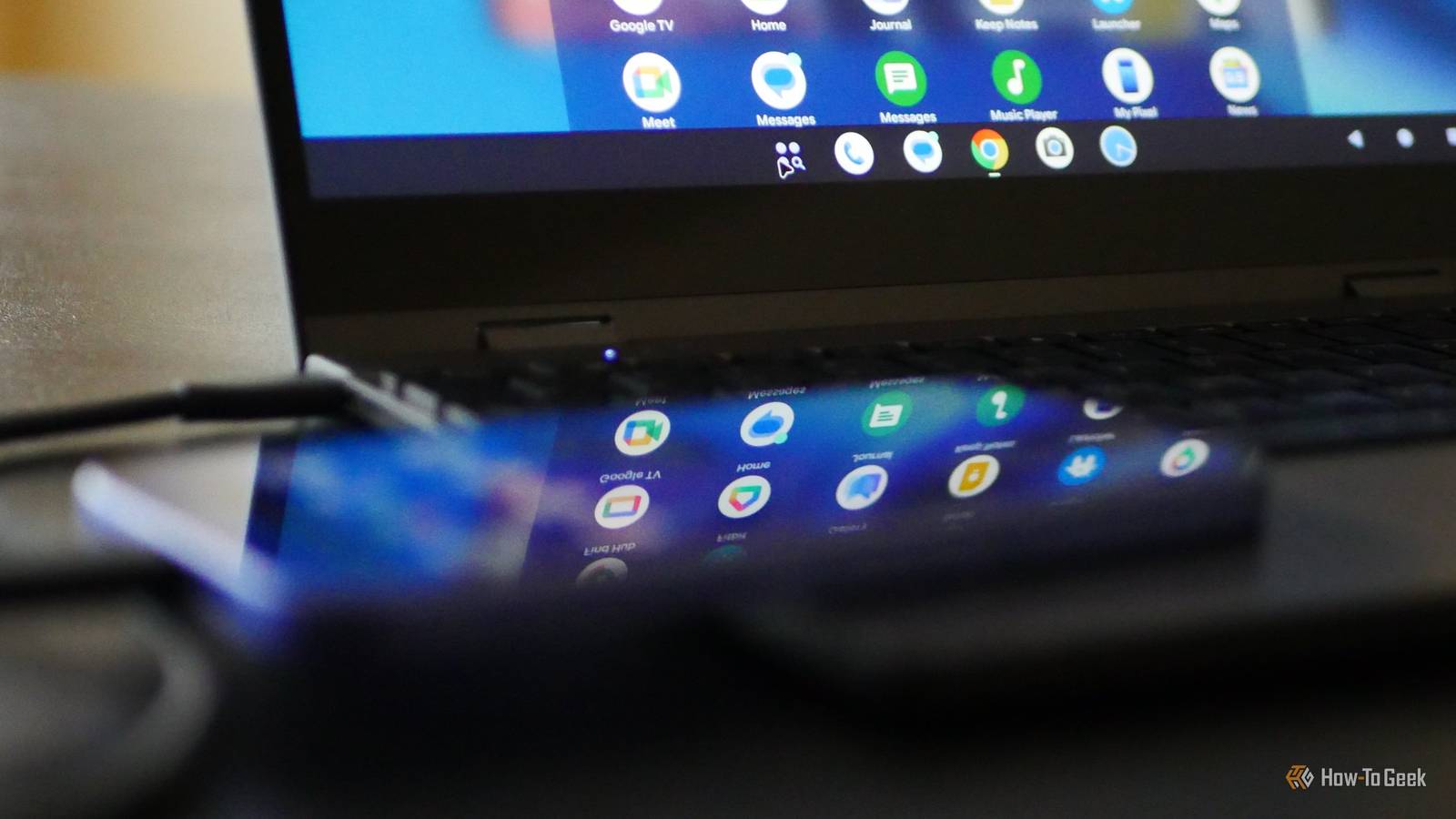
I have long looked forward to the arrival of Android-based desktop modes, and Google has finally released one for Pixel phones—but it's still a far cry from the experience you find in Samsung DeX.Here are some ways Google's implementation just isn't the same.Your phone can't function as a touchpad No keyboard? No mouse? No fun When you connect a Samsung phone to an external display, you activate Samsung DeX, the oldest desktop mode available for Android.
Samsung has offered DeX since the Samsung Galaxy S8.When DeX is active, Samsung turns your phone's screen into a virtual touchpad.You can move the mouse by sliding your thumb across the display.
Double-tapping the screen is the same as double-clicking.The ability to navigate the desktop in this way gives you the ability to plug in your phone and launch apps like YouTube or Netflix on the TV in your living room.Likewise, you can open Spotify and start streaming music.
In stark contrast, Google's Android desktop does not activate a virtual touchpad.This means that unless you have a Bluetooth keyboard and mouse, all you can do is stare at a static desktop and ponder all the things you could be doing if only you could move the cursor.The Pixel desktop doesn't scale to a big screen I don't see an option to fix it When I connected my Google Pixel 10a to my 32-inch 4K Smart Monitor M8, I was shocked by how fuzzy the text and everything else appeared.
It's not enough for me to tell you that the Pixel displays a max resolution of only 1920 by 1080, because the text scaling looks bad even with the mismatched resolution taken into account.After all, Samsung DeX defaults to 1080p too, and it doesn't look this bad.Plus, on a Samsung phone, you can open Good Lock and select any resolution you wish.
I can view DeX in 4K and enjoy a super crisp image.The Pixel desktop only lets me switch to resolutions lower than 1080p.The closest fix is to go to Settings > Connected devices > Monitor and increase the text scaling link.
This helps somewhat, but to my eye, it still looks worse than Samsung DeX does out of the box.A much worse use of space Your desktop still feels just like a phone Samsung DeX makes a good effort to make your phone feel like a traditional desktop PC.It's the little things that matter, like how if you click on status icons in the bottom right, you get the relevant pop-up menu.
The same is true when you click on notifications.The Pixel desktop keeps the time in the top left and status icons in the top right, just like on your phone.Likewise, clicking on either corner brings down the full drop-down drawer.
The only modification is that instead of having to swipe left and right between notifications and quick status icons, you can see them all at once.But on a widescreen monitor, this is a huge colossal waste of space, one that results in regularly dragging your mouse from one end of the screen to the other.Fortunately, the scaling and the drop-down menu are both better on lapdock.
On a Chromebook-sized screen, the Pixel desktop is more usable.Pixel's desktop can only favorite six apps Samsung DeX does not come with this restriction To go easier on your phone's processor and battery, Android-based desktops limit how many apps you can have running at the same time.On Samsung DeX, I can use five apps at once.
When I open a sixth app, one minimizes in the background.The Pixel desktop has this same limitation, but that's not all.You can only pin a maximum of six icons to your taskbar.
Samsung's desktop allows you to pin far more.On a Pixel, you end up needing to open the app drawer far more often.There is no right-click context menu on the desktop Or the taskbar, for that matter If you want to change the wallpaper on just about any operating system, you right-click on the desktop background.
That's not an option on the Pixel desktop.It's not the only option missing, either.When you right-click your background, there are no settings available at all.
Subscribe to the newsletter for Android desktop insight Want deeper analysis of Android desktop modes? Subscribe to the newsletter for in-depth coverage, side-by-side comparisons, hands-on testing notes, and practical guidance on mobile-to-desktop features and how they stack up.Get Updates By subscribing, you agree to receive newsletter and marketing emails, and accept our Terms of Use and Privacy Policy.You can unsubscribe anytime.
Samsung DeX used to be quite configurable.It then lost some of its options in the One UI 8.0 update as Samsung incorporated code from Google's newer work on Android desktops.It appears that DeX now sits somewhere between the functionality offered in older versions of DeX and the sheer lack of functionality offered in the Pixel implementation.
I hope both desktops start to trend in the opposite direction and allow for more configuration.The Pixel desktop just isn't there yet Samsung has been shipping phones with DeX for nearly a decade, so it's no surprise that its Android-based desktop is far more mature.That said, these desktops are more collaborators than competitors.
Both benefit from more Android apps receiving a tablet-style interface or scaling well to even larger screens.With Samsung, Motorola, and now Google offering desktop modes, desktop mode is becoming a feature that Android users can take for granted.
Read More