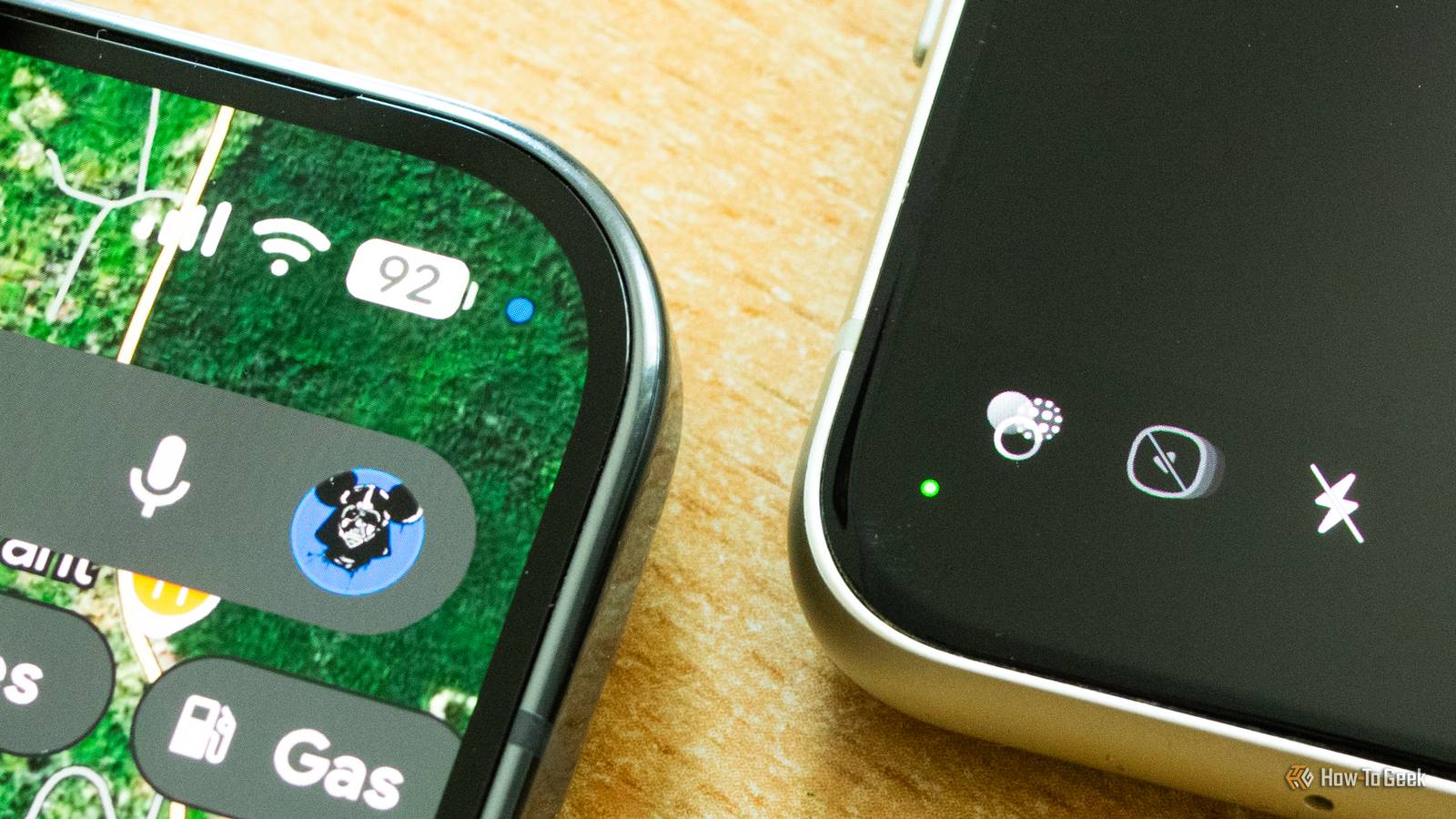
Have you noticed a tiny green dot lighting up in the upper-right corner of your Android phone from time to time? If you own a Pixel, you have probably noticed a blue dot as well.These dots don't appear randomly; they serve a useful purpose by notifying you the moment an app on your phone starts using your camera or microphone or accessing your location.A green dot in the corner of the screen means that your camera and/or microphone are actively used Just open your phone's camera app and the dot should appear Close A green dot lighting up on the far right of your phone’s status bar is a privacy indicator telling you that an app on your phone is currently using your camera, microphone, or both.
On Google Pixel phones, you should only see a tiny green dot, while on Samsung Galaxy phones, you will see a small camera or microphone icon, or both if an app is using both sensors simultaneously, which transforms into a small green dot a few moments later.Other Android phones should also feature a similar green dot, as long as they're running Android 12 or newer.The cool thing about this privacy indicator is that you can interact with it.
After pulling down the notification panel, you should see the dot turn into a camera or microphone icon—or both if you're, for instance, recording a video.You can then tap the icon to see which app is using the camera or microphone.When I tap the dot on my Google Pixel 10 Pro, the Microphone, Camera & Location access window opens, showing me exactly which apps on my phone are accessing those permissions.
Tapping the notification expands it, allowing me to either close the app using the microphone or camera or manage its permissions, letting me revoke its camera and microphone permissions.Close You can also tap the See recent access button, which will take you to the Privacy dashboard.There, you can see a timeline showing every instance of apps using the phone's camera and microphone, as well as accessing your location, in the last 24 hours.
This is very handy to have from a privacy perspective, as it lets you conduct an audit of apps that have accessed the camera, microphone, or location and revoke these permissions if needed.On a Samsung phone, tapping the icon opens a simple notification informing you which app is using the camera and/or microphone.Once you tap the notification, you're taken to the permissions screen of said app, where you can see which permissions it has, when they were last used, and revoke them if needed.
It's less detailed than the Privacy dashboard on Pixels, but it does the job.Close If you see a blue dot, it means that a certain app is accessing your location The dot should be visible when using Google Maps, or your favorite navigation app Pixel phone owners might also see a blue dot showing up at the same location in the status bar, which is another privacy indicator informing you that an app is currently pinging your location.It could be Google Maps, but also a weather app or any other app that has location access.
This feature landed on Pixels with the Android 16 QPR3 update, but other Android phones still don't have access to the blue privacy indicator.They should get it with the Android 17 update, but, as of this writing, the blue location indicator is only available on Pixels running Android 16 QPR3 or newer.The way to use the blue location indicator is the same as with the green one.
Pull down the Notification panel, tap the blue location icon, and you'll see the app that's currently using your location.Expand the notification to close the app or manage its permissions, or visit the Privacy Dashboard by tapping See recent access.Close At the moment, Samsung phones only display a small location icon when an app is accessing your location, but unfortunately, the icon isn't interactive in the way the green camera and microphone icons are.
In other words, while you can see that some app is pinging your location, you cannot know for sure which one.This isn't an issue when you're using an app, but if the location icon shows up while you're on the Home screen, there's no way to find out which app triggered it.According to the Android 17 documentation, Android 17 does indeed include the location privacy indicator, so there's a good chance Samsung and other phone makers will bring the blue location indicator to their phones once they're updated to Android 17.
iPhones include similar notification dots Apple was actually the first to implement these privacy notification dots, with iOS 14 introducing orange and green notification dots way back in 2020.The two indicators appear at the top of the screen whenever an app is using only the iPhone's microphone (orange dot) or the camera (green dot).The green dot also lights up when an app is using both the microphone and the camera.
Last but not least, iPhones also have a location privacy indicator, but it's not a dot—it's a tiny arrow icon.
Read More