Every Android phone can play the role of a mobile hotspot, with most people using it to provide internet to their laptop or another phone, or to a computer that doesn’t have Wi-Fi via USB or Ethernet tethering.Add How-To Geek on Google Add as Preferred Source Follow on Google Discover But your phone’s mobile hotspot also unlocks a slew of other features you’ve probably never thought of using.With it, you can use your phone as a home internet troubleshooter, a Wi-Fi repeater, an offline router for all your devices, and more.
It can even act as a modem for your main router, getting device in your household online.Your phone can be a compact travel router It's almost guaranteed to pack a SIM card slot, and it can work even if there's no power Why use a dedicated travel router when you can use your phone’s mobile hotspot for the same effect? This can be especially useful if you’ve got an old phone, since turning it into your travel router frees up your main phone so you can use it as you like.All you’ve got to do is enable mobile hotspot (and get a SIM with a mobile internet plan if you’re abroad), and you’ll be able to provide internet for all your devices.
Just make sure to pack a USB-C to Ethernet adapter if you’ve got a device without Wi-Fi.You don’t have to use mobile data, and can instead hook your phone up to the hotel or public Wi-Fi and then distribute the signal to multiple devices at once.And if the Wi-Fi signal gets poor, you can always switch the phone to mobile data and maintain a fast internet connection, something not every travel router can match.
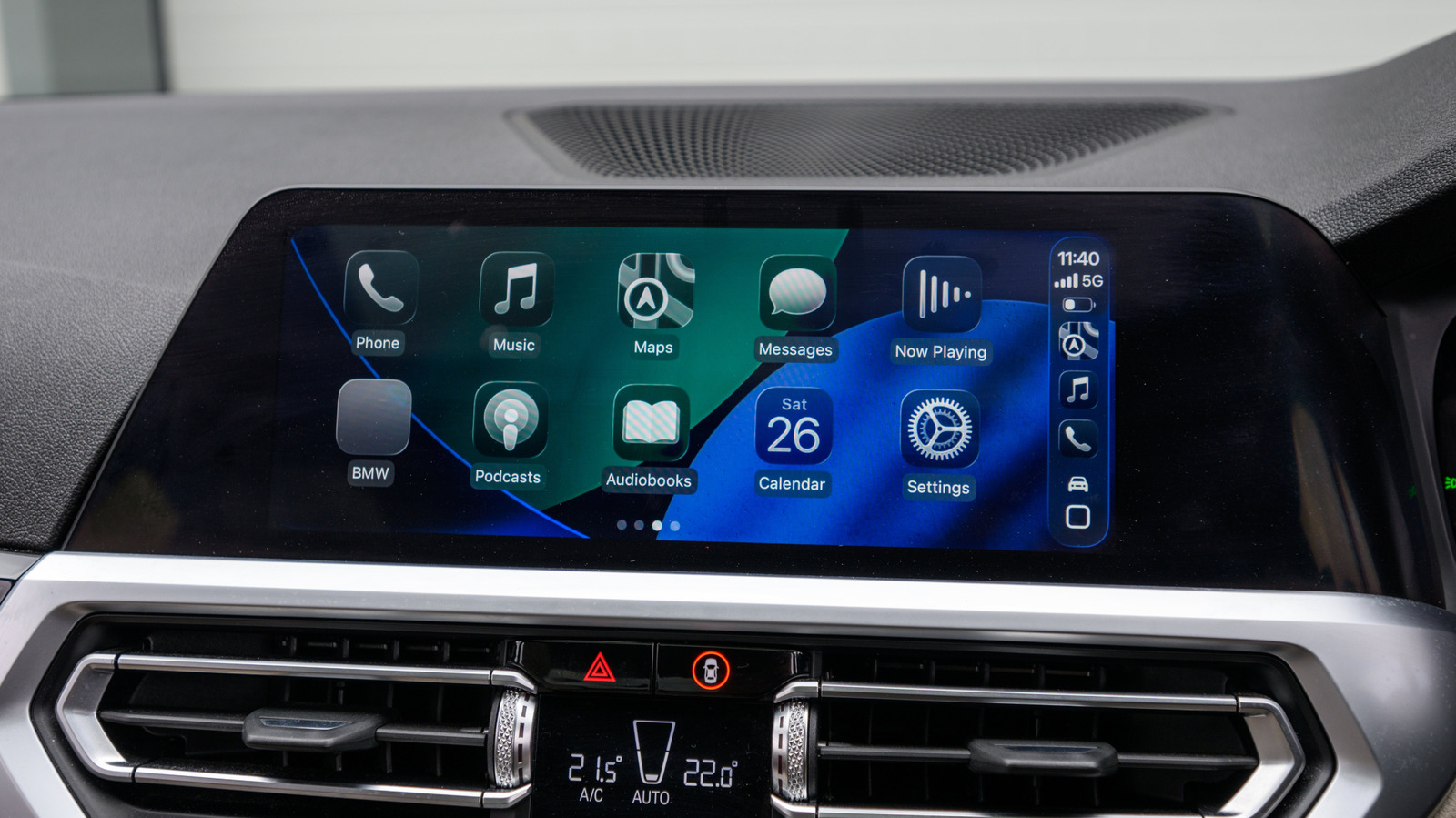
Just keep in mind that, unlike on a proper travel router, a VPN on your phone usually won’t cover the devices connected to its hotspot, so you’ll need to run one on each device.A phone acting as a travel router can be particularly handy on road trips since you can provide a Wi-Fi network for your car, allowing every single device, including the car (if it supports Wi-Fi), to be connected to the internet.This is great for devices such as laptops and tablets, most of which don’t have a SIM slot.
I’d generally advise keeping the phone plugged into a charger or a power bank whenever possible, since running a hotspot for hours drains the battery fast.It can also make the phone toasty, so keep it somewhere it can cool off and turn on a charge limit if your phone has one.And since your phone has a built-in battery, you’ll have internet on mobile data even when there’s no power, something most travel routers can’t do without a power bank.
Do keep in mind that US versions of some Android phones, like the Pixel 10 and Pixel 11 lineups, don’t support physical SIM cards.That’s something to be aware of if you want to use mobile data, since not all carriers support eSIMs.Related 5 ways to repurpose an old Android phone Don't let that phone rot away in a drawer.
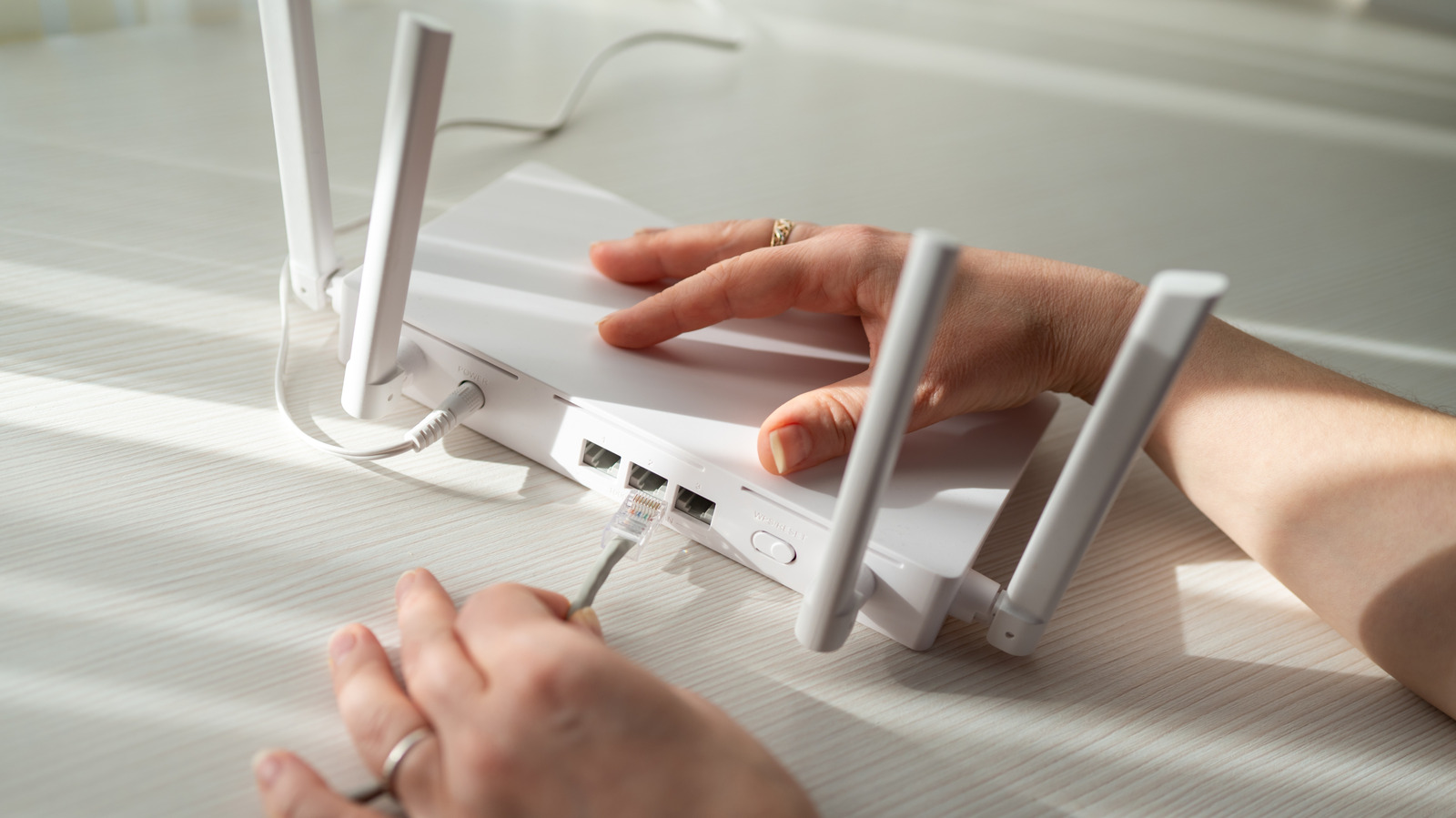
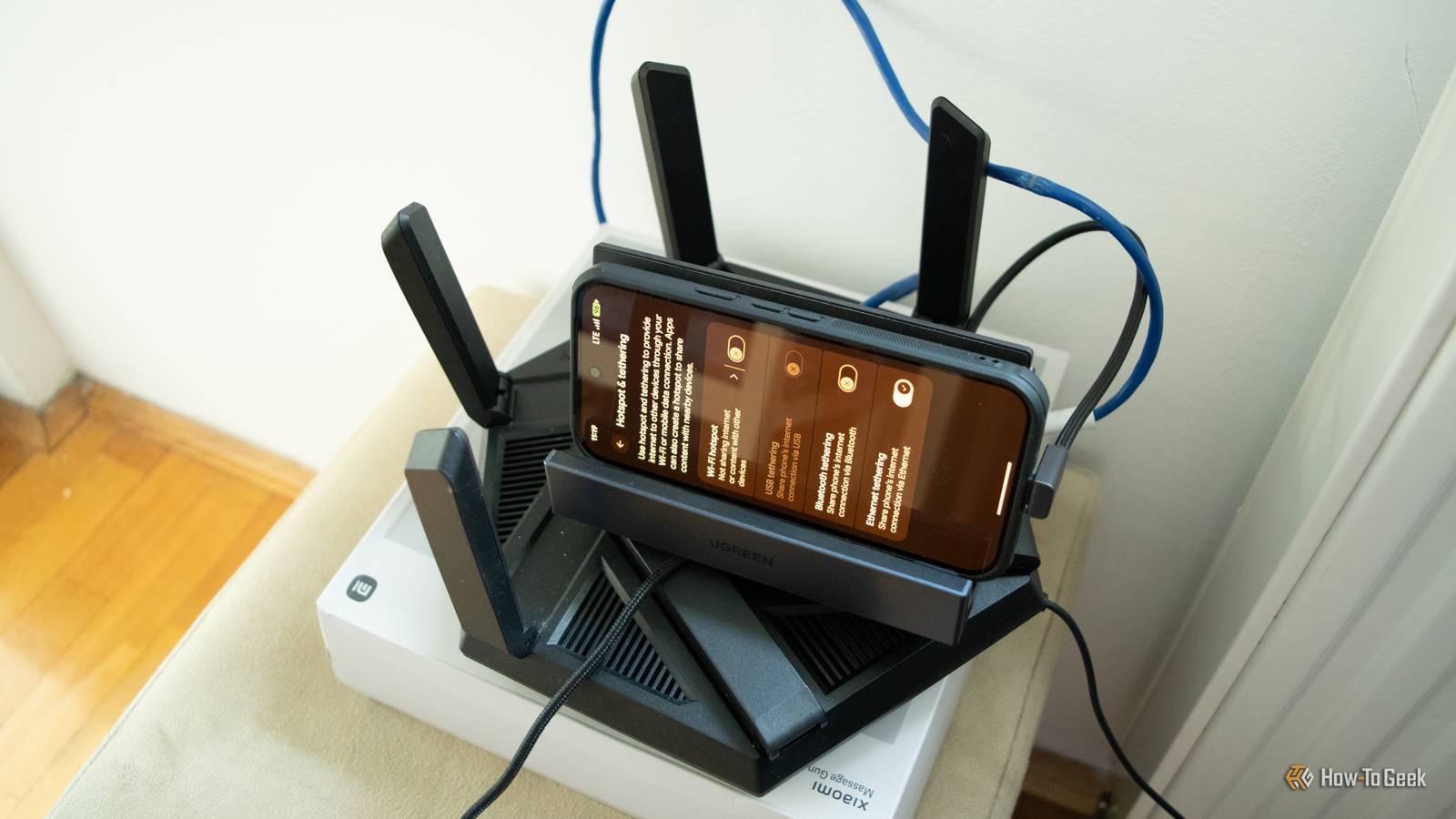
Posts 6 By Bertel King Your phone can also be a modem for your main router, providing internet for all your devices Wired and wireless Close In a pinch, your phone can serve as a modem.You can connect it to your main router via Ethernet or USB tethering (if the router supports USB tethering) and then distribute the internet signal to devices in your home, wired and wireless.Some routers also support WISP (Wireless Internet Service Provider) mode, allowing the router to connect to your phone’s hotspot over Wi-Fi, no cables necessary.
Either way, this beats using the phone as a mobile hotspot on its own, since many Android phones only allow 10 or so devices to be connected to their hotspot at the same time.Additionally, while you can connect multiple wired clients to your phone with a USB-C to Ethernet adapter and a network switch, hooking the phone up to the router is a much simpler way to do it.If you want to find out how to do this, I covered the entire procedure in a guide.
Be aware, though, that some routers might not play nice with a smartphone as a modem.For instance, my old router provided by my ISP refused to work with my phone, but my current router worked great when I tested it.An Android phone can double as a Wi-Fi repeater Or you can turn it into a permanent hotspot While a dedicated Wi-Fi repeater is generally a better way to provide a Wi-Fi signal to blind spots in your home, you can turn most Android phones into one as well.
All you need to do is connect the phone to your Wi-Fi network, enable mobile hotspot, and then set a name and password for the phone’s Wi-Fi network.Unlike a proper Wi-Fi repeater, you should give the phone’s network a different SSID than your main Wi-Fi.The phone creates its own separate network instead of extending your router’s, so using the same SSID will likely make devices constantly flip-flop between the phone and router, dropping the connection each time.
Another suggestion is to pick the 2.4GHz band for the phone’s network, if your phone lets you, since it has better range than 5GHz and is better at going through walls.Alternatively, you can use an Android phone as an always-on mobile hotspot in places that don’t have an internet connection, like a garage, a shed, or a vacation home.This can be great if you have security cameras or smart home devices that need to stay online.
Make sure to plug it into a charger, enable a charge limit if possible, keep the phone in a cool place so it doesn’t overheat, and disable the setting that automatically turns off the hotspot when nothing’s connected.Create a LAN with no internet Niche, but super useful in the right situations Now, you’re probably wondering why you’d create an offline LAN with your phone.Well, this can be handy in certain situations, such as when you’re somewhere without internet or access to a router, like on a camping trip.
Creating an offline LAN with your phone will let you connect your devices to each other and transfer files between them with an app such as LocalSend, stream media, or even stream games locally from your gaming PC to your handheld or TV.Just don't expect to be able to use super high bandwidth for video or game streaming, since a phone can't provide the same performance as a dedicated router.Also note that some phones isolate the clients connected to their hotspot from each other, and some won’t turn the hotspot on without a SIM or mobile data.
So test it beforehand with the phone you plan on using: remove the SIM or turn off mobile data, enable the hotspot, then connect two devices and check if they can see each other.You can troubleshoot your home internet issues with your phone Just turn on that mobile hotspot and see whether the issue is with your devices, router, or ISP Your phone’s mobile hotspot lets it act as a troubleshooter for your home internet.For example, if a wired device has trouble with the internet, such as loading pages slowly or refusing to connect, just connect it to your phone and see if the problem remains.
USB tethering is the better option here since it lets you rule out the Ethernet cable, but a USB-C to Ethernet adapter works too.If it does, the device itself is likely to blame.If it doesn’t, the problem lies with your router, Ethernet cable, or ISP.
Before you start, run a quick speed test on your phone’s mobile data to make sure it’s fast and stable enough.If all your devices have internet issues, you can find out whether the router or the ISP is at fault by enabling mobile data and connecting the phone to the router via Ethernet or USB tethering.If the internet connection improves (or comes back) when you connect the phone to the router, contact your ISP.
But if the connection doesn’t return or the problems remain, it’s likely that the router’s to blame.Just keep in mind that this only works if your router plays nice with a phone as a modem in the first place.Thanks to its mobile hotspot, your phone has a bunch of extra features you probably never thought of using As you can see, your Android phone’s mobile hotspot gives it powers that go beyond serving as a simple internet hotspot for a single device.
By hooking the phone up to your router, you can turn it into a proper modem and provide internet for all your devices, no matter how many there are and whether they’re wired or wireless.The phone can also play the role of a travel router, a Wi-Fi repeater, an offline LAN, or an always-on hotspot for devices you’d never think of connecting to one, such as security cameras.It can even be a troubleshooting tool, helping you pinpoint what’s behind your home internet issues.
The only major caveats are that some uses, like the always-on hotspot, tie up the phone, so they work best with a spare one, and that many “unlimited” data plans cap or throttle hotspot data.
Read More